581 tools
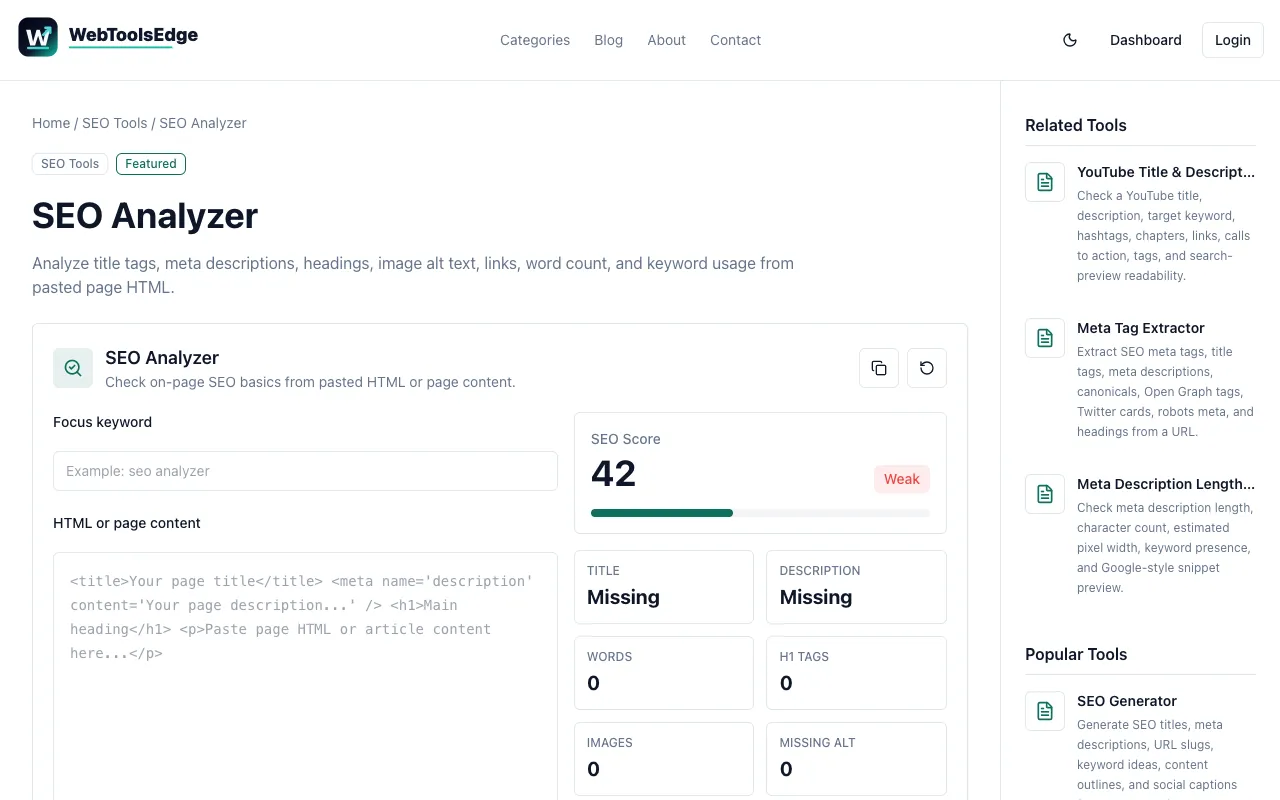
A browser-based on-page SEO analyzer that evaluates web pages for common optimization opportunities and issues. It systematically checks page titles, meta descriptions, heading tags and hierarchy, image alt text attributes, internal and external links, keyword usage and distribution across the content, and other critical page-level SEO signals that impact search engine visibility and rankings. The tool generates a clear, actionable report identifying specific areas for improvement without requiring account registration or login credentials. Results are produced instantly in your browser, making it ideal for quick SEO audits during development cycles, content publication, or ongoing SEO maintenance and optimization efforts.
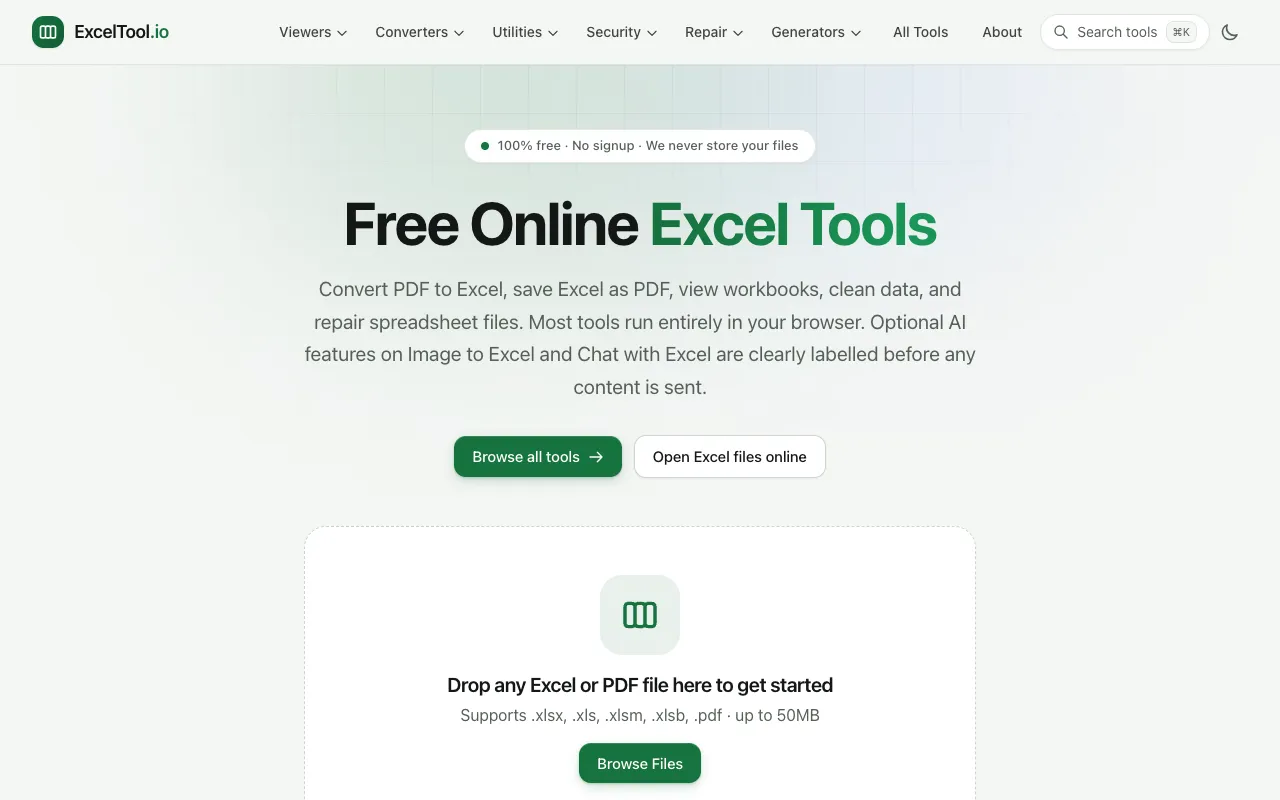
ExcelTool is a free online platform providing a comprehensive suite of tools specifically designed for working with Excel spreadsheets and related file formats. Among its key features is PDF to Excel conversion, which enables users to extract data from PDF documents and transfer it seamlessly into Excel workbooks. The platform also supports viewing and editing of Excel files directly within a web browser, eliminating the need for any desktop software installation. The complete suite additionally includes data cleaning tools for organizing and standardizing spreadsheet content, as well as repair functionality for recovering damaged or corrupted spreadsheet files. All tools operate within the browser environment and require no signup or account creation, providing immediate access to these utilities for both quick data conversions and ongoing spreadsheet management needs.
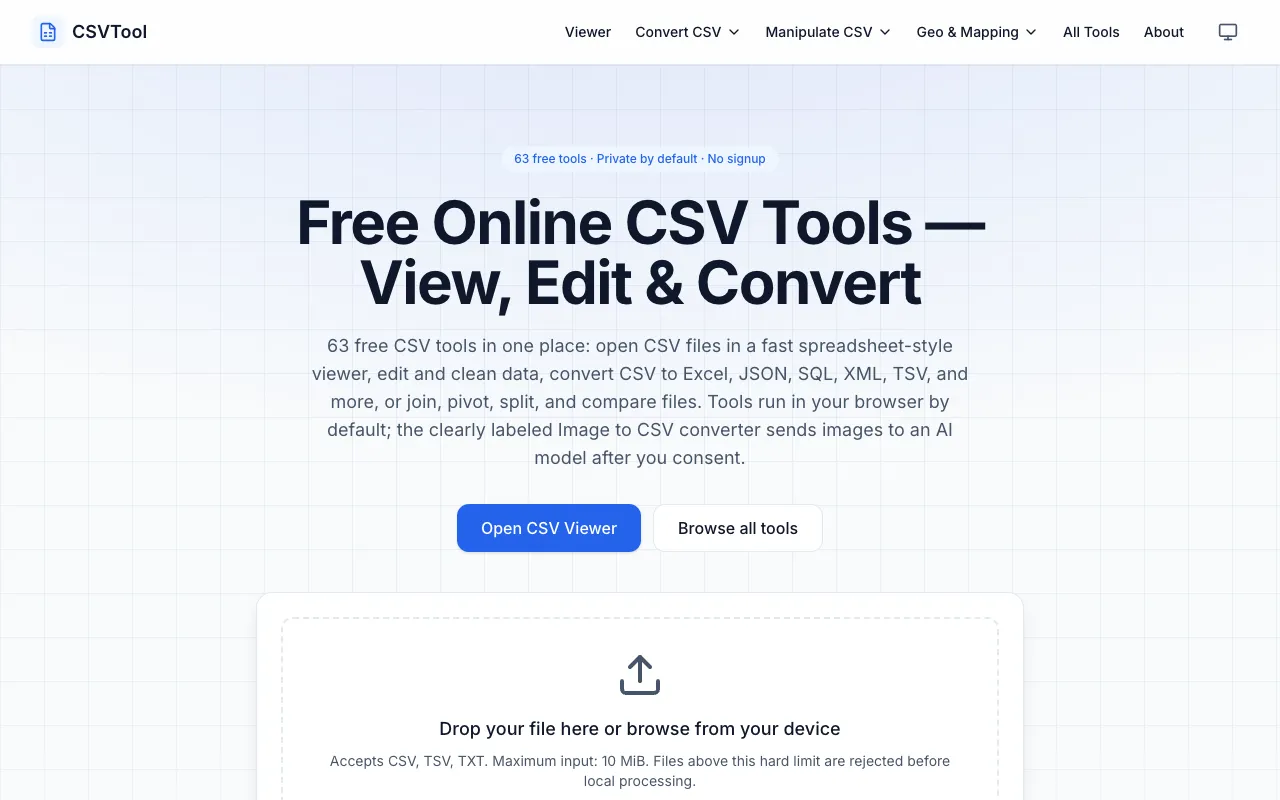
CSVTool is a comprehensive, browser-based suite of 63 free utilities designed for working with CSV files. It provides essential tools including a CSV viewer, editor, and converters that transform CSV data into multiple formats including Excel, JSON, and SQL. Beyond basic conversion, the suite includes advanced data manipulation capabilities such as joining multiple files, pivoting data, splitting records, and comparing datasets. All processing happens entirely within your browser with complete privacy—no account signup is required and your data never leaves your device. The extensive collection covers the entire workflow of CSV operations, from simple viewing and editing to complex transformations and comparative analysis.
FATE Lab provides a suite of browser-based randomness and decision-making tools designed for complete privacy and offline use. All tools operate entirely in your browser without requiring an account, and all data stays local on your device, giving you full control over your random selections and results. The collection includes dice rollers for traditional and specialty dice, a coin flip simulator, random number generators, a yes/no decision maker, and tools for randomly selecting items from lists or picking names from a group. Each tool is built for speed and accessibility, making it ideal for tabletop gaming, decision-making scenarios, creative writing prompts, or any situation where you need a quick random choice.
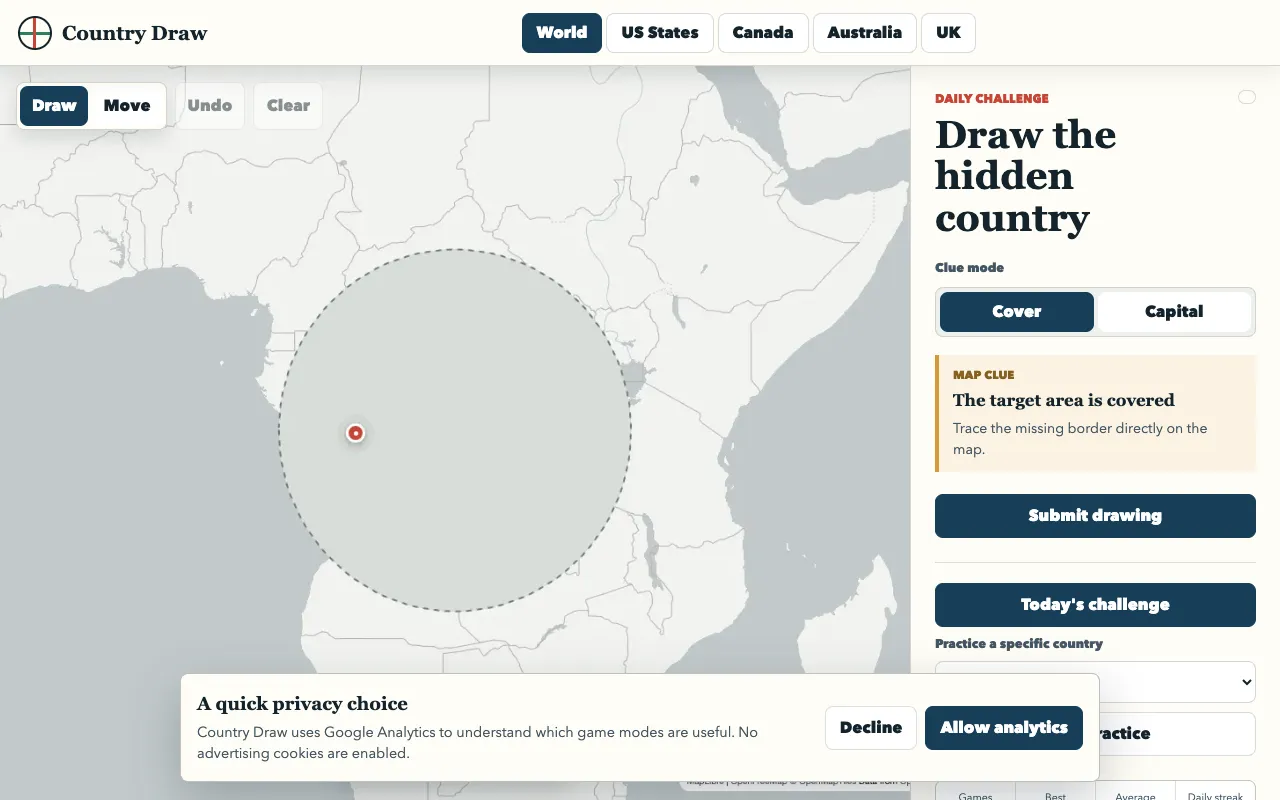
Country Draw is a browser-based geography game where players draw country borders from memory and then receive detailed visual feedback on their sketch. The tool displays which areas were matched correctly, which regions were missed entirely, and which extra portions were incorrectly drawn. This side-by-side comparison helps users understand the accuracy of their geographic knowledge and identify weak areas. The game includes daily challenges for regular engagement and unlimited practice modes across all 197 countries worldwide. Players can work through countries at their own pace, testing themselves repeatedly on the same geography. No account creation or software installation is required — the entire game runs within your web browser, making it instantly accessible to anyone.
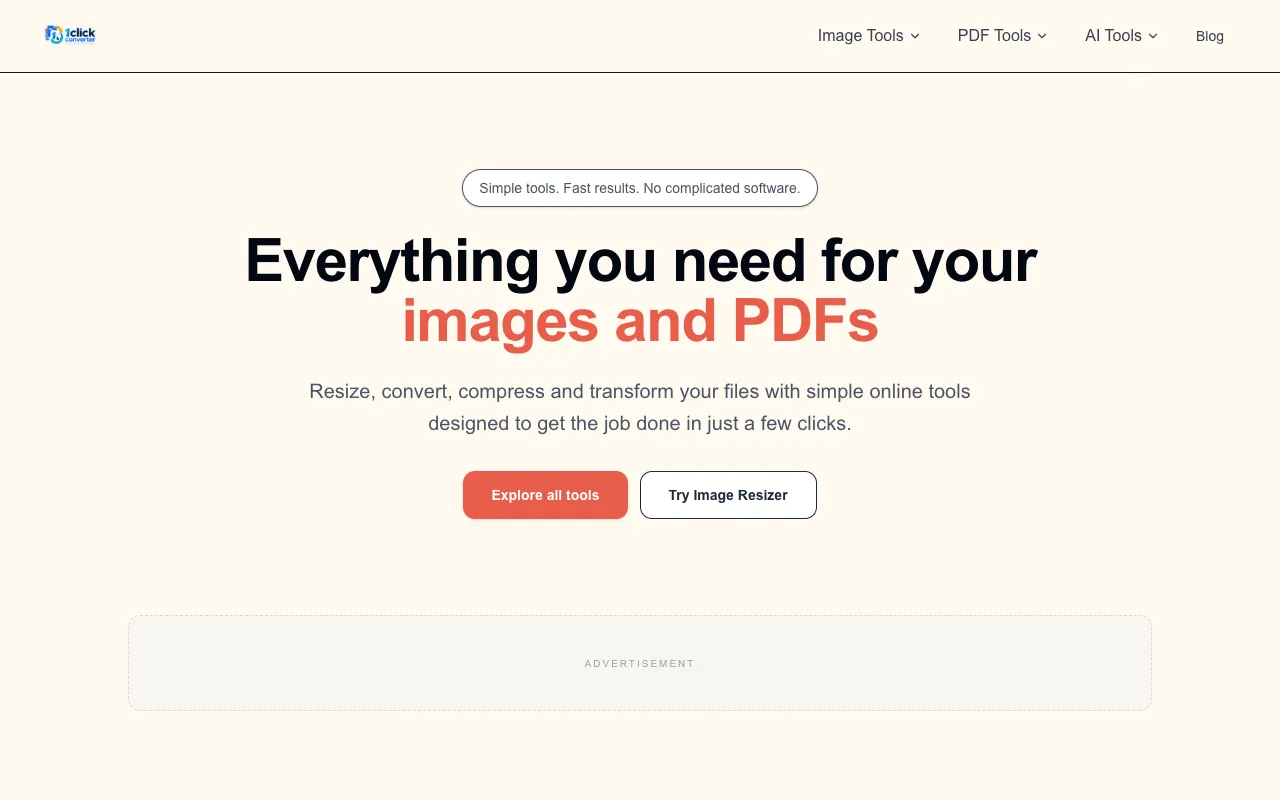
1ClickConverter is a free, browser-based platform for image and PDF processing without requiring registration or account creation. The platform provides a comprehensive suite of tools for image optimization, resizing, and format conversion, alongside robust PDF utilities and advanced document processing features. All tools are accessible directly in your browser without downloads or installations, featuring AI-enhanced capabilities for improved processing results. The platform emphasizes privacy and speed, designed for quick access to common conversion and optimization tasks. It offers registration-free tools that work entirely in-browser, featuring robust document and image processing capabilities with integrated AI enhancements. The privacy-first infrastructure protects user data, while the browser-based design provides immediate access without software downloads, making it ideal for fast and efficient document and image conversions.
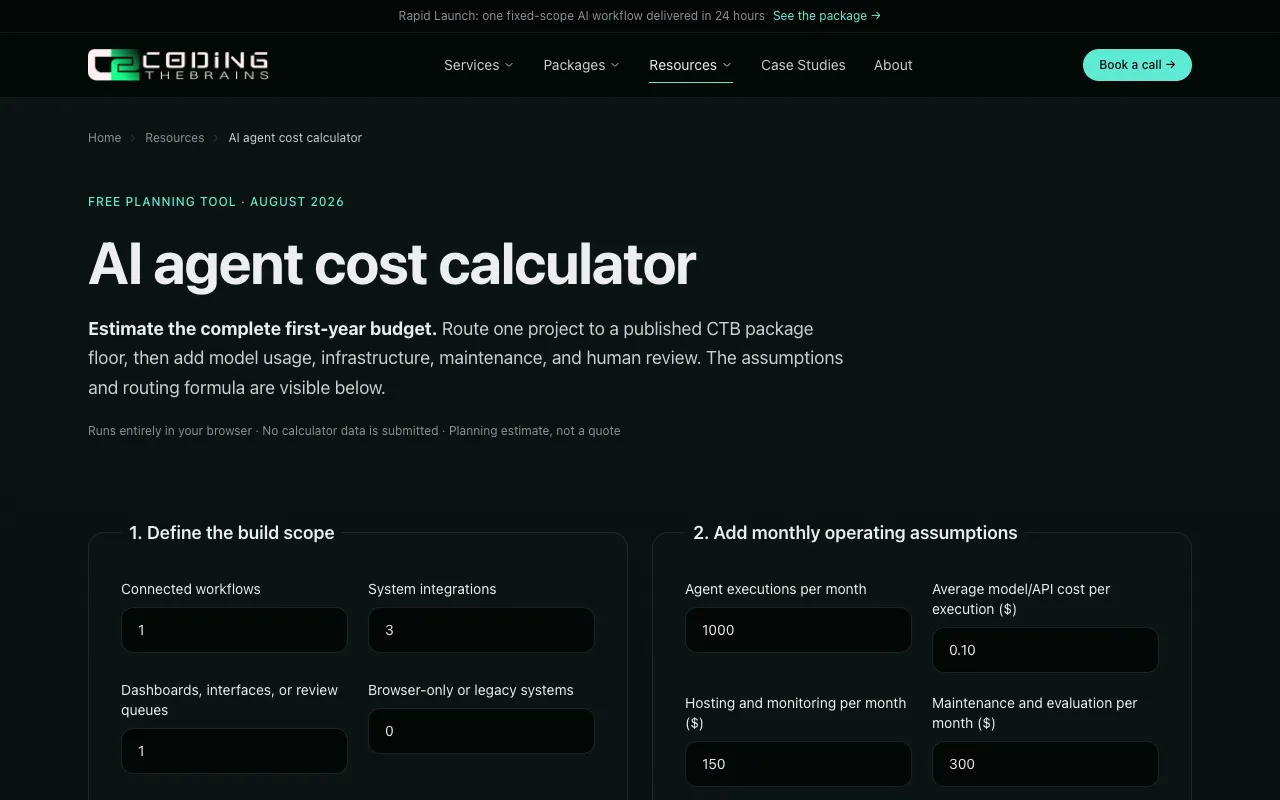
A free browser-based calculator designed to estimate the true cost of building and running an AI agent. It helps you understand the complete financial picture by breaking down costs across multiple dimensions: implementation scope, model usage, hosting infrastructure, monitoring systems, maintenance requirements, and human review processes. The calculator requires no signup and keeps all entered data local to your browser for privacy. By separating implementation costs from ongoing operational expenses, it provides clarity on both the initial build cost and first-year expenses, helping teams budget accurately for AI agent projects.
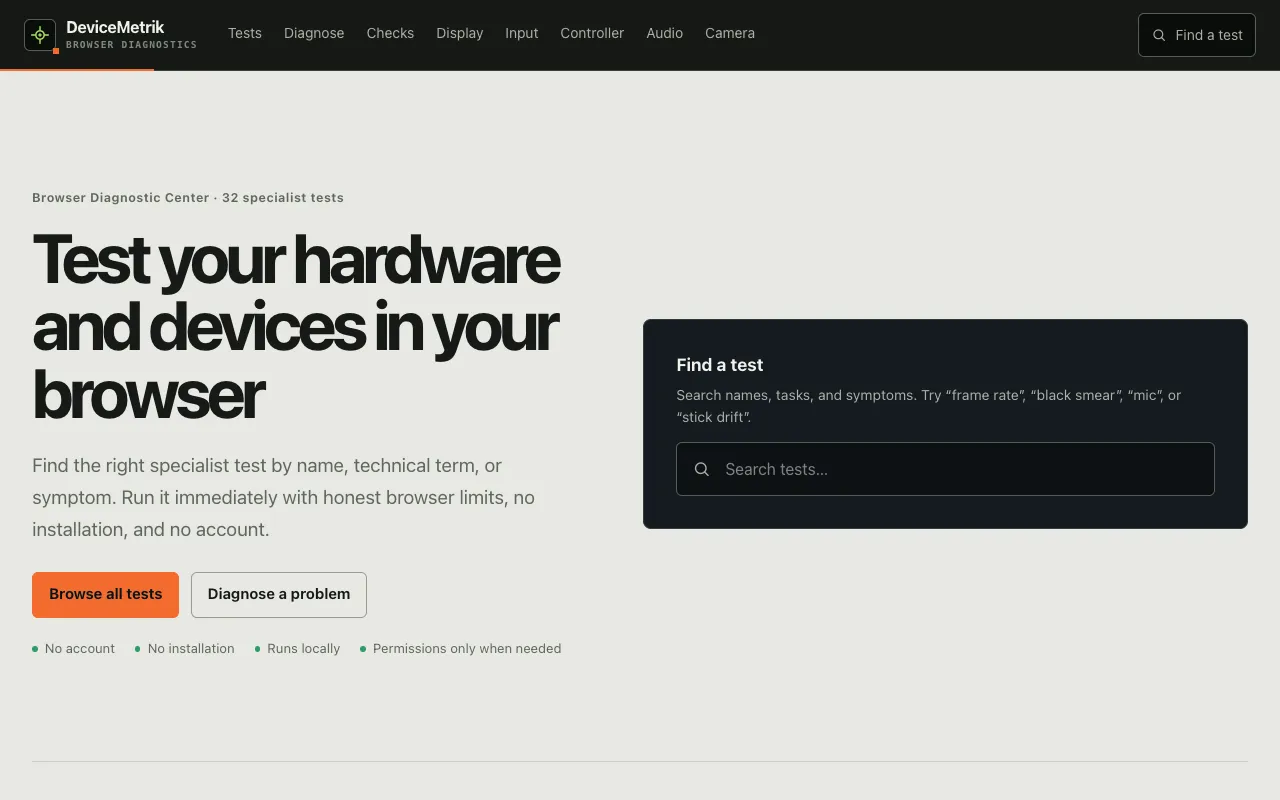
A comprehensive browser-based diagnostic center providing 32 focused tools for testing computer hardware and peripherals directly in your browser. The suite includes dedicated tools for testing displays, keyboards, mice, game controllers, microphones, speakers, and webcams. Users can verify that all their input devices and audio/visual peripherals are functioning correctly and behaving as expected without needing to install any additional software. Ideal for users experiencing device issues, building a new computer setup, or simply wanting to verify that their hardware is working properly. The tools run entirely in the browser, making diagnostics quick and accessible from any device. Each tool is designed to isolate and test a specific device type or input method, enabling straightforward identification of hardware problems or behavioral anomalies.
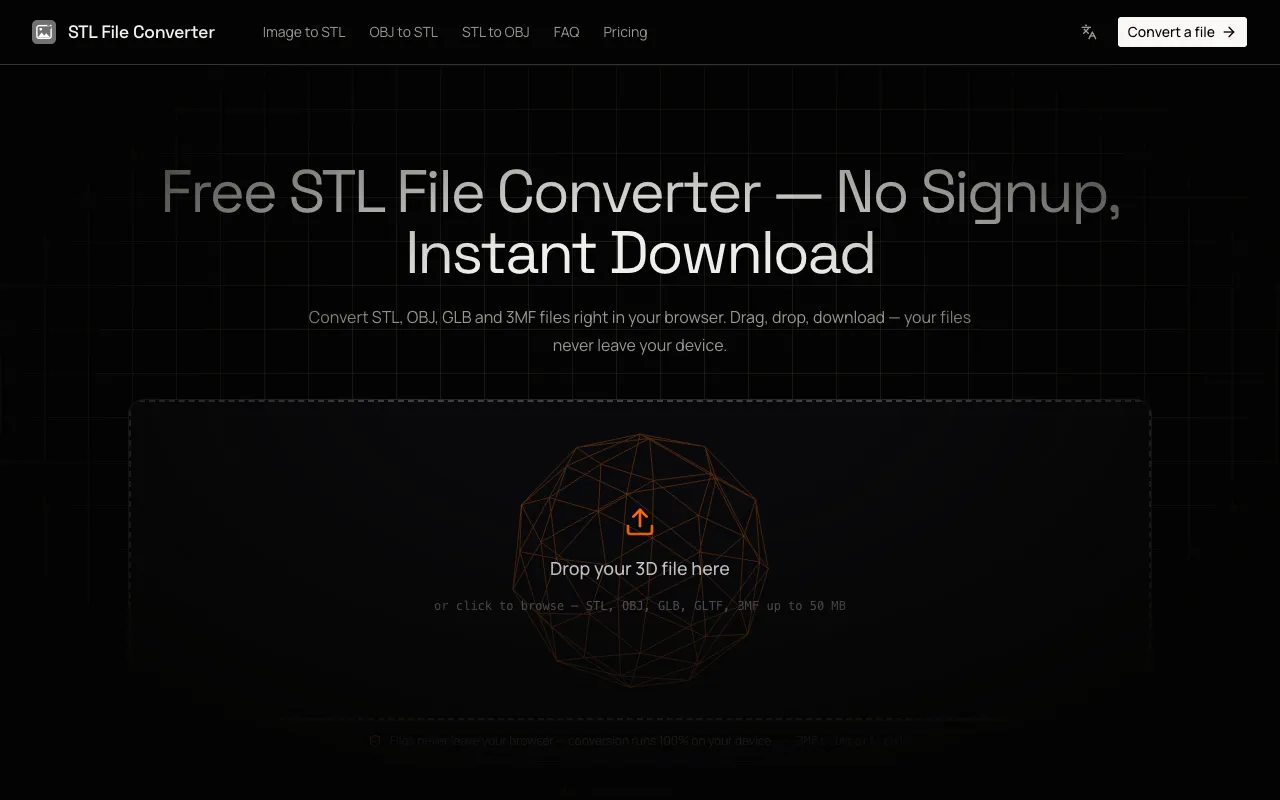
A browser-based converter for 3D model file formats including STL, OBJ, GLB, glTF, and 3MF. Users can import 3D models from their device and preview them interactively before converting to a different format. All file processing occurs entirely in the browser without uploading files to external servers, providing complete privacy and security for your 3D designs. The tool outputs converted files in STL, OBJ, or GLB formats, supporting workflows including 3D printing, CAD applications, game development, and other professional uses requiring format compatibility. No account registration is needed to access or use the converter. Whether your source files come from CAD software, 3D modeling applications, or game engine exports, the browser-based approach ensures fast local processing.
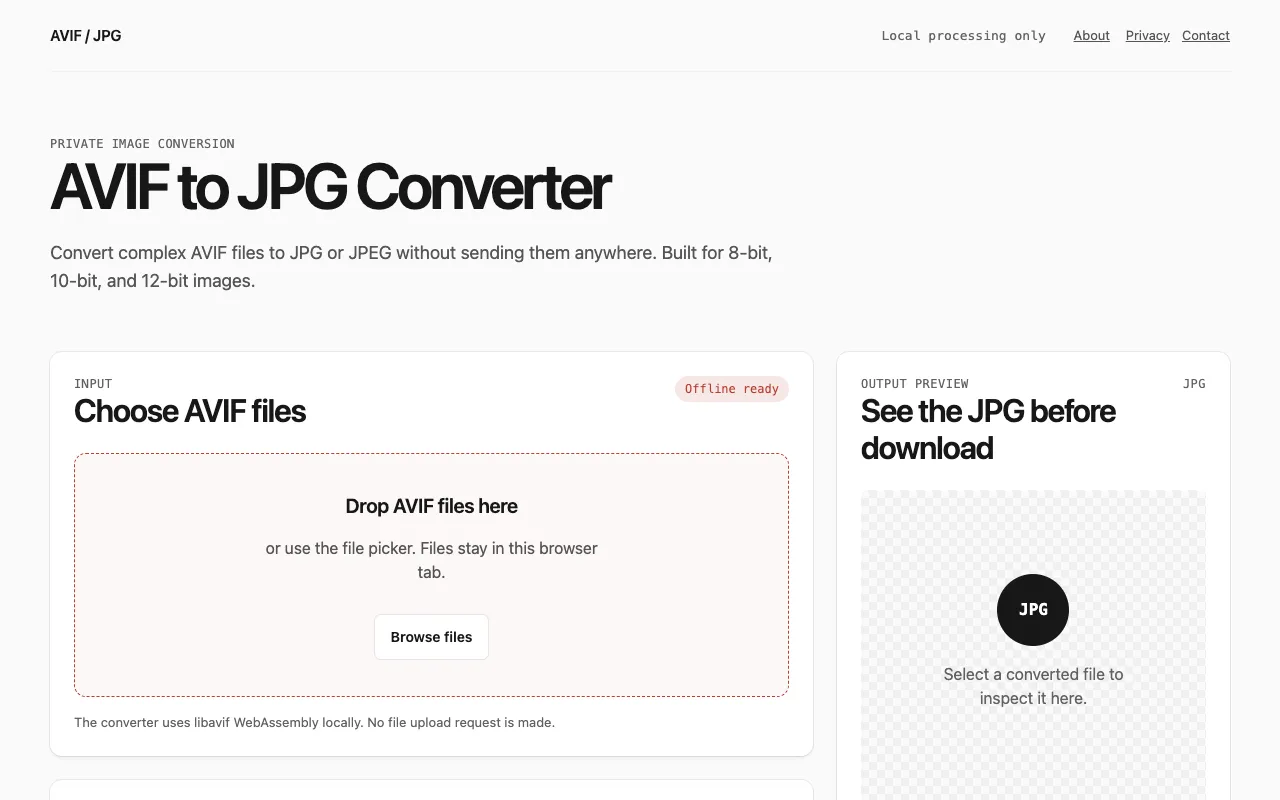
A free online converter that transforms AVIF image files to JPG or JPEG format directly in your browser without requiring any software installation. The tool supports batch processing, allowing you to convert multiple images simultaneously. It offers granular controls for adjusting the output quality and resizing images to your preferred dimensions, giving you full flexibility and control over the final conversion results. All processing happens entirely locally without uploading files to any server, ensuring your privacy and enabling faster conversion speeds. You can download converted images individually as they complete, or export all results as a single ZIP file for convenient bulk downloads. No account, email, or registration is required to access or use the service, making it accessible to everyone.
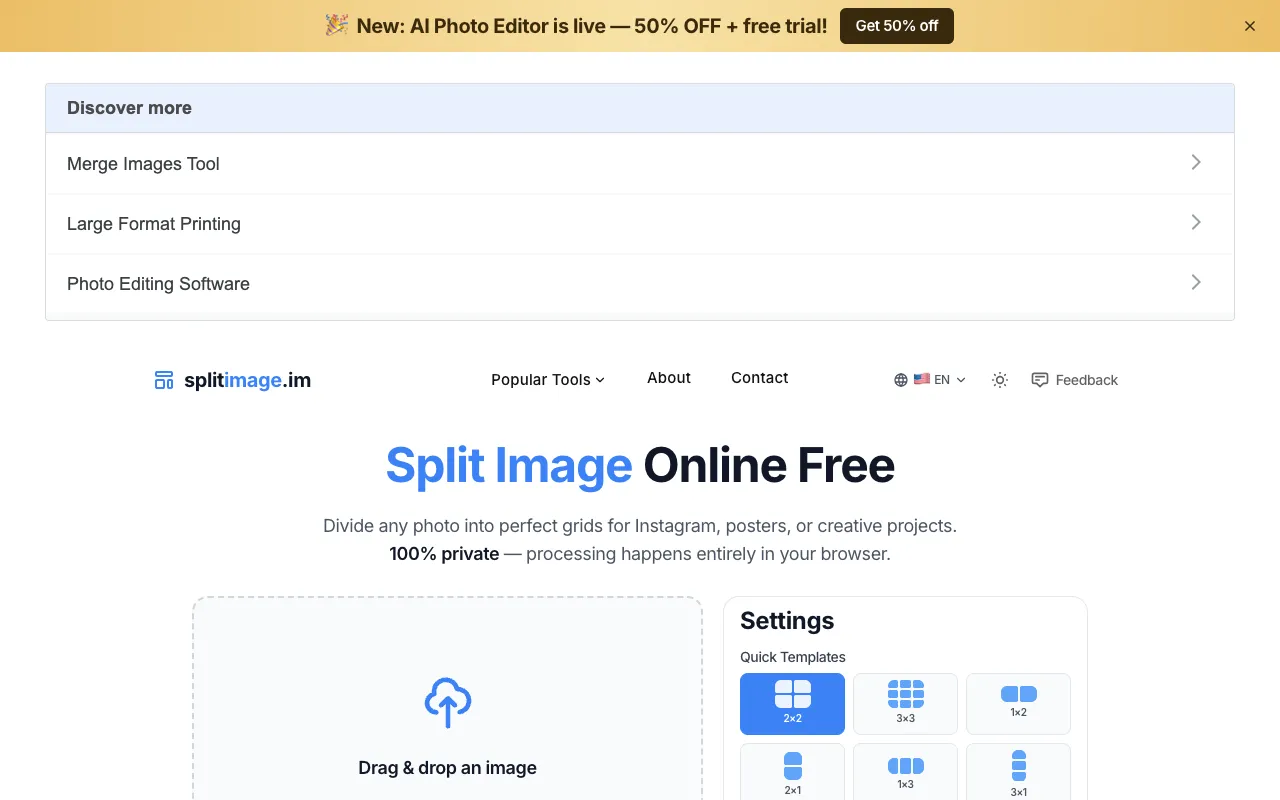
Split Image is a free, browser-based tool for dividing photographs into numbered grid layouts, particularly designed for repurposing images across Instagram carousels, poster designs, and various print projects. The tool requires no account creation, registration, or login to use and works on any device with a web browser. All image processing occurs directly within your web browser on your device with no data uploaded to external servers, maintaining complete privacy and security of your images throughout the entire process. The service produces instant results and is entirely free to use, making it accessible for content creators, designers, photographers, and anyone who needs to adapt single images into multi-grid formats for social media sharing or print production purposes.
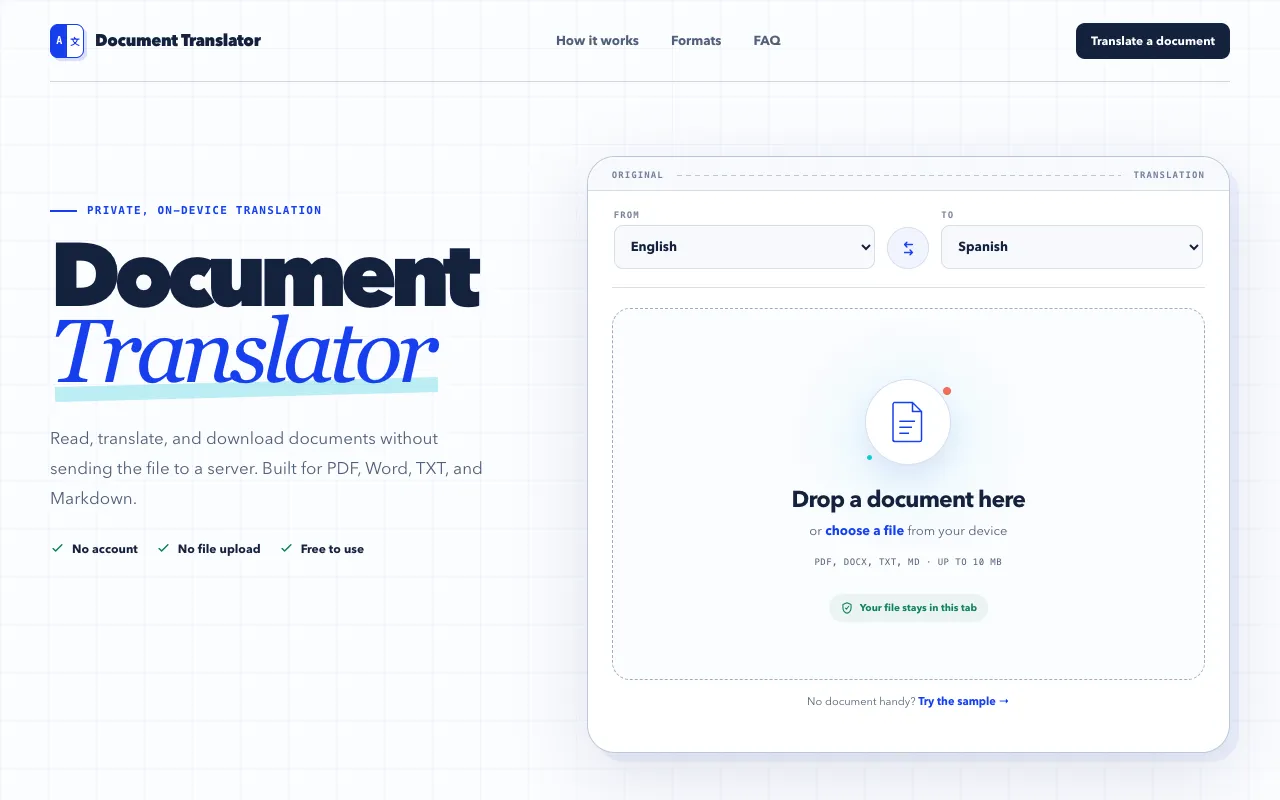
Document Translator is a browser-based tool that translates multiple file formats including PDF, DOCX, TXT, and Markdown documents. Processing happens locally in Chrome without uploading files to servers or requiring account creation, ensuring your documents remain private and stored only on your device. The tool supports batch translation of various document types, making it convenient for users who need to translate written materials across different formats. By handling files locally, it eliminates concerns about data privacy and cloud storage.
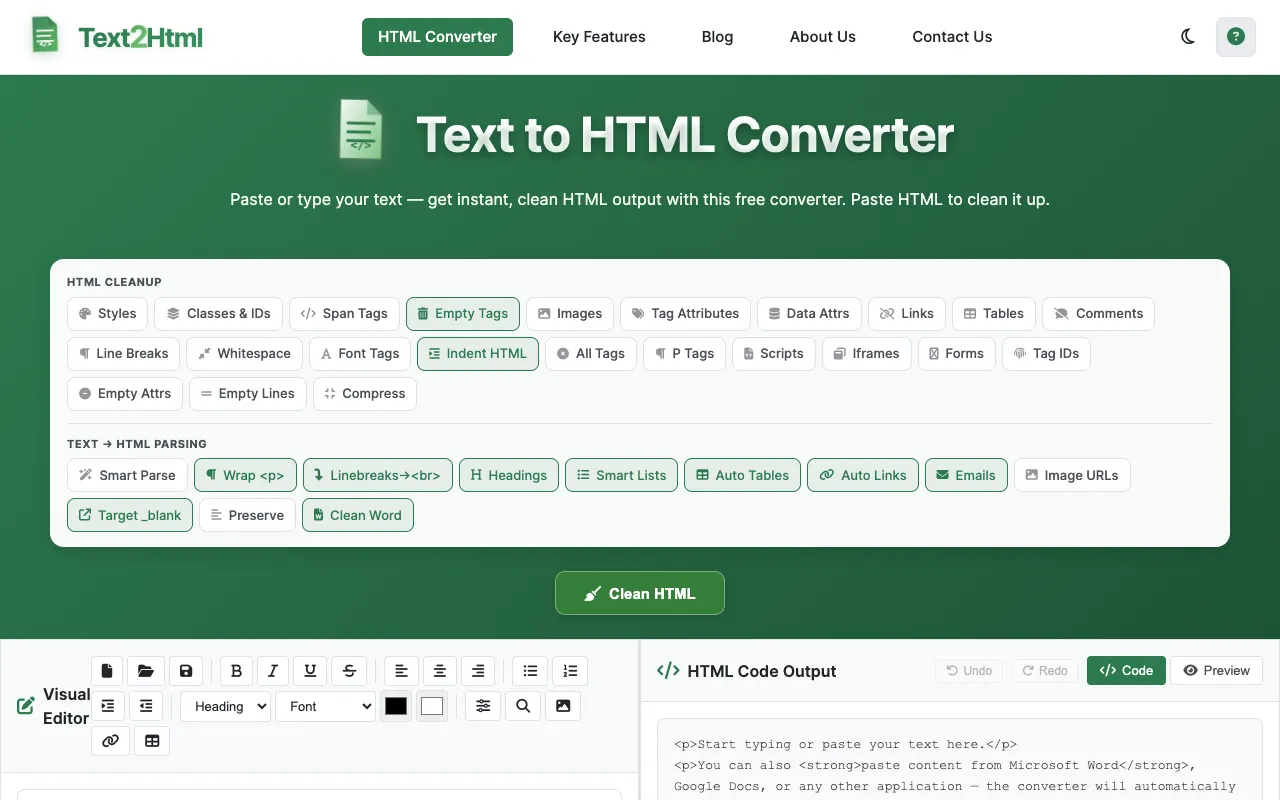
Text2HTML converts plain text and formatted content into clean, structured HTML code directly in your browser. The tool accommodates multiple input formats including plain text, Microsoft Word documents, Google Docs, and other common content sources, making it accessible to users regardless of their starting point. With an intuitive browser-based interface, no software installation or complicated configuration is required. The converter intelligently preserves and generates common HTML formatting elements including headings, paragraphs, line breaks, bold and italic text, bullet lists, numbered lists, hyperlinks, and tables. This makes it ideal for developers, bloggers, content creators, and website owners who need to quickly transform formatted text into valid HTML without manually writing code. Users can work seamlessly across desktop, tablet, and mobile browsers.
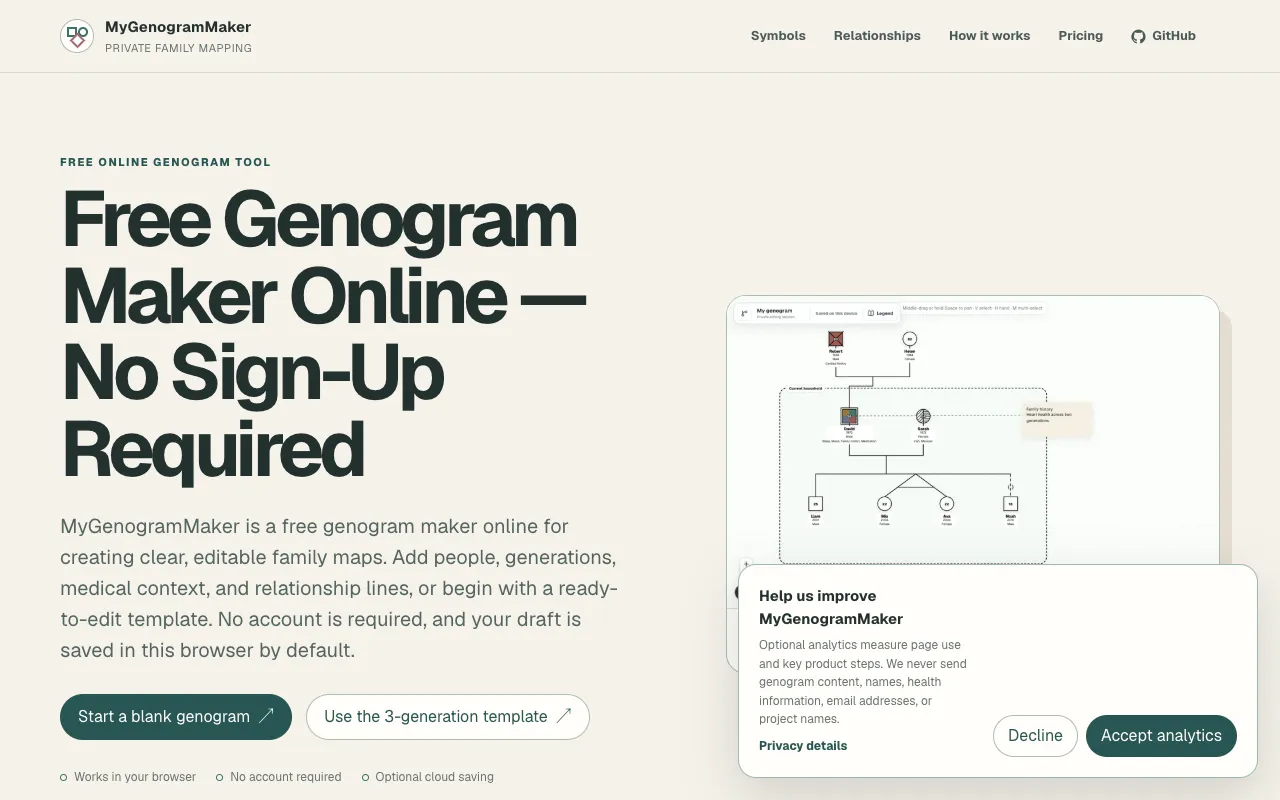
A free browser-based genogram maker for creating clear, editable family maps that visualize complex family relationships and dynamics. The tool uses common symbols and relationship lines to represent family connections and structures, and includes support for medical context information within your family diagrams. Ready-to-edit templates help you get started quickly with your family mapping. No signup is required to use the tool—your work is automatically saved locally to your device as drafts. This ensures your family maps remain private and accessible only within your browser, giving you complete control over your family information storage and access.
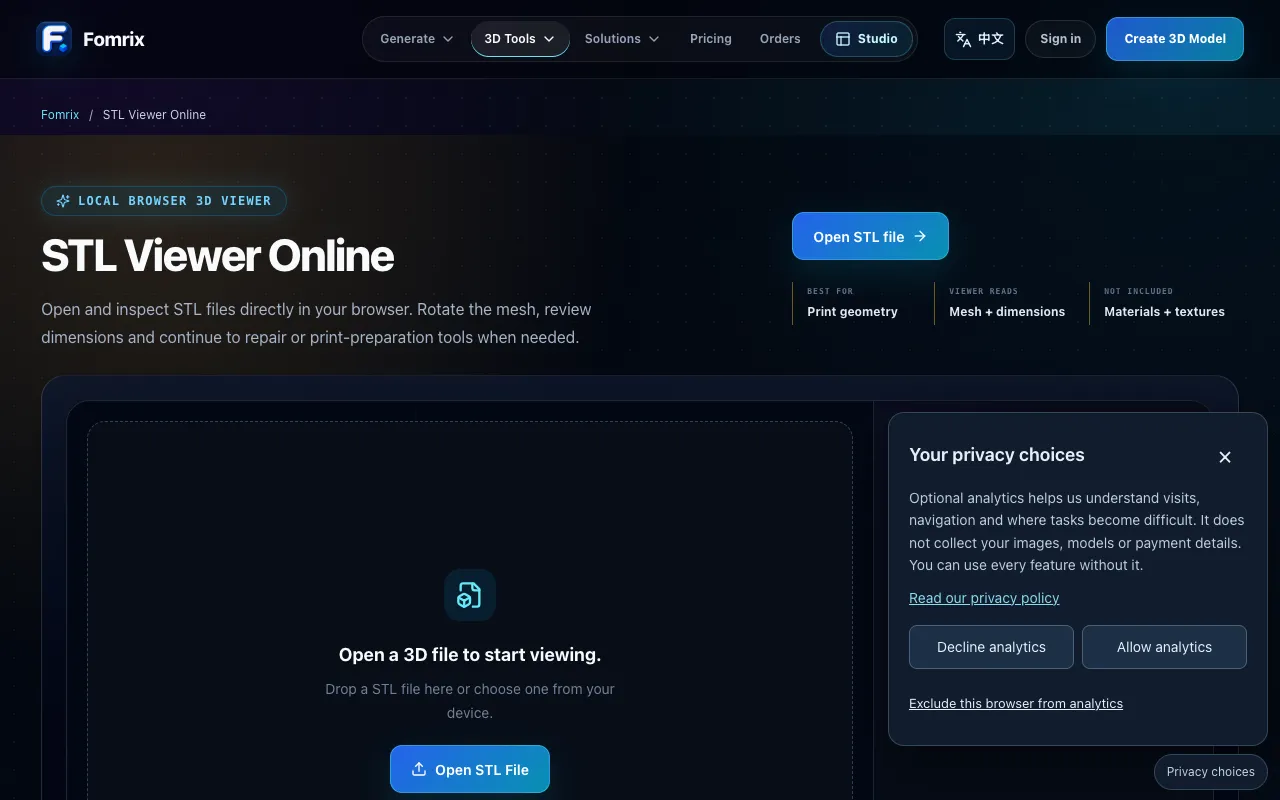
Fomrix STL Viewer is a free browser-based tool for inspecting and analyzing three-dimensional STL files without requiring an account or software installation. The viewer allows you to rotate and zoom models, inspect triangle geometry and edge dimensions, and verify scale before importing designs to a 3D slicer application. Files are processed directly in your browser and remain on your device—nothing is uploaded to external servers. The tool does not modify original files and does not guarantee printability or material success. Wall thickness calculations, support structures, and final object dimensions still require careful review in dedicated slicing software before sending to a printer.
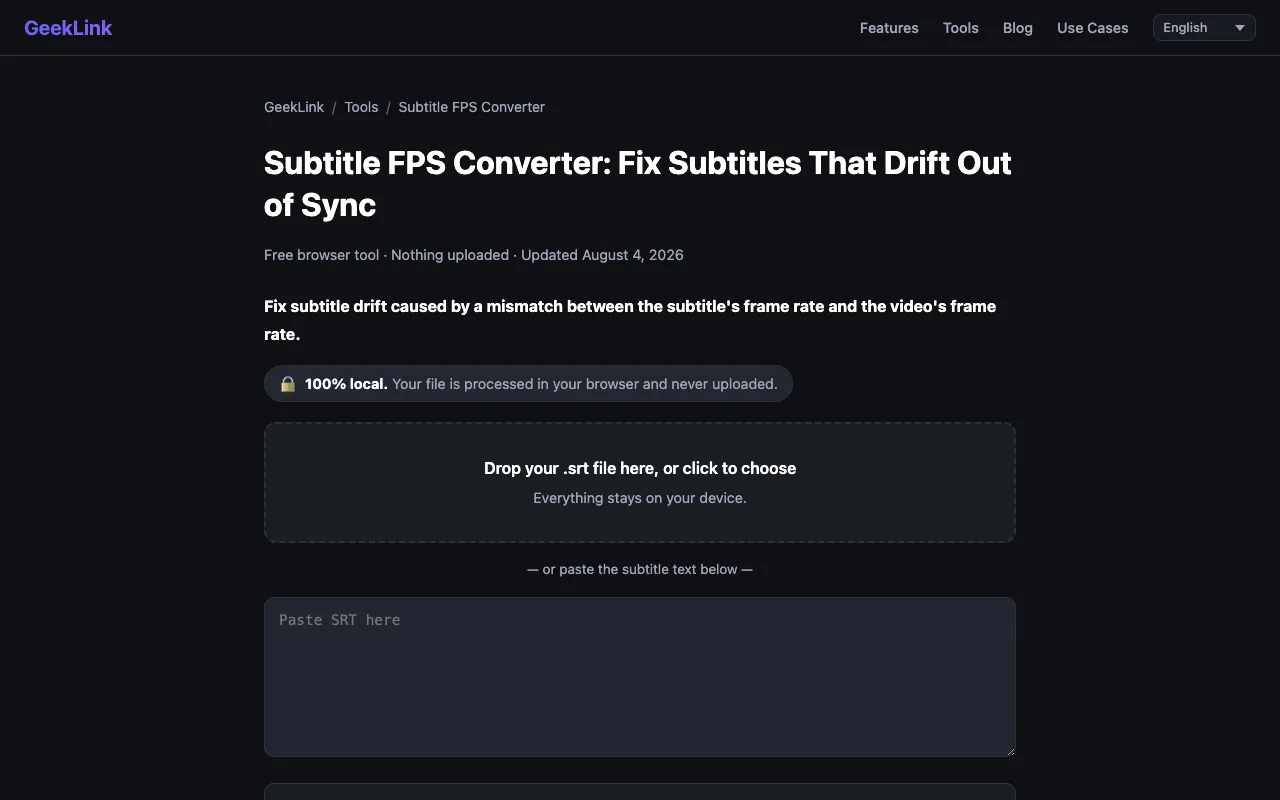
A browser-based subtitle converter designed specifically to adjust subtitle timestamps when video frame rates differ. It supports both SRT and VTT subtitle formats, helping video creators quickly adapt subtitles when converting between different frame rates or when source and output frame rates don't match. The tool automatically recalculates every single timestamp value to maintain precise video and subtitle synchronization without any need for manual calculations. All processing happens locally within your browser for complete privacy and immediate results, requiring no account creation, file uploads, or server-side processing of any kind. The tool is ideal for video editors, content creators, and post-production professionals working on projects that involve multiple frame rate specifications and require reliable and accurate subtitle synchronization across different outputs.
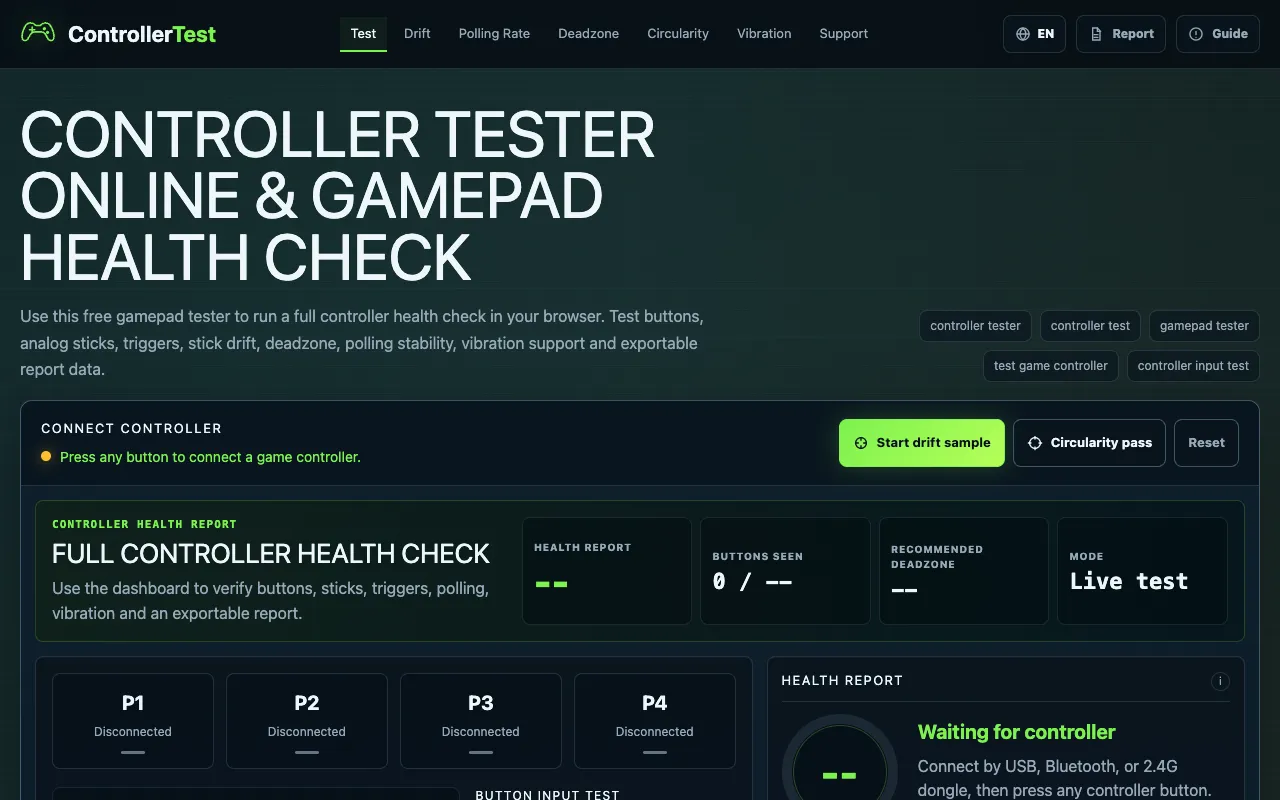
Browser-based testing tool for gaming controllers across all major platforms, including Xbox, PlayStation, Nintendo Switch, and PC. Comprehensively test every button, both analog sticks, and all trigger functions with real-time visual feedback and detailed diagnostics. Includes advanced analysis for detecting stick drift, calibrating deadzones, measuring circularity, and estimating your controller's polling rate. Generate a detailed local diagnostic report to identify performance issues or verify your controller is working correctly. The tool also tests vibration support and force feedback. Everything runs directly in your web browser with no software installation, downloads, or account creation required.
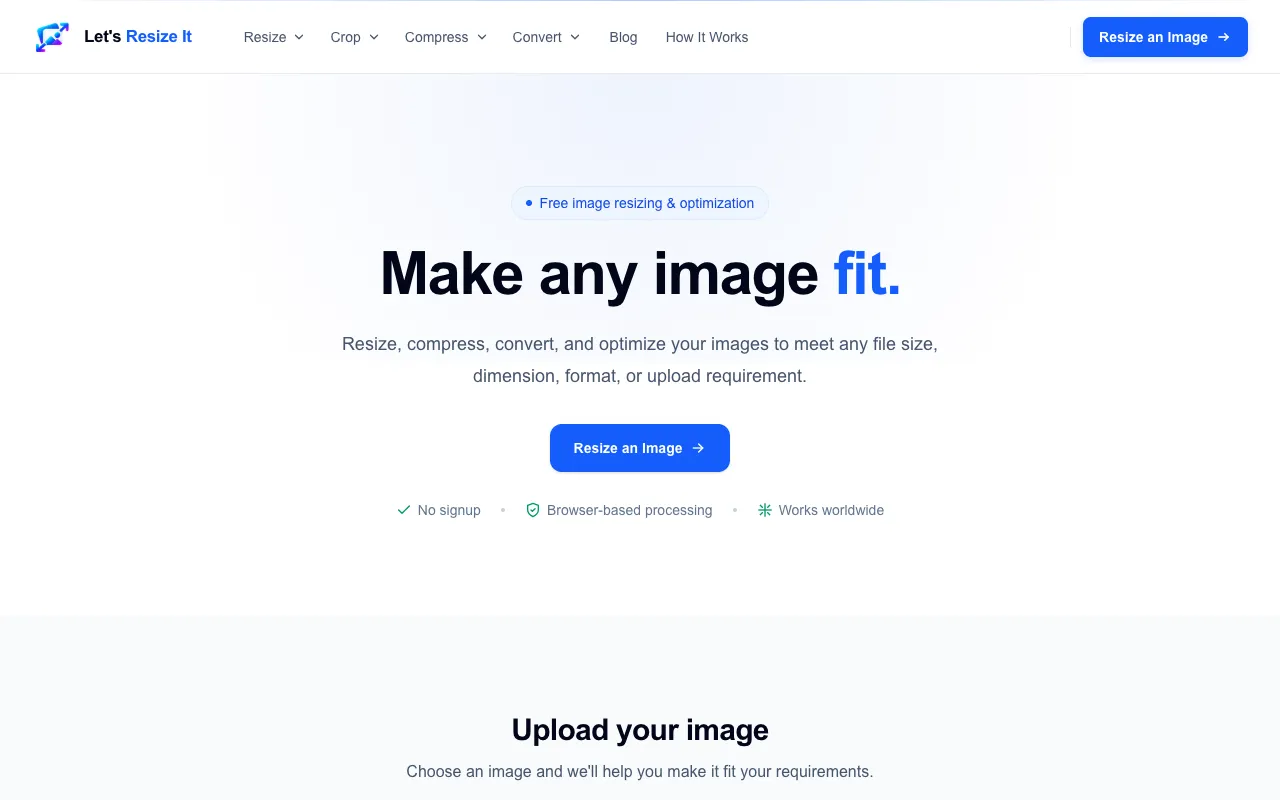
Let's Resize It offers a comprehensive and accessible collection of browser-based image editing tools that require no installation or software download to use. The platform delivers essential image manipulation capabilities for JPG, PNG, and WebP formats, serving users with common web, social media, and professional image processing needs and requirements. Key tools within the suite enable precise image resizing to specific pixel dimensions, efficient file compression to reduce storage and bandwidth usage, and seamless format conversion between supported image types. The platform includes advanced features for exact file-size targeting and detailed pixel-dimension specifications, making it particularly valuable for meeting platform upload requirements, optimizing images for web performance, adhering to social media display standards, and preparing images for various professional and personal use cases.
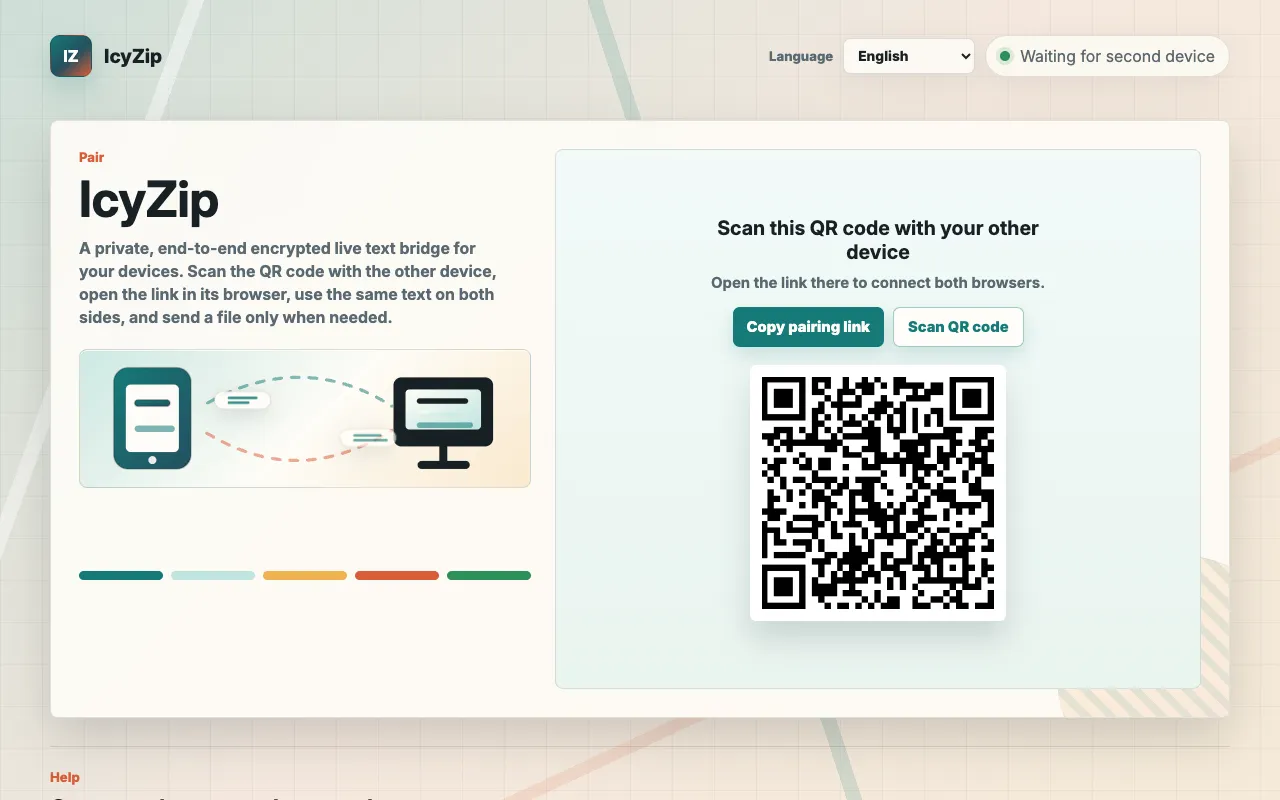
IcyZip enables users to transfer text and files between computers and phones by pairing two browsers through a QR code or link. The service requires no account creation or app installation, making it accessible for quick device-to-device transfers without setup friction. Once the browsers are paired, users can move live text or send files between devices, one at a time and up to 25 MiB each. The transfer process uses end-to-end encryption, with all text and file bytes encrypted in the browser before transmission to the service. While IcyZip provides the relay infrastructure, it functions solely as a transfer tool and is not designed as cloud storage, folder synchronization, or offline transfer capability. Note that connection metadata remains visible to the service, and an active internet connection with a second device or browser is required for operation.
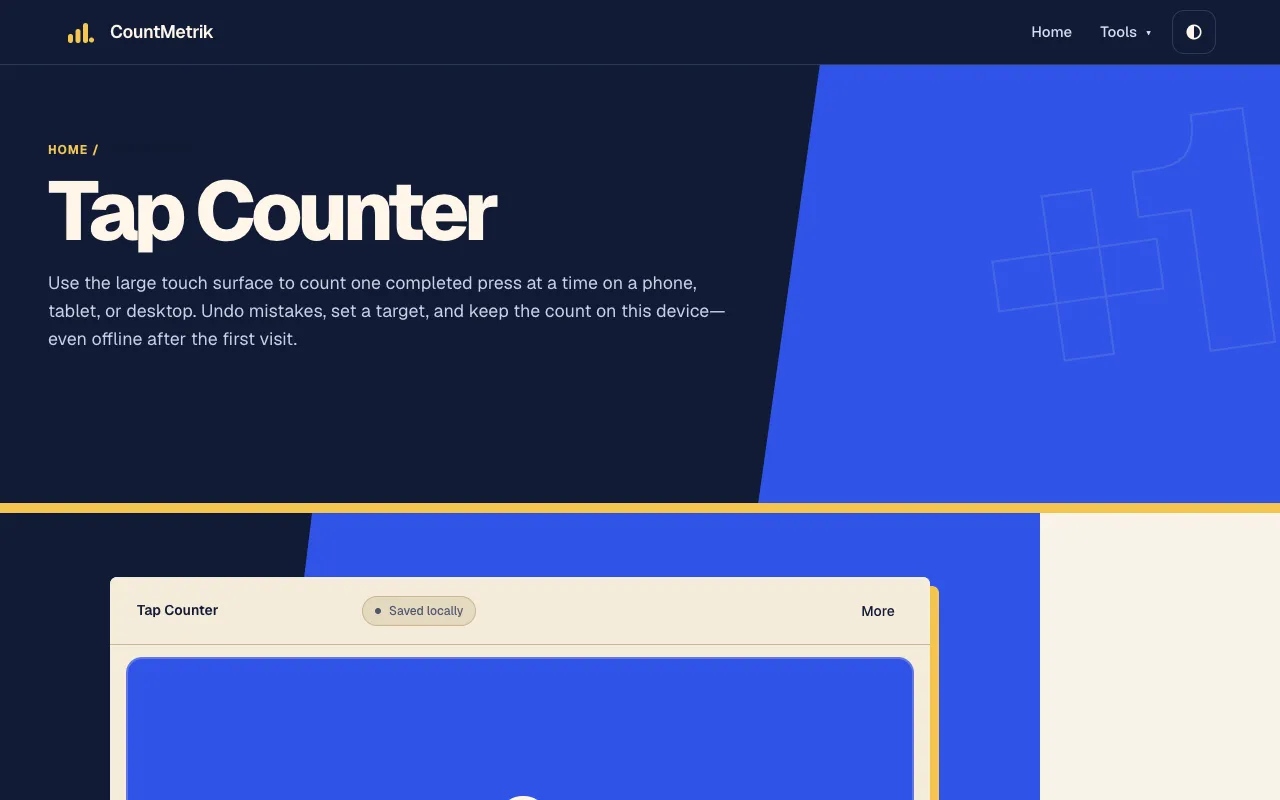
A free browser-based counter tool designed for tracking manual taps and repeated counts in real-time. Users can increment the counter by tapping a large touch surface or pressing the Space key, making it convenient for hands-free or keyboard input. An optional target goal feature lets users set a counting objective to work toward and monitor progress. The tool stores all counter data locally on the user's device, with no account or personal information required. Features include undo and decrement buttons for correcting mistakes, fullscreen mode for distraction-free counting, local history viewing to track past sessions, and data export functionality for creating backups. The counter continues to work offline after the initial page load thanks to browser caching.
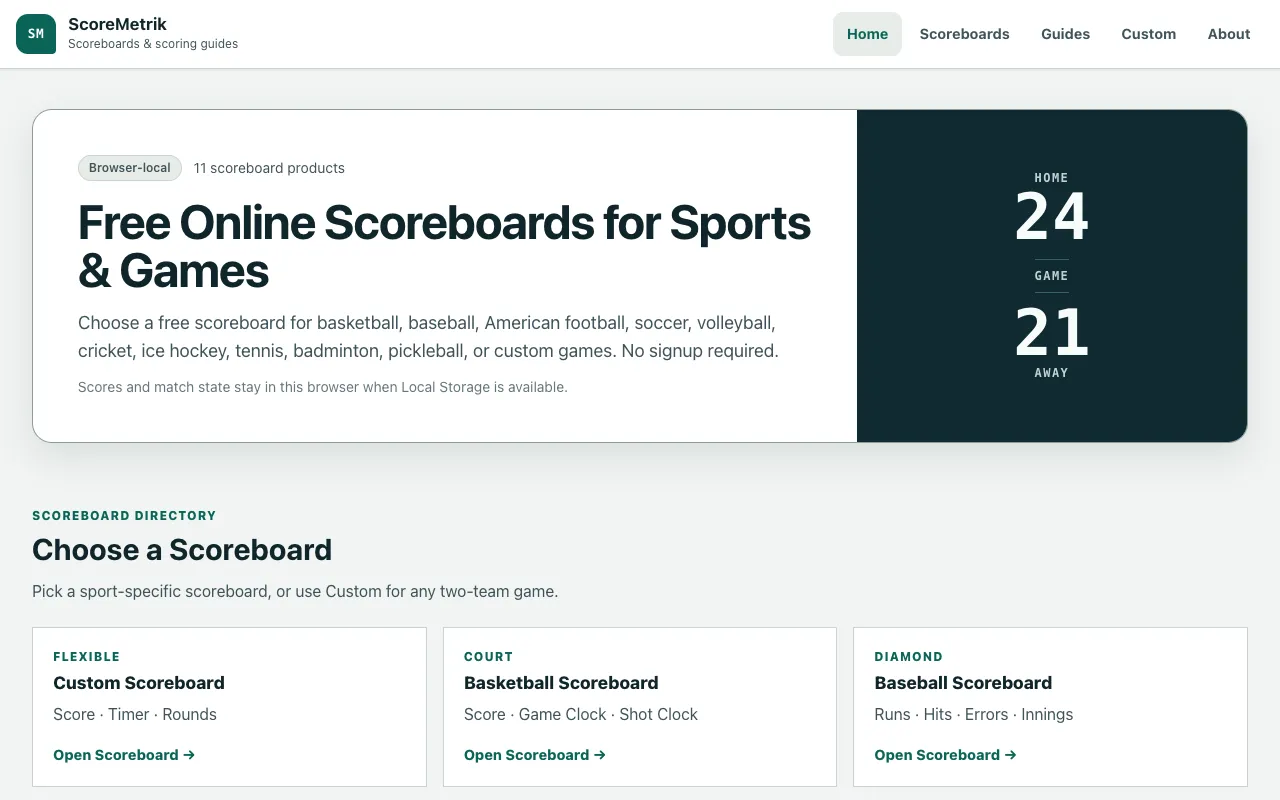
ScoreMetrik provides browser-based digital scoreboards for tracking games and matches across a wide variety of sports. The platform includes dedicated scoreboards for basketball, baseball, American football, soccer, volleyball, cricket, ice hockey, tennis, badminton, and pickleball, allowing teams and individuals to track scores during games. Users can also create custom games with personalized scoring rules and match requirements. All scoreboards are accessed directly through the web browser with no software installation or account creation required. The interface is designed to be intuitive enough for casual use while providing the features needed to track scores, timeouts, fouls, and other game statistics during live play. Works well for coaches, referees, tournament organizers, and scorekeepers who need a quick way to keep score.
FreeImageEditor.io is a browser-based image editor designed for quick, everyday image editing without barriers to entry. It offers a straightforward set of tools including crop, resize, compress, convert, rotate, and flip functions. Unlike many online editors, it requires no account creation, software installation, or file uploads. All image processing occurs locally on your device for both privacy and instant results. The service is completely free with no watermarks, subscriptions, or sign-up requirements. Processing images locally ensures privacy and immediate availability without server uploads. This lightweight approach makes FreeImageEditor practical for casual image editing work and everyday adjustments. It provides a simple, direct alternative to more complex desktop editing software, online services with registration barriers, or subscription-based editing platforms.
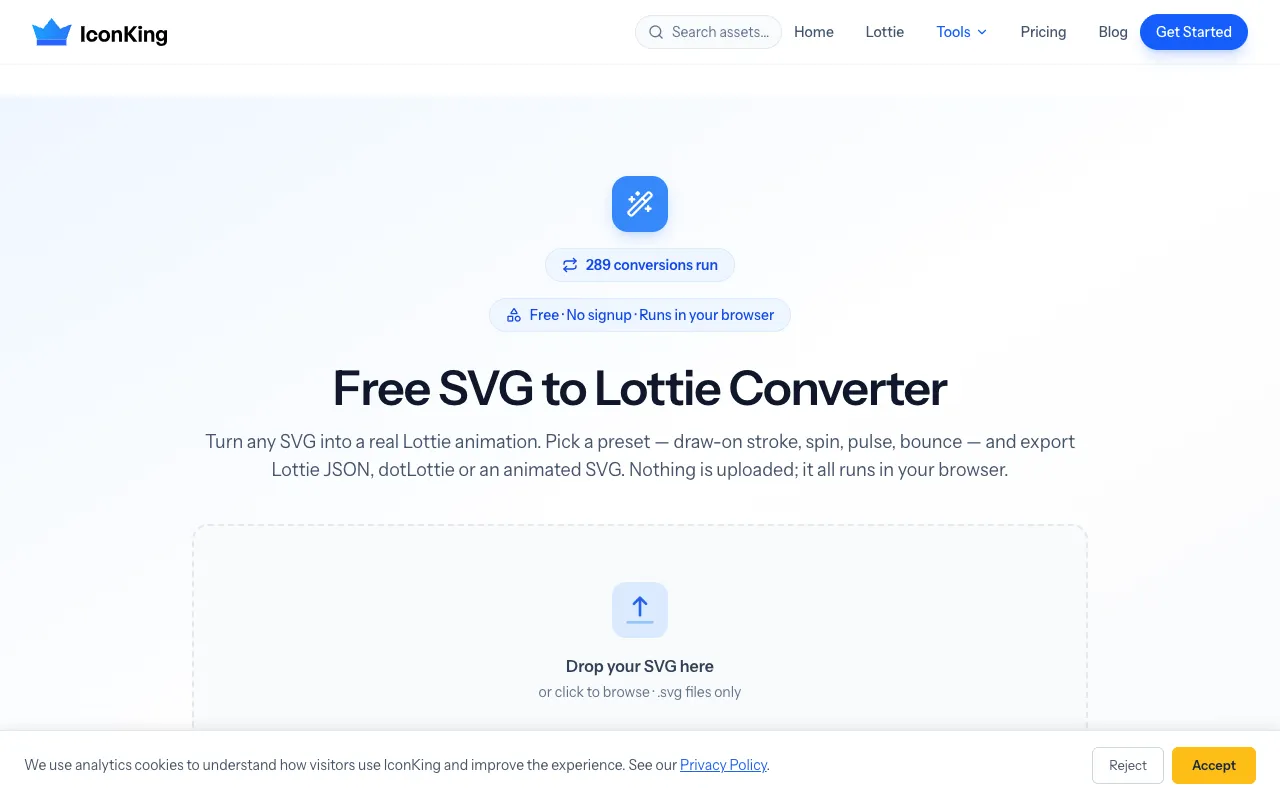
This is a free browser-based converter that transforms SVG icons into Lottie animation formats. Users can upload their SVG files and apply predefined motion presets such as draw-on, spin, and pulse to add smooth animations to static icons. The tool exports in multiple formats including Lottie JSON, dotLottie, and animated SVG, ensuring compatibility with different development workflows, animation libraries, and production environments. No account signup is required to use the converter. All file processing occurs directly in the browser, protecting user privacy while providing instant results. The tool is particularly valuable for designers and developers who want to enhance their UI components and icon libraries with professional-looking animations without requiring complex manual coding or technical knowledge.
Note From Audio converts audio recordings into MIDI files and editable note transcriptions using browser-based processing. All conversion happens locally on your device—no external servers or audio uploads. The tool is designed specifically for short recordings and provides comprehensive guides to supported audio formats, file size limits, and best practices for optimal results. Results require manual correction as the tool cannot separate individual instruments or multiple voices. The site includes detailed documentation on reviewing and editing generated notes to ensure accuracy. Users should expect to invest time refining the output before using the MIDI data in music production or composition software. Despite its limitations, the tool provides a useful starting point for transcribing audio ideas into editable note form.