10 tools
Image Resizer is a free online tool that allows users to resize images and videos directly in their web browsers. Ideal for preparing content for social media platforms like YouTube, Instagram, TikTok, Facebook, and LinkedIn, this versatile tool offers a simple interface without requiring any registration or watermarking. With Image Resizer, you can easily adjust the dimensions of your images and videos to fit specific requirements, ensuring your media looks great across different social platforms.
PDF Tools Suite offers a comprehensive set of online tools for managing and manipulating PDFs directly in your web browser. With features like merging, splitting, rotating, compressing, and extracting pages, it simplifies the handling of documents without needing to download any software. The service also includes an extensive calendar with dates for 3,400+ world holidays, making it a practical resource for planning and scheduling.
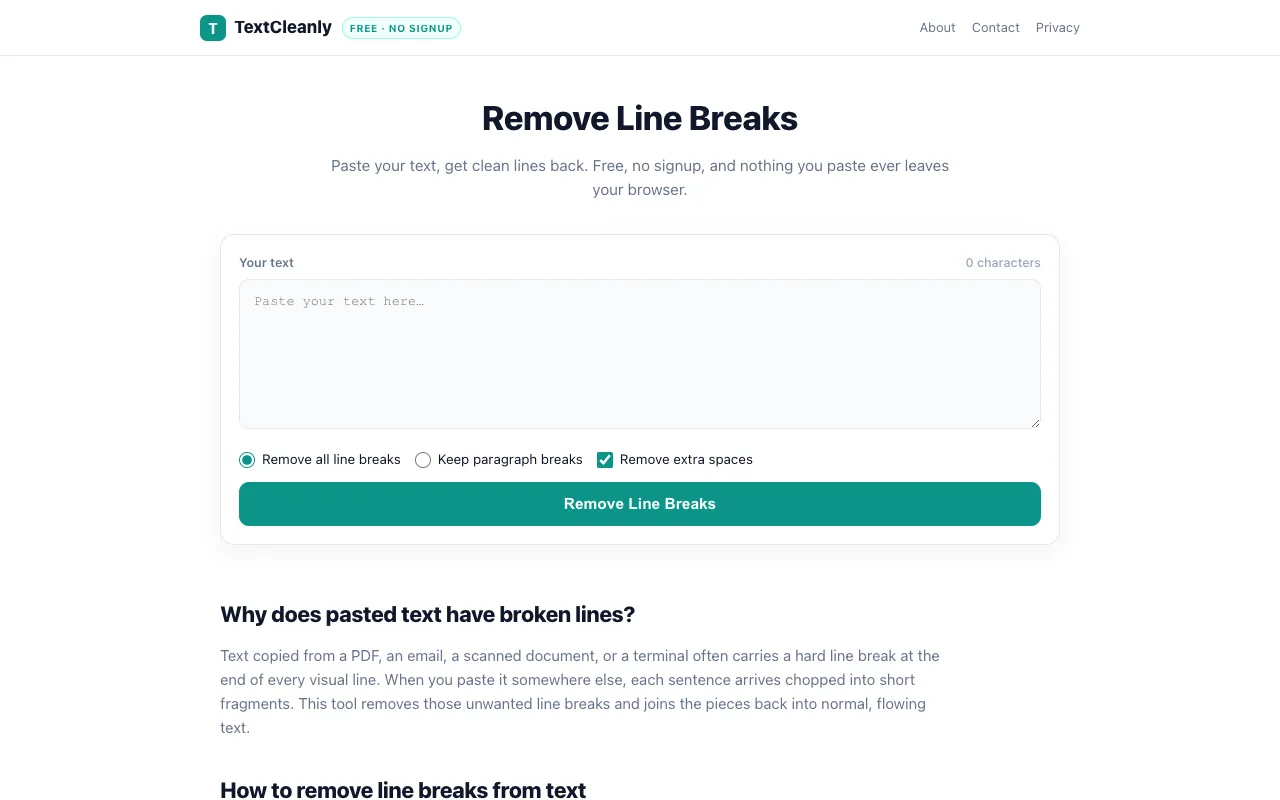
Remove line breaks from text and clean up pasted content in a single action. TextCleanly's tool offers flexible options to either strip all line breaks or maintain paragraph spacing, making it useful for reformatting text from emails, documents, and web pages. All processing happens locally in your browser with no signup required, ensuring your data stays private. The tool is completely free and perfect for quick text formatting tasks.
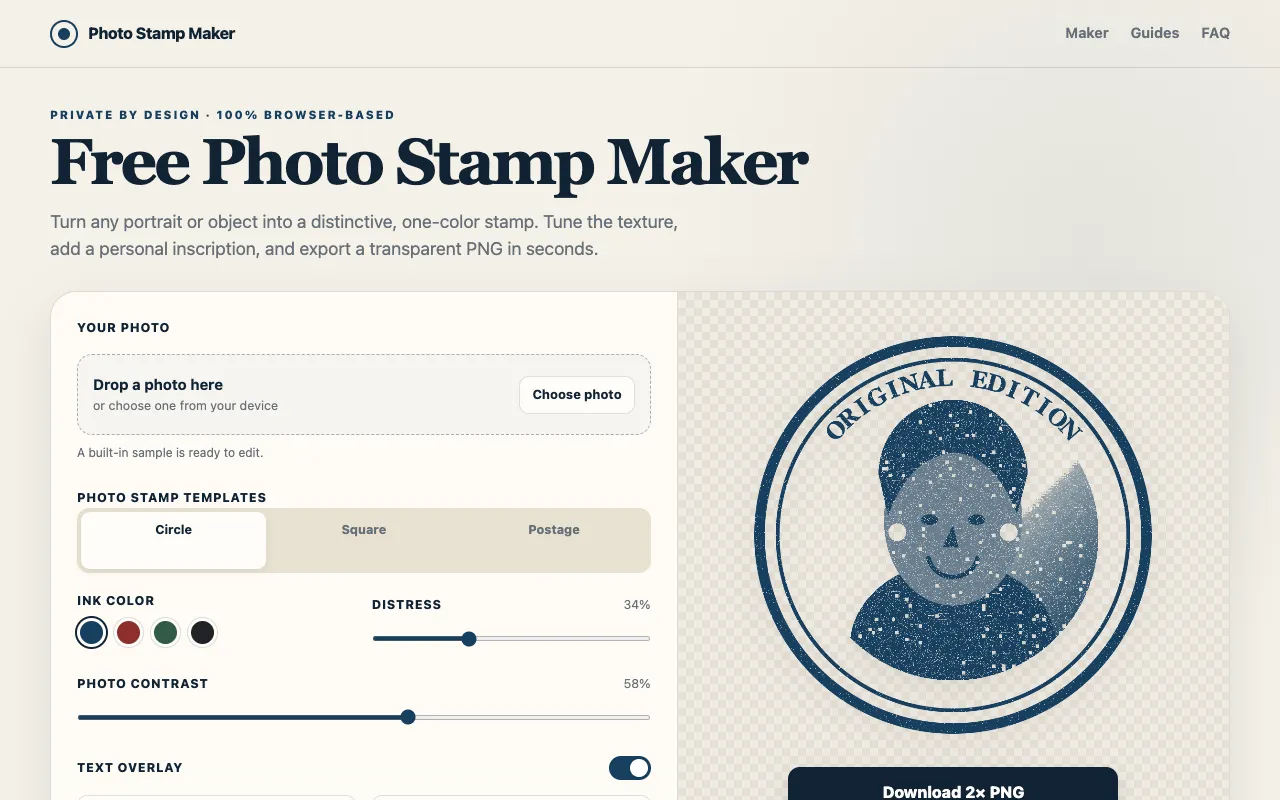
Photo Stamp Maker converts photos, logos, and portraits into vintage rubber-stamp PNG images with an authentic worn and used appearance. The tool offers adjustable settings for ink color, contrast, and wear effects, allowing you to create realistic-looking stamp designs from your original images. Templates and customization options make it ideal for branding, signature effects, or decorative applications. All image processing happens directly in your web browser locally without requiring user account creation or uploading files to external servers, ensuring your images remain private. The tool provides customizable templates and text overlays for personalizing your stamp designs. You maintain complete control over every design aspect and can download the final PNG output instantly without any data being sent elsewhere.
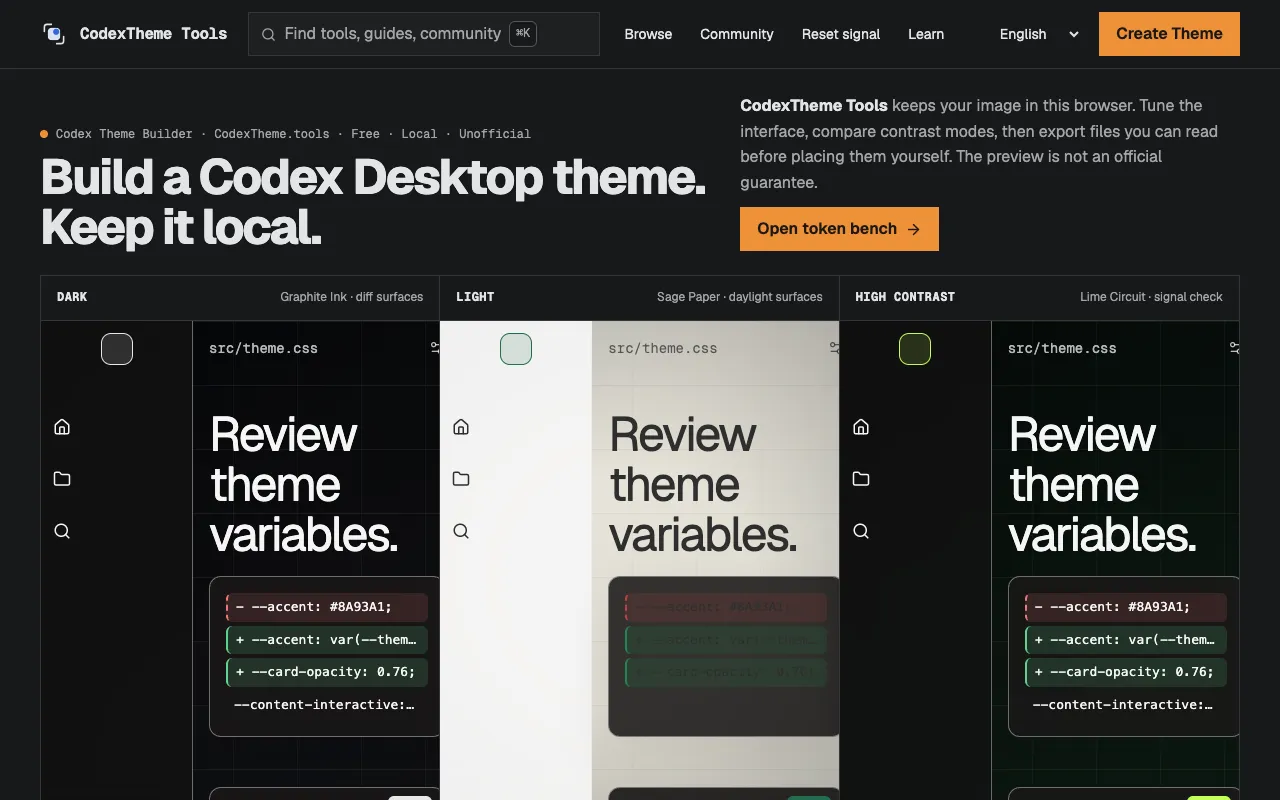
A browser-based theme generator designed for Codex Desktop that transforms wallpapers into custom color schemes. The tool analyzes wallpaper colors to extract readable color palettes and creates coherent themes that adapt to your chosen background image. By understanding the dominant colors and tones in your wallpaper, it generates theme variations that maintain visual harmony and readability across the desktop interface. All processing happens locally in the browser—no uploads to external services or servers. The generator intelligently ensures sufficient contrast between text and UI elements for accessibility while preserving the aesthetic integrity of your wallpaper-inspired palette. The resulting theme optimizes colors for various UI states and components, creating a unified visual experience across Codex Desktop that feels natural and tailored to your personal aesthetic preferences.
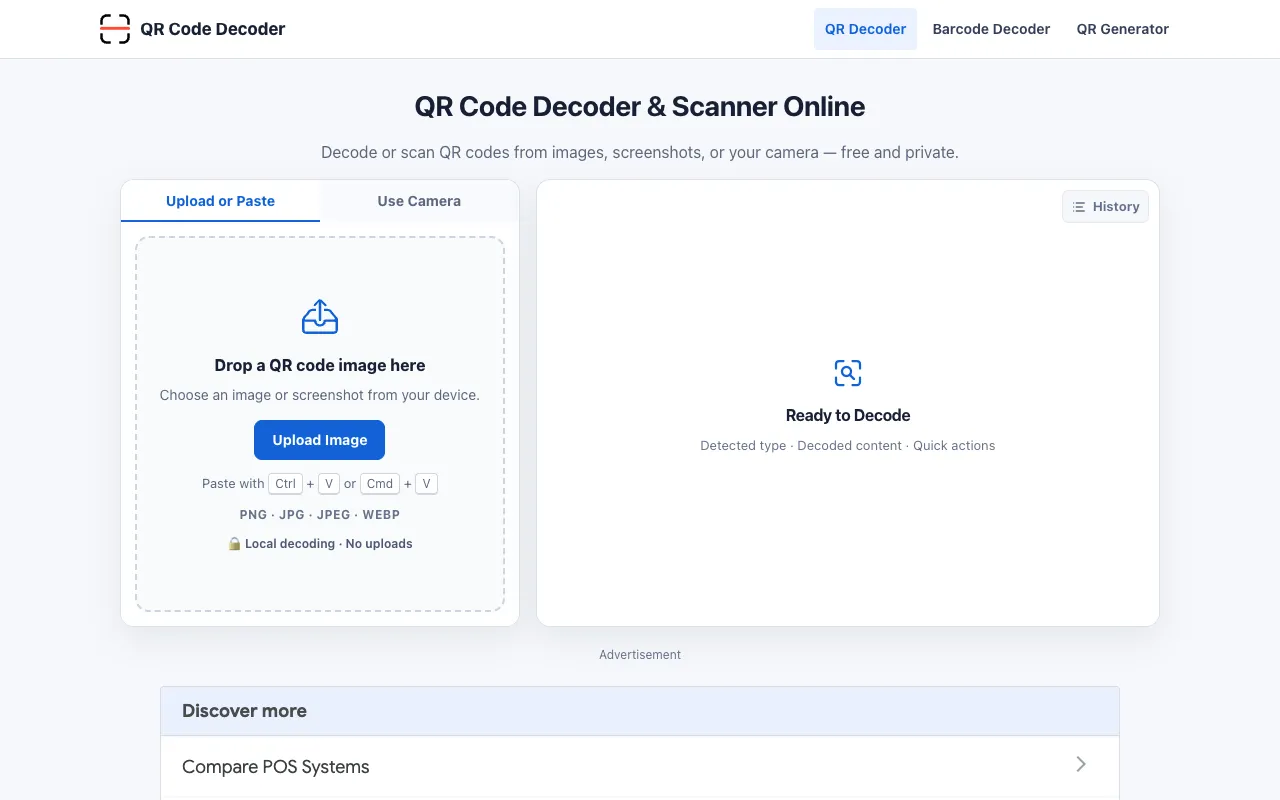
QR Code Decoder lets you decode QR codes from images, screenshots, and live camera input. The tool instantly reads and extracts data embedded in QR codes—whether they contain URLs, text, contact information, or other encoded information. No upload or external processing is required. In addition to decoding, the site allows you to generate custom QR codes with personalized colors, styles, decorative frames, and logos. This is useful for creating branded QR codes for marketing, events, or personal use. All processing happens locally in your browser, ensuring your data never leaves your device.
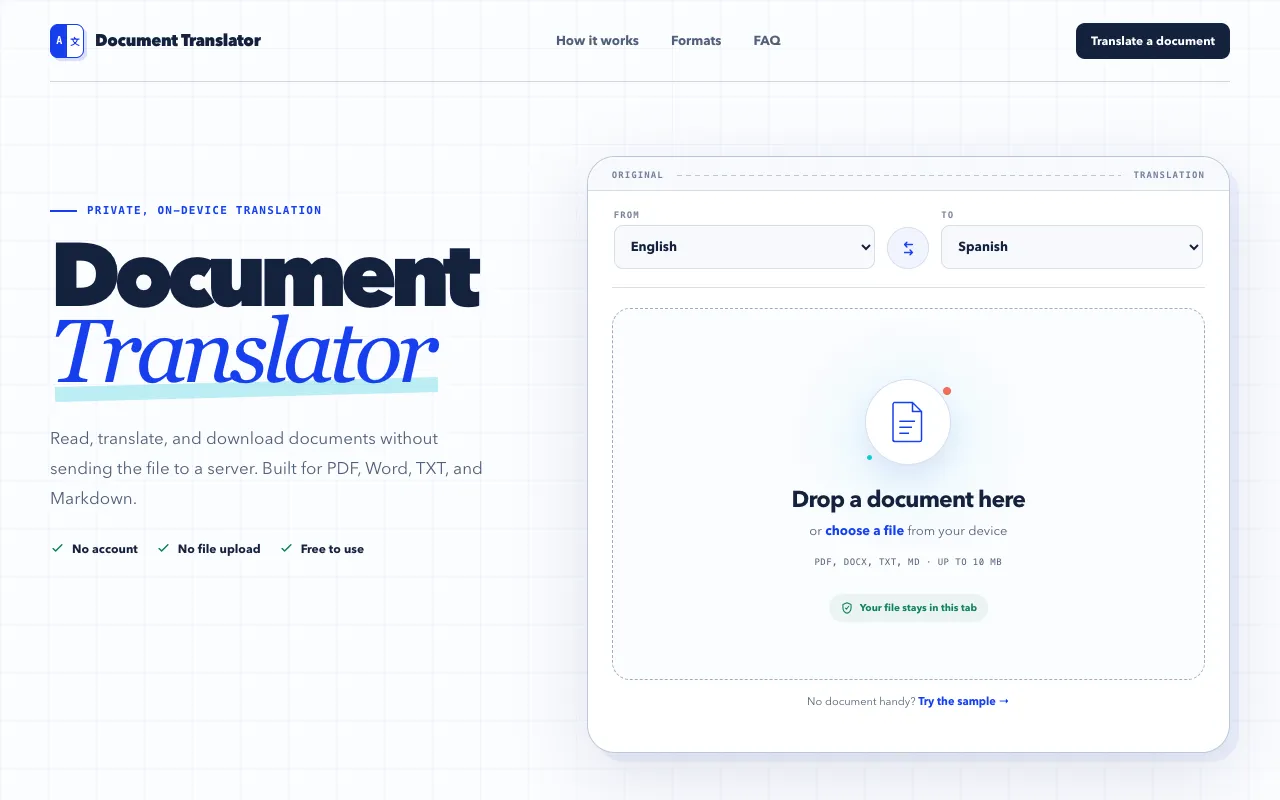
Document Translator is a browser-based tool that translates multiple file formats including PDF, DOCX, TXT, and Markdown documents. Processing happens locally in Chrome without uploading files to servers or requiring account creation, ensuring your documents remain private and stored only on your device. The tool supports batch translation of various document types, making it convenient for users who need to translate written materials across different formats. By handling files locally, it eliminates concerns about data privacy and cloud storage.
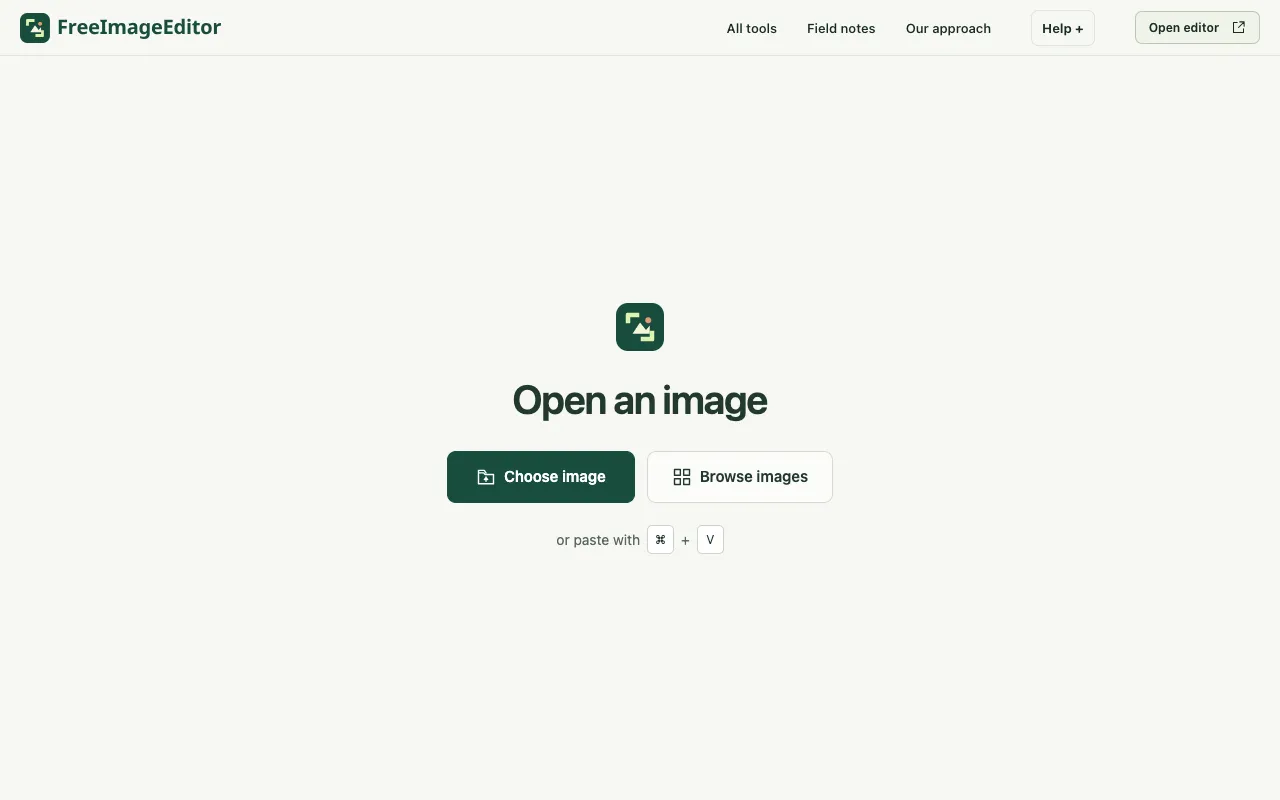
FreeImageEditor.io is a browser-based image editor designed for quick, everyday image editing without barriers to entry. It offers a straightforward set of tools including crop, resize, compress, convert, rotate, and flip functions. Unlike many online editors, it requires no account creation, software installation, or file uploads. All image processing occurs locally on your device for both privacy and instant results. The service is completely free with no watermarks, subscriptions, or sign-up requirements. Processing images locally ensures privacy and immediate availability without server uploads. This lightweight approach makes FreeImageEditor practical for casual image editing work and everyday adjustments. It provides a simple, direct alternative to more complex desktop editing software, online services with registration barriers, or subscription-based editing platforms.
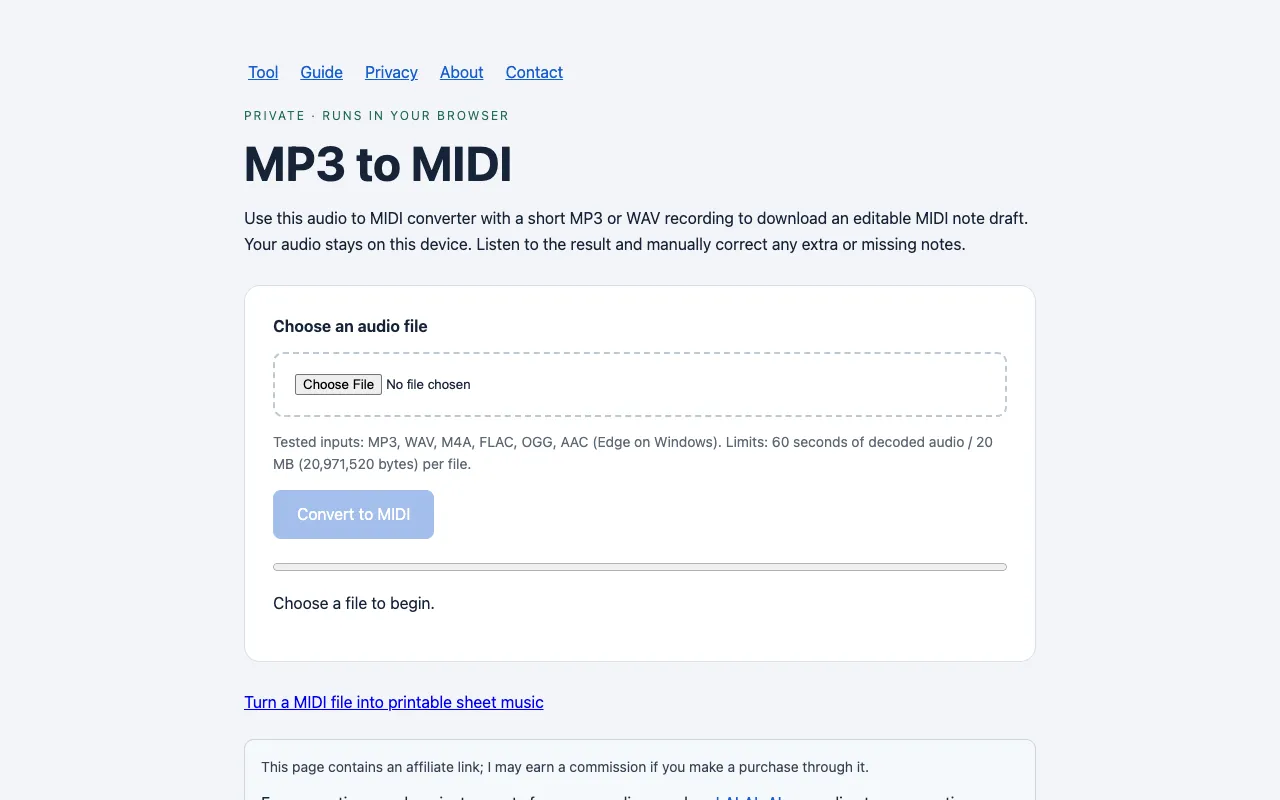
Note From Audio converts audio recordings into MIDI files and editable note transcriptions using browser-based processing. All conversion happens locally on your device—no external servers or audio uploads. The tool is designed specifically for short recordings and provides comprehensive guides to supported audio formats, file size limits, and best practices for optimal results. Results require manual correction as the tool cannot separate individual instruments or multiple voices. The site includes detailed documentation on reviewing and editing generated notes to ensure accuracy. Users should expect to invest time refining the output before using the MIDI data in music production or composition software. Despite its limitations, the tool provides a useful starting point for transcribing audio ideas into editable note form.
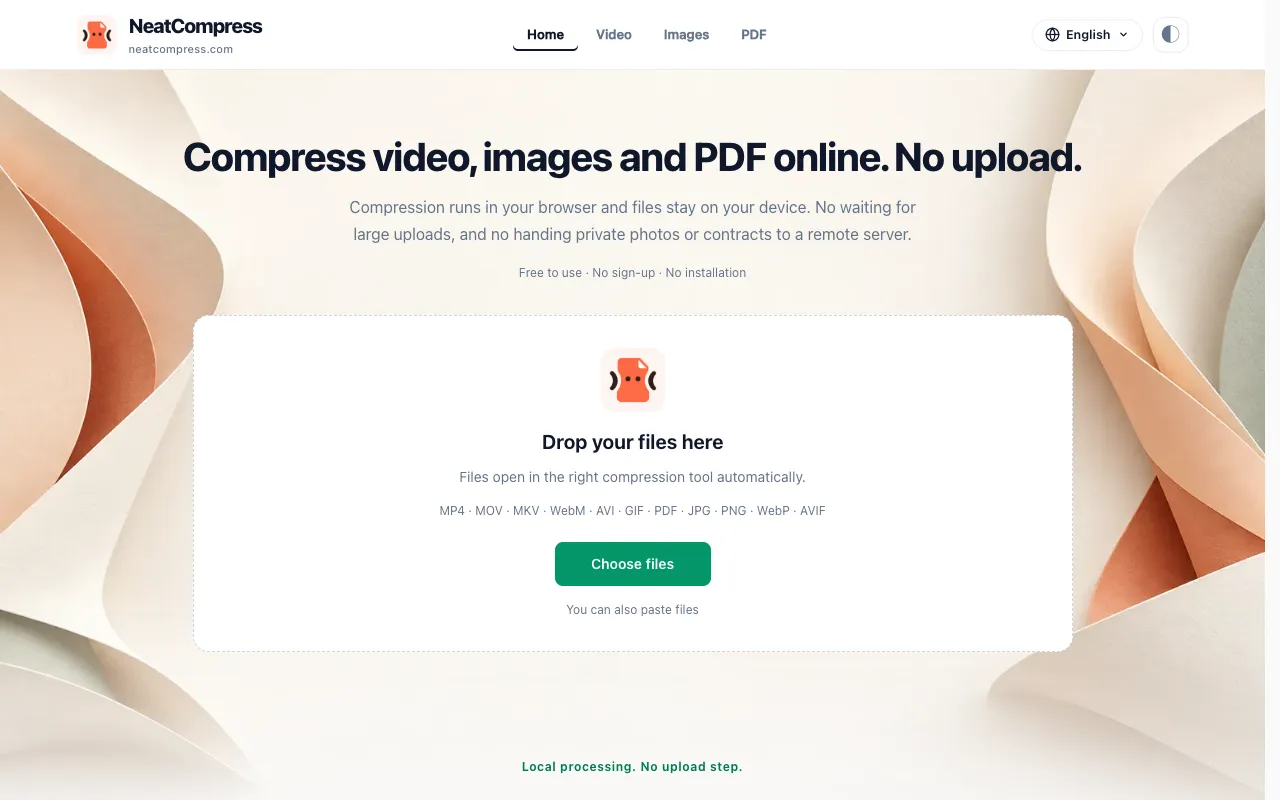
NeatCompress offers free, browser-based compression for videos, images, and PDFs. All processing happens locally on your computer using WebCodecs acceleration, with an ffmpeg.wasm fallback for broader compatibility. Since files never leave your browser, nothing is uploaded to external servers, preserving complete privacy and data security. This approach keeps your sensitive media files entirely under your control without any server uploads. The tool supports compression across multiple file formats spanning three media categories: video, image, and document formats. It leverages modern web technologies to deliver efficient compression while maintaining your privacy through entirely local processing. The WebCodecs acceleration provides fast performance on modern browsers, while the ffmpeg.wasm fallback ensures compatibility on older systems or browsers lacking WebCodecs support. Processing speeds are optimized for real-time feedback.