3 tools
Generates QR codes for URLs, text, and contact information. Users input data through a simple interface, select desired settings like size and color, then download or share the generated QR code image. Developers, businesses, and individuals looking to enhance digital communication and accessibility would use this tool. It helps in creating quick response codes that can be easily scanned to access websites, send messages, or contact information, making it a versatile asset for various applications.
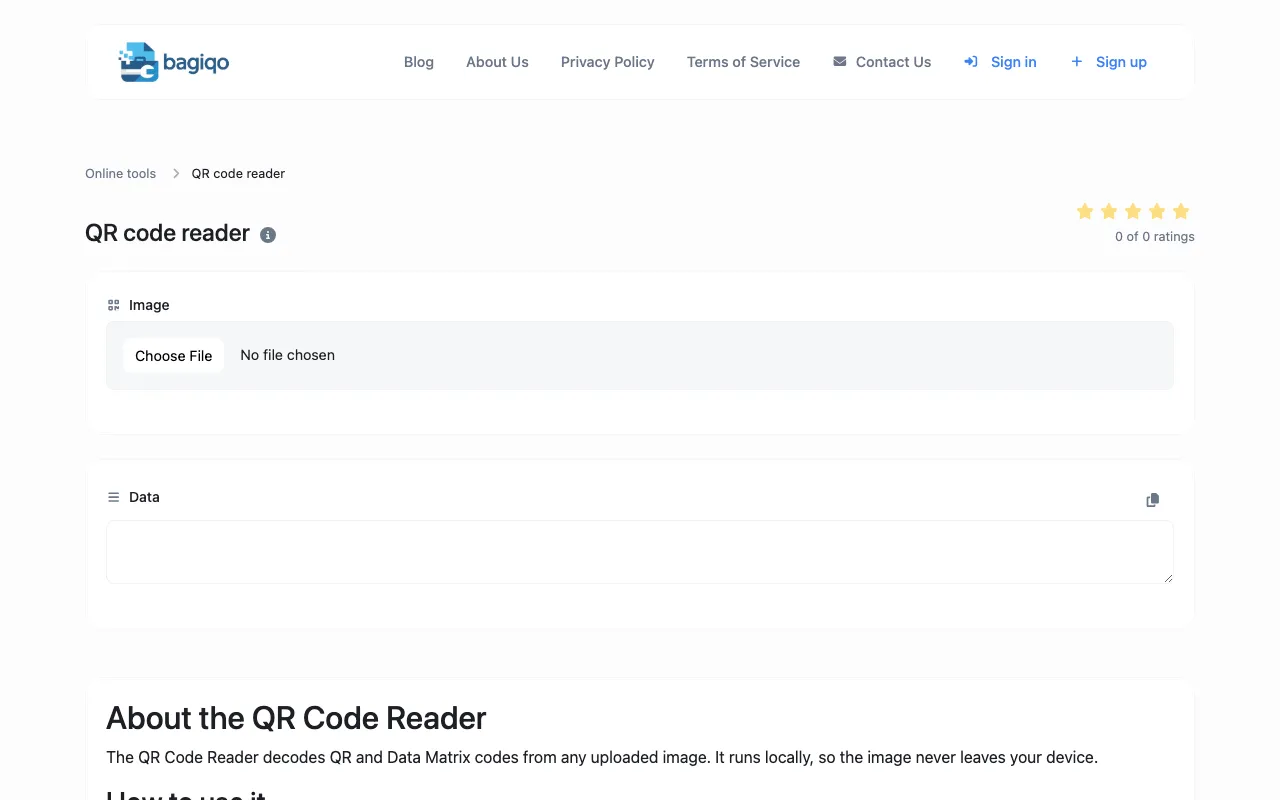
The QR Code Reader extracts data from uploaded QR code images, supporting all standard QR code formats. Users can decode QR codes directly in their browser without installing additional applications or specialized QR scanning equipment. Useful for anyone needing to quickly read and decode QR codes from images, screenshots, or files to access embedded URLs, contact information, WiFi credentials, payment information, or other encoded data.
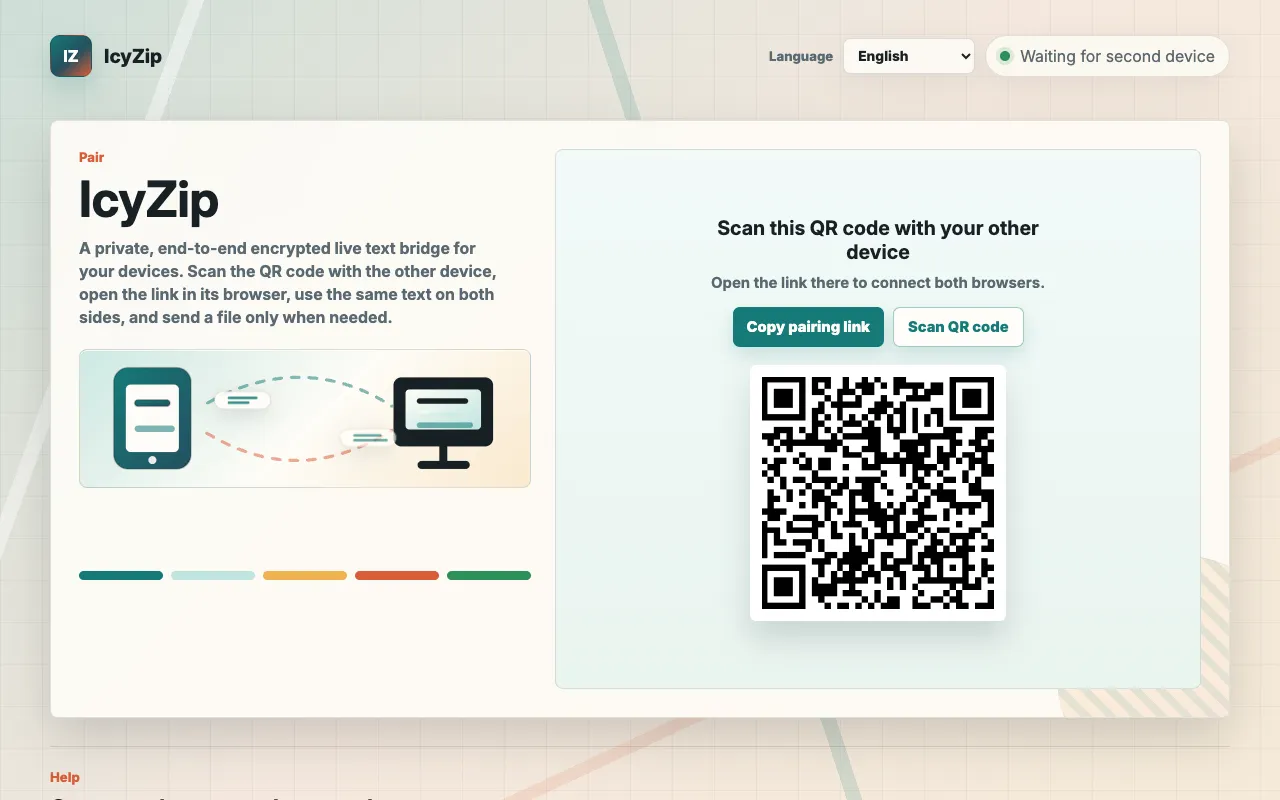
IcyZip enables users to transfer text and files between computers and phones by pairing two browsers through a QR code or link. The service requires no account creation or app installation, making it accessible for quick device-to-device transfers without setup friction. Once the browsers are paired, users can move live text or send files between devices, one at a time and up to 25 MiB each. The transfer process uses end-to-end encryption, with all text and file bytes encrypted in the browser before transmission to the service. While IcyZip provides the relay infrastructure, it functions solely as a transfer tool and is not designed as cloud storage, folder synchronization, or offline transfer capability. Note that connection metadata remains visible to the service, and an active internet connection with a second device or browser is required for operation.