8 tools
Compresses images to reduce file size while maintaining quality, supporting JPEG, PNG, and WebP formats for efficient email or web use. Ideal for professionals, students, and anyone needing to shrink image files without compromising their visual integrity, enhancing uploading speeds and storage efficiency.
Image Tools Suite offers users an array of functionalities for manipulating and enhancing image resolution directly in their web browsers. The suite includes tools for resizing images to various dimensions, converting between different image formats, and improving the overall quality of digital photos. All processing is done client-side, ensuring that no data is sent to external servers, and users can access the service without registration or any tracking. Available in multiple languages including Chinese, Simplified Chinese, Japanese, and Spanish, Image Tools Suite provides a convenient solution for those needing image editing capabilities online.
Bulk Image Tools is a free online platform designed for batch image processing in your browser. It allows users to upload images once and apply multiple transformations such as compression, conversion, cropping, and adjustments without needing to re-upload files each time. The tool includes advanced features like local AI for tasks such as background removal and face blurring. All files remain on your device, ensuring privacy and security. No account is required to use the platform.
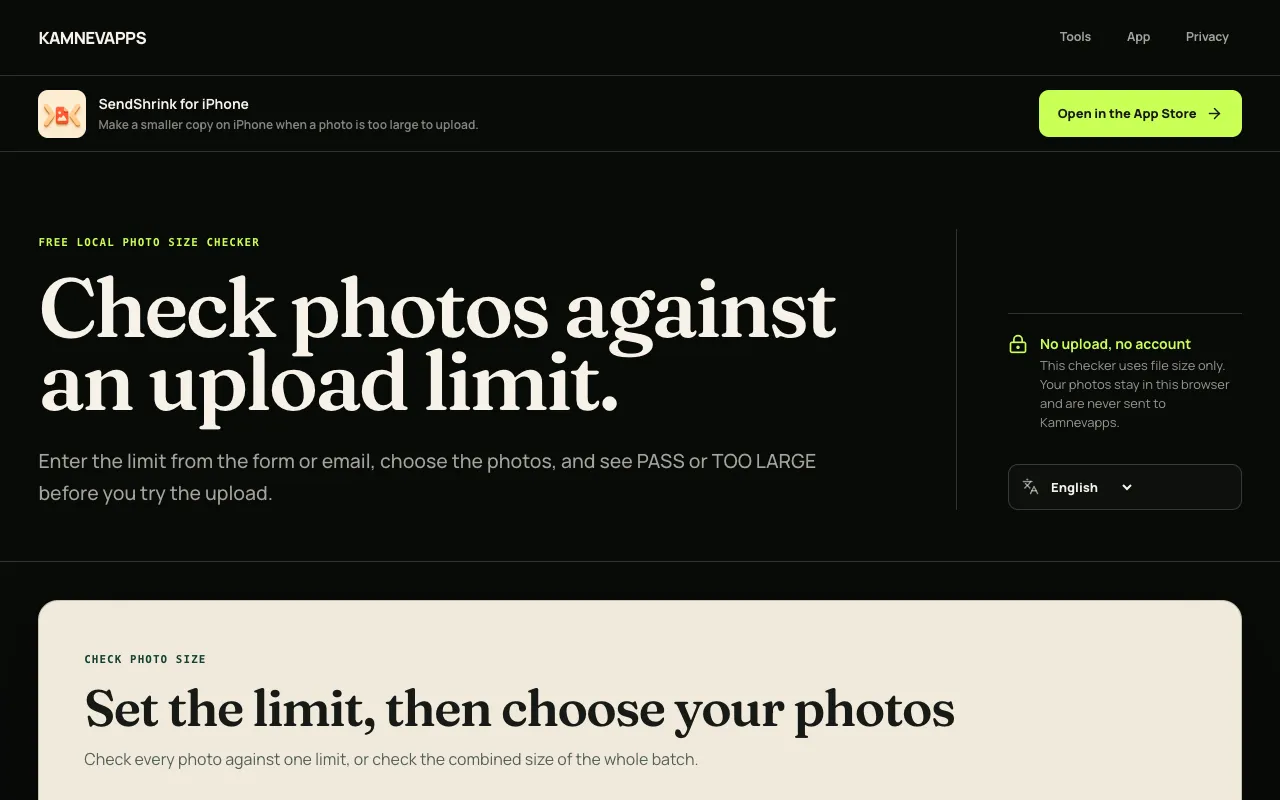
Check whether one photo or a batch of photos will exceed a specified upload-size limit before attempting to upload them anywhere. The tool runs in your browser and instantly reports whether each file fits within the exact size constraint you choose, without uploading, modifying, or transmitting your photos anywhere. Validate your images against specific platform requirements before committing to upload. Whether preparing files for email, social media, cloud storage, or any upload-restricted service, this checker prevents wasted time on rejected uploads by confirming whether your photos meet size requirements in advance. Test batches efficiently without trial-and-error.
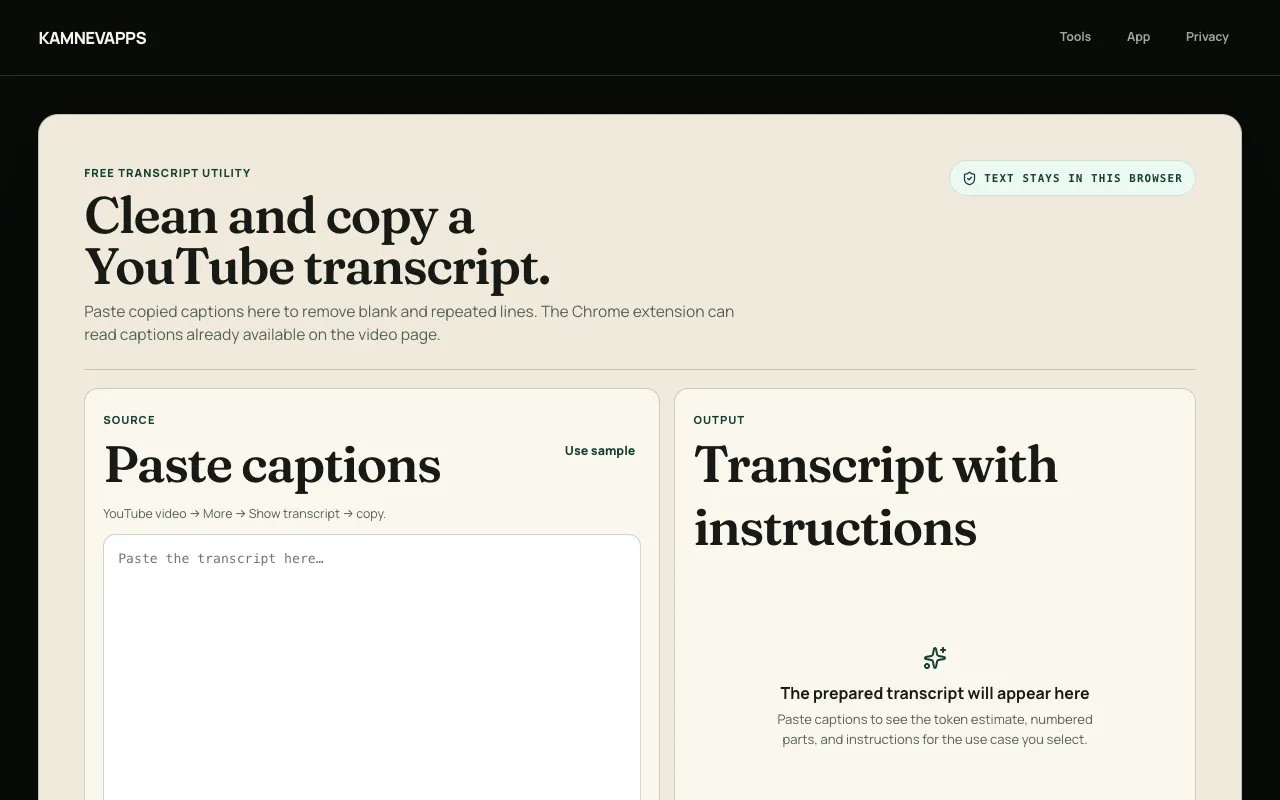
Clean and process transcript text that you've copied from YouTube videos, removing repeated lines and cleaning up extra formatting inconsistencies. Search within the transcript to find specific topics, phrases, or discussion points, then export the cleaned result as plain text, Markdown, or context-pack formats for use in documentation, notes, or other applications. Prepare video transcripts for research, analysis, documentation, knowledge bases, or sharing with others. The tool works entirely with text you provide—no video downloading, streaming, or file uploading required at any point. Simply paste the YouTube transcript, apply cleaning functions, search for content, and export in your preferred format for later use and reference.
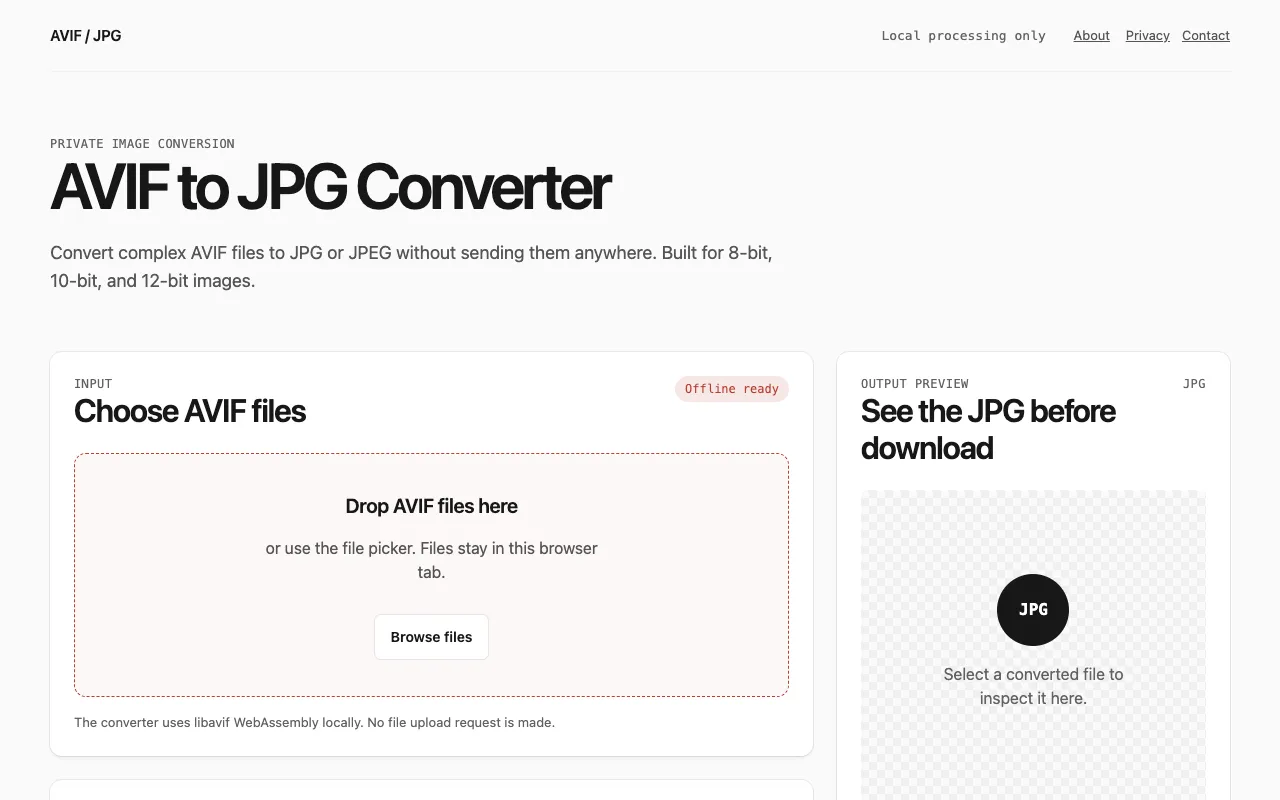
A free online converter that transforms AVIF image files to JPG or JPEG format directly in your browser without requiring any software installation. The tool supports batch processing, allowing you to convert multiple images simultaneously. It offers granular controls for adjusting the output quality and resizing images to your preferred dimensions, giving you full flexibility and control over the final conversion results. All processing happens entirely locally without uploading files to any server, ensuring your privacy and enabling faster conversion speeds. You can download converted images individually as they complete, or export all results as a single ZIP file for convenient bulk downloads. No account, email, or registration is required to access or use the service, making it accessible to everyone.
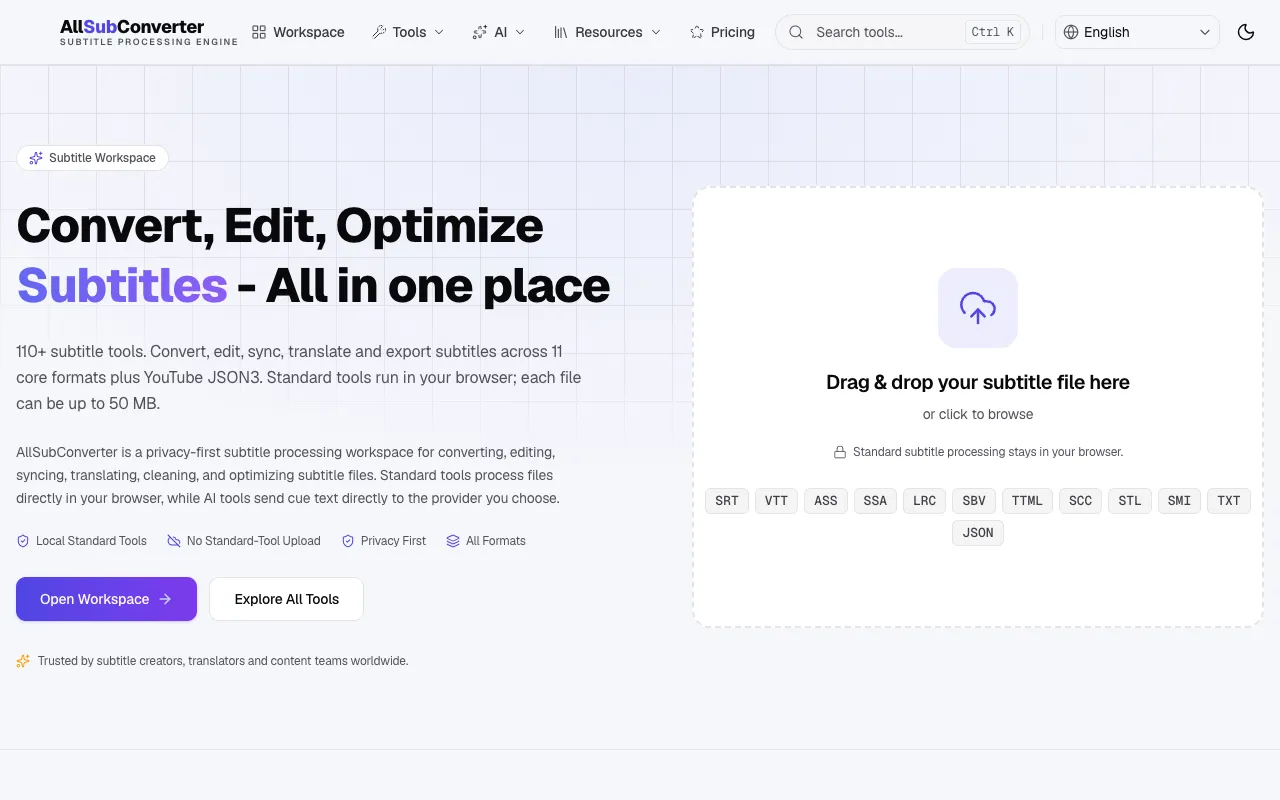
A free browser-based toolkit for managing subtitle files across multiple formats including SRT, VTT, ASS, SSA, and LRC. The suite combines conversion, editing, and quality assurance capabilities in a single interface, allowing users to work with virtually any subtitle format. Whether you're synchronizing subtitles with video, correcting encoding issues, or converting between standards, the suite provides the necessary tools. Key features include batch processing for handling multiple files simultaneously, automatic syntax checking to identify errors before use, and timing synchronization tools for precise subtitle-to-video alignment. All processing happens directly in your browser without requiring software downloads or installations.
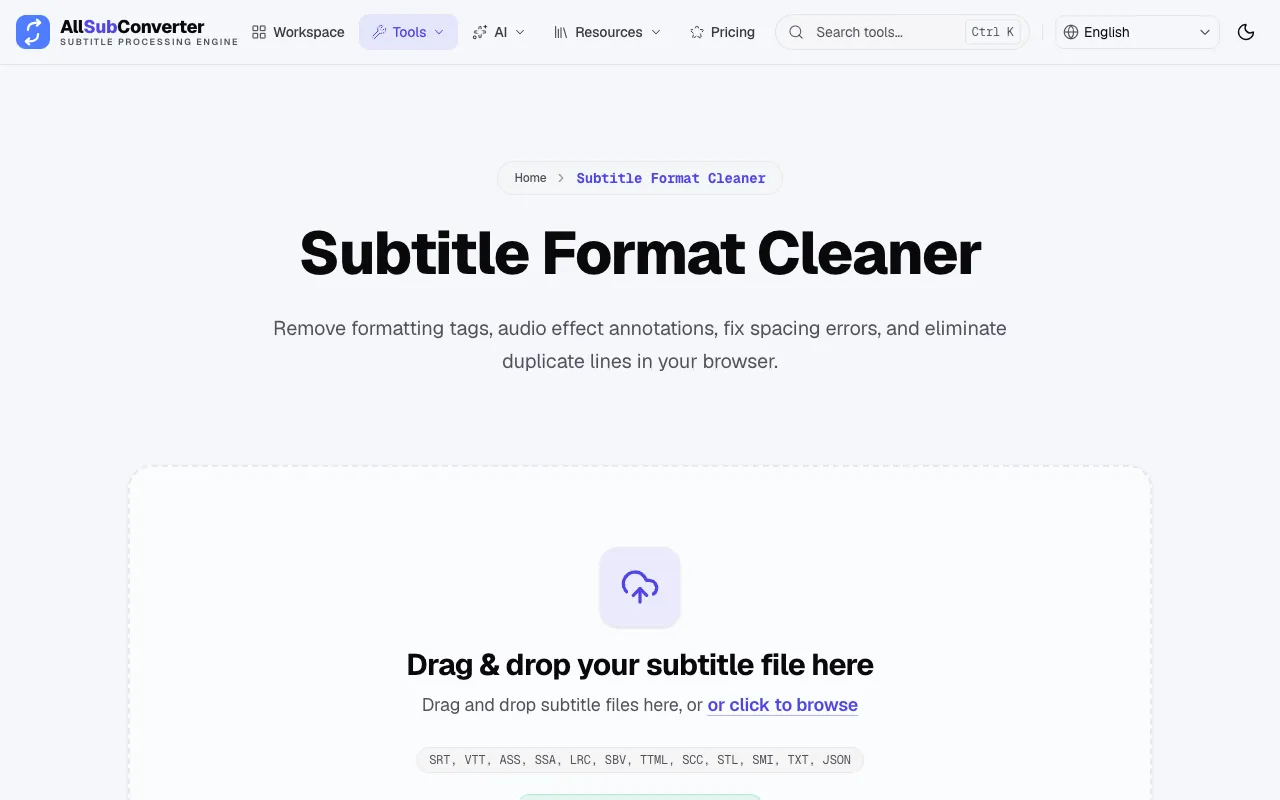
A specialized tool within the AllSubConverter suite dedicated to improving subtitle file quality through comprehensive cleaning and repair functions. It targets common subtitle file problems including encoding issues, formatting errors, improper line breaks, and timing synchronization problems that can degrade playback quality or readability. The cleaner operates entirely in the browser and supports batch processing of multiple subtitle files in a single operation. It's particularly effective for subtitle files downloaded from various sources that may have inconsistent formatting, timing drift, or other quality issues.