4 tools
BytePane offers a comprehensive collection of free browser-based developer tools designed for common coding workflows and daily development tasks. The platform includes JSON formatting tools for cleaning and validating JSON data, Base64 encoding and decoding utilities for quick conversions, and a regex testing environment for pattern matching and validation. Additional tools cover UUID generation for creating unique identifiers, color conversion utilities for working with different color formats, and other specialized utilities tailored to development workflows. Each tool is optimized for speed and accuracy, with an intuitive interface designed for quick access. All tools run entirely in your browser with no installation or account setup required, making them immediately accessible.
File Converter Suite offers a comprehensive set of tools for various file conversions. It supports image formats like JPEG, PNG, GIF, and SVG, as well as documents, videos, and audio files. With features such as resize, crop, flip, add watermarks, and remove backgrounds, it provides a versatile solution for digital content management. Available in 25 languages including Arabic, the tool is accessible to users worldwide. An optional sign-in allows saving files online, making it convenient for frequent users.
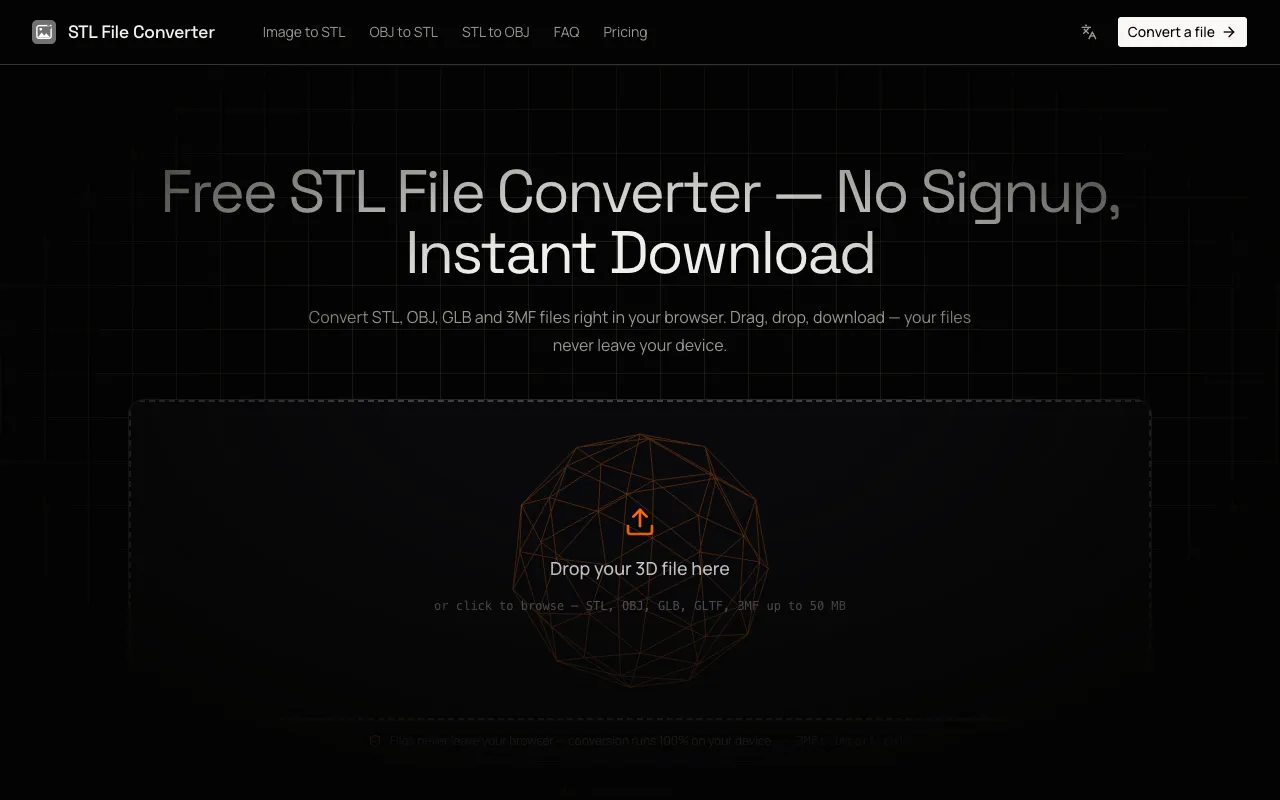
A browser-based converter for 3D model file formats including STL, OBJ, GLB, glTF, and 3MF. Users can import 3D models from their device and preview them interactively before converting to a different format. All file processing occurs entirely in the browser without uploading files to external servers, providing complete privacy and security for your 3D designs. The tool outputs converted files in STL, OBJ, or GLB formats, supporting workflows including 3D printing, CAD applications, game development, and other professional uses requiring format compatibility. No account registration is needed to access or use the converter. Whether your source files come from CAD software, 3D modeling applications, or game engine exports, the browser-based approach ensures fast local processing.
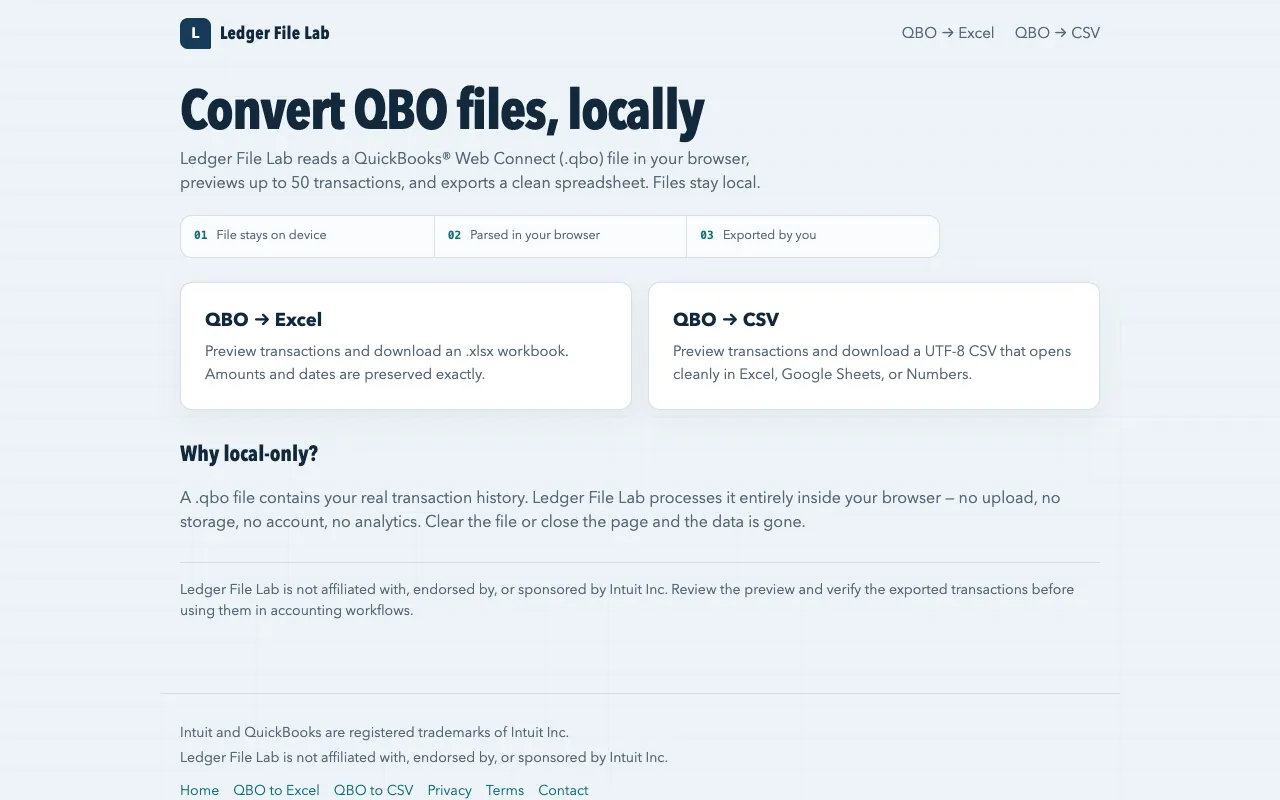
Ledger File Lab is a free browser-based converter that reads QuickBooks Web Connect (.qbo) files directly in your browser without requiring file upload or account creation. The tool automatically previews up to 50 transactions from your selected QBO file, allowing you to verify the data before proceeding with export. You can export the transactions to either Microsoft Excel (.xlsx) or UTF-8 CSV format, making it convenient to import your accounting data into spreadsheet applications or other compatible software. All file processing occurs locally within your browser, ensuring that your financial information remains completely private and never transmitted to external servers.