Image Resizing Suite
Let's Resize It offers a comprehensive and accessible collection of browser-based image editing tools that require no...
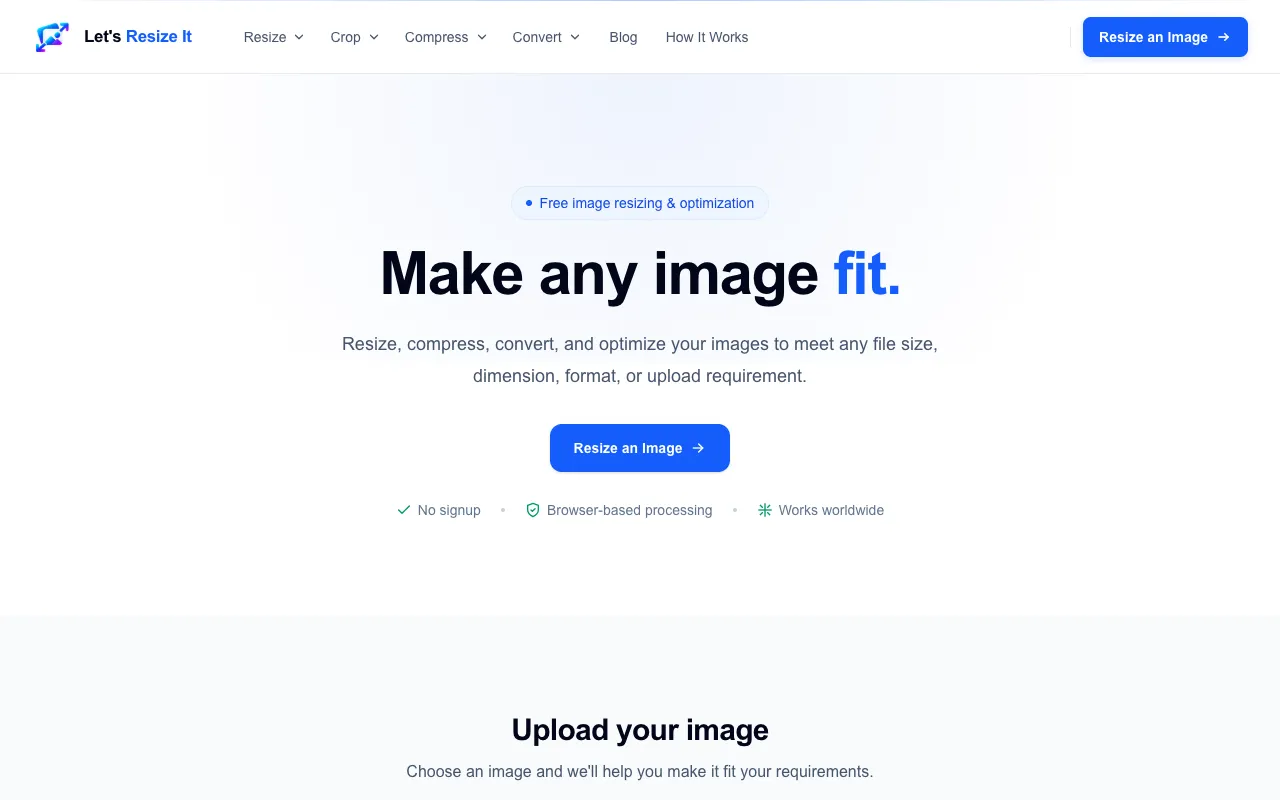
What Image Resizing Suite does
Let's Resize It is a browser-based image editing platform that handles resizing, compression, and format conversion for JPG, PNG, and WebP files. Users can adjust dimensions to exact pixel sizes, reduce file size to specific kilobyte limits, or convert between supported formats without installing software. The suite addresses common needs such as preparing images for websites, social media, or document uploads, delivering optimized results directly in the browser. Its design focuses on accessibility, allowing anyone to process images quickly without technical expertise or account creation.
How to use the Let's Resize It Image Resizing Suite
- 1
Upload an image from your device or drag and drop a file
- 2
Select the desired task: resize by dimensions, reduce size to a specific KB limit, or convert format
- 3
Set exact width and height in pixels or choose a maximum file size such as 50 KB or 100 KB
- 4
Initiate processing and download the optimized image once complete
Best for
Ideal for website owners, social media managers, and anyone needing to quickly adjust image dimensions, file size, or format without installing software or creating an account.
Limitations
- No unit switching between pixels and inches
- Processing speed may vary with very large or numerous files
- Advanced editing features such as layers or filters are not available
Image Resizing Suite FAQ
- Can I resize multiple images at once on Let's Resize It?
- The platform focuses on individual image processing; batch resizing is not mentioned in the available features.
- What image formats does Let's Resize It support?
- The tool supports JPG, PNG, and WebP formats for resizing, compression, and conversion.
- Is there a file size limit for uploads on Let's Resize It?
- The maximum upload size is 25 MB per image.
- Does Let's Resize It preserve image quality after compression?
- The service reduces file size while maintaining acceptable visual quality; specific quality settings are not detailed in the provided material.
Similar tools
Based on shared tags