Tap Counter
A free browser-based counter tool designed for tracking manual taps and repeated counts in real-time. Users can incre...
What Tap Counter does
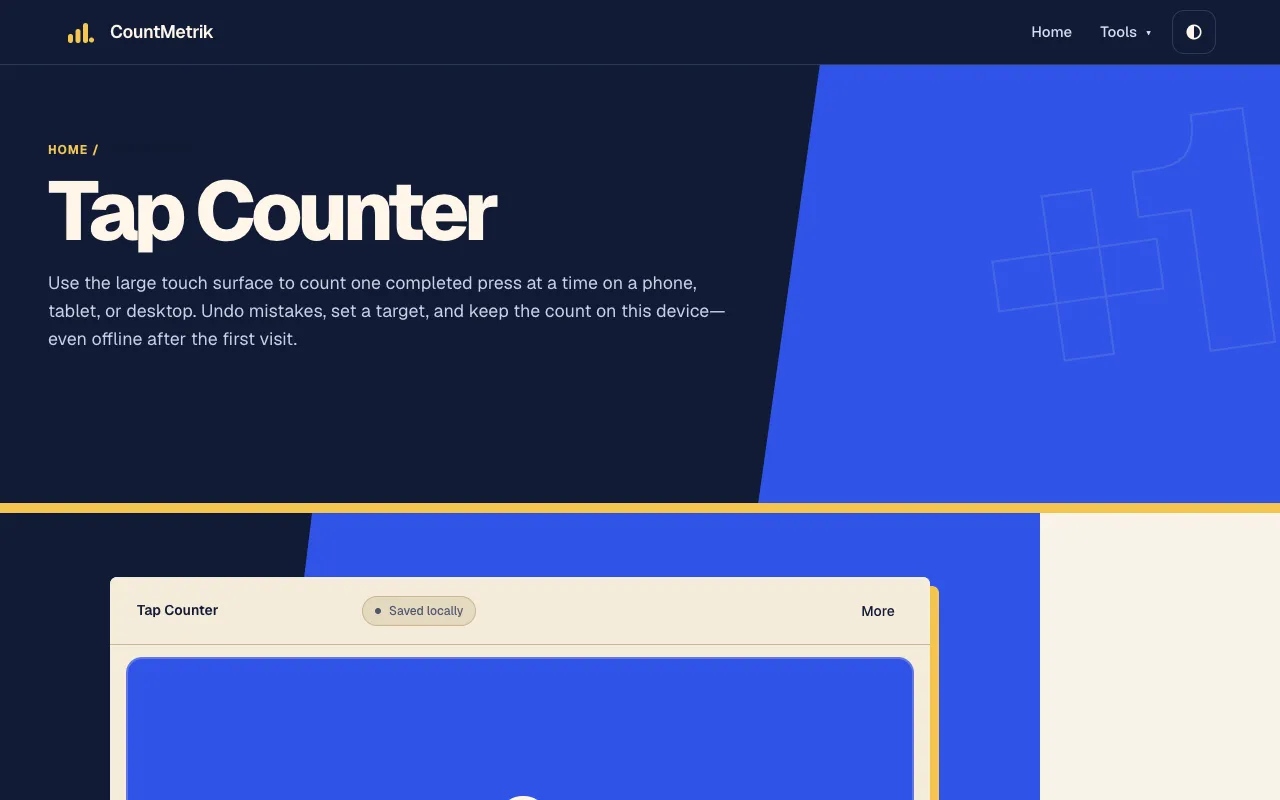
Tap Counter is a browser-based counter designed for tracking manual taps and repeated counts in real-time. Users can increment the counter by tapping a large touch surface or pressing the Space key, making it convenient for hands-free or keyboard input. The tool includes an optional target goal feature that lets users set a counting objective and monitor progress. All counter data is stored locally on the user's device, requiring no account or personal information. Additional features include undo and decrement buttons for correcting mistakes, fullscreen mode for distraction-free counting, and local history viewing. The interface is touch-first, designed to work on phones, tablets, or desktops, with controls that register only deliberate presses to avoid accidental counts.
How to use the CountMetrik Tap Counter
- 1
Open the Tap Counter on CountMetrik
- 2
Tap the large touch surface or press the Space key to increment the count
- 3
Use the Undo button to reverse the most recent accidental press or the Decrement button to intentionally lower the value
- 4
Set a target goal in the options to track progress toward a specific number and switch to fullscreen mode for distraction-free counting
Best for
This tool suits anyone needing a simple, private way to track manual taps or repeated counts without creating an account, especially on mobile devices or when hands-free keyboard input is preferred.
Limitations
- Results depend on deliberate taps; rapid holding or dragging outside the surface cancels the pending press
- Local storage means data is lost if browser storage is cleared without exporting a backup
- No unit switching or advanced analytics beyond basic count, target, and history tracking
Tap Counter FAQ
- Can I use Tap Counter without an internet connection?
- Yes, after the initial load the tool works offline. Your count, target, and history remain stored locally in this browser and are not uploaded by CountMetrik.
- How do I correct a mistaken tap?
- Tap the Undo button to reverse the most recent press. If you need to lower the value without erasing the recorded action, use the Decrement button instead.
- Is my counting data saved privately?
- All counter data is saved locally on your device. CountMetrik does not upload your tap count, name, target, or history. Data persists in this browser and can be cleared or exported as a backup.
- What counts as a valid tap on the touch surface?
- Only a completed, deliberate press registers as one count. Pressing down alone, holding, or moving or releasing outside the surface cancels the pending press to prevent accidental increments.
Similar tools
Based on shared tags