10 tools
Converts images between popular formats, including JPEG, PNG, WebP, GIF, HEIC, AVIF, TIFF, BMP, ICO, SVG, and PDF. Supports batch conversion for processing multiple files efficiently. Ideal for developers, designers, and anyone needing to standardize image files across different platforms or applications. Useful for web developers preparing images for optimized website loading times, graphic designers needing consistent file formats in their projects, and professionals handling a large volume of image data for various purposes.
Image Resizer is a free online tool that allows users to resize images and videos directly in their web browsers. Ideal for preparing content for social media platforms like YouTube, Instagram, TikTok, Facebook, and LinkedIn, this versatile tool offers a simple interface without requiring any registration or watermarking. With Image Resizer, you can easily adjust the dimensions of your images and videos to fit specific requirements, ensuring your media looks great across different social platforms.
Image Tools Suite offers users an array of functionalities for manipulating and enhancing image resolution directly in their web browsers. The suite includes tools for resizing images to various dimensions, converting between different image formats, and improving the overall quality of digital photos. All processing is done client-side, ensuring that no data is sent to external servers, and users can access the service without registration or any tracking. Available in multiple languages including Chinese, Simplified Chinese, Japanese, and Spanish, Image Tools Suite provides a convenient solution for those needing image editing capabilities online.
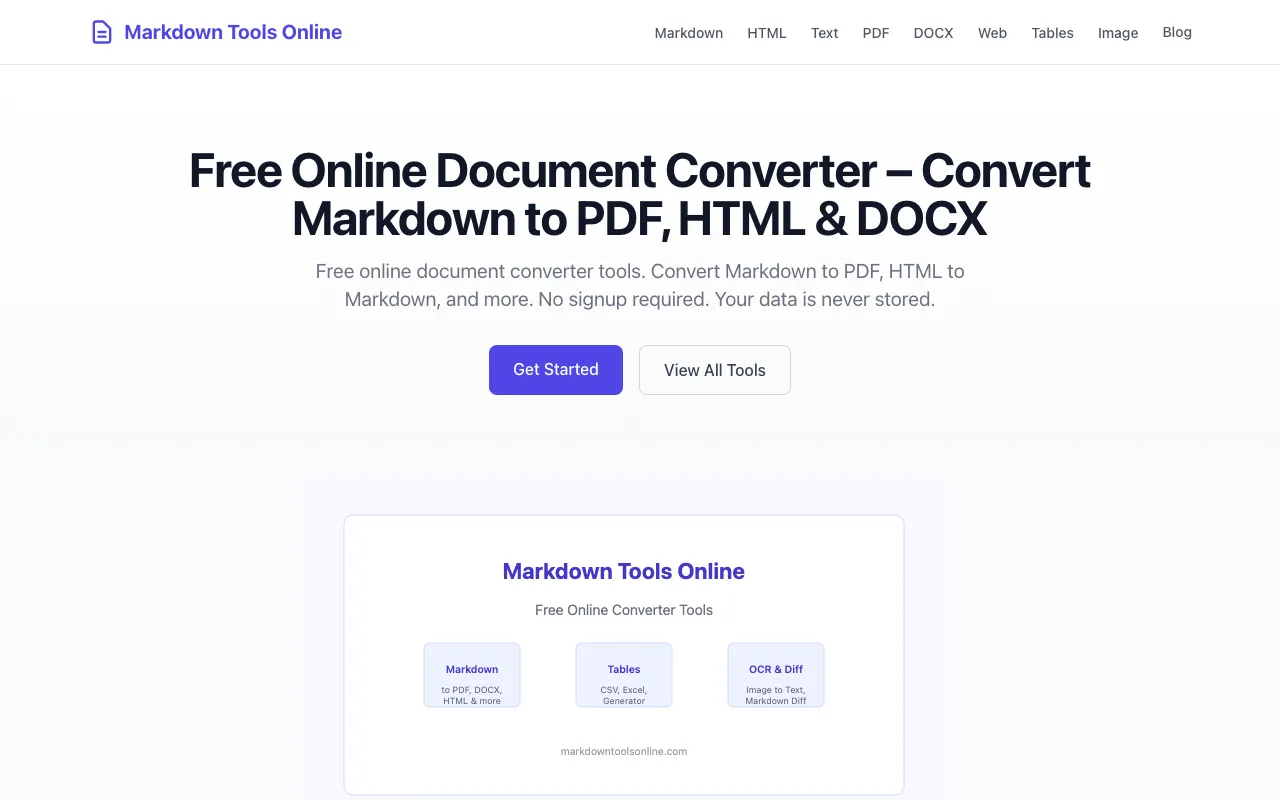
Markdown Tools Online is a free, privacy-first document converter toolkit featuring 16 browser-based tools designed for content professionals and developers. It supports seamless conversion between Markdown, PDF, HTML, DOCX, plain text, CSV, Excel, and multiple image formats. All processing happens locally within your browser with zero server uploads for most formats, ensuring complete privacy and protecting sensitive data from external transmission. The platform requires no user signup and stores no data on its servers. Documents are converted directly in your browser without being transmitted to external servers, making it ideal for users handling sensitive information. This is particularly valuable for professionals who need quick and secure document format conversions while maintaining complete control over their files and intellectual property.
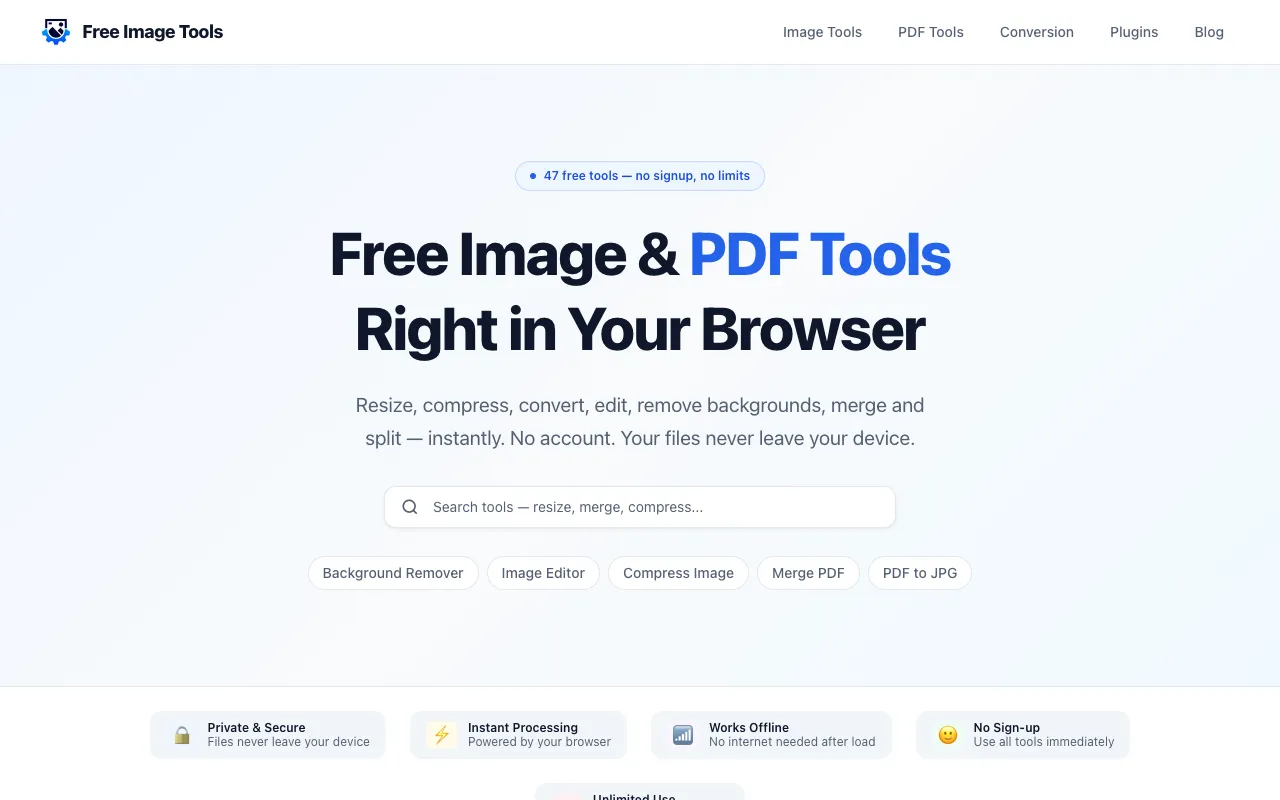
Free Image Tools is a browser-based suite for image and PDF editing, designed for users who need quick file operations without installing desktop software. The platform handles common tasks including image resizing, compression, cropping, format conversion, watermarking, and background removal, alongside PDF functionality like merging, splitting, page rotation, and compression. Processing happens locally in your browser, eliminating privacy concerns about file uploads. The service requires no signup, account creation, or confusing workflows—simply open the tool, add your file, adjust settings, and download the result. Ideal for creators, students, developers, marketers, and small business owners who regularly perform routine image and document editing.
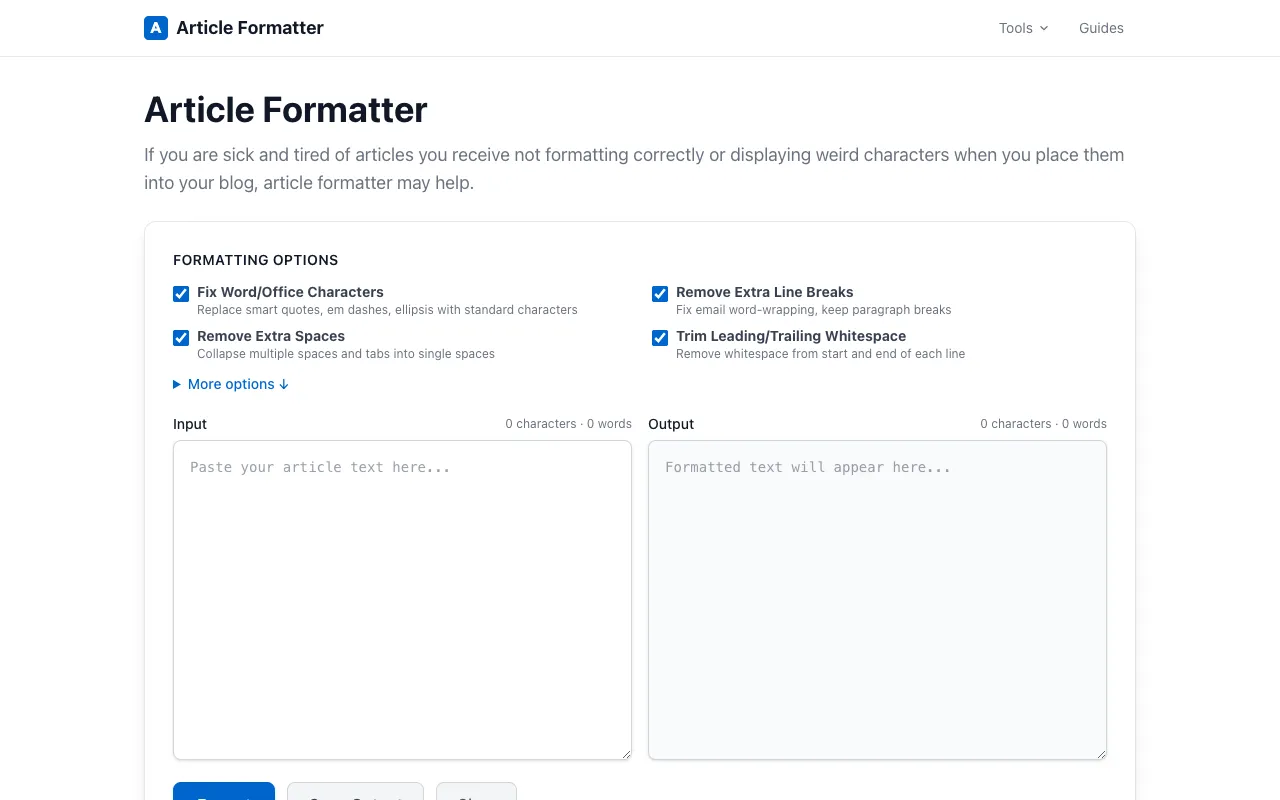
Article Formatter is a free, client-side tool suite designed for formatting and cleaning up text and articles. It provides multiple utilities for analyzing text, including word and character counts, and offers a range of format conversion options such as Markdown to HTML conversion, CSV to table conversion, and JSON formatting. Additional features include text comparison through diff tools and intelligent smart quote fixing to ensure proper punctuation and formatting throughout your content. The tool works entirely in your browser with no sign-up required and no file uploads to external servers, keeping your data private and secure. It's specifically designed for writers, editors, developers, and content creators who need quick and reliable formatting and conversion utilities for articles, documentation, and various types of text content.
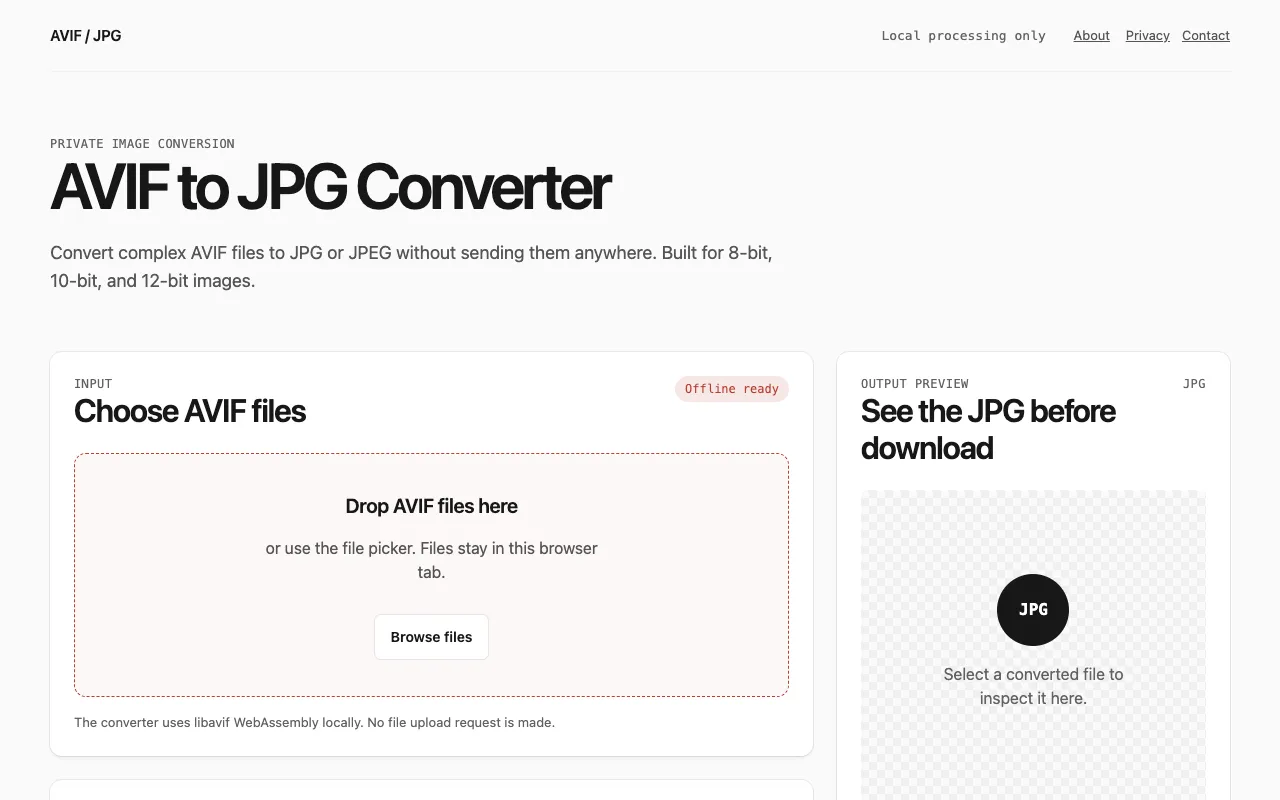
A free online converter that transforms AVIF image files to JPG or JPEG format directly in your browser without requiring any software installation. The tool supports batch processing, allowing you to convert multiple images simultaneously. It offers granular controls for adjusting the output quality and resizing images to your preferred dimensions, giving you full flexibility and control over the final conversion results. All processing happens entirely locally without uploading files to any server, ensuring your privacy and enabling faster conversion speeds. You can download converted images individually as they complete, or export all results as a single ZIP file for convenient bulk downloads. No account, email, or registration is required to access or use the service, making it accessible to everyone.
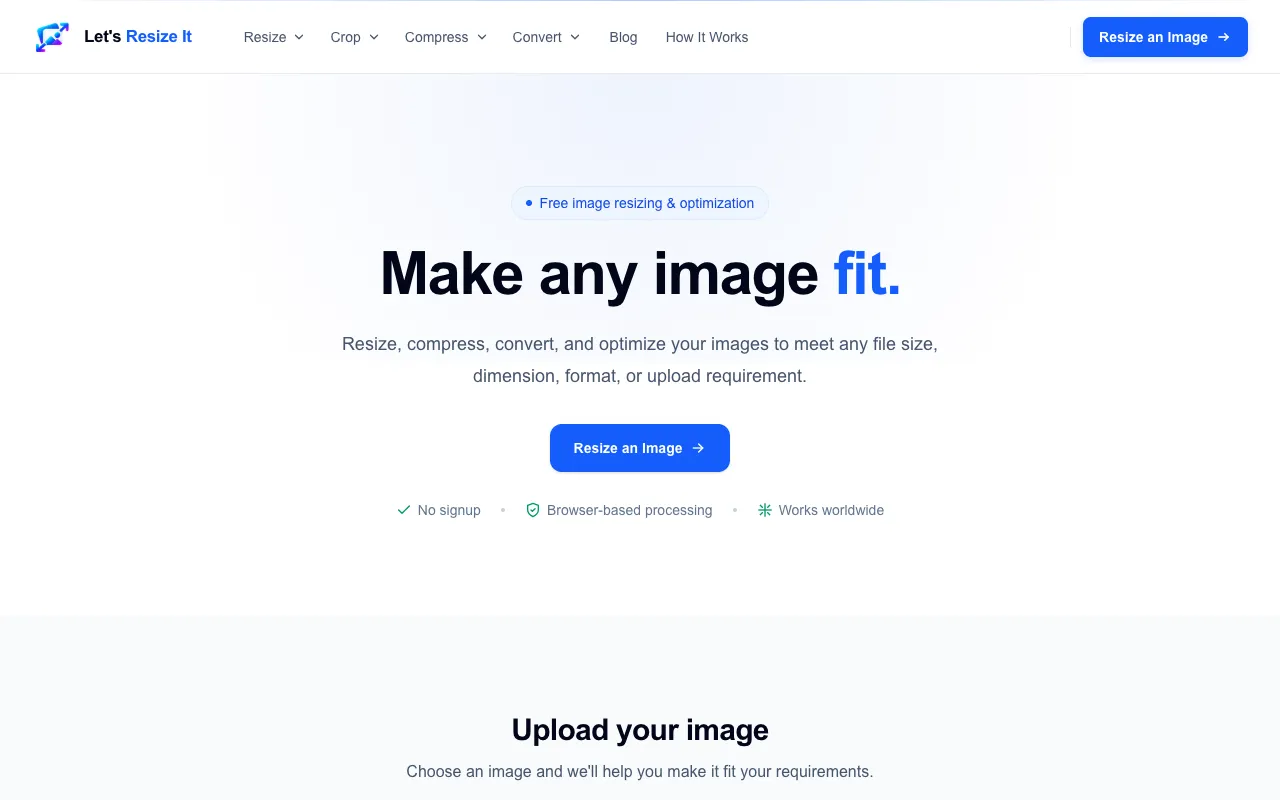
Let's Resize It offers a comprehensive and accessible collection of browser-based image editing tools that require no installation or software download to use. The platform delivers essential image manipulation capabilities for JPG, PNG, and WebP formats, serving users with common web, social media, and professional image processing needs and requirements. Key tools within the suite enable precise image resizing to specific pixel dimensions, efficient file compression to reduce storage and bandwidth usage, and seamless format conversion between supported image types. The platform includes advanced features for exact file-size targeting and detailed pixel-dimension specifications, making it particularly valuable for meeting platform upload requirements, optimizing images for web performance, adhering to social media display standards, and preparing images for various professional and personal use cases.
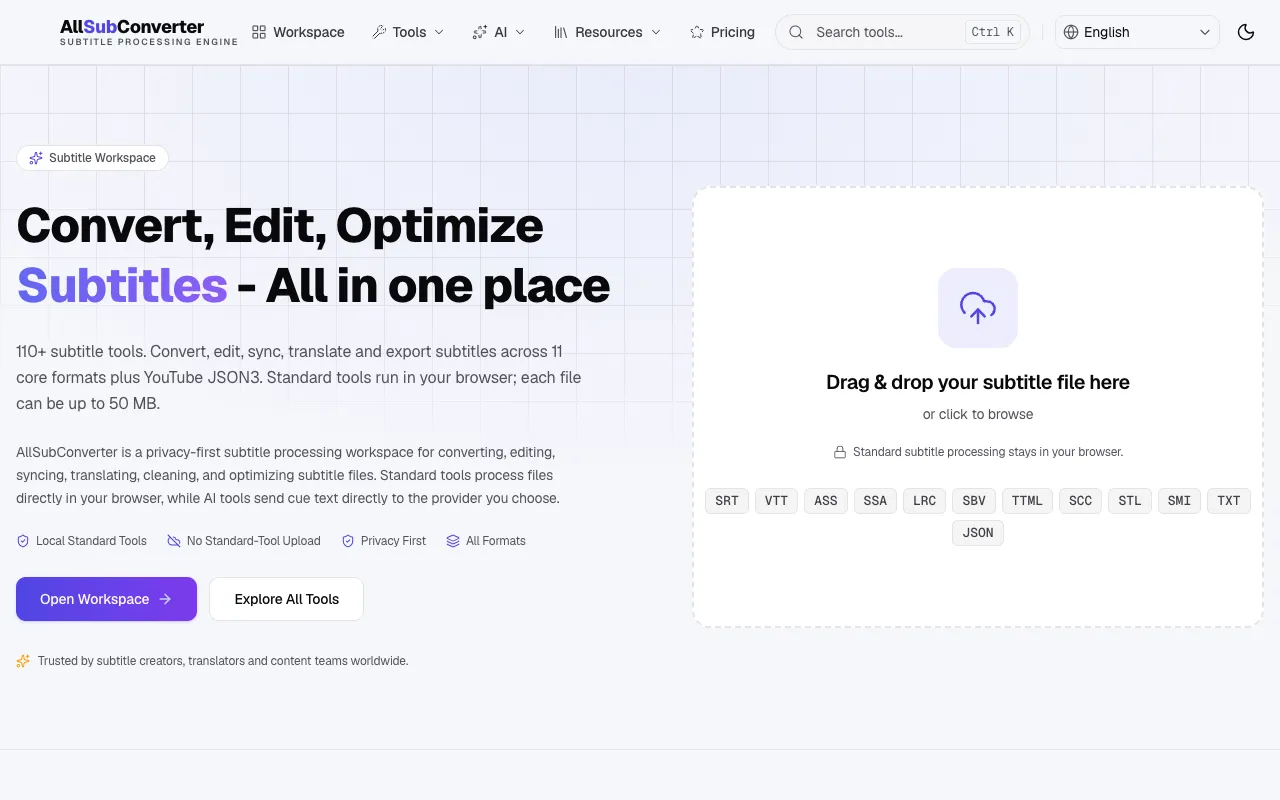
A free browser-based toolkit for managing subtitle files across multiple formats including SRT, VTT, ASS, SSA, and LRC. The suite combines conversion, editing, and quality assurance capabilities in a single interface, allowing users to work with virtually any subtitle format. Whether you're synchronizing subtitles with video, correcting encoding issues, or converting between standards, the suite provides the necessary tools. Key features include batch processing for handling multiple files simultaneously, automatic syntax checking to identify errors before use, and timing synchronization tools for precise subtitle-to-video alignment. All processing happens directly in your browser without requiring software downloads or installations.
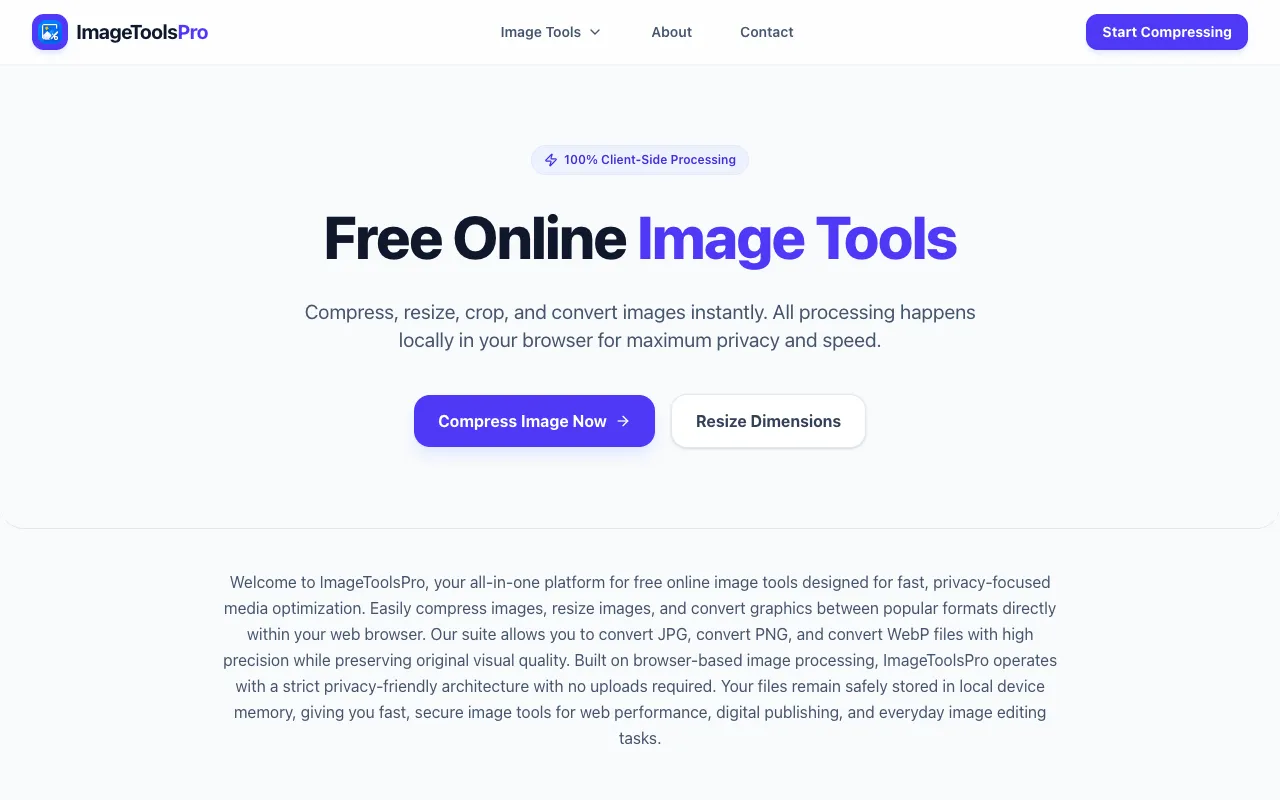
ImageToolsPro is a free online collection of browser-based image tools specifically designed for quick and efficient processing of common image editing tasks. It natively supports popular image formats including JPG, PNG, and WebP. The platform provides specialized tools for image compression to reduce file sizes, resizing to adjust image dimensions and aspect ratios, and format conversion to seamlessly switch between different image types and standards. All image processing computations happen locally in your browser environment, which means your images remain secure on your device and never need to be uploaded to external servers. This client-side processing approach provides complete privacy, enhanced security, and faster performance since image processing doesn't depend on remote servers, internet bandwidth, or cloud infrastructure availability.