Document Translator
Document Translator is a browser-based tool that translates multiple file formats including PDF, DOCX, TXT, and Markd...
What Document Translator does
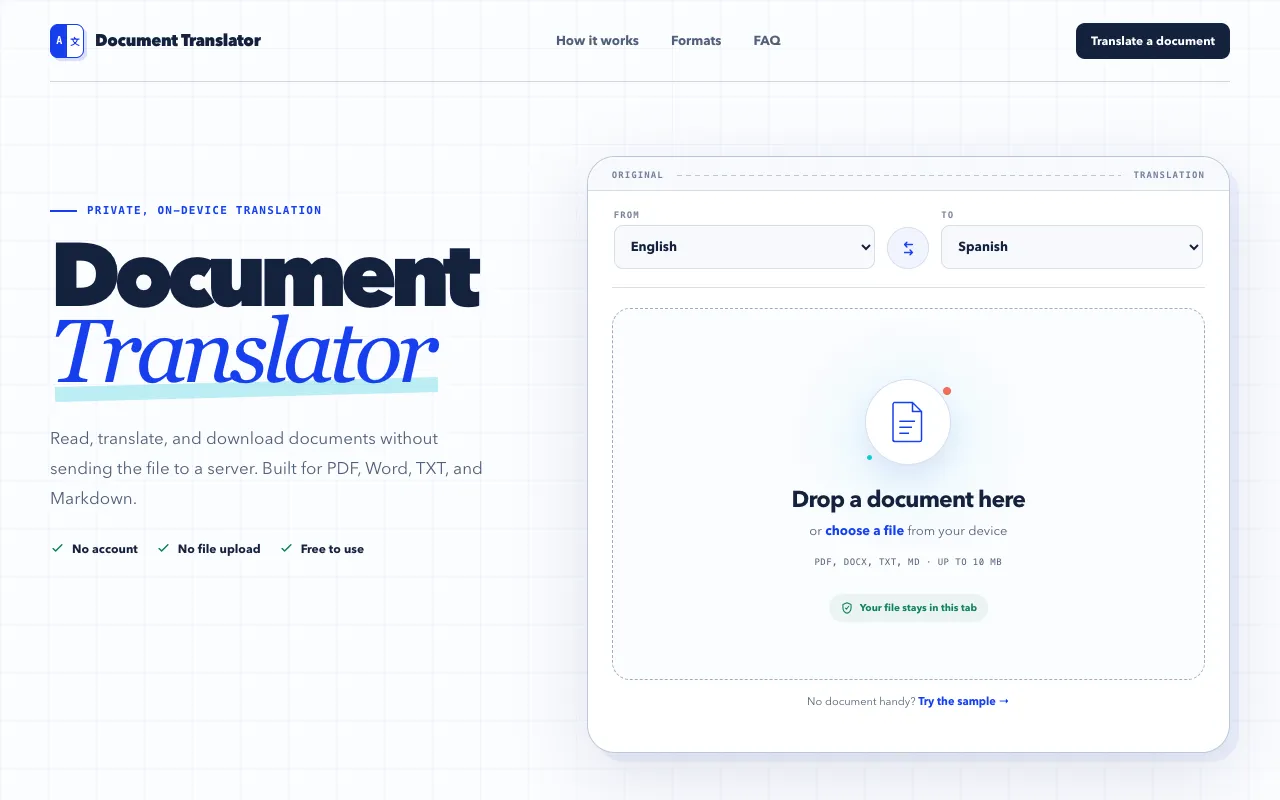
Document Translator is a browser-based utility that translates PDF, DOCX, TXT, and Markdown files without leaving your computer. It produces a side-by-side comparison of the original and translated text, and outputs the result as a downloadable document. The service handles batch processing of multiple file types and preserves document structure such as paragraphs, tables, headers, and footers when translating Word files, though complex inline formatting may be simplified in the translated output.
How to use the Document Translator Document Translator
- 1
Open your document by dragging it into the tool or choosing a file from your device; reading happens locally inside the browser tab.
- 2
Translate on device as Chrome downloads the needed language pack and processes the text locally, keeping your file private.
- 3
Review and download the translated file, comparing source and translation side by side before copying or saving the result.
- 4
Choose your desired output language from the supported list, which includes English, Spanish, French, German, Italian, Portuguese, Japanese, Korean, and Chinese.
Best for
Users who need to translate documents while keeping their data private, especially those working with Word files that require preserved formatting and structure.
Limitations
- Complex inline formatting may be simplified inside translated paragraphs.
- Translated PDF content is downloaded as TXT rather than preserving the original PDF layout.
- The tool requires the user to manually select a language pair; auto-detection is not mentioned.
Document Translator FAQ
- Is my document uploaded to a server when I use Document Translator?
- No, the translation processing happens locally in your browser; files are not uploaded to servers and remain stored only on your device.
- Can I translate PDF files with Document Translator?
- Yes, the tool supports PDF translation, though downloaded translated PDF content is provided as TXT format rather than preserving the original layout.
- What file formats does Document Translator support?
- The tool supports PDF, DOCX, TXT, and Markdown file formats for translation.
- Does Document Translator preserve document formatting after translation?
- For Word DOCX files, the tool preserves paragraph order, tables, headers, footers, and styling where possible, though complex inline formatting may be simplified in the translated output.
Similar tools
Based on shared tags