CSV Tools Suite
CSVTool is a comprehensive, browser-based suite of 63 free utilities designed for working with CSV files. It provides...
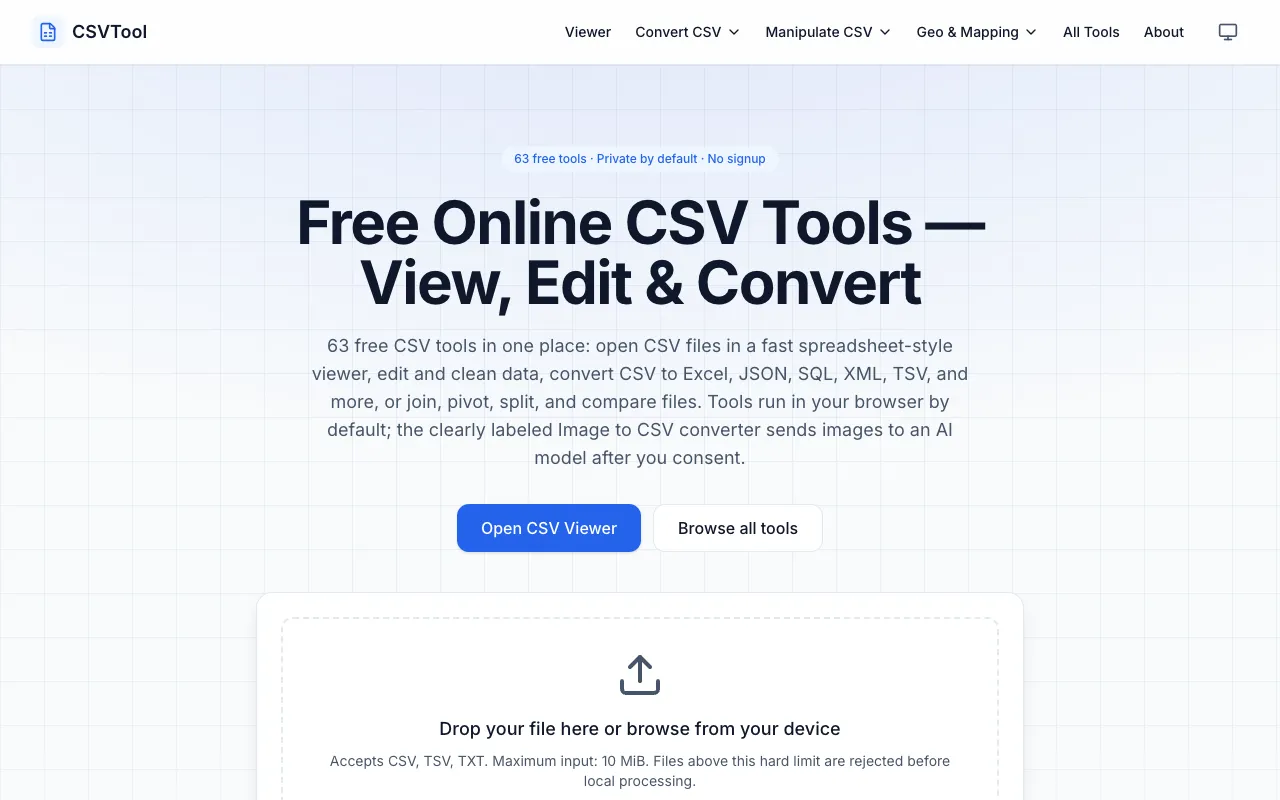
What CSV Tools Suite does
CSVTool is a browser-based suite of 63 free utilities for working with CSV files. Users can view, edit, and convert data into formats such as Excel, JSON, SQL, XML, and TSV. The tools handle tasks like joining multiple files, pivoting data, splitting records, and comparing datasets. All processing occurs within the user's browser, ensuring privacy since no account signup is required and data never leaves the device. The platform accepts files up to 10 MiB and supports various input formats including CSV, TSV, and TXT. Beyond basic conversion, the suite offers specialized utilities for data manipulation and validation, making it a comprehensive solution for CSV-related tasks entirely within the browser.
How to use the CSVTool CSV Tools Suite
- 1
Drop a CSV file or paste data into the browser interface
- 2
Select the desired conversion or editing tool from the 63 available utilities
- 3
Review the output displayed in the browser grid or download the converted file
- 4
Utilize additional features like splitting large files, comparing datasets, or validating malformed CSV structures as needed
Best for
Ideal for individuals and teams needing a private, no-signup solution for viewing, editing, and converting CSV files without installing software, particularly those handling sensitive data that must remain local.
Limitations
- Files larger than 10 MiB are rejected before processing
- Advanced features like AI image conversion require explicit user consent
- Browser memory constraints may limit very large dataset handling
CSV Tools Suite FAQ
- Is my data kept private when using CSVTool?
- All conversion tools run client-side in the browser; there is no server-side processing, ensuring complete privacy for your files.
- What file formats can I convert CSV files to using CSVTool?
- The suite supports conversion to Excel, JSON, SQL, XML, TSV, and Parquet formats, plus manipulation tools for joining, pivoting, splitting, and comparing CSV datasets.
- What is the maximum file size I can upload to CSVTool?
- Files above 10 MiB are rejected before local processing, so keep your CSV files under this limit for successful conversion.
- Do I need to create an account to use CSVTool's conversion features?
- The platform is 100% free with no signup required, allowing immediate access to all conversion and editing tools.
Similar tools
Based on shared tags