7 tools
Converts images between popular formats, including JPEG, PNG, WebP, GIF, HEIC, AVIF, TIFF, BMP, ICO, SVG, and PDF. Supports batch conversion for processing multiple files efficiently. Ideal for developers, designers, and anyone needing to standardize image files across different platforms or applications. Useful for web developers preparing images for optimized website loading times, graphic designers needing consistent file formats in their projects, and professionals handling a large volume of image data for various purposes.
Image Tools Suite offers users an array of functionalities for manipulating and enhancing image resolution directly in their web browsers. The suite includes tools for resizing images to various dimensions, converting between different image formats, and improving the overall quality of digital photos. All processing is done client-side, ensuring that no data is sent to external servers, and users can access the service without registration or any tracking. Available in multiple languages including Chinese, Simplified Chinese, Japanese, and Spanish, Image Tools Suite provides a convenient solution for those needing image editing capabilities online.
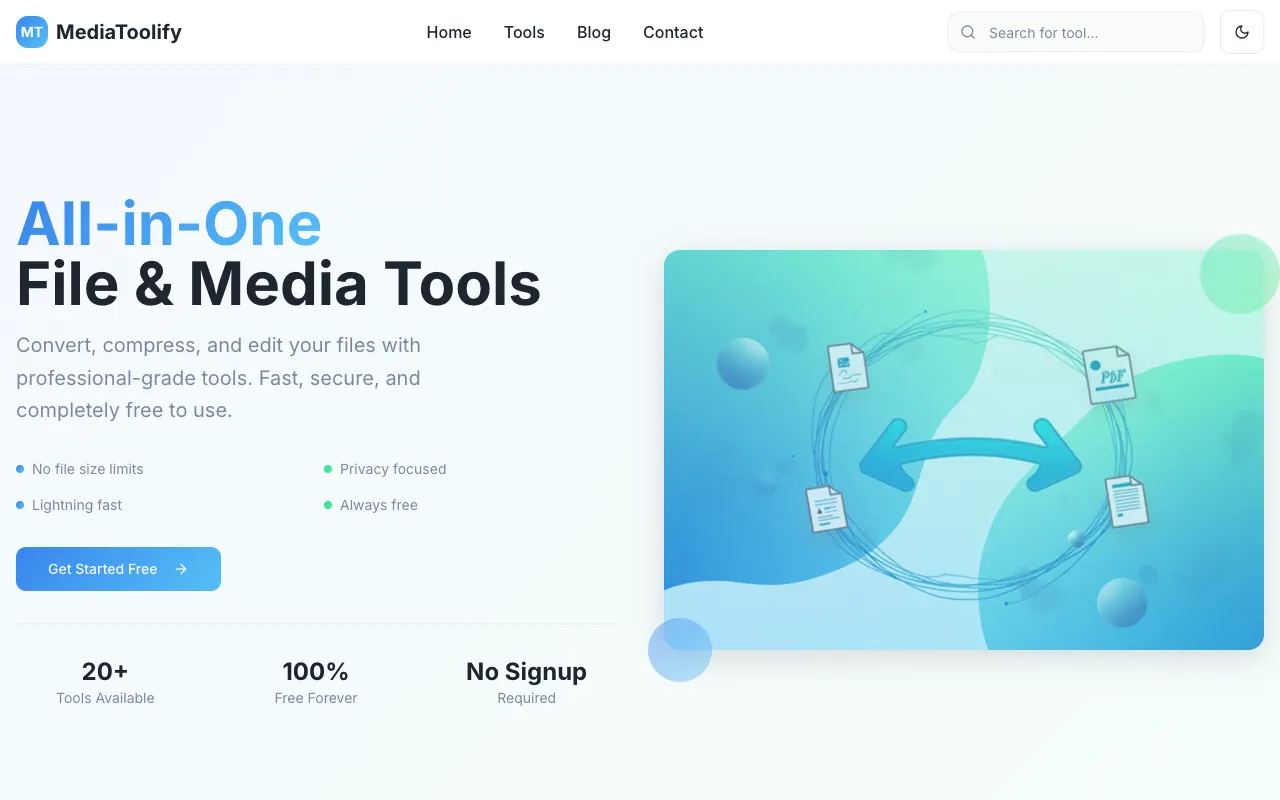
MediaToolify is a collection of free browser-based utilities for working with images and videos. The platform offers comprehensive image conversion tools supporting multiple file formats, along with compression and optimization features designed to reduce file sizes while maintaining visual quality. Users can quickly process media without installing software. The suite includes tools for resizing, cropping, and transforming media files to suit various needs. All utilities run directly in your browser with no account or login required, making the platform convenient for quick media editing and format conversion tasks. It's designed for users who need fast, accessible media processing tools.
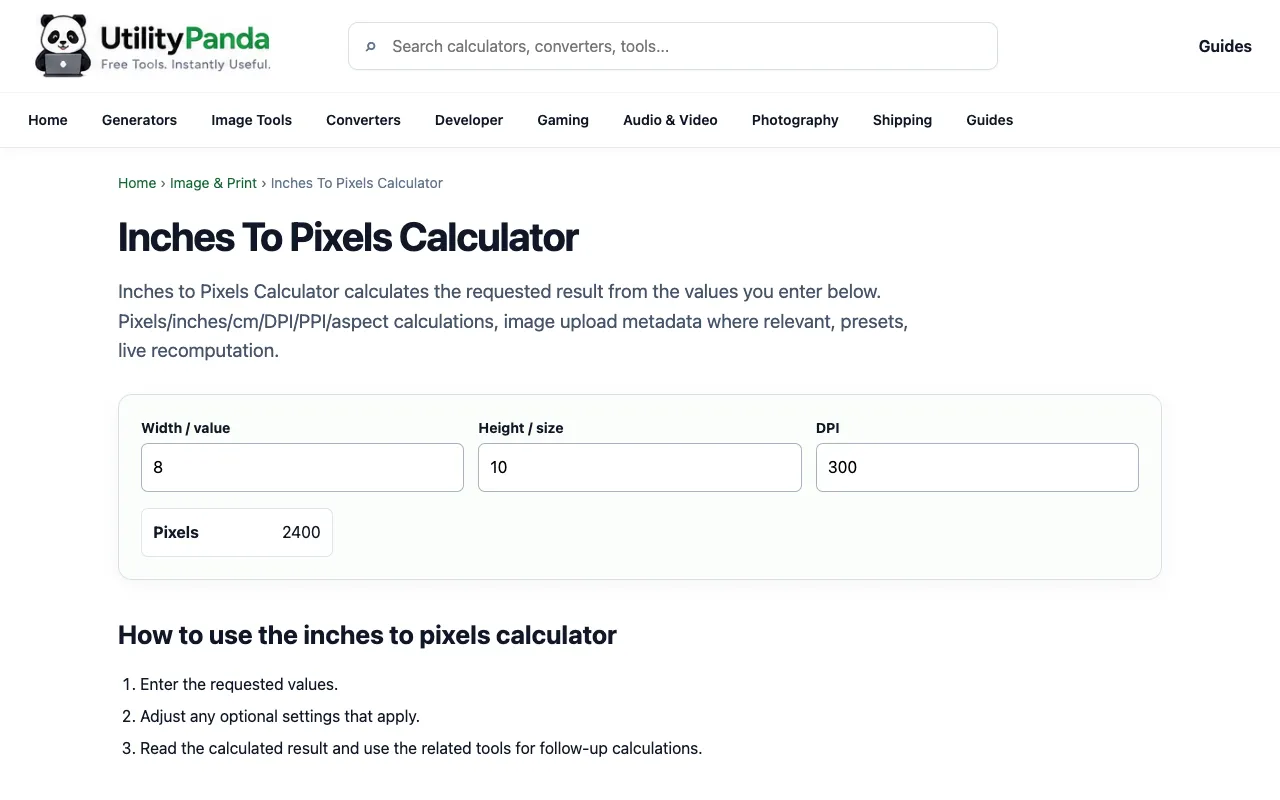
Converts physical dimensions in inches to their pixel equivalents based on a specified DPI or PPI (dots per inch or pixels per inch) value. This conversion is essential for designers and developers who need to accurately translate real-world measurements into digital specifications. The calculator accepts inch measurements and DPI values to instantly compute the corresponding pixel dimensions without any complex mathematical calculations. Operates entirely in your browser with no account creation required, making it quick and accessible for immediate use. Results are displayed instantly, allowing for rapid iteration when working on design projects or preparing images for digital publishing. The tool automates all mathematical conversion operations, eliminating manual calculation errors and ensuring consistently accurate translations between physical and digital measurements.
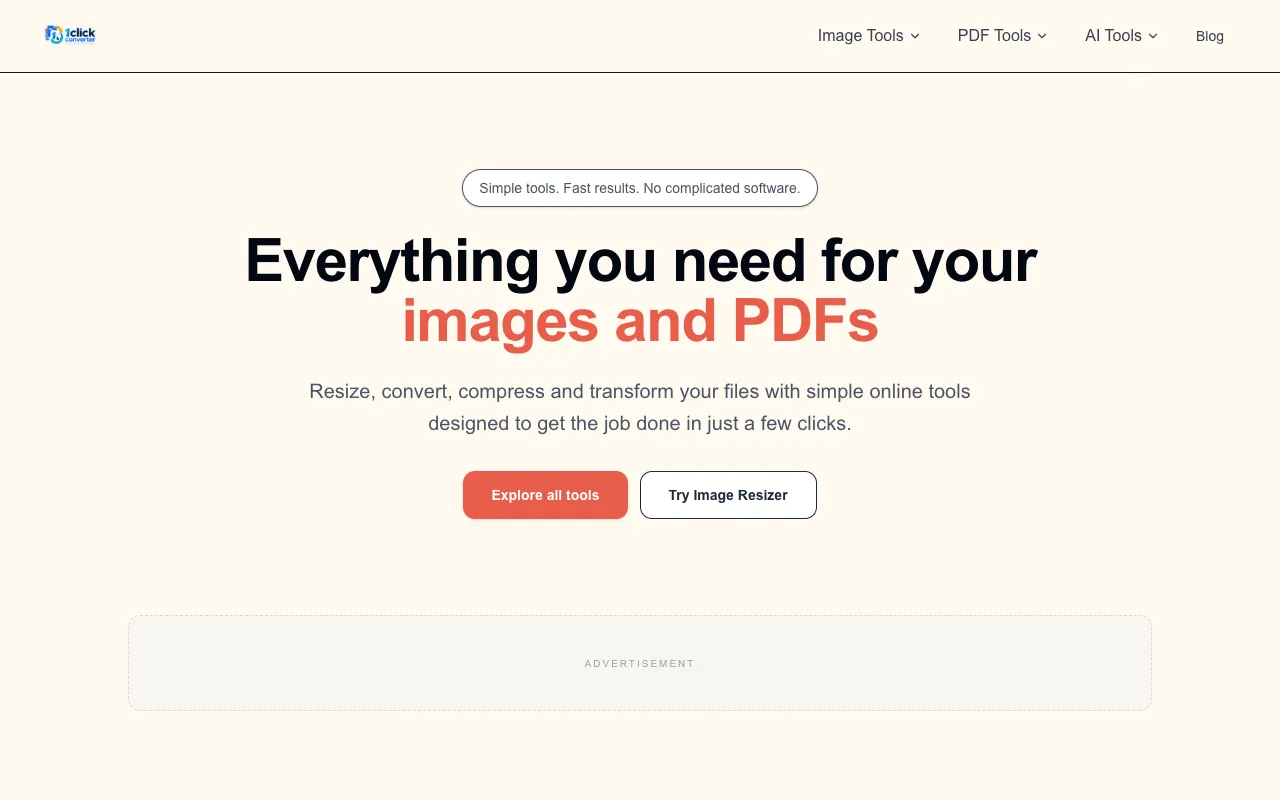
1ClickConverter is a free, browser-based platform for image and PDF processing without requiring registration or account creation. The platform provides a comprehensive suite of tools for image optimization, resizing, and format conversion, alongside robust PDF utilities and advanced document processing features. All tools are accessible directly in your browser without downloads or installations, featuring AI-enhanced capabilities for improved processing results. The platform emphasizes privacy and speed, designed for quick access to common conversion and optimization tasks. It offers registration-free tools that work entirely in-browser, featuring robust document and image processing capabilities with integrated AI enhancements. The privacy-first infrastructure protects user data, while the browser-based design provides immediate access without software downloads, making it ideal for fast and efficient document and image conversions.
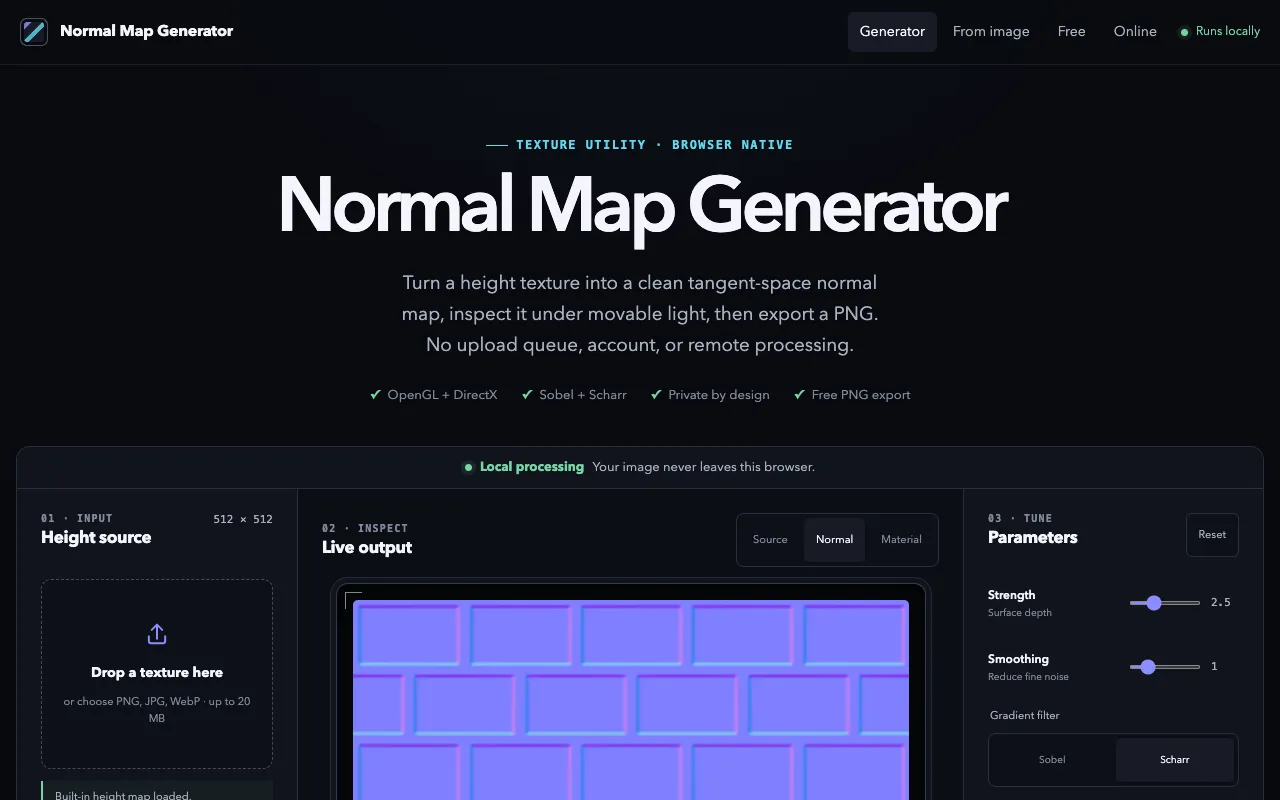
A browser-based tool for converting height map textures (PNG, JPG, or WebP) into tangent-space normal maps entirely on your machine. No account or file uploads required—all processing happens locally in your browser for complete privacy. Designed for game developers, 3D artists, and graphics programmers who need to convert height maps into normal maps for 3D models and games. Features include real-time 3D preview with live lighting to visualize how your generated normal map renders on geometry. Adjustable strength and smoothing controls let you fine-tune the conversion quality to match your needs. The tool supports both OpenGL and DirectX normal map formats for compatibility with different 3D engines and graphics applications. Export your finished normal map as PNG for immediate use in your game engines, 3D software, or graphics pipelines.
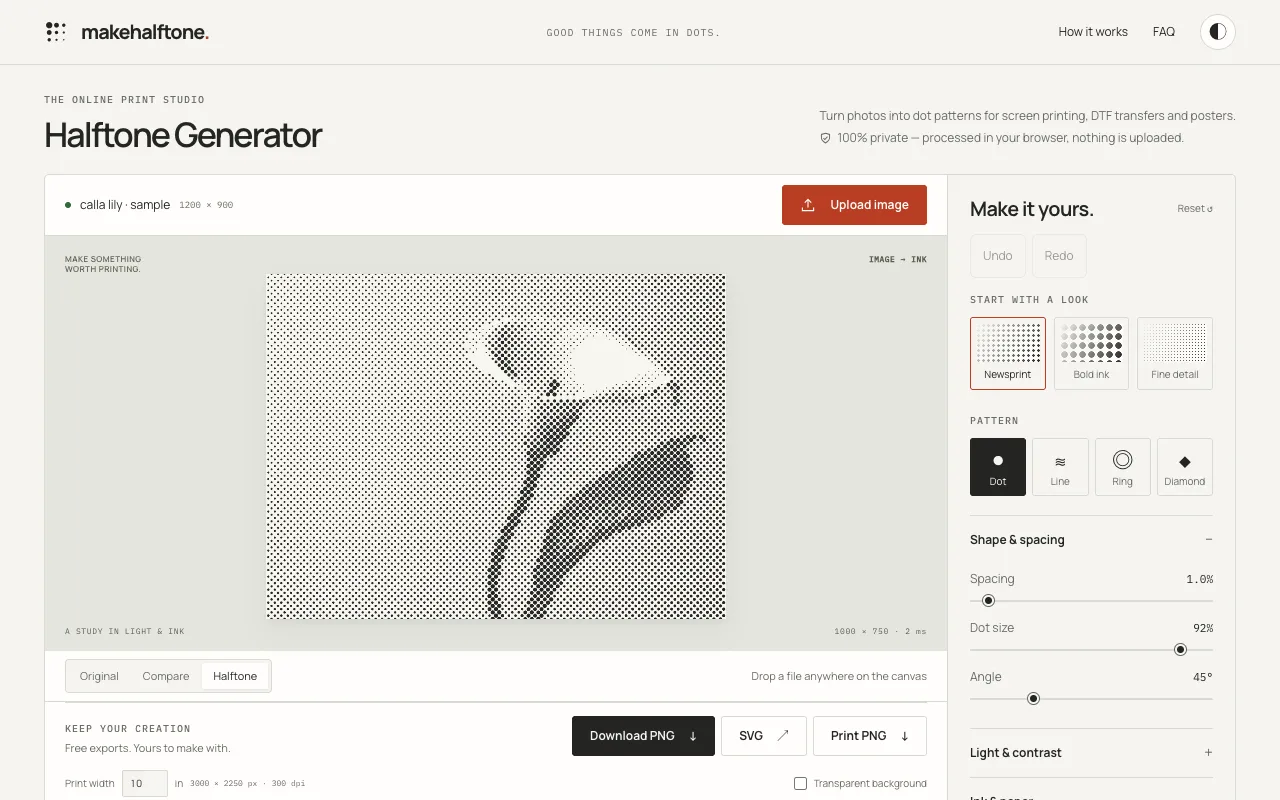
MakeHalftone converts photographs into print-ready halftone dot patterns directly in your browser. The tool transforms photos into black and white or color dot patterns suitable for screen printing, DTF (direct-to-film), and poster production. All image processing happens locally in the browser with no file uploads, ensuring complete privacy and instant results. The generator is ideal for artists, designers, and print shops preparing images for physical reproduction. It offers customizable dot sizing and pattern parameters to optimize output for different printing techniques and achieve the desired visual effect. The tool enables precise control over pattern appearance, making it suitable for various printing workflows from personal creative projects to professional applications. Results can be easily downloaded and used in production workflows or design software.