Excel Tools Suite
ExcelTool is a free online platform providing a comprehensive suite of tools specifically designed for working with E...
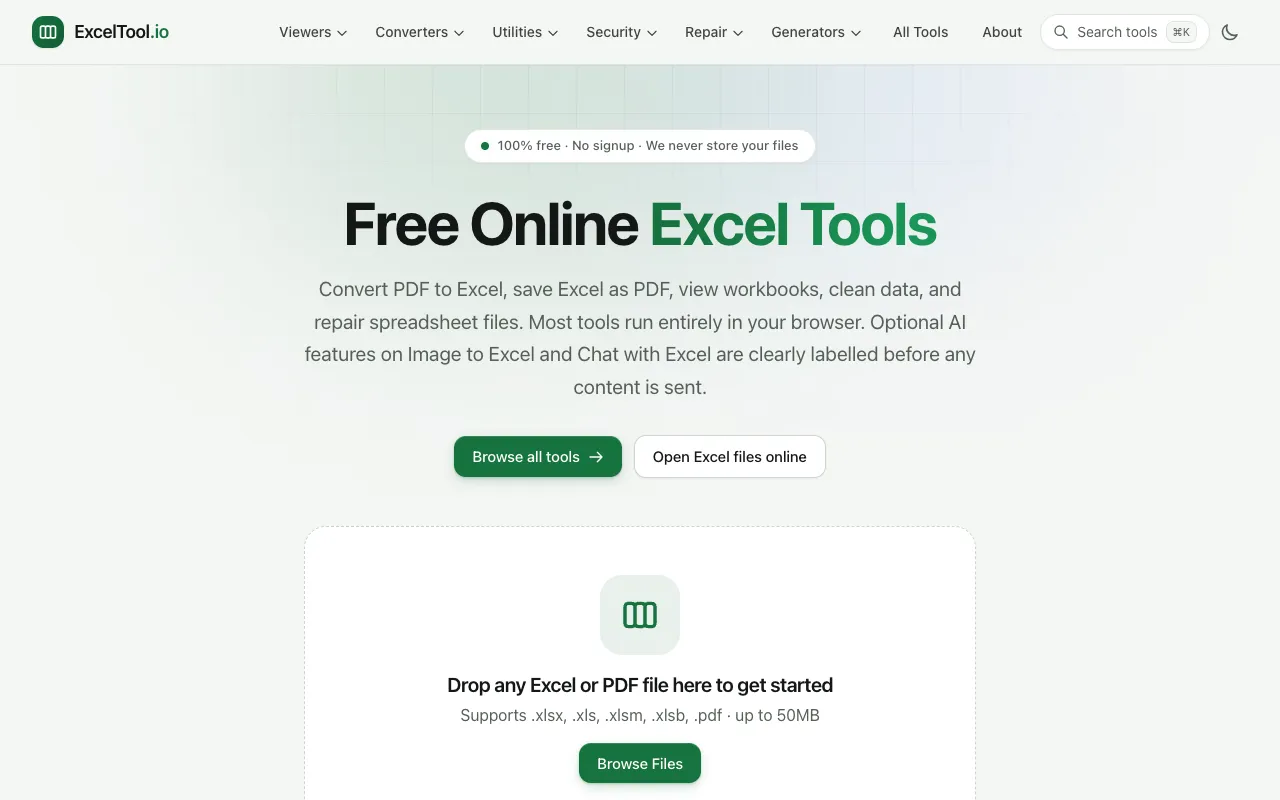
What Excel Tools Suite does
A clean, functional tool for converting PDF tables into editable Excel files, with straightforward options for handling page ranges and output formats. Ideal for quick, reliable conversions without registration barriers or hidden costs, though the interface is utilitarian rather than visually polished. Best for users who need to convert individual or small batches of PDF pages to Excel without signing up or paying.
How to use the ExcelTool Excel Tools Suite
- 1
Go to the Excel to PDF converter page.
- 2
Upload your PDF file using the 'Choose File' button or drag-and-drop.
- 3
Click 'Convert' to start the conversion process.
- 4
Download the converted Excel file once processing is complete.
Best for
Users who need to quickly convert individual PDF pages to Excel format without registration or payment, particularly useful for occasional one-off conversions of small to medium-sized PDFs.
Limitations
- Limited to processing one file at a time.
- May have file size restrictions for very large PDFs.
- Conversion quality depends on the complexity of the original PDF layout.
Excel Tools Suite FAQ
- Can I convert multiple PDF files at once?
- No, the tool processes one file at a time. You would need to repeat the process for each PDF.
- Is there a file size limit?
- The tool doesn't specify file size limits, but very large PDFs may take longer to process or require a stable internet connection.
- Do I need to create an account to use this tool?
- No, the service appears to be free to use without requiring an account or registration.
Similar tools
Based on shared tags