Gamepad Tester
Browser-based testing tool for gaming controllers across all major platforms, including Xbox, PlayStation, Nintendo S...
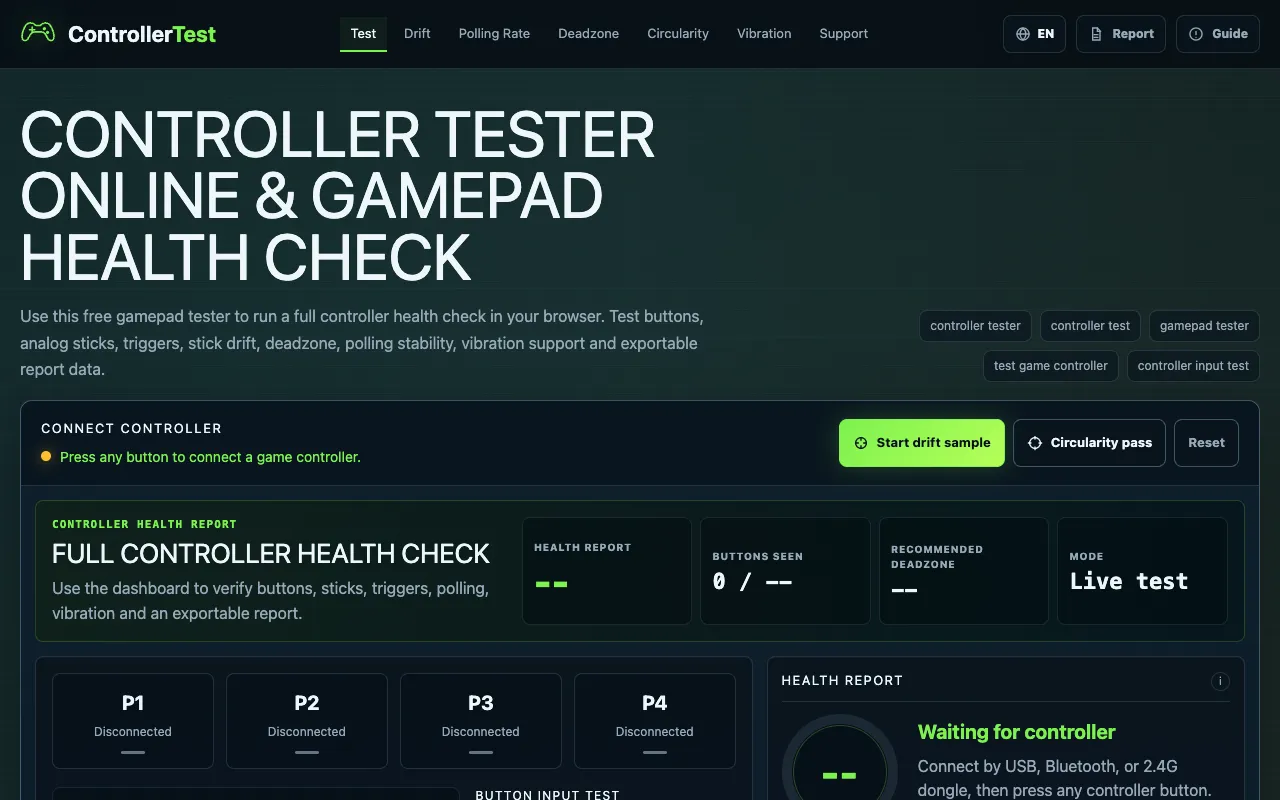
What Gamepad Tester does
Controller Tester Online is a browser-based gamepad testing tool that lets anyone run a full health check on gaming controllers across Xbox, PlayStation, Nintendo Switch, and PC without installing software. Users get real-time visual feedback on button presses, analog stick positions, and trigger actuation, plus detailed diagnostics that include stick drift detection, deadzone calibration, circularity measurement, and polling rate estimation. The tool can generate a detailed local diagnostic report and tests vibration support and force feedback functionality.
How to use the Controller Test Online Gamepad Tester
- 1
Connect your controller via USB, Bluetooth, or adapter and press any button so the browser can expose the gamepad
- 2
Press every button, pull both triggers, rotate both sticks, and let the page collect drift, circularity, and polling samples
- 3
Review the health score, warnings, and activity log that show button inputs, axis values, and stick drift measurements
- 4
Use the export tools to generate repair notes, used controller checks, or support screenshots
- 5
Run the full controller check in one repeatable pass before moving to specialized test pages
Best for
PC gamers, console players, and hardware enthusiasts who want a quick, free way to verify their controller is working correctly, diagnose stick drift, or test vibration support before buying or repairing a device.
Limitations
- Results depend on browser gamepad API support and may vary across devices
- Advanced diagnostics like polling rate and circularity are estimates rather than calibrated measurements
- No unit switching or cross-platform controller mapping customization is offered
Gamepad Tester FAQ
- Do I need to install any software or drivers to use Controller Tester Online?
- No, the tool runs entirely in your browser using the standard Gamepad API, so no installation or drivers are required beyond a compatible browser and an active controller connection.
- Can I test controllers for all major consoles like Xbox, PlayStation, and Nintendo Switch?
- Yes, the tool supports testing across Xbox, PlayStation, Nintendo Switch, and PC controllers as long as the browser can detect the gamepad device.
- What kind of diagnostics does the tool provide besides button testing?
- The tool provides stick drift detection, deadzone calibration suggestions, circularity measurement, polling rate estimation, vibration support testing, and a detailed exportable diagnostic report.
- Is the health score a precise technical metric or a general summary?
- The health score is a practical summary derived from visible input, stick drift, circularity, polling stability, trigger range, and vibration capability, meant to give a quick overview rather than a precise technical measurement.
Similar tools
Based on shared tags