SVG to Lottie Converter
This is a free browser-based converter that transforms SVG icons into Lottie animation formats. Users can upload thei...
What SVG to Lottie Converter does
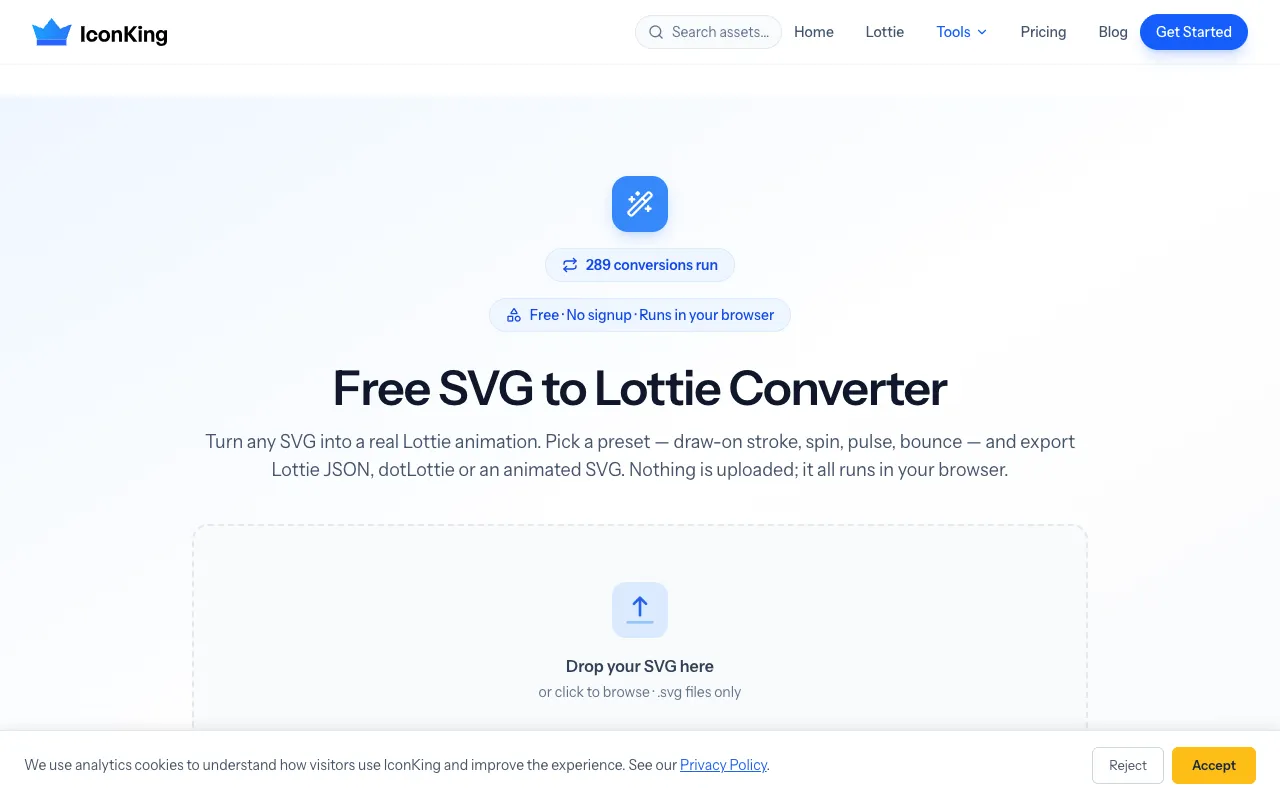
The SVG to Lottie Converter on IconKing transforms static SVG icons into animated Lottie files directly in the browser. Users upload an SVG and apply predefined motion presets like draw-on, spin, pulse, and bounce to add smooth animation to otherwise static graphics. The tool outputs three formats—Lottie JSON, dotLottie, and animated SVG—ensuring compatibility with various development workflows and animation libraries. As a completely free, browser-based service, it requires no account signup, keeping all file processing local for privacy and instant results.
How to use the IconKing SVG to Lottie Converter
- 1
Upload your SVG file by dragging it onto the converter or browsing from your device
- 2
Select an animation preset such as draw-on stroke, spin, pulse, or bounce to apply motion to your icon
- 3
Review the animated preview and adjust settings if needed
- 4
Download the result in your preferred format: Lottie JSON, dotLottie, or animated SVG
Best for
Designers and developers who need to quickly animate SVG icons into lightweight Lottie format without leaving the browser or paying for software.
Limitations
- Only accepts .svg files, limiting use with other graphic formats
- Motion presets are predefined and may not cover all desired animation styles
- Complex or heavily detailed SVGs may produce larger export files
SVG to Lottie Converter FAQ
- Do I need to install any software or create an account to use the SVG to Lottie Converter?
- No, the converter runs entirely in your browser and requires no account signup or software installation.
- What animation presets are available when converting an SVG to Lottie?
- The tool offers predefined motion presets including draw-on stroke, spin, pulse, bounce, float, shake, swing, pop in, and fade in.
- Which export formats are supported after converting an SVG to Lottie?
- You can export your animation as Lottie JSON, dotLottie, or an animated SVG that plays natively with CSS.
- Are there file size limits or restrictions on the SVG files I can upload?
- The tool processes SVG files directly in the browser, but very complex or detailed SVGs may result in larger export file sizes.
Similar tools
Based on shared tags