Cross-Device Transfer
IcyZip enables users to transfer text and files between computers and phones by pairing two browsers through a QR cod...
What Cross-Device Transfer does
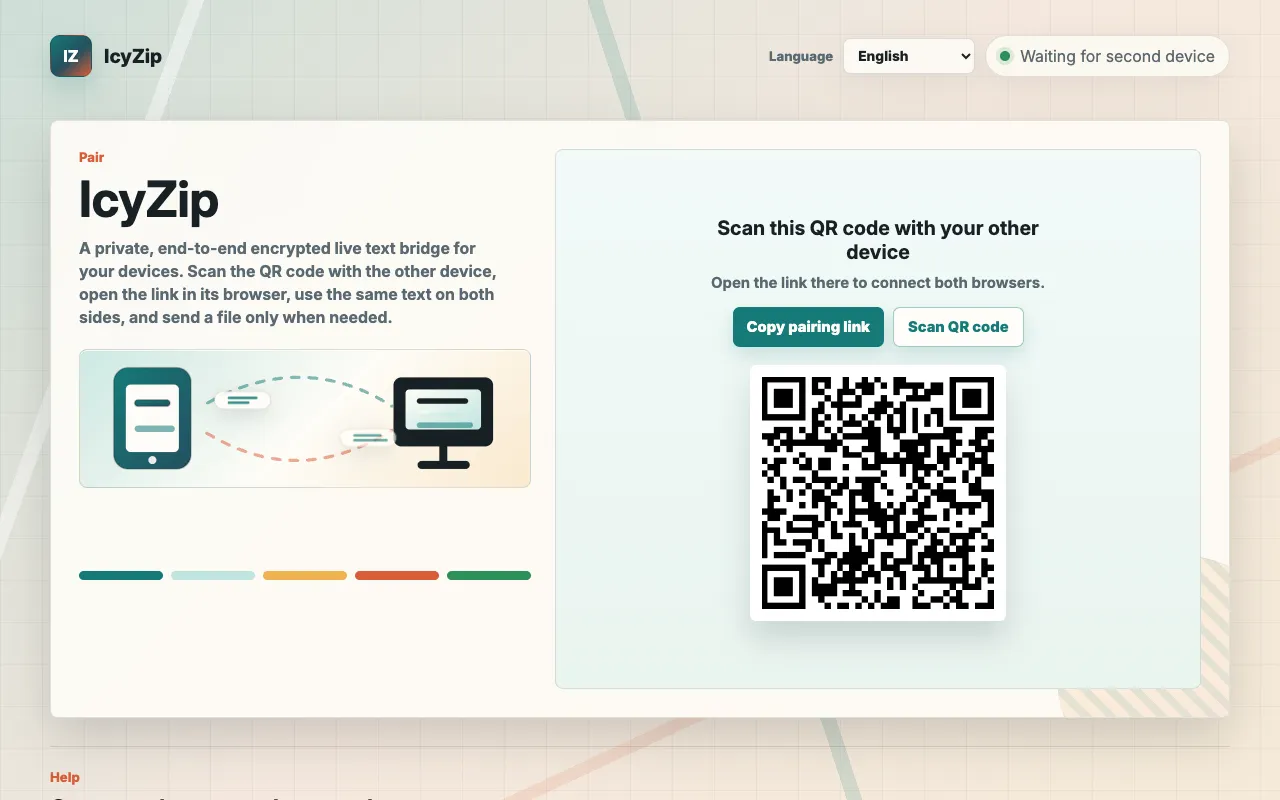
IcyZip is a browser-based tool that lets users transfer text and files between computers and phones without creating an account or installing software. By scanning a QR code or opening a pairing link in two browsers, a live text bridge forms instantly, letting users share notes, links, or codes that appear on the other device right away. Files can also be sent between the paired devices, one at a time and up to 25 MiB each. The service positions itself as a private relay: all text and file bytes are encrypted in the browser before transmission, and IcyZip only stores pairing identifiers, not the content itself.
How to use the IcyZip Cross-Device Transfer
- 1
Open IcyZip on the sending device and scan the QR code with the receiving device, or copy the pairing link to the other browser
- 2
Once both browsers are connected, type or paste text into the shared live text field on either side
- 3
The paired browser shows the synchronized text immediately; click Copy if you want it on that device's clipboard
- 4
To send a file, use the File option while both browsers are connected and wait for the transfer to complete; repeat for further files while the pair stays connected
- 5
Disconnect the pair or close the browser tabs when the transfer is finished
Best for
This option suits anyone who needs to move quick text snippets or individual files between devices without signing up, installing apps, or configuring cloud storage.
Limitations
- Files are sent one at a time, up to 25 MiB each; there is no batch or folder transfer
- Live transfer stops once both browser views are closed
- The service relies on browser compatibility and an active internet connection on both devices
Cross-Device Transfer FAQ
- Do I need to create an account or download an app to use IcyZip?
- No. IcyZip runs entirely in the browser; no account, app installation, email, or cloud drive setup is required.
- Can I transfer files other than text between devices?
- Yes. While both browsers are connected you can send files one at a time, up to 25 MiB each, and make several sequential transfers while the same pair remains connected. The main tool is the shared live text field for quick notes, links, and codes.
- How does IcyZip handle privacy and encryption?
- All text and file bytes are encrypted in the browser before transmission; IcyZip stores only pairing identifiers and relay metadata, not the live text or received files.
- What happens if I refresh or close a browser tab during a transfer?
- Reloading a tab normally reconnects the same still-valid pairing and preserves that tab's draft. Closing both browser views stops live transfer, and a new browser without retained pair data needs the QR code or pairing link to pair again.
Similar tools
Based on shared tags