Image Grid Splitter
Split Image is a free, browser-based tool for dividing photographs into numbered grid layouts, particularly designed ...
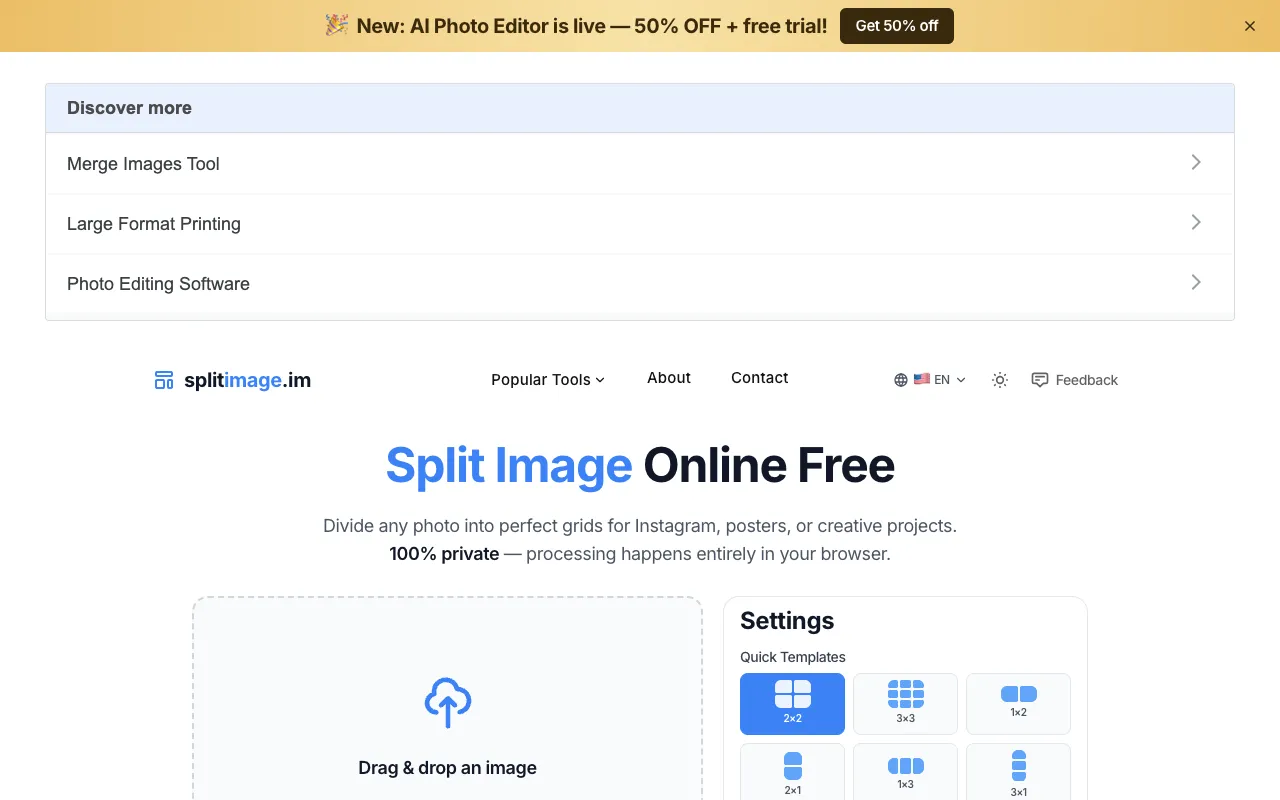
What Image Grid Splitter does
Split Image is a free, browser-based tool for dividing photographs into numbered grid layouts, particularly designed for repurposing images across Instagram carousels, poster designs, and various print projects. The tool requires no account creation, registration, or login to use and works on any device with a web browser. All image processing occurs directly within your web browser on your device with no data uploaded to external servers, maintaining complete privacy and security of your images throughout the entire process. The service produces instant results and is entirely free to use, making it accessible for quick grid creation without cost or registration barriers.
How to use the Split Image Image Grid Splitter
- 1
Drag and drop an image or click to upload from your device
- 2
Select the desired number of rows and columns from the grid options or enter custom dimensions
- 3
Choose output format (PNG, JPG, or WebP) and adjust quality settings to reduce file size if needed
- 4
Click Split to process the image and download individual tiles or the complete result
Best for
Ideal for social media creators and designers who need quick, private grid splits for Instagram carousels, posters, or print projects without account requirements or file uploads.
Limitations
- No unit switching between inches, centimeters, or pixels for grid sizing
- Quality reduction settings only apply to JPG and WebP output formats
- Custom grid dimensions may require manual adjustment of rows and columns
Image Grid Splitter FAQ
- Can I use Split Image on my phone or tablet?
- Yes, the tool works on any device with a web browser since all processing happens locally without requiring an app download or account sign-in.
- Are my images uploaded to the server when I use this tool?
- No, all image processing occurs directly within your web browser on your device with no data uploaded to external servers, maintaining complete privacy and security.
- What output formats are available for the split images?
- The tool supports PNG, JPG, and WebP formats, with quality settings adjustable from 1% to 100% to balance file size and image fidelity.
- Can I create custom grid sizes beyond the preset templates?
- Yes, the tool includes a Custom Split option that allows you to specify any number of rows and columns beyond the preset templates like 2×2, 3×3, or 4×3.
Similar tools
Based on shared tags