3D Model Converter
A browser-based converter for 3D model file formats including STL, OBJ, GLB, glTF, and 3MF. Users can import 3D model...
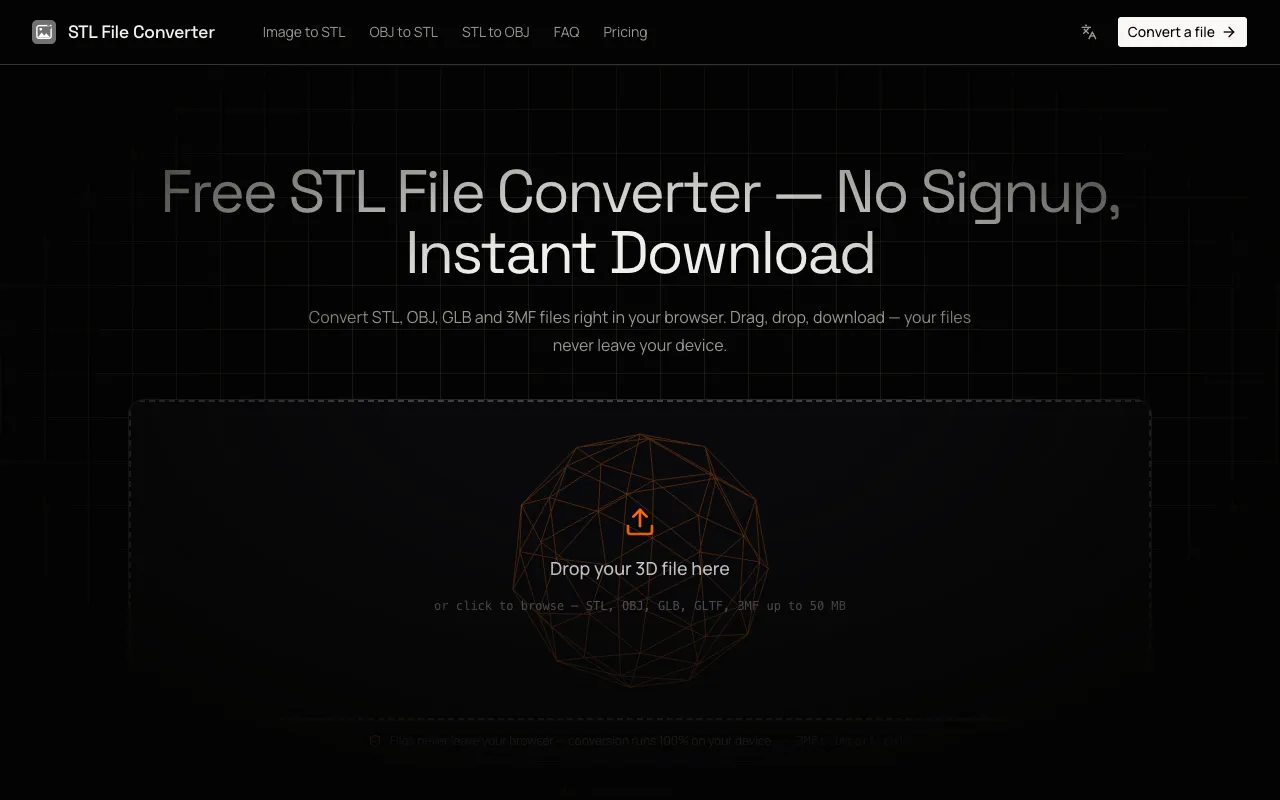
What 3D Model Converter does
The STL File Converter is a browser-based tool that transforms 3D model files between STL, OBJ, GLB, glTF, and 3MF formats. Users upload a model and receive a converted file ready for 3D printing, CAD work, or game development, all without leaving their device. The site emphasizes privacy by processing every file locally in the browser, meaning no uploads, no size-based paywalls, and no copy of the model stored on external servers. This makes it suitable for anyone needing quick format compatibility for professional or hobbyist projects.
How to use the STL File Converter 3D Model Converter
- 1
Drag or click to import an STL, OBJ, GLB, glTF, or 3MF file up to 50 MB in size
- 2
Orbit the interactive 3D preview to inspect the mesh and choose a target format (STL, OBJ, or GLB)
- 3
Click convert and download the resulting file immediately to your device
Best for
Hobbyists and professionals who need fast, private format conversion for 3D printing, CAD, or game development workflows without uploading files to external servers.
Limitations
- 3MF format is supported as input only, not for output
- Output formats are limited to STL, OBJ, and GLB only
- Files larger than 50 MB may not load efficiently
3D Model Converter FAQ
- Can I convert a 3MF file to STL, OBJ, or GLB using this tool?
- Yes, the converter supports 3MF as an input format and can export it to STL, OBJ, or GLB, though 3MF itself is not available as an output format.
- Are my uploaded 3D models kept private and secure?
- Yes, all file processing occurs entirely in the browser on your own device; nothing is uploaded to external servers, ensuring complete privacy for your designs.
- What is the maximum file size I can convert without issues?
- Files up to 50 MB load in seconds because the conversion happens entirely in the browser with no upload required.
- Can I preview my 3D model before downloading the converted file?
- Yes, the converter shows a live 3D preview where you can orbit and inspect the mesh before choosing a target format and downloading the result.
Similar tools
Based on shared tags