3 tools
Video Compressor is a free online tool that allows users to compress their videos directly in the browser without uploading them. The platform supports various video formats including MP4, MOV, WebM, MKV, AVI, and WMV. With practical controls for target size, bitrate, frame rate, resolution, and audio settings, it offers efficient compression tailored to different needs such as email attachments, social media uploads, website optimization, and messaging app file-size limits. The tool is user-friendly, with no watermark or forced account creation, making it a convenient choice for users seeking a quick and easy way to reduce video file size.
Video Speed Calculator is a free online tool that helps users determine how to adjust the playback speed of videos without compromising quality. Ideal for educational purposes, it calculates the new duration and time saved based on desired speeds. Perfect for managing lecture reviews, tutorial summaries, and interview transcriptions efficiently. Accessible at https://playbacktimer.com/video-speed-calculator.
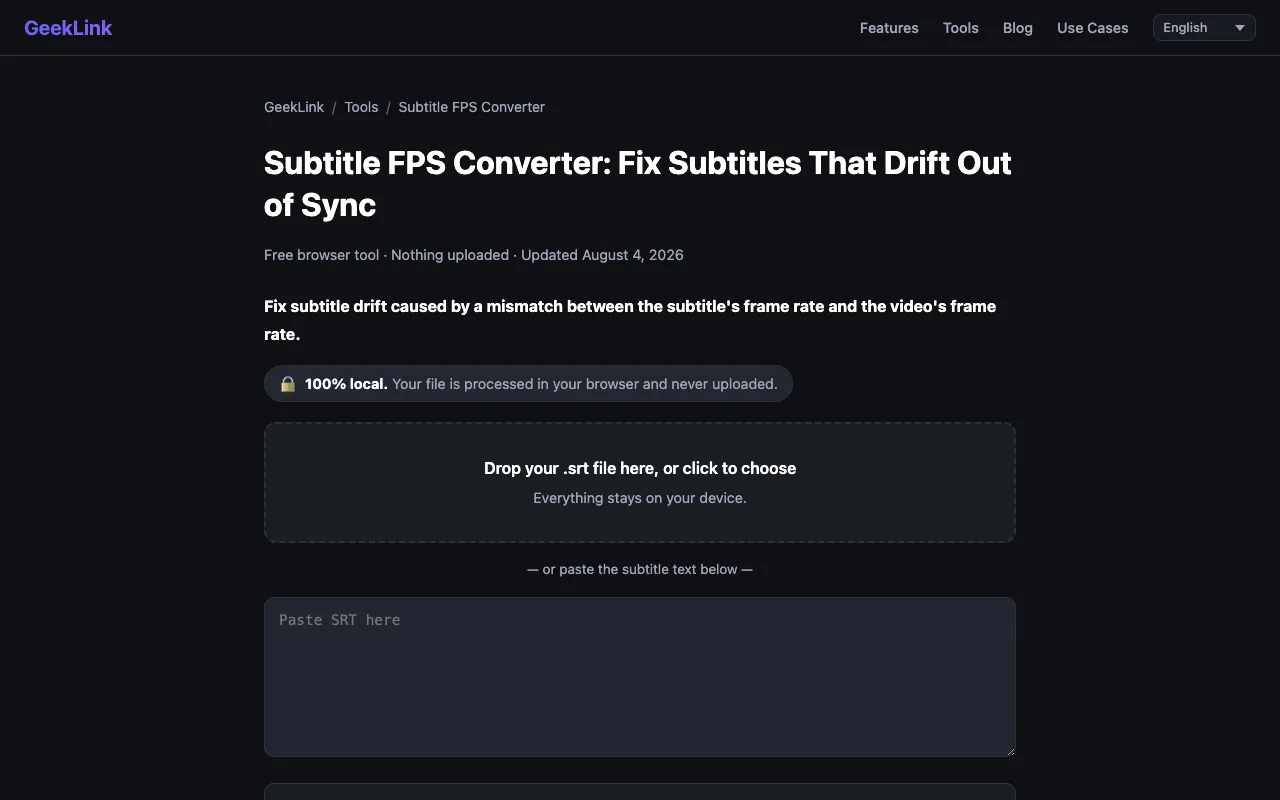
A browser-based subtitle converter designed specifically to adjust subtitle timestamps when video frame rates differ. It supports both SRT and VTT subtitle formats, helping video creators quickly adapt subtitles when converting between different frame rates or when source and output frame rates don't match. The tool automatically recalculates every single timestamp value to maintain precise video and subtitle synchronization without any need for manual calculations. All processing happens locally within your browser for complete privacy and immediate results, requiring no account creation, file uploads, or server-side processing of any kind. The tool is ideal for video editors, content creators, and post-production professionals working on projects that involve multiple frame rate specifications and require reliable and accurate subtitle synchronization across different outputs.