10 tools
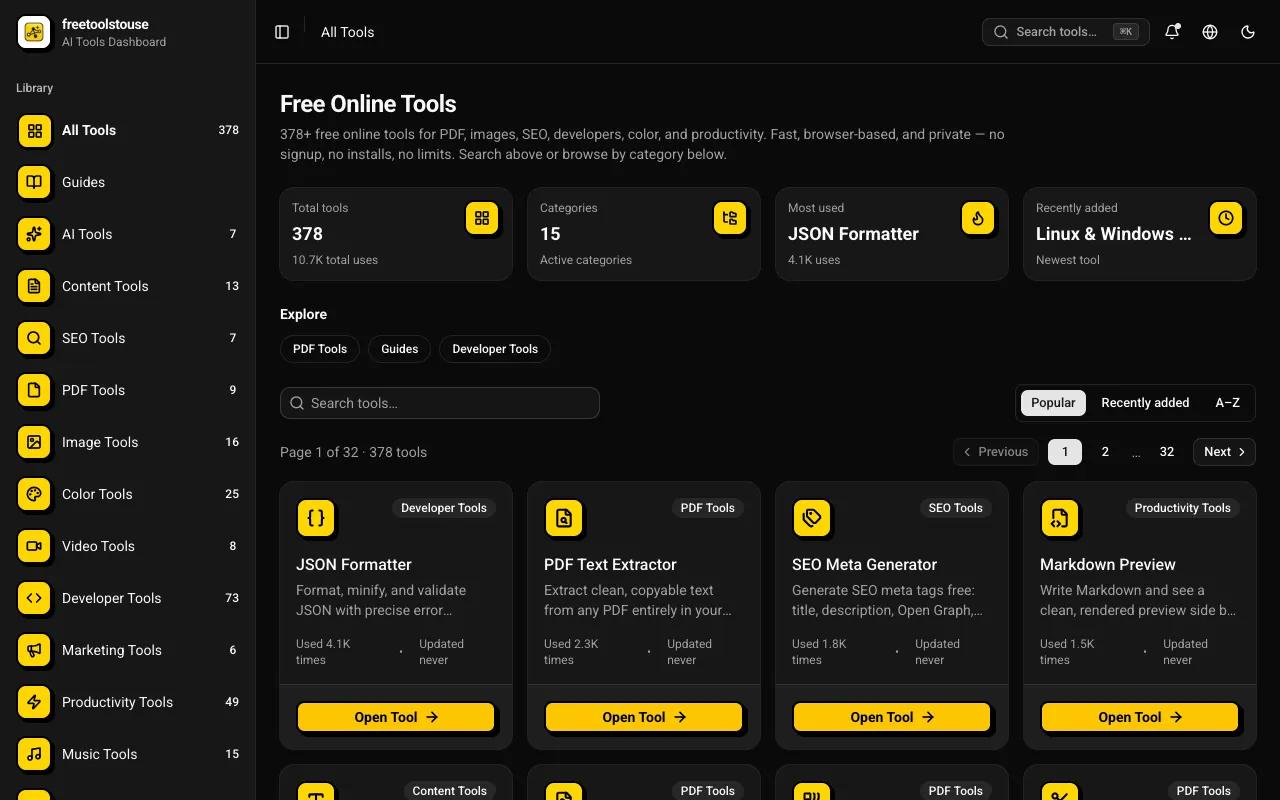
A comprehensive collection of 180+ free online utilities accessible directly through the browser without any signup requirements. The suite covers multiple domains including PDF document manipulation, image processing, developer-oriented utilities, financial calculations, SEO optimization tools, and scientific calculators designed to assist with various technical and practical needs in both personal and professional contexts. The platform provides essential tools for PDF merging and splitting, JSON formatting and validation, DNS lookups, EMI calculations and other financial calculators, BMI and health metric computation, text processing, and numerous additional utilities suited for everyday and professional applications. All operations execute entirely within the browser environment, completely eliminating the need for account creation, software installation, or any subscription expenses.
Calculates the number of characters in a given text, including letters, numbers, spaces, punctuation, and special symbols. The user inputs their text into a designated field, clicks "Count" or presses Enter, and the character count is instantly displayed below. Helps users verify character limits for messages, posts, or any input where specific length constraints are required. Ideal for bloggers, social media managers, developers working on code, and anyone needing to ensure their text adheres to character limitations.
Analyzes web page performance, offering Core Web Vitals ratings and optimization recommendations for both mobile and desktop devices. Users input their website URL to receive detailed insights on areas needing improvement. Developers, website owners, and digital marketers benefit from understanding how their sites perform in real-world conditions, allowing them to optimize load times and improve user experience.
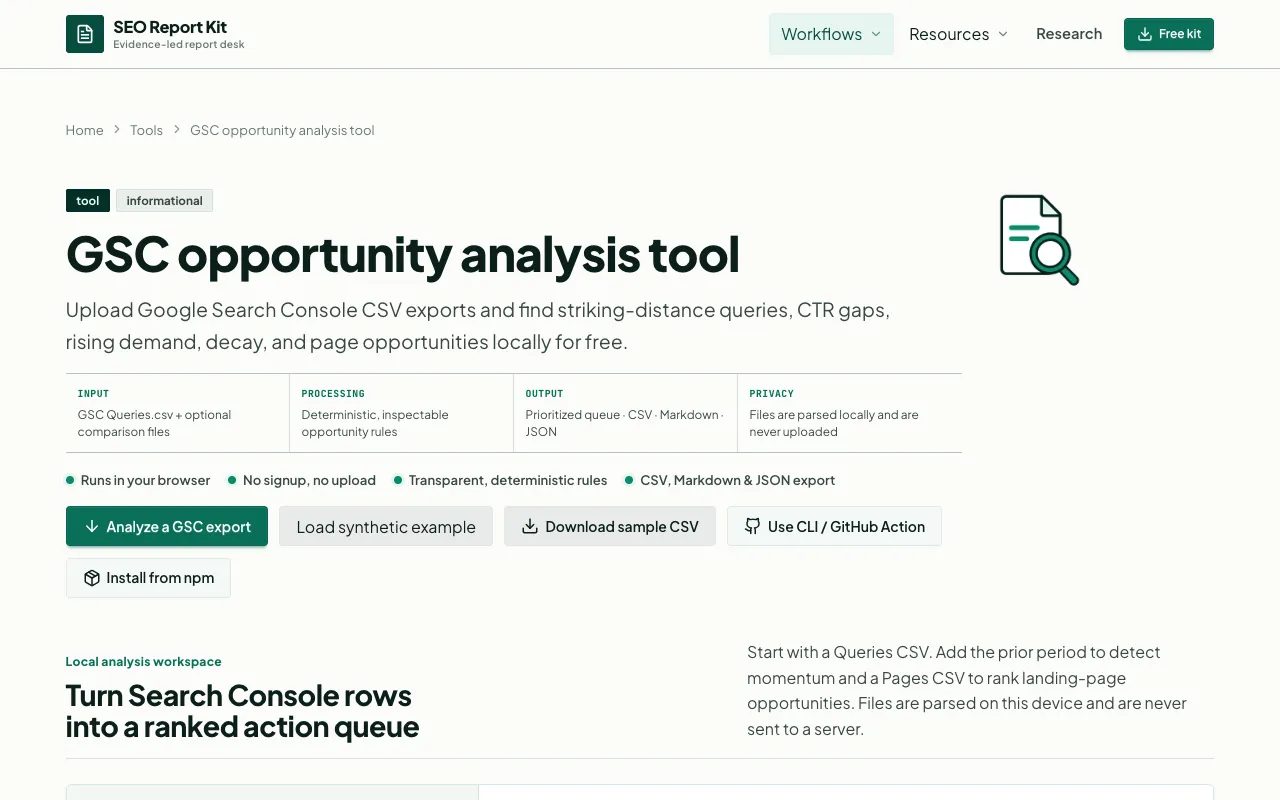
Analyzes Google Search Console performance data to identify and prioritize SEO opportunities based on current search visibility and potential traffic gains. Users import CSV exports directly from Google Search Console into the tool, which processes them locally in your browser without uploading sensitive data or requiring account authentication. This browser-local approach preserves complete privacy and security. Transforms raw GSC metrics into ranked, actionable opportunity queues prioritized by estimated business impact. The tool helps SEO professionals and content managers strategically allocate optimization efforts, focusing on high-value keywords with traffic potential, fixing underperforming pages, and capitalizing on quick-win opportunities that could drive meaningful search traffic improvements.
Analyzes a website page's canonical URL declaration and the related metadata signals that influence search engine indexing and social media sharing behavior. Checks the HTTP response header canonical tag, the HTML head meta tag, Open Graph URL declarations, and relevant information stored in XML sitemaps and robots.txt files. Generates a comprehensive, reproducible report displaying all detected signals in a side-by-side format for easy comparison and troubleshooting. Essential for technical SEO audits, content management reviews, and comprehensive site configuration verification. Helps website owners and developers verify that search engines and social media platforms receive consistent URL signals across all communication channels, and quickly identifies configuration mismatches that could negatively affect search engine indexing, content syndication, social media preview rendering, and sharing behavior.
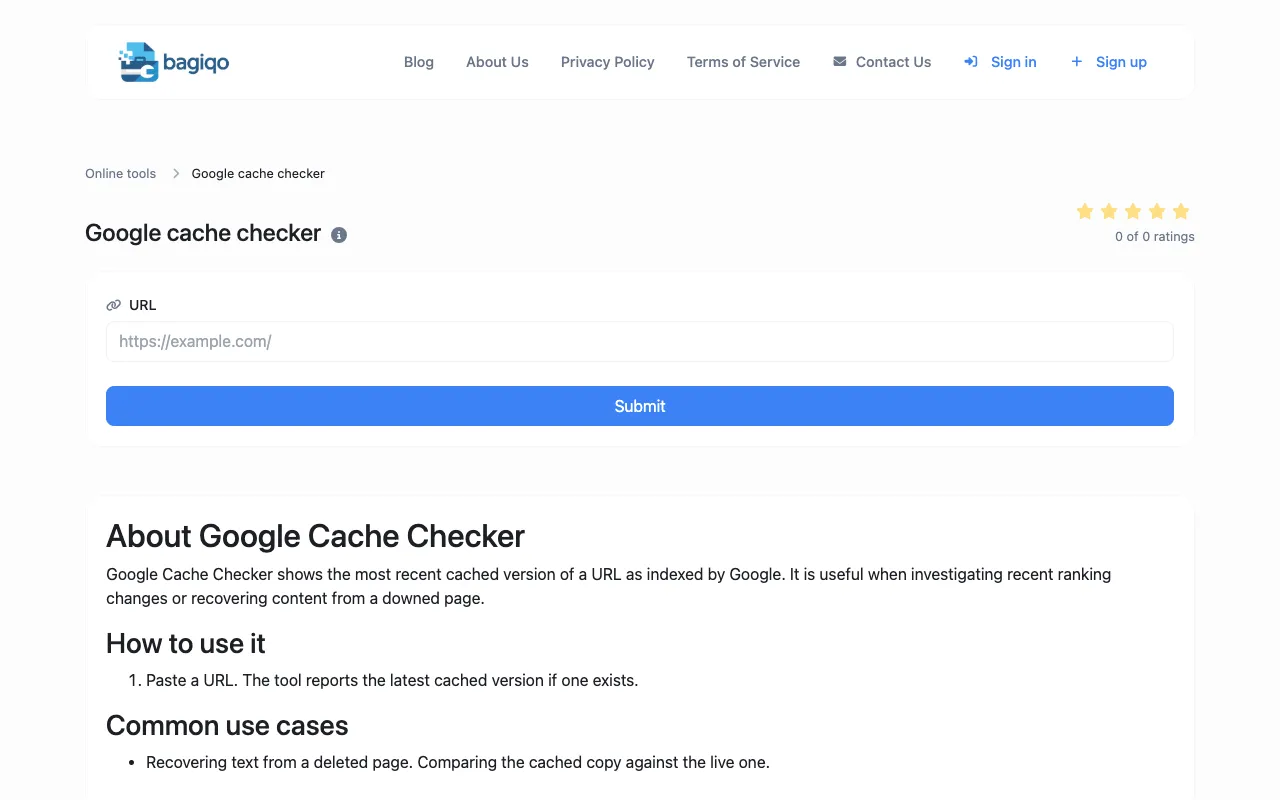
The Google Cache Checker determines whether a specific webpage or URL is currently indexed and cached by Google's search engine. Users can verify Google's crawl status, indexation status, and check when Google last cached their content. Useful for SEO professionals, developers, webmasters, and digital marketers monitoring search engine indexation, troubleshooting crawl issues, verifying content is being indexed, and checking Google's cache status.
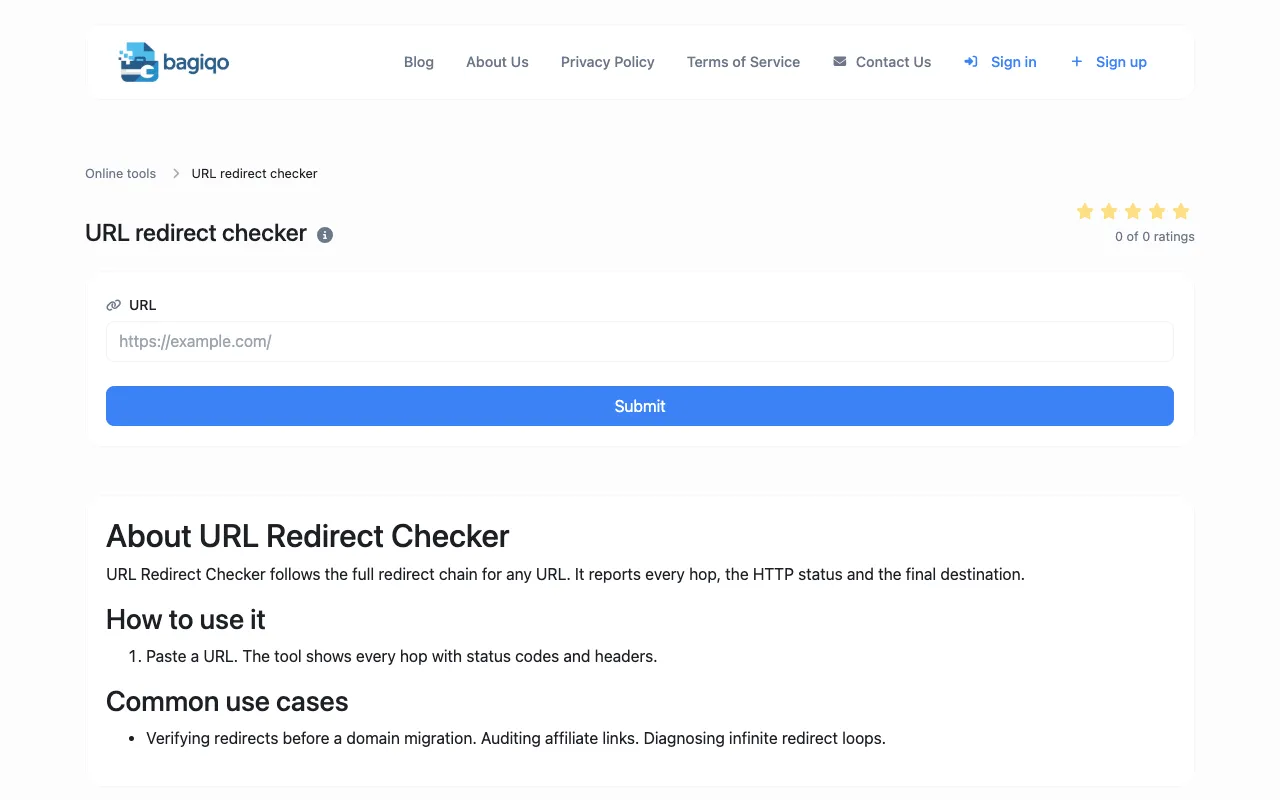
The URL Redirect Checker traces HTTP redirects by following redirect chains up to 10 hops deep, identifying both 301 permanent and 302 temporary redirects. Users can verify redirect paths, check link integrity, and audit entire redirect chains without technical tools. Essential for webmasters, SEO professionals, and developers checking link integrity, monitoring website migration redirects, auditing redirect chains, and ensuring proper redirect configuration for SEO and user experience.
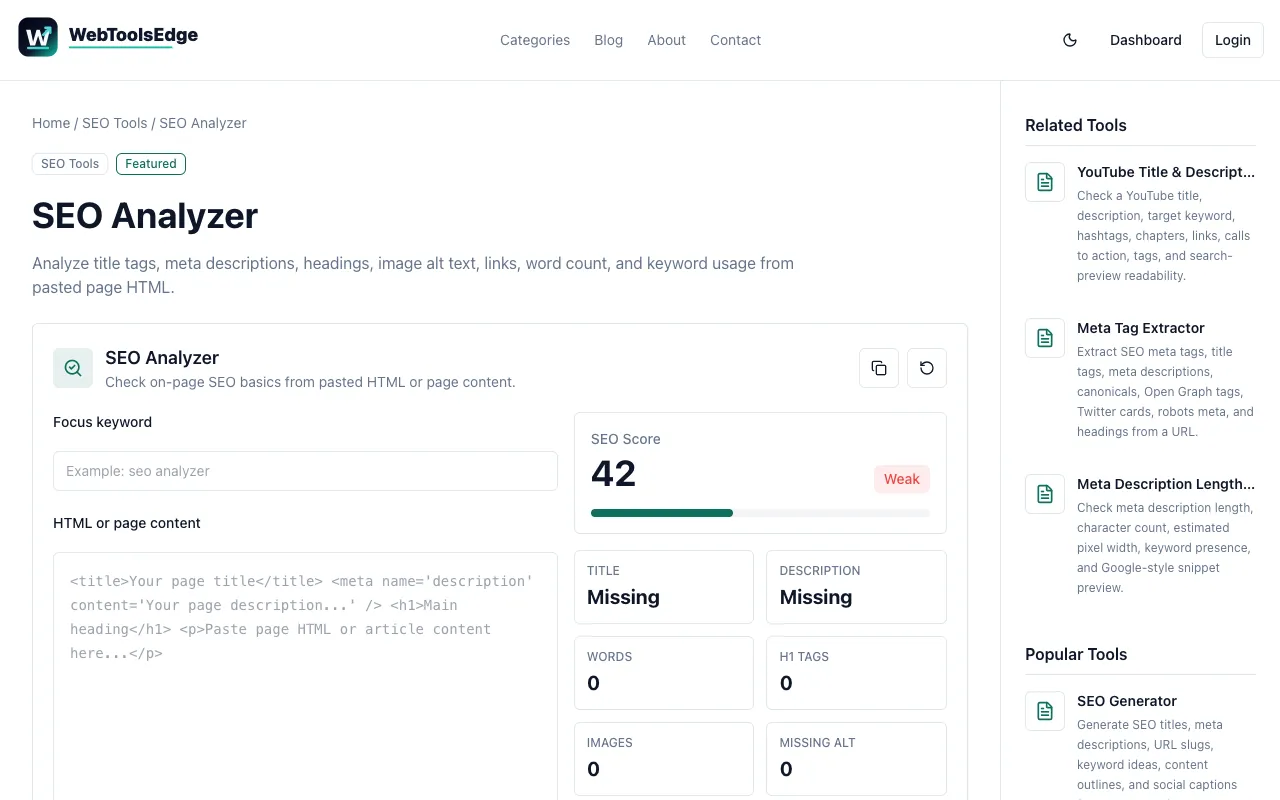
A browser-based on-page SEO analyzer that evaluates web pages for common optimization opportunities and issues. It systematically checks page titles, meta descriptions, heading tags and hierarchy, image alt text attributes, internal and external links, keyword usage and distribution across the content, and other critical page-level SEO signals that impact search engine visibility and rankings. The tool generates a clear, actionable report identifying specific areas for improvement without requiring account registration or login credentials. Results are produced instantly in your browser, making it ideal for quick SEO audits during development cycles, content publication, or ongoing SEO maintenance and optimization efforts.
The SEO ROI Calculator helps businesses quantify the impact of their organic search efforts on revenue and profitability. It estimates organic conversions, calculates conversion value, and determines total SEO investment costs to forecast your net benefit and return on investment. The calculator uses key metrics including organic traffic volume, conversion rate, and customer or lead value to provide actionable insights into your search marketing performance. The tool includes an optional paid-search CPC comparison feature, allowing you to benchmark your organic performance against paid search alternatives and understand your competitive positioning. All formulas are transparent and clearly explained, so you can understand exactly how your ROI is calculated. A worked example walks through the calculation process step-by-step, making it accessible for anyone regardless of their marketing background.
CreatorKit Studio is a browser-based toolkit designed for content creators and marketing professionals seeking to streamline their digital content workflows. It offers a comprehensive suite of tools spanning content creation, SEO optimization, social media management, subtitle generation, image processing, and writing workflow support. The platform consolidates these traditionally separate functions into a single integrated environment, reducing the need to switch between multiple applications. The toolkit is built to support the complete content lifecycle, from initial creation and optimization through publication and distribution. Its feature set includes tools for crafting written content, optimizing for search engines, preparing visual assets, generating subtitles, managing social media presence, and coordinating writing tasks. By centralizing these capabilities, the toolkit aims to improve productivity and simplify the overall content management and creation process.