Subtitle FPS Converter
A browser-based subtitle converter designed specifically to adjust subtitle timestamps when video frame rates differ....
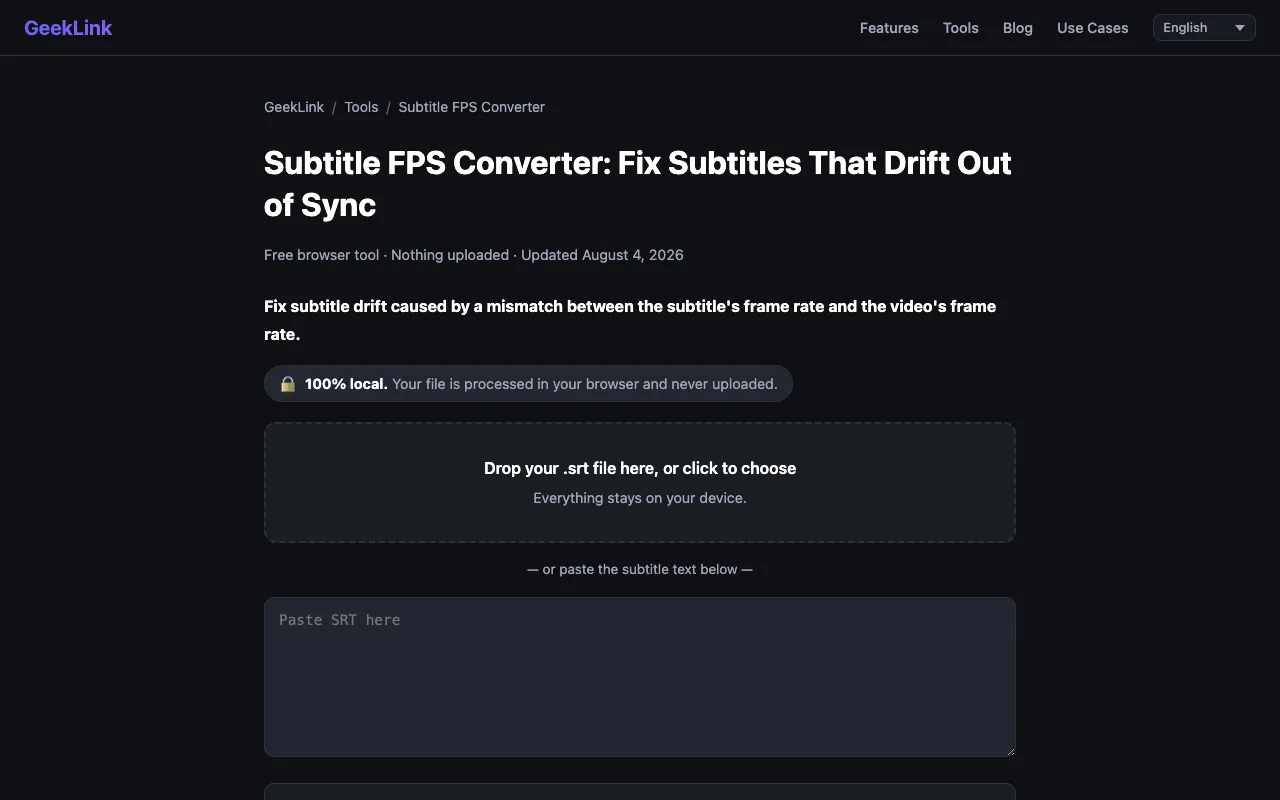
What Subtitle FPS Converter does
Subtitle FPS Converter is a browser-based tool that fixes subtitle drift caused by frame-rate mismatches between a subtitle file and its video. It accepts SRT and VTT files and automatically recalculates every timestamp to maintain precise synchronization. Users simply drop a subtitle file into the interface, select the source and target frame rates from a preset list (23.976, 24, 25, 29.97, 30 fps) or enter a custom value, and download the retimed file. All processing occurs locally in the browser, ensuring privacy and requiring no account or uploads. The site also offers a related OCR tool for extracting burned-in subtitles. Compared to other subtitle tools, this converter focuses specifically on frame-rate adjustments rather than constant time shifts, and it provides a visual preview of the rescaled results before download. It distinguishes itself by keeping all data on the user's device and offering clear explanations of when to use frame-rate conversion versus a simple offset shifter.
How to use the GeekLink Subtitle FPS Converter
- 1
Drop an .srt or .vtt subtitle file into the converter or paste the subtitle text
- 2
Select the source frame rate that was used to time the original subtitle
- 3
Choose the target frame rate of the output video from the preset list or enter a custom value
- 4
Optionally add an offset in milliseconds if the converted file still has a small fixed delay
- 5
Download the retimed subtitle as an SRT or VTT file
Best for
Video creators who need to adapt subtitles when converting between different frame rates, especially when the drift accumulates over time rather than staying constant.
Limitations
- Preset frame rates are limited to 23.976, 24, 25, 29.97, and 30 fps
- Custom frame rate values require manual entry and may not cover all niche rates
- The tool only adjusts timestamps; it does not edit or translate the subtitle text itself
Subtitle FPS Converter FAQ
- What frame rates does the converter support?
- The tool offers presets for 23.976, 24, 25, 29.97, and 30 fps, plus a custom option for any other frame rate.
- Should I use the FPS Converter or the offset shifter?
- Use the FPS Converter when subtitles drift more and more over time due to a frame-rate mismatch; use a constant shift when the subtitles are off by the same amount throughout the video.
- Does the converter change the subtitle text content?
- No. Only the timestamps are rescaled; the subtitle text remains untouched.
- Is my subtitle file uploaded to the server?
- No. Everything runs locally in your browser, and your file is never uploaded or stored.
Similar tools
Based on shared tags