10 tools
Compresses images to reduce file size while maintaining quality, supporting JPEG, PNG, and WebP formats for efficient email or web use. Ideal for professionals, students, and anyone needing to shrink image files without compromising their visual integrity, enhancing uploading speeds and storage efficiency.
Image Resizer is a free online tool that allows users to resize images and videos directly in their web browsers. Ideal for preparing content for social media platforms like YouTube, Instagram, TikTok, Facebook, and LinkedIn, this versatile tool offers a simple interface without requiring any registration or watermarking. With Image Resizer, you can easily adjust the dimensions of your images and videos to fit specific requirements, ensuring your media looks great across different social platforms.
Image Tools Suite offers users an array of functionalities for manipulating and enhancing image resolution directly in their web browsers. The suite includes tools for resizing images to various dimensions, converting between different image formats, and improving the overall quality of digital photos. All processing is done client-side, ensuring that no data is sent to external servers, and users can access the service without registration or any tracking. Available in multiple languages including Chinese, Simplified Chinese, Japanese, and Spanish, Image Tools Suite provides a convenient solution for those needing image editing capabilities online.
Reduces JPG file size with smart compression. Users can upload JPEG images to the tool, which applies an optimized algorithm to shrink the file without significantly affecting image quality. Ideal for web designers, bloggers, and anyone looking to reduce storage space or improve website load times by compressing photos. Would use it for efficiently managing digital assets, especially when dealing with large numbers of high-resolution images for online projects.
Reduces PNG file size by optimizing its lossless palette and metadata through an online compression process. This tool analyzes your image to achieve significant reductions in overall file weight without sacrificing any of the original visual quality or integrity. It efficiently processes the structure of the PNG format, ensuring that the optimized output remains perfect for digital display. Web designers, graphic artists, and anyone frequently handling images for web deployment or email communications utilize this utility. Using a smaller compressed file is crucial for maintaining fast website load times and preventing recipients from encountering attachment size limits. It provides an essential step in optimizing visual assets for maximum compatibility across various online platforms.
Compress GIF reduces file size by optimizing frames and color palettes, making animated images smaller without compromising quality. Users upload their GIFs to the online tool, which processes them to remove unnecessary data and duplicate frames, resulting in a leaner, faster-loading file. Ideal for web designers, bloggers, and anyone needing to share or store GIFs efficiently.
Reduce WebP file size in your browser. Set a target size in KB or MB, adjust quality, resize and strip metadata — your files are processed locally and never leave your device.
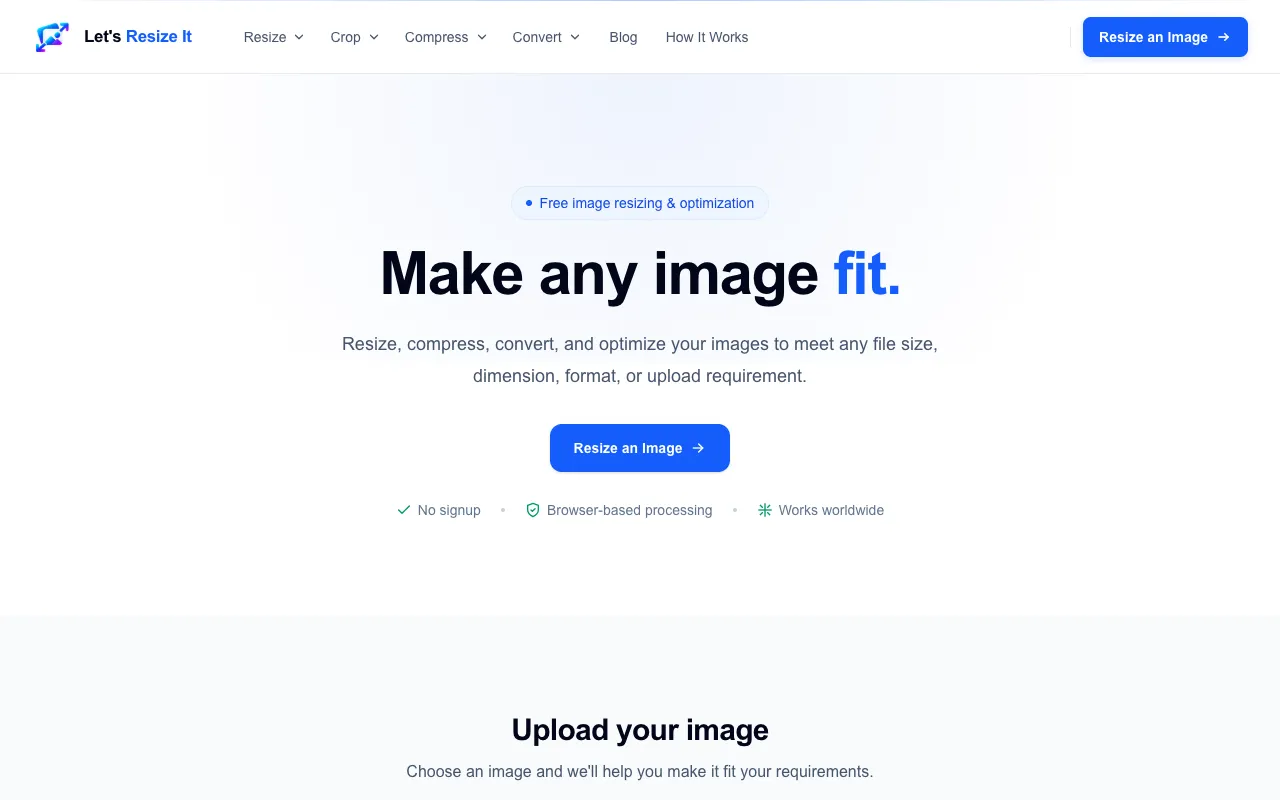
Let's Resize It offers a comprehensive and accessible collection of browser-based image editing tools that require no installation or software download to use. The platform delivers essential image manipulation capabilities for JPG, PNG, and WebP formats, serving users with common web, social media, and professional image processing needs and requirements. Key tools within the suite enable precise image resizing to specific pixel dimensions, efficient file compression to reduce storage and bandwidth usage, and seamless format conversion between supported image types. The platform includes advanced features for exact file-size targeting and detailed pixel-dimension specifications, making it particularly valuable for meeting platform upload requirements, optimizing images for web performance, adhering to social media display standards, and preparing images for various professional and personal use cases.
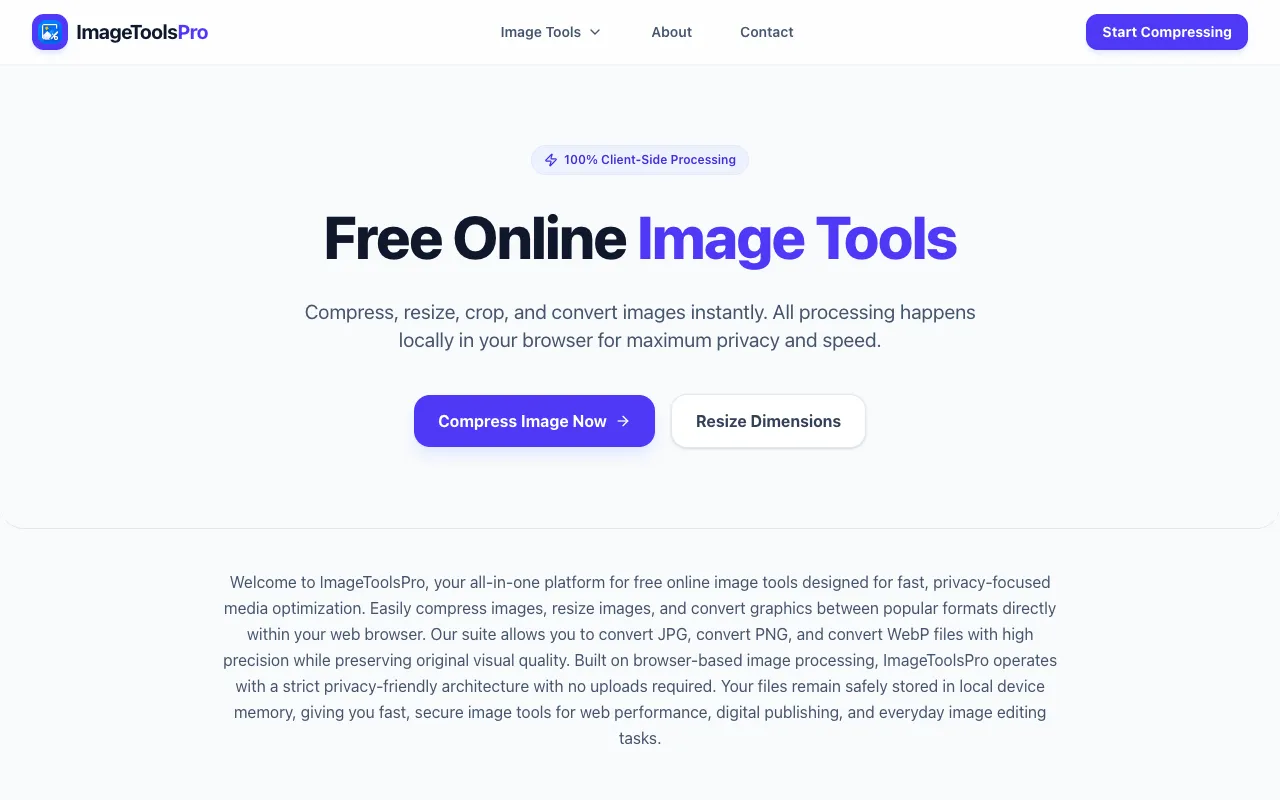
ImageToolsPro is a free online collection of browser-based image tools specifically designed for quick and efficient processing of common image editing tasks. It natively supports popular image formats including JPG, PNG, and WebP. The platform provides specialized tools for image compression to reduce file sizes, resizing to adjust image dimensions and aspect ratios, and format conversion to seamlessly switch between different image types and standards. All image processing computations happen locally in your browser environment, which means your images remain secure on your device and never need to be uploaded to external servers. This client-side processing approach provides complete privacy, enhanced security, and faster performance since image processing doesn't depend on remote servers, internet bandwidth, or cloud infrastructure availability.
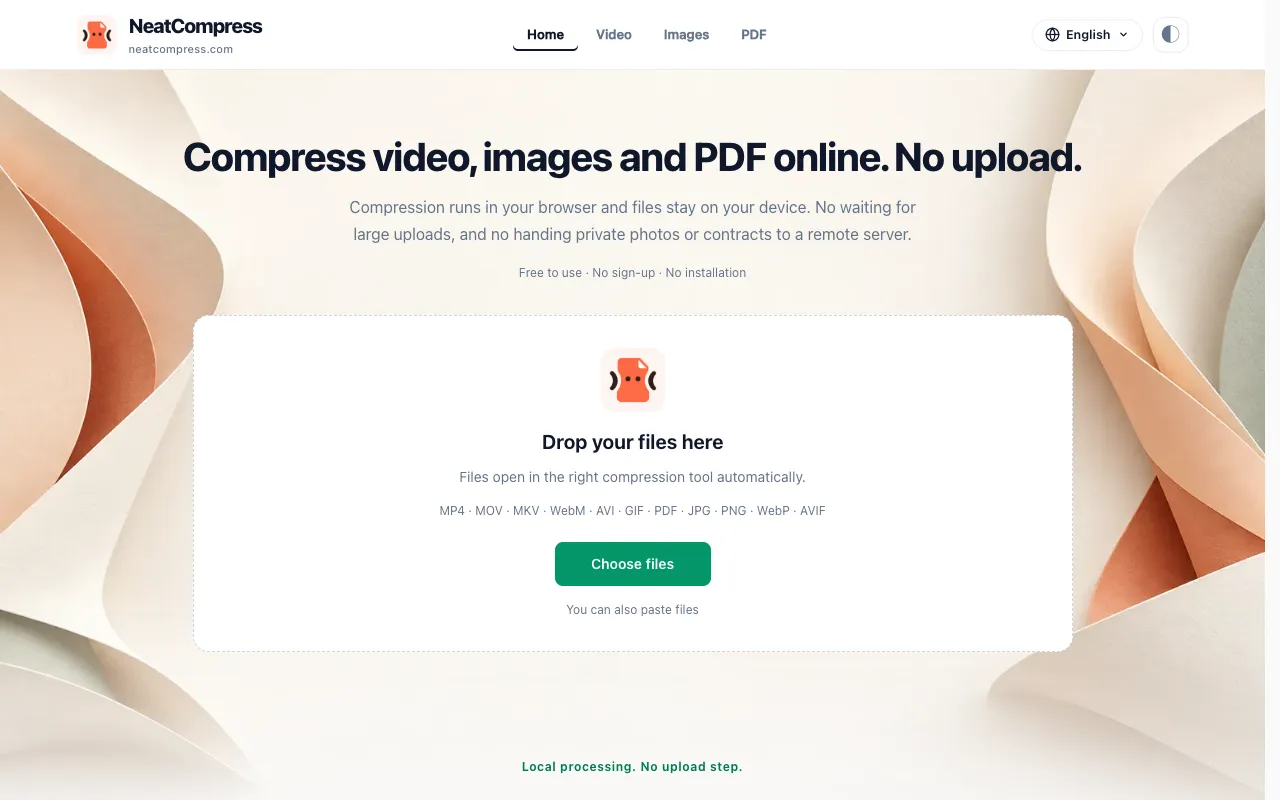
NeatCompress offers free, browser-based compression for videos, images, and PDFs. All processing happens locally on your computer using WebCodecs acceleration, with an ffmpeg.wasm fallback for broader compatibility. Since files never leave your browser, nothing is uploaded to external servers, preserving complete privacy and data security. This approach keeps your sensitive media files entirely under your control without any server uploads. The tool supports compression across multiple file formats spanning three media categories: video, image, and document formats. It leverages modern web technologies to deliver efficient compression while maintaining your privacy through entirely local processing. The WebCodecs acceleration provides fast performance on modern browsers, while the ffmpeg.wasm fallback ensures compatibility on older systems or browsers lacking WebCodecs support. Processing speeds are optimized for real-time feedback.