Audio To MIDI Converter
Note From Audio converts audio recordings into MIDI files and editable note transcriptions using browser-based proces...
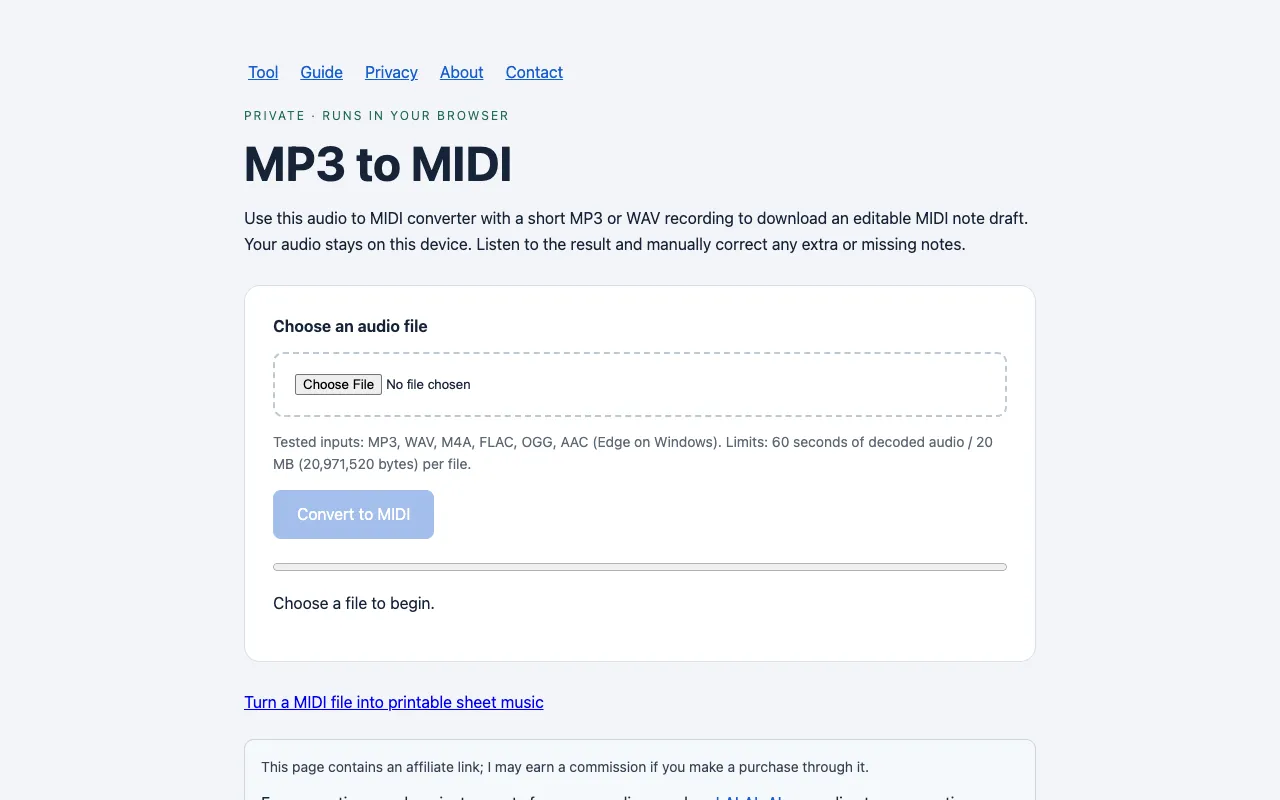
What Audio To MIDI Converter does
Note From Audio converts short audio recordings into editable MIDI files and note transcriptions entirely within your browser. You upload a clip up to 60 seconds and 20 MB, and the tool generates a .mid file containing the detected pitches, which you can listen to and manually correct before importing into music software. The output is a single note track without pitch bends or instrument separation, so results require review before use.
How to use the Note From Audio Audio To MIDI Converter
- 1
Choose an audio file from your device (MP3, WAV, M4A, FLAC, OGG, or AAC).
- 2
Click Convert to MIDI to process the recording locally in your browser.
- 3
Listen to the generated MIDI result and manually correct any extra or missing notes.
- 4
Download the .mid file and open it on an instrument track in your preferred music software.
- 5
Review the detailed documentation on the site for guidance on supported formats and best practices for optimal results.
Best for
Short audio clips of single melodies, chords, or bass lines where the user can manually review and edit the MIDI output for accuracy.
Limitations
- Results require manual correction as the tool cannot separate individual instruments or multiple voices.
- Exports only one note track without pitch bends or instrument separation.
- Limited to 60 seconds of decoded audio and 20 MB per file.
Audio To MIDI Converter FAQ
- Does Note From Audio use a live microphone recording?
- No, this page uses the audio file you choose with the file picker. It does not provide a live microphone recording control.
- Can I convert MP3 into MIDI without uploading my recording to a server?
- Yes, audio processing and MIDI creation run entirely in your browser, and the recording is not sent to a server.
- Will every note be correct after conversion?
- No, documented tests with chord and bass samples produced extra or fragmented notes, so you should review the MIDI before using it.
- How do I download the MIDI result after conversion?
- Choose your file, select Convert to MIDI, then use the Download MIDI button when conversion finishes.
Similar tools
Based on shared tags