3 tools
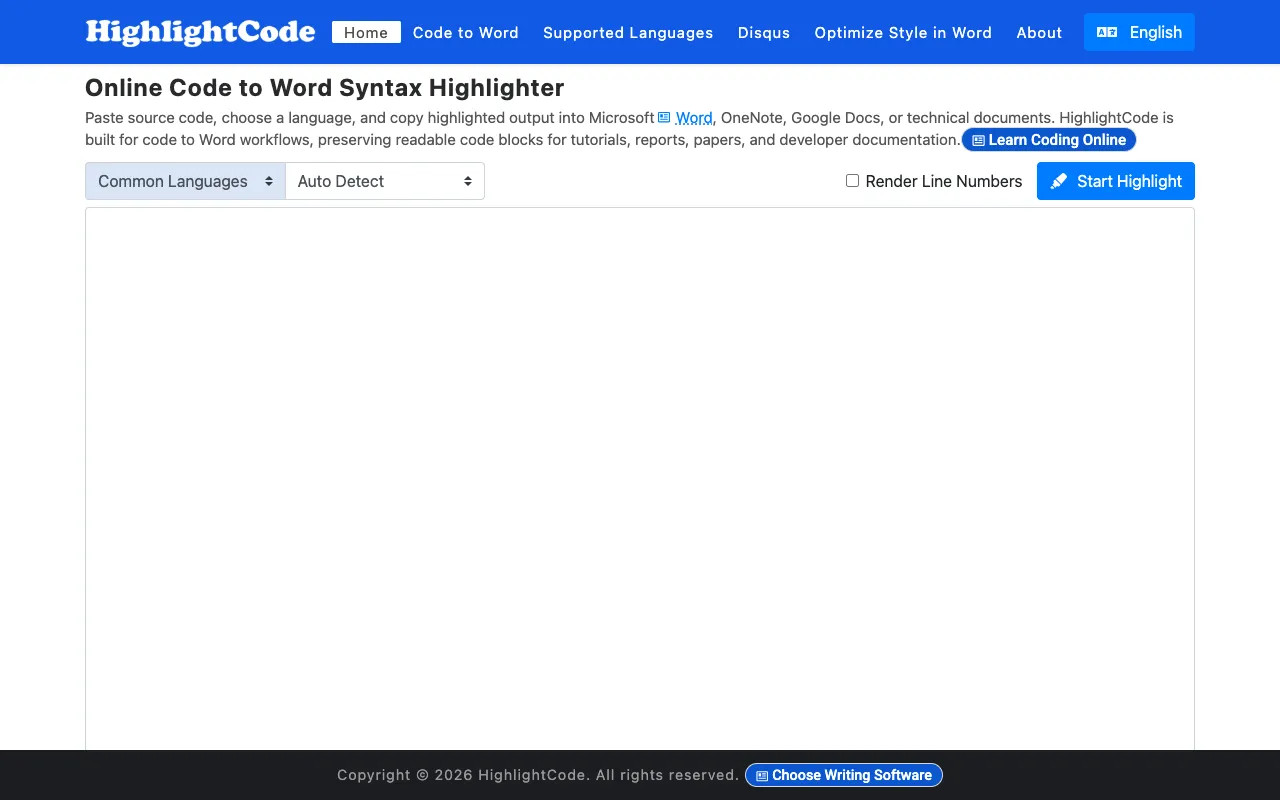
Format and syntax-highlight code with a full range of customizable colors and styling options. Export your formatted code directly to Word, OneNote, Google Docs, and other documentation platforms while preserving all colors, indentation, and formatting precisely. The tool works entirely in your browser with no installation or account creation required, offering an intuitive interface suitable for developers of any skill level. Ideal for creating technical documentation, embedding code snippets in presentations and blog posts, and sharing highlighted code examples in collaborative documents and tools. Supports multiple programming languages and includes pre-built color themes designed to match various documentation styles and organizational brand guidelines. Whether you're writing tutorials, API documentation, or technical articles, this tool simplifies the process of creating polished, readable code examples.
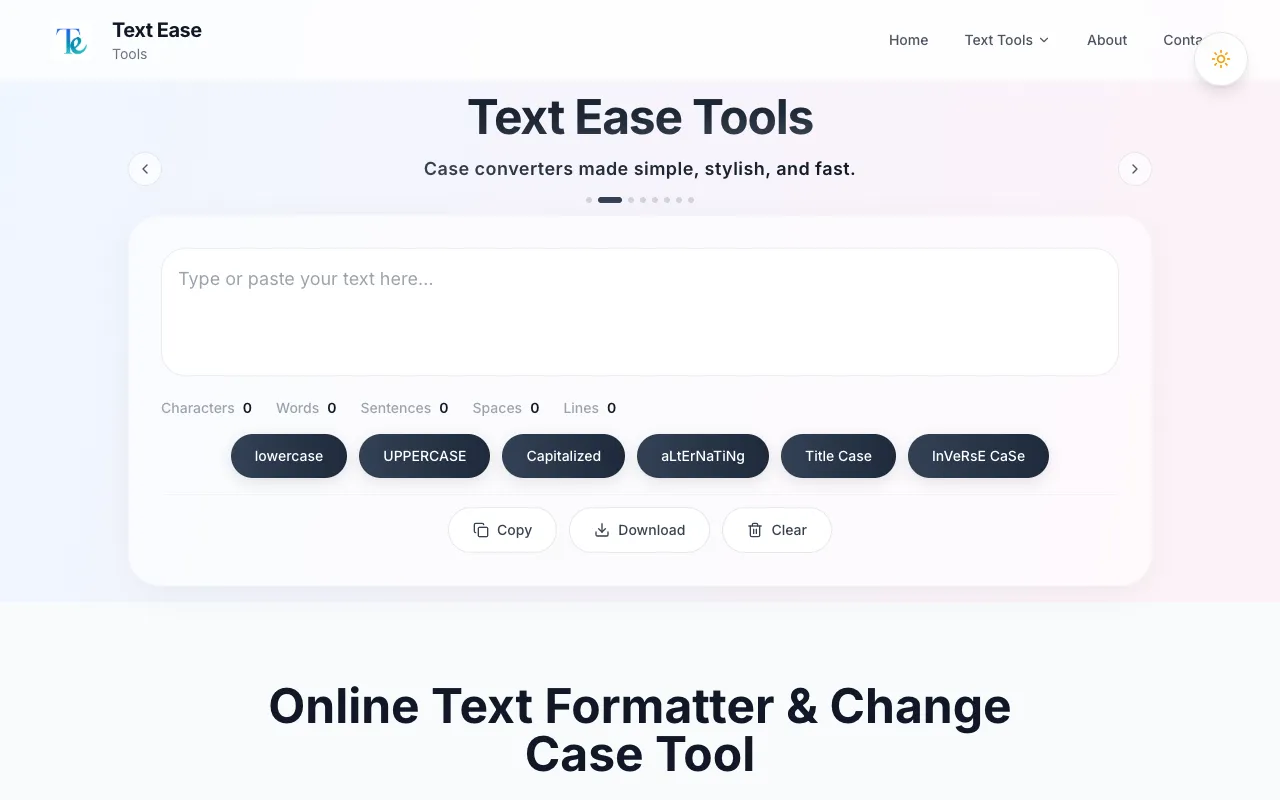
TextEase provides a free collection of text processing tools designed for quick everyday tasks. The suite includes utilities for converting text case (uppercase, lowercase, title case), cleaning and fixing formatting issues, searching for and replacing text, removing extra spaces, and other common text manipulation needs. All tools are accessible instantly without requiring any account creation or signup. The platform emphasizes simplicity and speed, allowing users to process text efficiently without navigating complex interfaces. Results can be easily copied to clipboard or downloaded directly. TextEase is ideal for anyone who frequently needs to adjust text formatting, clean up content from other sources, or make quick text edits without the overhead of traditional text editors or online registration requirements.
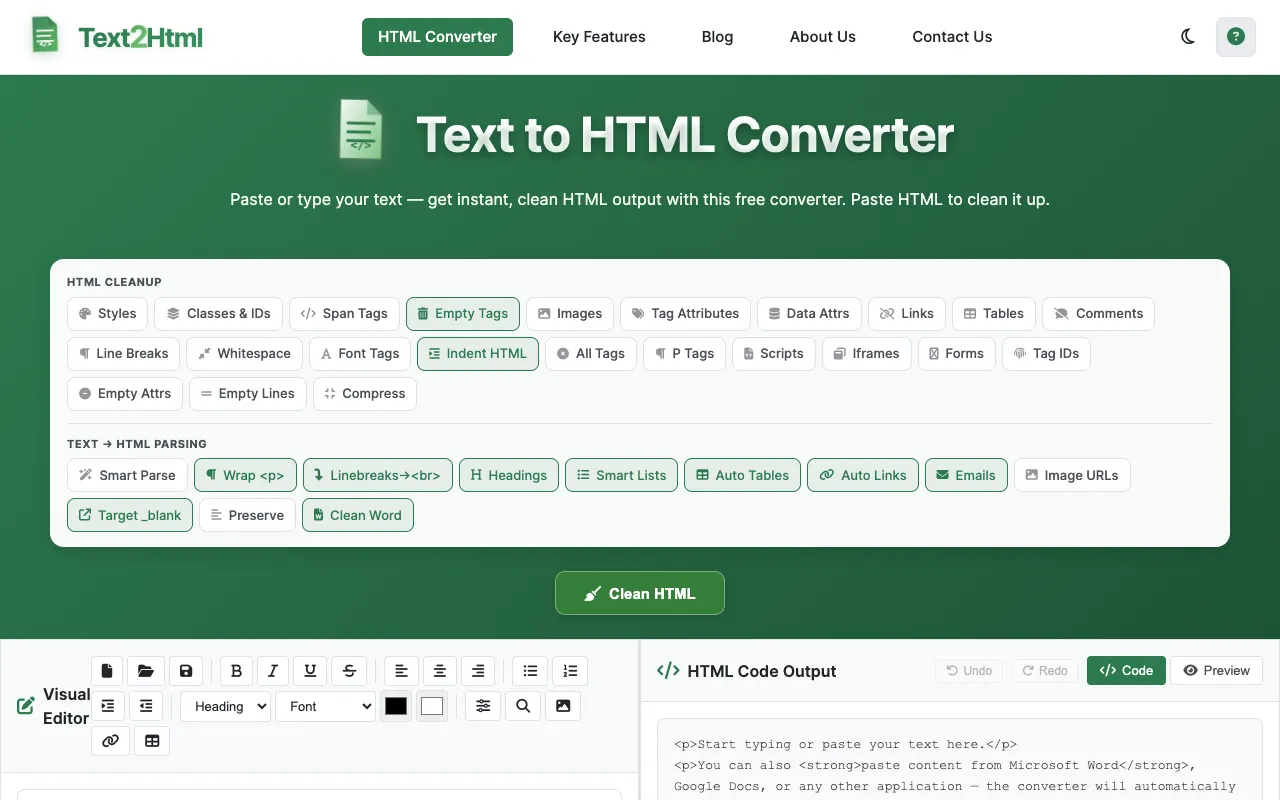
Text2HTML converts plain text and formatted content into clean, structured HTML code directly in your browser. The tool accommodates multiple input formats including plain text, Microsoft Word documents, Google Docs, and other common content sources, making it accessible to users regardless of their starting point. With an intuitive browser-based interface, no software installation or complicated configuration is required. The converter intelligently preserves and generates common HTML formatting elements including headings, paragraphs, line breaks, bold and italic text, bullet lists, numbered lists, hyperlinks, and tables. This makes it ideal for developers, bloggers, content creators, and website owners who need to quickly transform formatted text into valid HTML without manually writing code. Users can work seamlessly across desktop, tablet, and mobile browsers.