STL Viewer
Fomrix STL Viewer is a free browser-based tool for inspecting and analyzing three-dimensional STL files without requi...
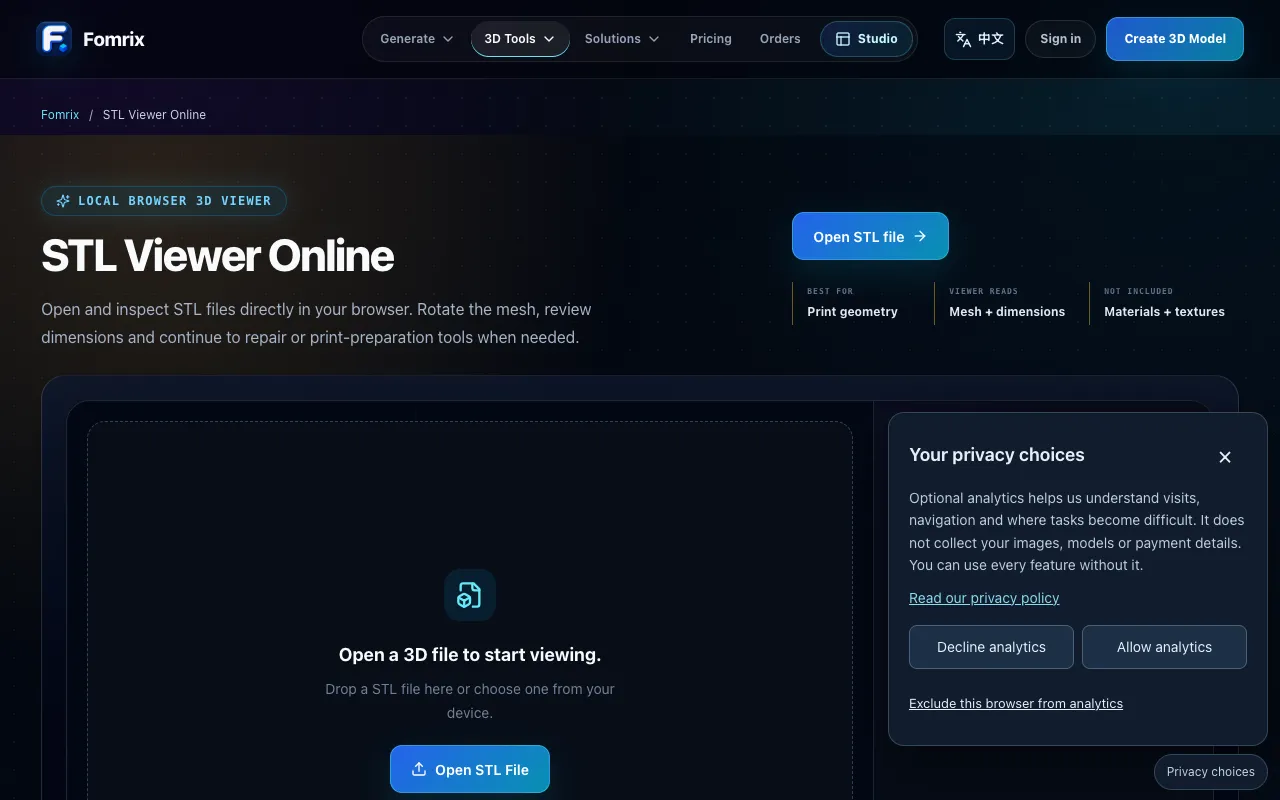
What STL Viewer does
Fomrix STL Viewer is a free browser-based tool for inspecting and analyzing three-dimensional STL files without requiring an account or software installation. It lets you rotate and zoom models, inspect triangle geometry and edge dimensions, and verify scale before importing designs to a 3D slicer. Files are processed directly in your browser and remain on your device—nothing is uploaded to external servers. The tool does not modify original files and does not guarantee printability or material success. It is designed for quick geometry checks and scale verification ahead of print preparation.
How to use the Fomrix STL Viewer
- 1
Open the Fomrix STL Viewer page and click 'Open STL file' or drag a file onto the viewer
- 2
Rotate the 3D mesh using mouse or touch controls to examine the model from any angle
- 3
Use the 'Dimensions' focus area to read the model-space bounding size and set your target unit (mm, cm, etc.)
- 4
Inspect triangle mesh details such as silhouette and surface density in the 'Triangle mesh' focus section
- 5
Continue to repair or print-preparation tools when geometry needs adjustment before slicing
Best for
Hobbyists and designers who need a quick, account-free way to inspect STL geometry, verify scale, and check triangle density before committing a file to a 3D slicer application.
Limitations
- No embedded textures or material appearance—viewer focuses on mesh geometry only
- Does not modify original files or guarantee printability or material success
- Scale must be set manually since STL stores coordinates without a dependable real-world unit label
STL Viewer FAQ
- Can I edit or repair my STL file using Fomrix Viewer?
- No, the viewer is read-only and does not modify original files. It allows you to inspect geometry and dimensions, but any repairs or modifications must be done in a dedicated mesh repair or slicer tool.
- Does Fomrix STL Viewer support other 3D file formats besides STL?
- Based on the material, the tool specifically handles STL files and focuses on mesh geometry without embedded textures. Other format support is not mentioned.
- Are my uploaded STL files stored or shared by Fomrix?
- Files are processed directly in your browser and remain on your device—nothing is uploaded to external servers, so your STL stays private while you inspect it.
- How do I set the correct scale for printing in Fomrix Viewer?
- Since STL stores coordinates without a dependable real-world unit label, you choose how the source was authored and then set the longest target dimension using the interactive scale planner, selecting mm, cm, or other units before slicing.
Similar tools
Based on shared tags