560 tools
Converts Morse code to plain text by interpreting each dot, dash, space, and pause as corresponding characters or words. Users input Morse code into the tool's interface, and it instantly outputs the decoded text message. Helps users who need to decode messages received in Morse code for various purposes, such as emergency communications, radio operators, ham enthusiasts, or anyone learning Morse code. It simplifies complex Morse code transmissions into readable text, facilitating quick understanding and response.
Calculates linguistic complexity of text by analyzing sentence structure, vocabulary, and readability scores. Users input their text, and the tool provides metrics like Flesch-Kincaid Grade Level, Gunning Fog Index, and Automated Readability Index to gauge how difficult the text is to understand. Educators, writers, and anyone looking to improve their writing clarity and accessibility would use this tool. It helps them ensure their content is accessible to a broader audience by identifying areas where sentences are too complex or vocabulary is too advanced.
URL-encodes text for safe URL transport by replacing special characters with their respective percent-encoded values. Useful for preparing URLs, query strings, or any data that needs to be transmitted safely over the web. Developers, programmers, and anyone dealing with URLs frequently use this tool to ensure that all characters in a URL are valid and will not interfere with the proper functioning of the link.
Decodes percent-encoded text back to plain text using an intuitive interface. Input encoded text, click decode, and retrieve original readable content. Useful for developers, web analysts, and anyone dealing with URL parameters or data transmitted in encoded form. Converts complex, unreadable strings into human-friendly text, facilitating easier analysis and debugging.
Converts plain text characters into their corresponding HTML entities, making it safe for display in web pages without interference from formatting or script execution. Ideal for developers, bloggers, and anyone needing to ensure user input is displayed accurately on websites. Helps users prepare text for HTML environments by escaping special characters that could disrupt page rendering or security. Essential for maintaining clean, functional web content and preventing potential vulnerabilities.
Converts HTML entities back to their corresponding text characters using an online tool available at https://onlinetexttools.com/html-decode-text. Users can input encoded HTML text, click the decode button, and see the original readable text output. This tool is particularly useful for web developers, content creators, and anyone working with HTML code who needs to view or edit plain text that contains special characters or symbols represented by HTML entities.
Converts arbitrary text to a URL-friendly slug. Users input text, and the tool processes it to remove special characters, spaces, and punctuation, replacing them with hyphens or underscores as needed. This results in a string that can be used in URLs without causing issues. Developers, writers, and content managers use it to ensure their titles, headings, and other text elements are optimized for search engines and browser compatibility by creating clean, readable URL slugs.
Converts plain text into a Base64 encoded string using an online tool. Users input their text, and the tool processes it to output the corresponding Base64 representation, which is useful for encoding data in URLs or sending binary information over text-based protocols. Developers, programmers, and anyone dealing with data transmission would find this tool helpful for ensuring compatibility across different systems that may not support all types of characters.
Converts Base64 encoded text back to its original plain text format using an intuitive online tool. By simply pasting the Base64 string into the designated input field, users can easily decode it with a single click. Ideal for developers, web designers, and anyone dealing with encoded data in digital communications. Researchers, programmers, and IT professionals often rely on this tool to decode data stored or transmitted in Base64 format, enabling them to view and manipulate the underlying text content more effectively. Additionally, students and casual users might find it useful when decoding messages, images, or other files that have been encoded for web use.
Converts text into octal (base-8) values for encoding purposes, using an online tool accessible via https://onlinetexttools.com/convert-text-to-octal. This handy service takes plain text input and outputs each character as its corresponding octal number representation, making it useful for various technical applications where text needs to be represented in a different numerical base. Users who work with computer systems, programming languages that use octal notation, or require encoding methods for data transmission would find this tool invaluable. It simplifies the process of converting human-readable text into a format that can be processed by machines or stored in specific file formats that require octal representation.
Converts octal values back to text using an online converter. Users input octal numbers, which are then decoded into readable text characters. Ideal for developers, programmers, or anyone dealing with data in octal format and needing a quick way to convert it back to human-readable form. Helps users easily decode complex octal data by providing a user-friendly interface and instant results without requiring any technical knowledge. Useful in various applications such as computer programming, digital electronics, and more.
Converts text into decimal (base-10) byte values by mapping each character to its ASCII code, thereby providing a numerical representation of textual data. Helps users who need to understand the underlying binary structure of text, developers working with data encoding, and anyone interested in learning about computer science fundamentals.
Converts decimal byte values back to readable text using simple input fields. Users enter decimal numbers, and the tool decodes them into corresponding characters, displaying the original text message. Helps users decipher data encoded in decimal format, such as error messages, technical logs, or any text stored as ASCII values. Ideal for developers, tech support personnel, and anyone dealing with raw byte data from various sources.
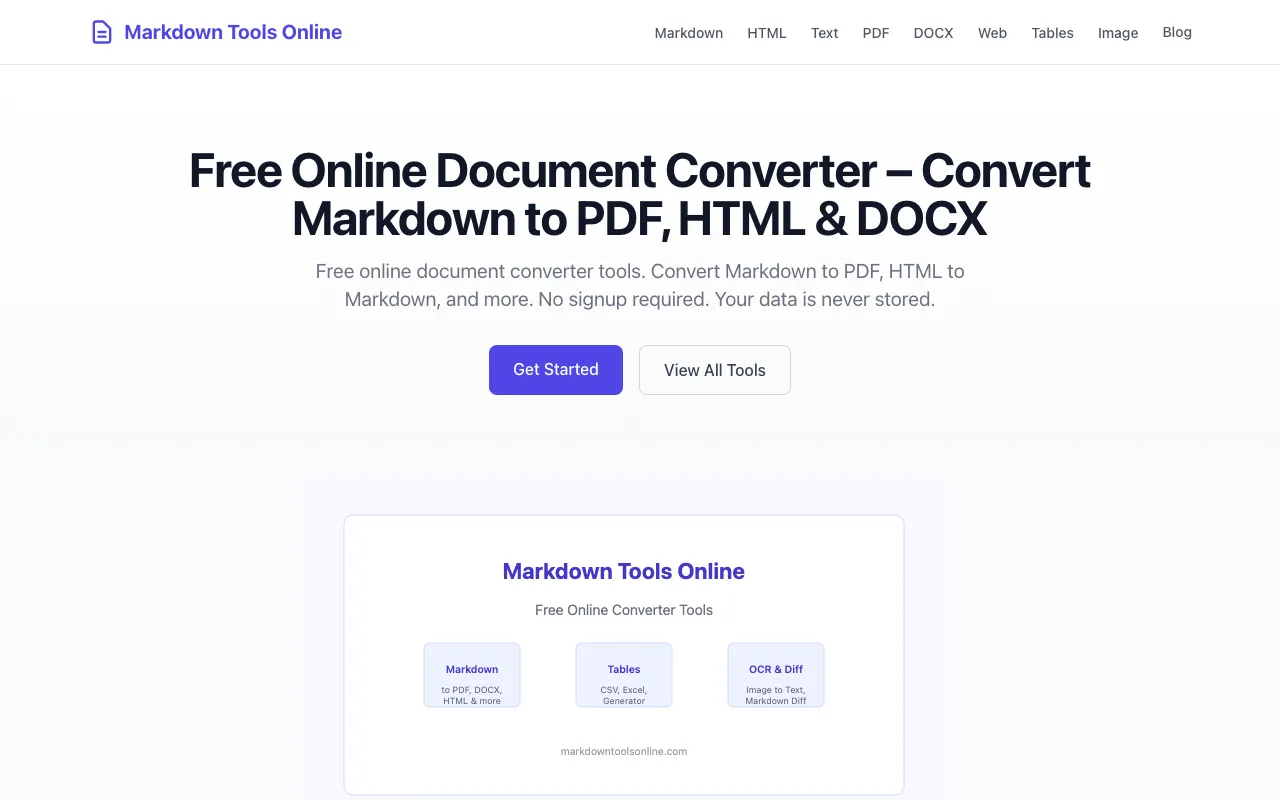
Markdown Tools Online is a free, privacy-first document converter toolkit featuring 16 browser-based tools designed for content professionals and developers. It supports seamless conversion between Markdown, PDF, HTML, DOCX, plain text, CSV, Excel, and multiple image formats. All processing happens locally within your browser with zero server uploads for most formats, ensuring complete privacy and protecting sensitive data from external transmission. The platform requires no user signup and stores no data on its servers. Documents are converted directly in your browser without being transmitted to external servers, making it ideal for users handling sensitive information. This is particularly valuable for professionals who need quick and secure document format conversions while maintaining complete control over their files and intellectual property.
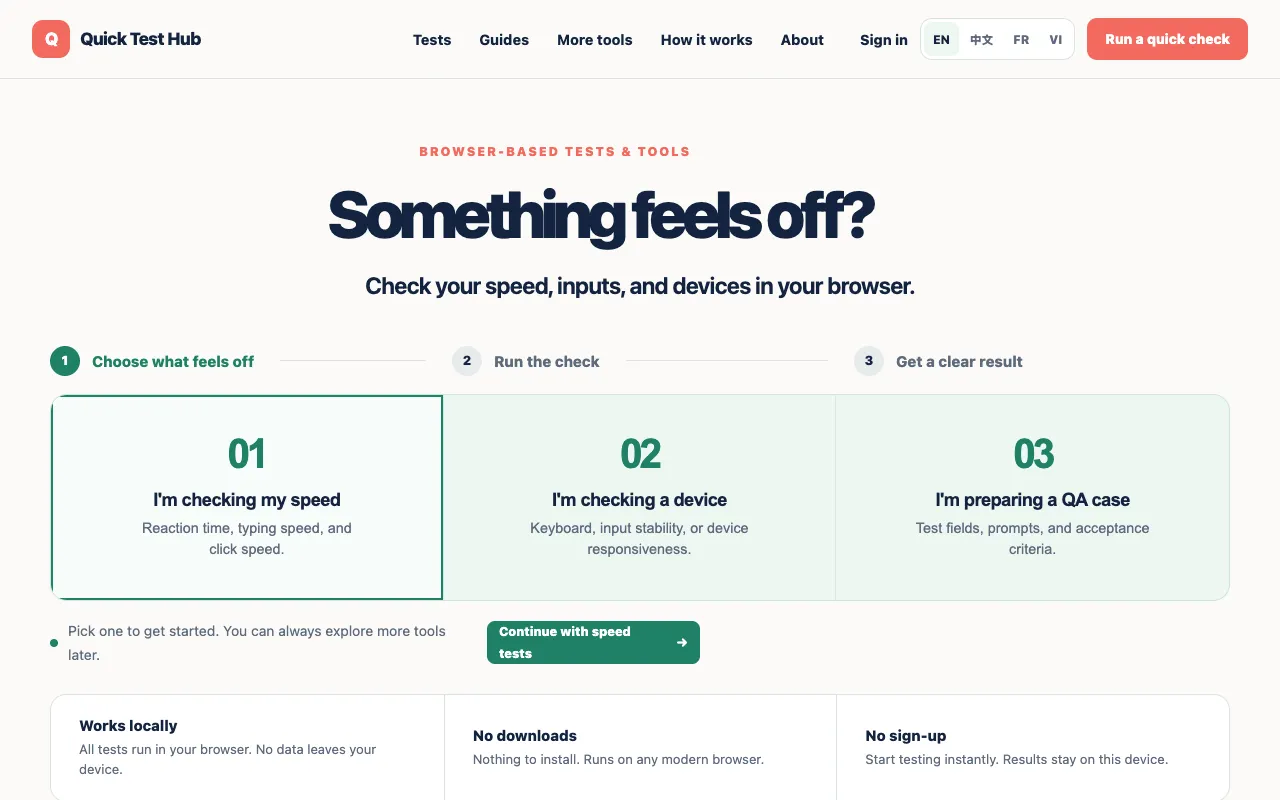
A collection of free browser-based tests designed to quickly check various aspects of your computer and input devices. Tests include reaction time measurement, typing speed assessment, clicks per second (CPS), and evaluations of webcam, microphone, keyboard, and gamepad functionality. The suite provides a simple interface for running these quick diagnostics without any setup or registration. All tests run directly in your browser without requiring software installation or downloads. Each test provides immediate feedback on your device's performance and capabilities, making it useful for troubleshooting hardware issues, verifying that peripherals are working correctly, or simply benchmarking your input speed and reflexes against common baselines.
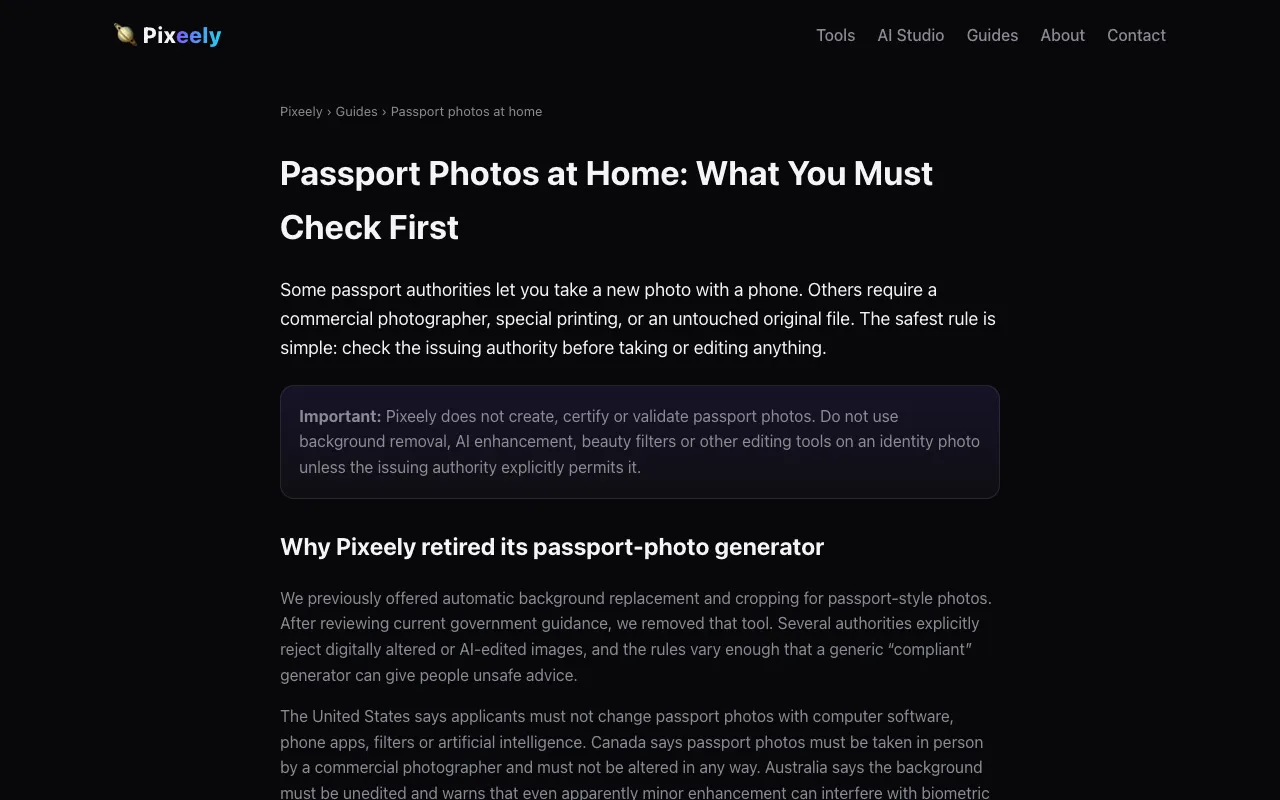
Pixeely provides a collection of AI-powered image editing tools designed to work entirely within your web browser, without uploading files to remote servers. The suite includes tools for background removal to isolate subjects, a dedicated passport photo maker for creating compliant ID photos, an image upscaler for enhancing resolution and quality, a 3D maker for converting flat images into three-dimensional models, and an image describer that generates text descriptions of photographs. All processing occurs locally in your browser, prioritizing user privacy and enabling instant results. The tools feature straightforward interfaces optimized for common image manipulation tasks and are compatible with standard image formats. Users benefit from the convenience of browser-based processing without the typical delays or privacy concerns associated with server-side uploads.
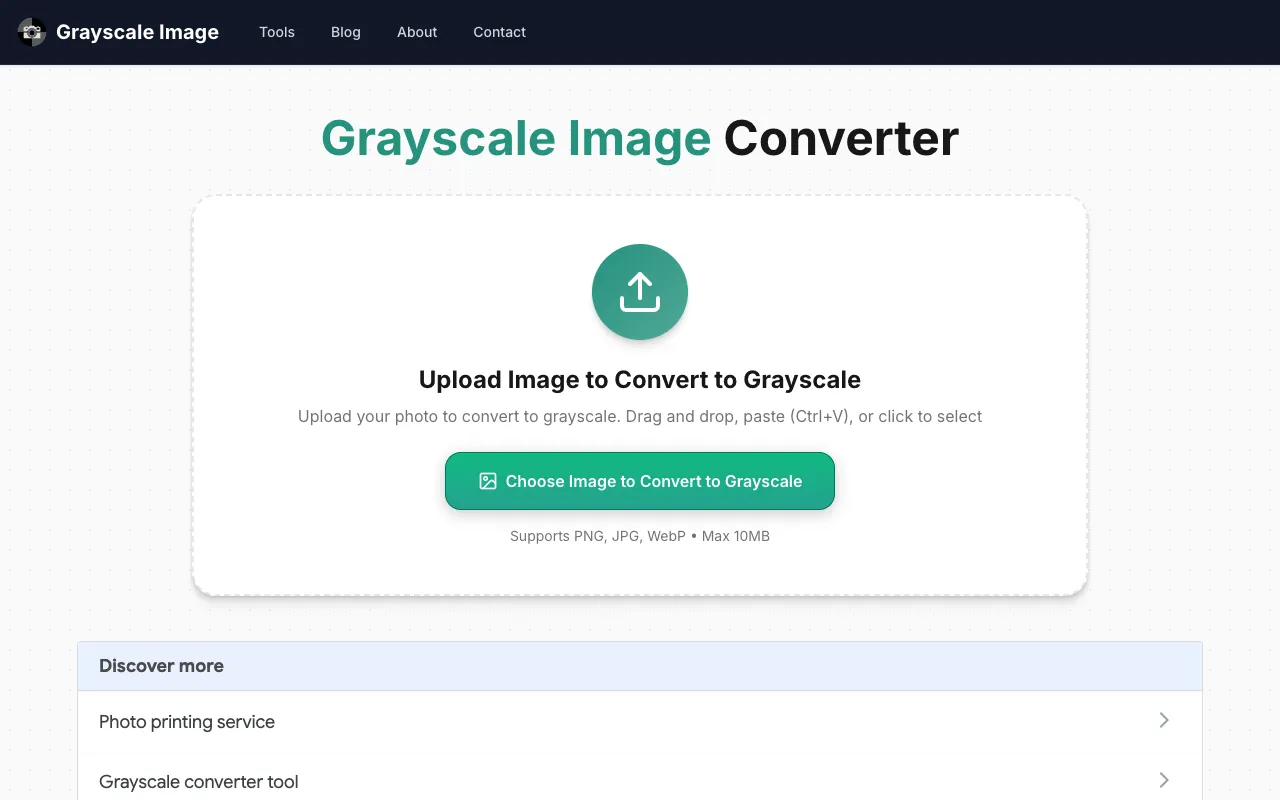
Convert JPG, PNG, and WebP images directly in your browser with an array of creative effects and artistic filters. Transform your photos to grayscale for a timeless monochrome appearance, or select from black-and-white, sepia, posterization, dithering, duotone, and tinting effects to achieve unique and stylized variations of your original images. All image processing runs entirely on your device using local browser computation, without any data transmission. Your images remain completely private throughout the conversion process since all transformations happen locally on your computer rather than being uploaded to external servers. No account creation, signup, or personal information is required to access the tool's full functionality. Simply upload your image file and select your desired effect to instantly apply professional-quality color and filter transformations.
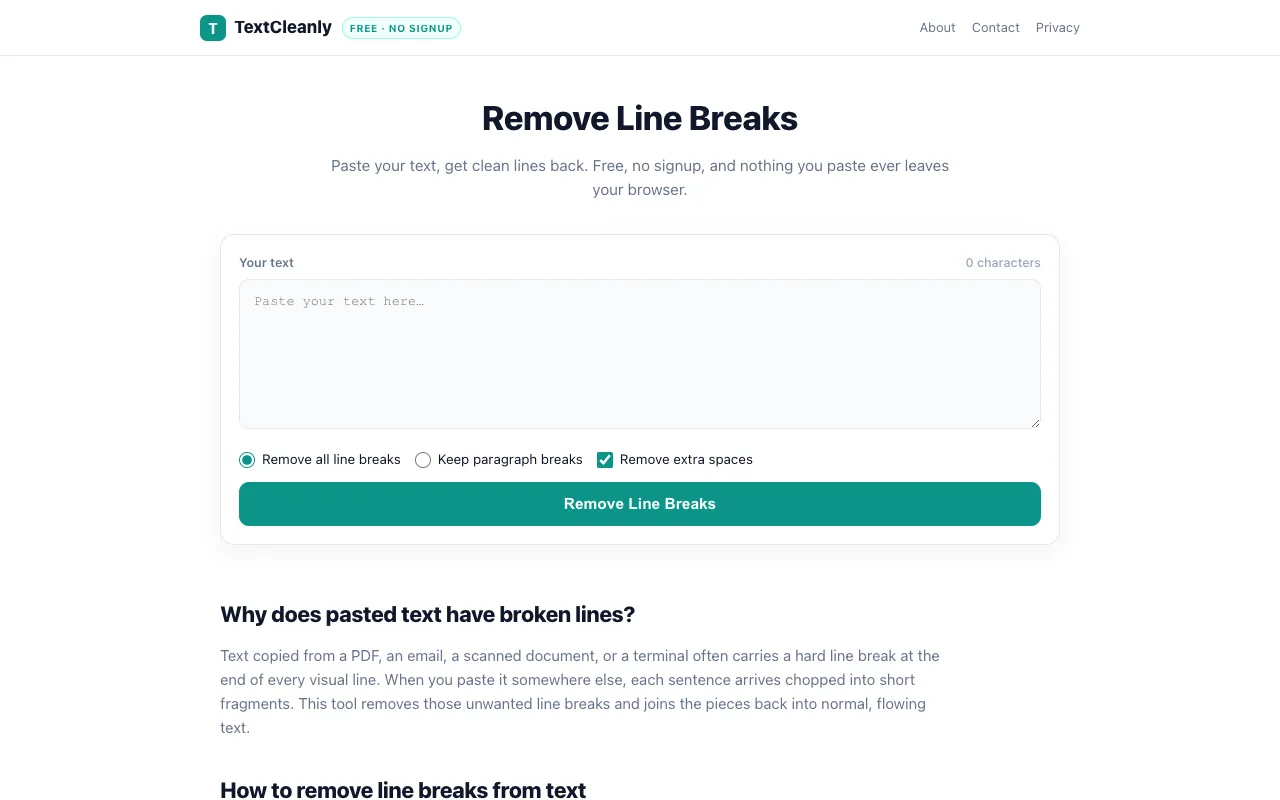
Remove line breaks from text and clean up pasted content in a single action. TextCleanly's tool offers flexible options to either strip all line breaks or maintain paragraph spacing, making it useful for reformatting text from emails, documents, and web pages. All processing happens locally in your browser with no signup required, ensuring your data stays private. The tool is completely free and perfect for quick text formatting tasks.
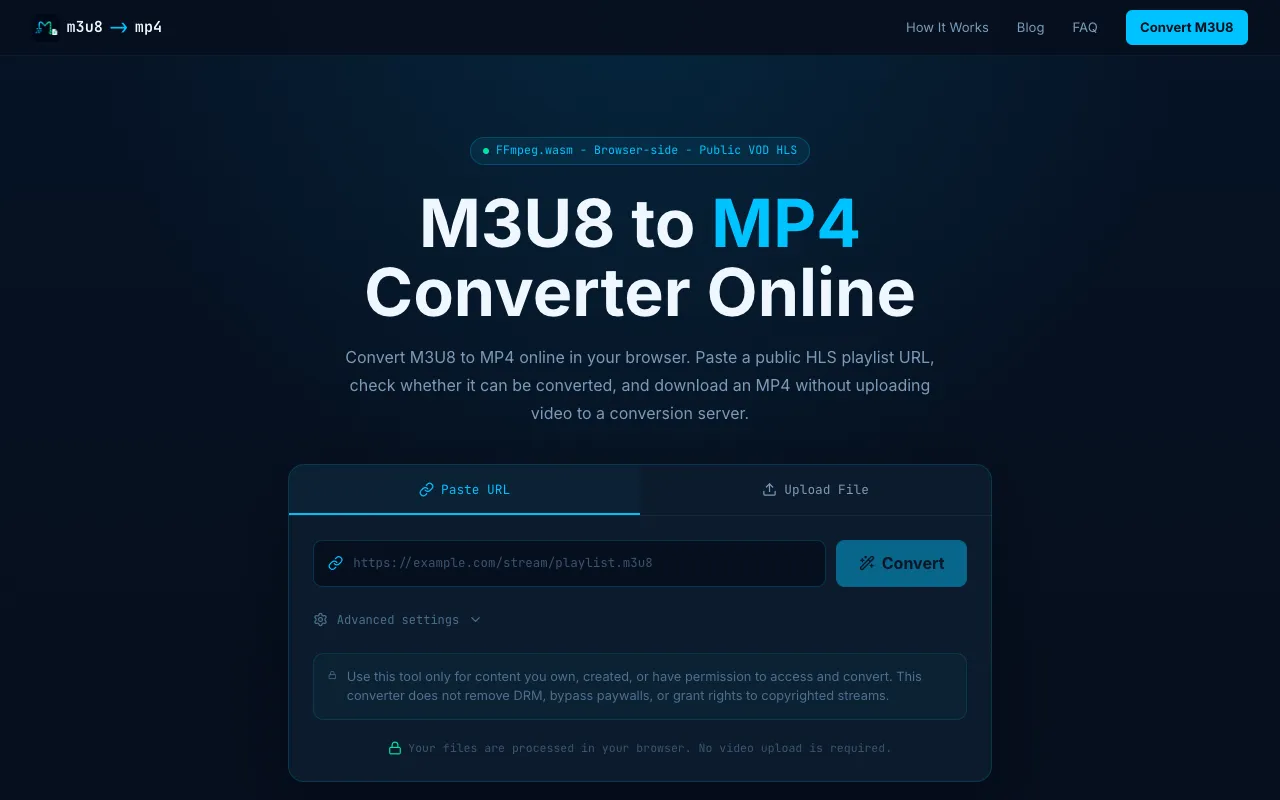
M3U8 to MP4 converter transforms HLS video playlists into standard MP4 format, processing everything directly in your web browser without requiring any software installation or external tools. The tool reliably handles public M3U8 playlist files, managing the entire conversion process efficiently and entirely on your device. This browser-based, client-side approach ensures your media and personal data stay completely private and secure while you work through conversions. The converter is particularly ideal for content creators, streamers, and anyone needing to download and convert HLS-based video content into portable, shareable MP4 files for distribution. Whether working with live stream archives, video playlists, or other streaming sources, users can quickly and reliably convert video formats for offline viewing, long-term archival, or sharing across different platforms, devices, and media players.
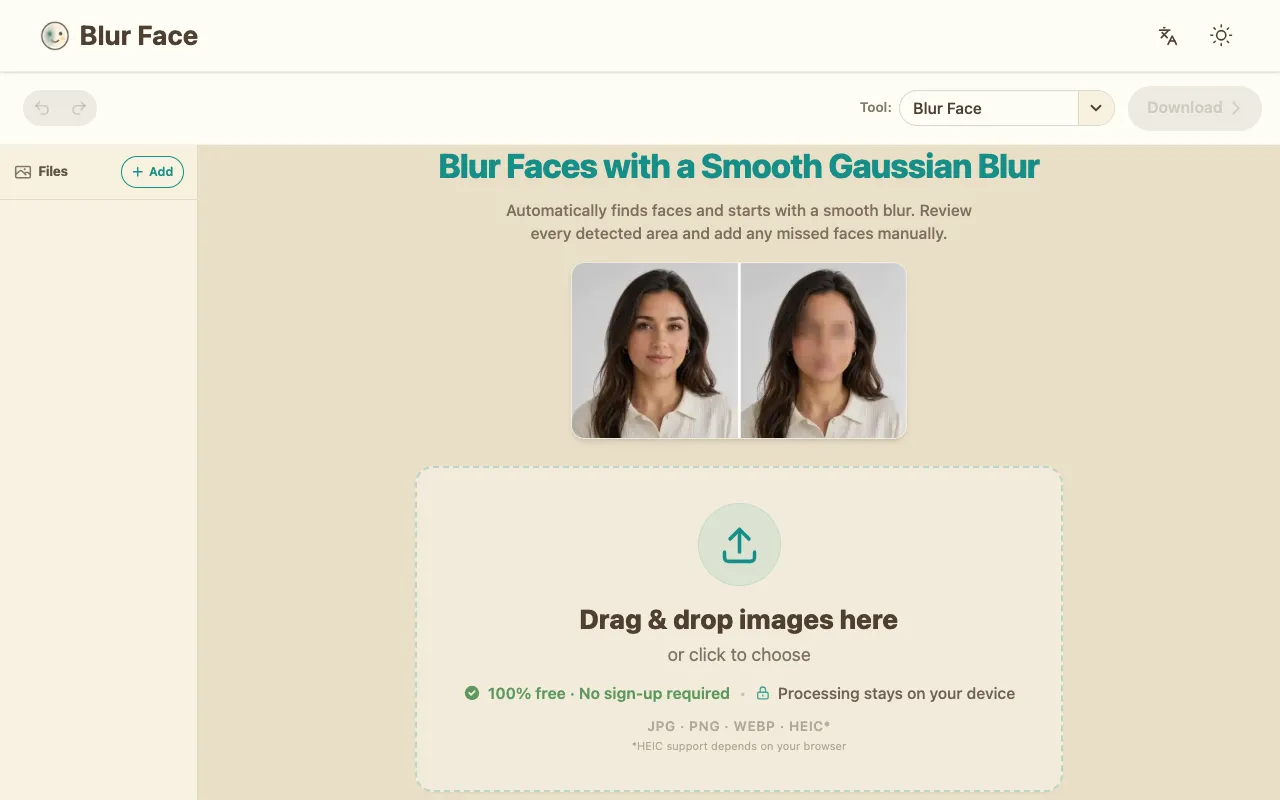
Blur Face is a browser-based tool that uses automatic face detection to identify and blur faces in your images, with all processing performed locally on your device. Images never leave your browser or travel to external servers, ensuring your photos remain completely private and protected. The tool is instantly accessible without requiring account creation, login, or any personal information, making it quick and simple to anonymize faces. The tool automatically removes EXIF metadata from your images before download, stripping away potentially sensitive information such as timestamp data, GPS location coordinates, camera model details, and other metadata that may be embedded in image files. By combining intelligent face detection with comprehensive metadata removal, Blur Face provides layered privacy protection, enabling you to safely share or archive images while protecting both your identity and personal information.
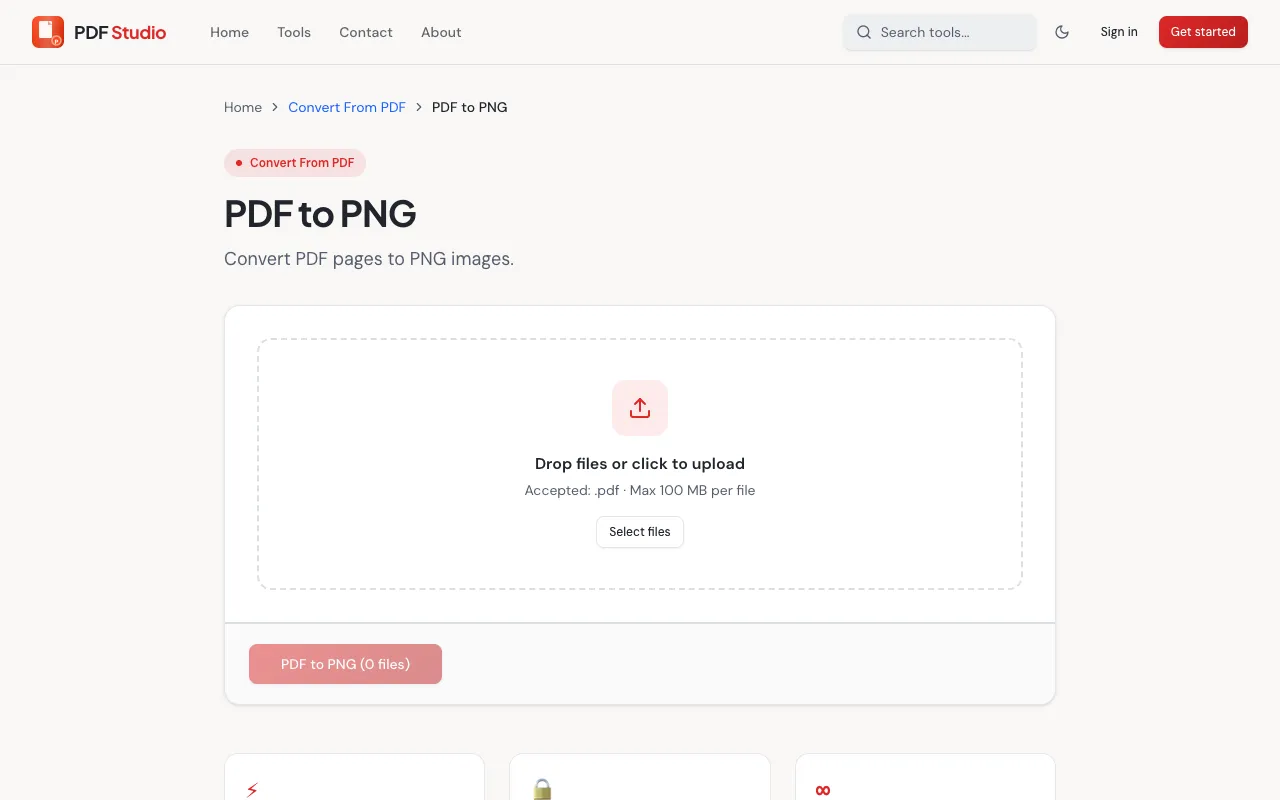
PDF Studio's PDF to PNG converter is a free online tool that transforms PDF documents into high-quality PNG images. The converter allows users to convert individual PDF pages or complete documents to PNG image format without requiring any software installation. The entire conversion process operates within the web browser, providing convenient access to PDF conversion capabilities. Converting PDFs to PNG images serves multiple useful purposes, including sharing document content as images, extracting specific pages for presentations, or preparing files for use in applications requiring image formats. The conversion process is quick and straightforward, with no software installation or account setup required.
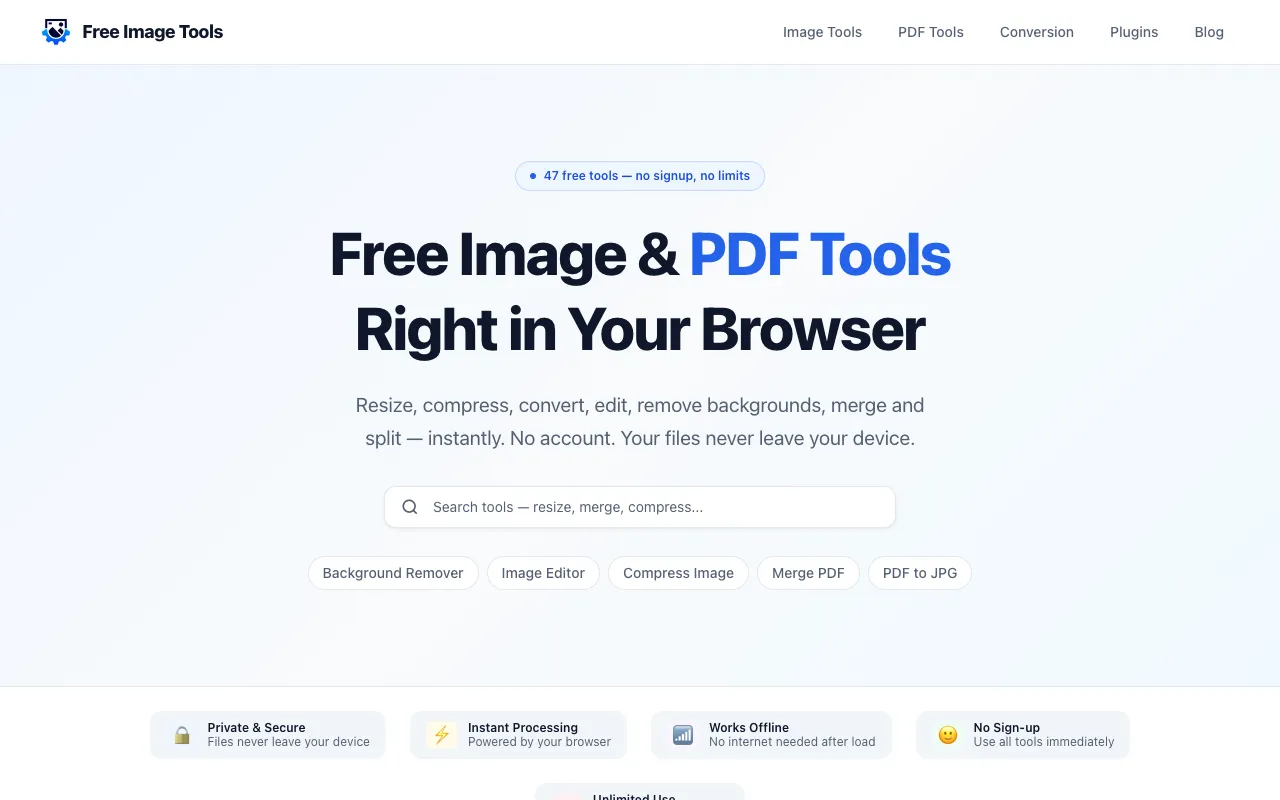
Free Image Tools is a browser-based suite for image and PDF editing, designed for users who need quick file operations without installing desktop software. The platform handles common tasks including image resizing, compression, cropping, format conversion, watermarking, and background removal, alongside PDF functionality like merging, splitting, page rotation, and compression. Processing happens locally in your browser, eliminating privacy concerns about file uploads. The service requires no signup, account creation, or confusing workflows—simply open the tool, add your file, adjust settings, and download the result. Ideal for creators, students, developers, marketers, and small business owners who regularly perform routine image and document editing.
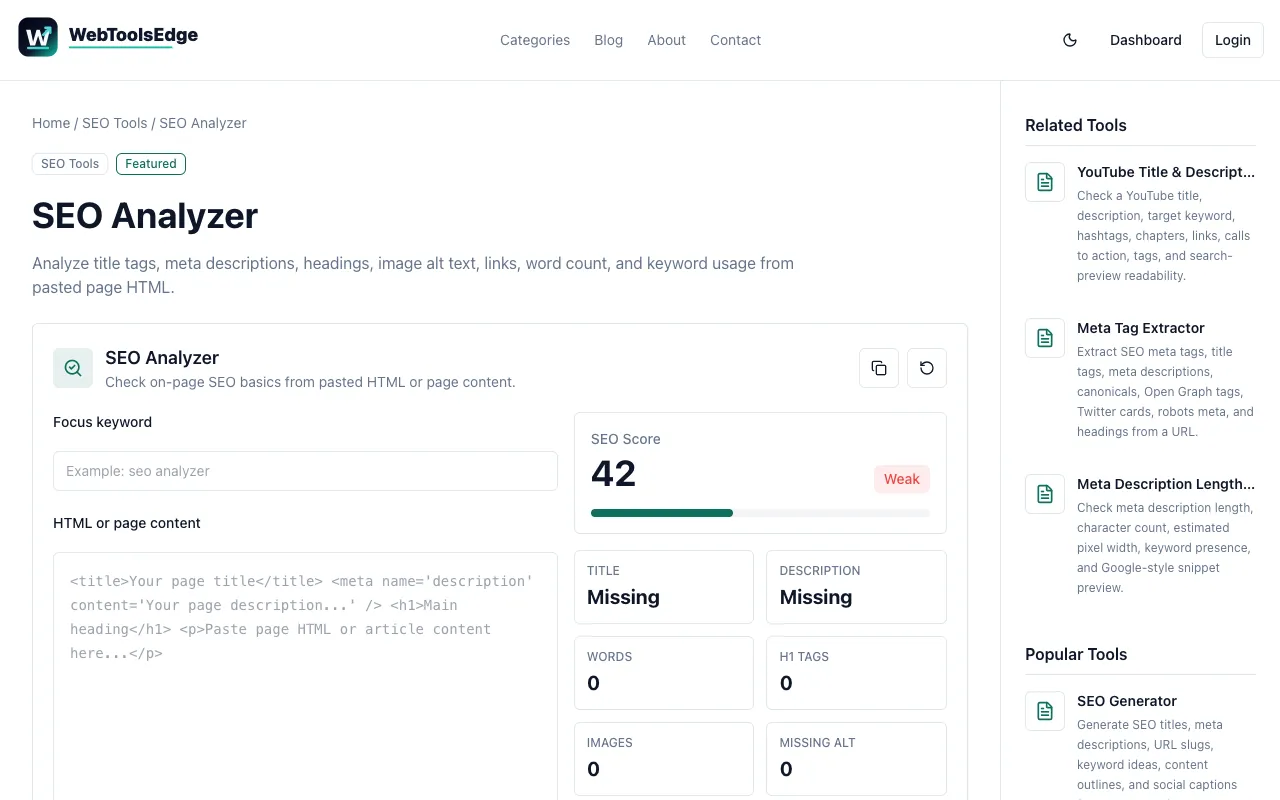
A browser-based on-page SEO analyzer that evaluates web pages for common optimization opportunities and issues. It systematically checks page titles, meta descriptions, heading tags and hierarchy, image alt text attributes, internal and external links, keyword usage and distribution across the content, and other critical page-level SEO signals that impact search engine visibility and rankings. The tool generates a clear, actionable report identifying specific areas for improvement without requiring account registration or login credentials. Results are produced instantly in your browser, making it ideal for quick SEO audits during development cycles, content publication, or ongoing SEO maintenance and optimization efforts.
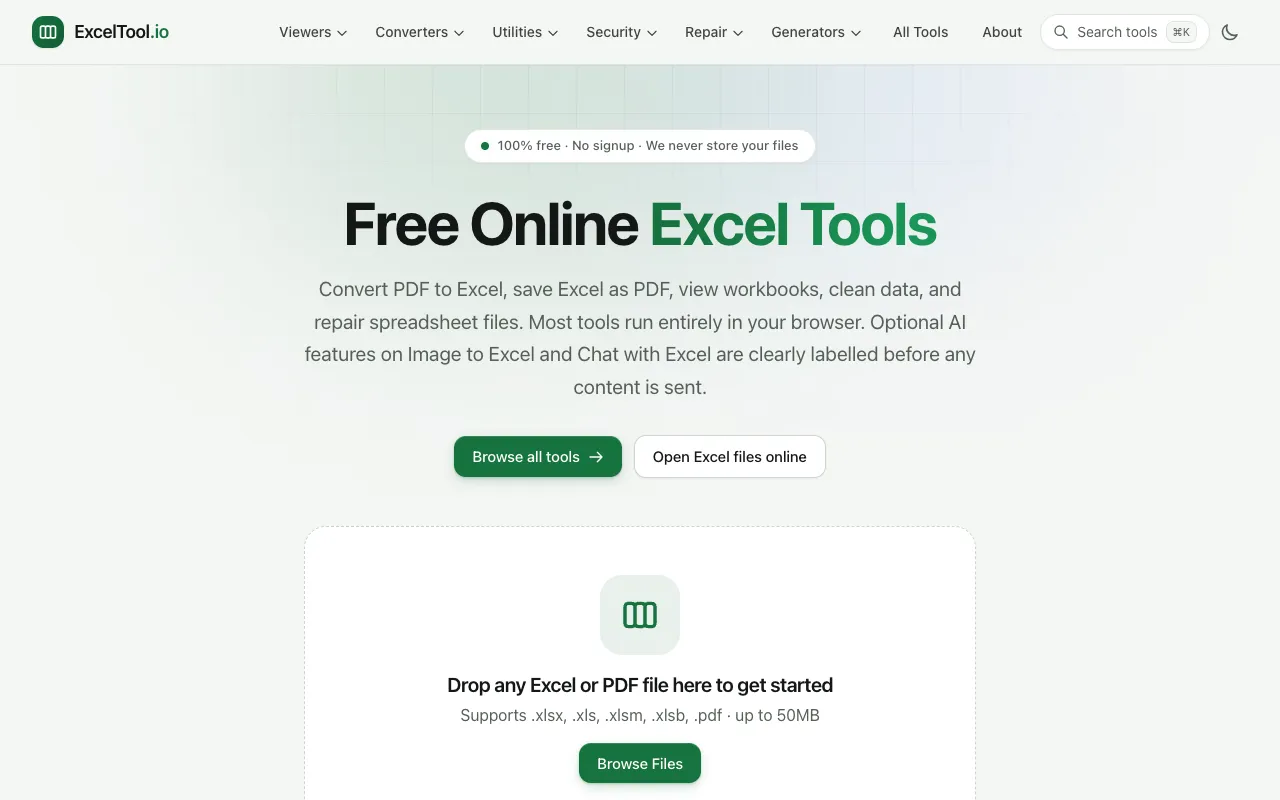
ExcelTool is a free online platform providing a comprehensive suite of tools specifically designed for working with Excel spreadsheets and related file formats. Among its key features is PDF to Excel conversion, which enables users to extract data from PDF documents and transfer it seamlessly into Excel workbooks. The platform also supports viewing and editing of Excel files directly within a web browser, eliminating the need for any desktop software installation. The complete suite additionally includes data cleaning tools for organizing and standardizing spreadsheet content, as well as repair functionality for recovering damaged or corrupted spreadsheet files. All tools operate within the browser environment and require no signup or account creation, providing immediate access to these utilities for both quick data conversions and ongoing spreadsheet management needs.