Image Editor
FreeImageEditor.io is a browser-based image editor designed for quick, everyday image editing without barriers to ent...
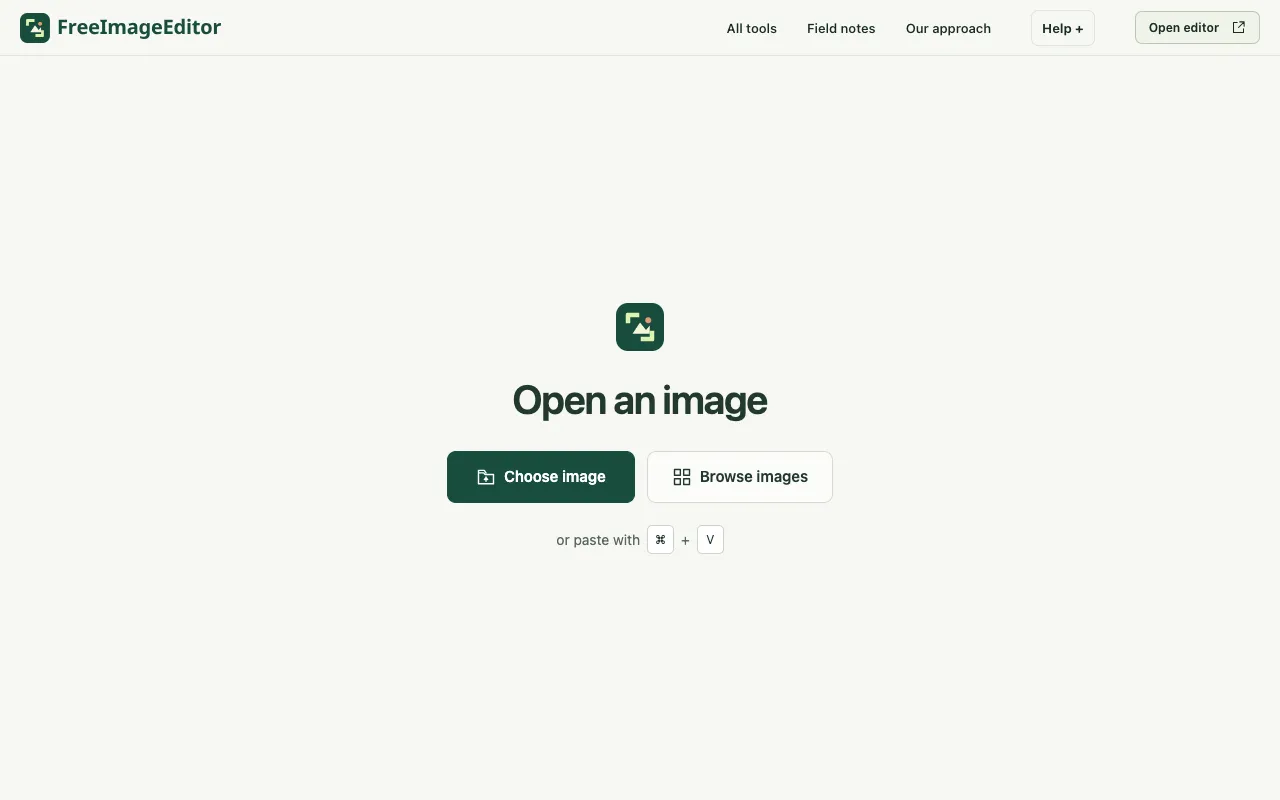
What Image Editor does
FreeImageEditor.io is a browser-based image editor designed for quick, everyday image editing without barriers to entry. It offers a straightforward set of tools including crop, resize, compress, convert, rotate, and flip functions. Unlike many online editors, it requires no account creation, software installation, or file uploads. All image processing occurs locally on your device for both privacy and instant results. The service is completely free with no watermarks, subscriptions, or sign-up requirements. Processing images locally ensures privacy and immediate availability without server uploads.
How to use the Free Image Editor Image Editor
- 1
Open the editor in a new tab using a modern browser such as Chrome, Edge, Firefox, or Safari
- 2
Start with your image by choosing a still JPEG, PNG, WebP, HEIC or supported AVIF image, or paste directly with Ctrl+V or ⌘V
- 3
Make your edits by switching tools inside the editor to crop, resize, add text, blur, redact, or make a meme; Undo lets you try another approach
- 4
Export a real image by choosing PNG, JPEG or supported WebP, then download without a watermark
Best for
This option suits beginners and privacy-conscious users who need quick, everyday edits without signing up or installing software.
Limitations
- A slow connection can delay the first load
- JavaScript and a modern browser are required for the editor to run
- Some advanced features may be limited compared to desktop software
Image Editor FAQ
- Do I need to create an account or install software to use FreeImageEditor.io?
- No, the editor runs entirely in your browser and requires no account creation, software installation, or file uploads.
- Are my images uploaded to a server when I use this tool?
- No, all image processing occurs locally on your device, ensuring privacy and instant results without server uploads.
- What image formats does FreeImageEditor.io support for editing and exporting?
- You can edit JPEG, PNG, WebP, HEIC, and supported AVIF images, and export to PNG, JPEG, or supported WebP formats without adding a watermark.
- Can I edit multiple images at once with FreeImageEditor.io?
- Yes, the editor includes a batch images tool that applies consistent processing to multiple files.
Similar tools
Based on shared tags