32 tools
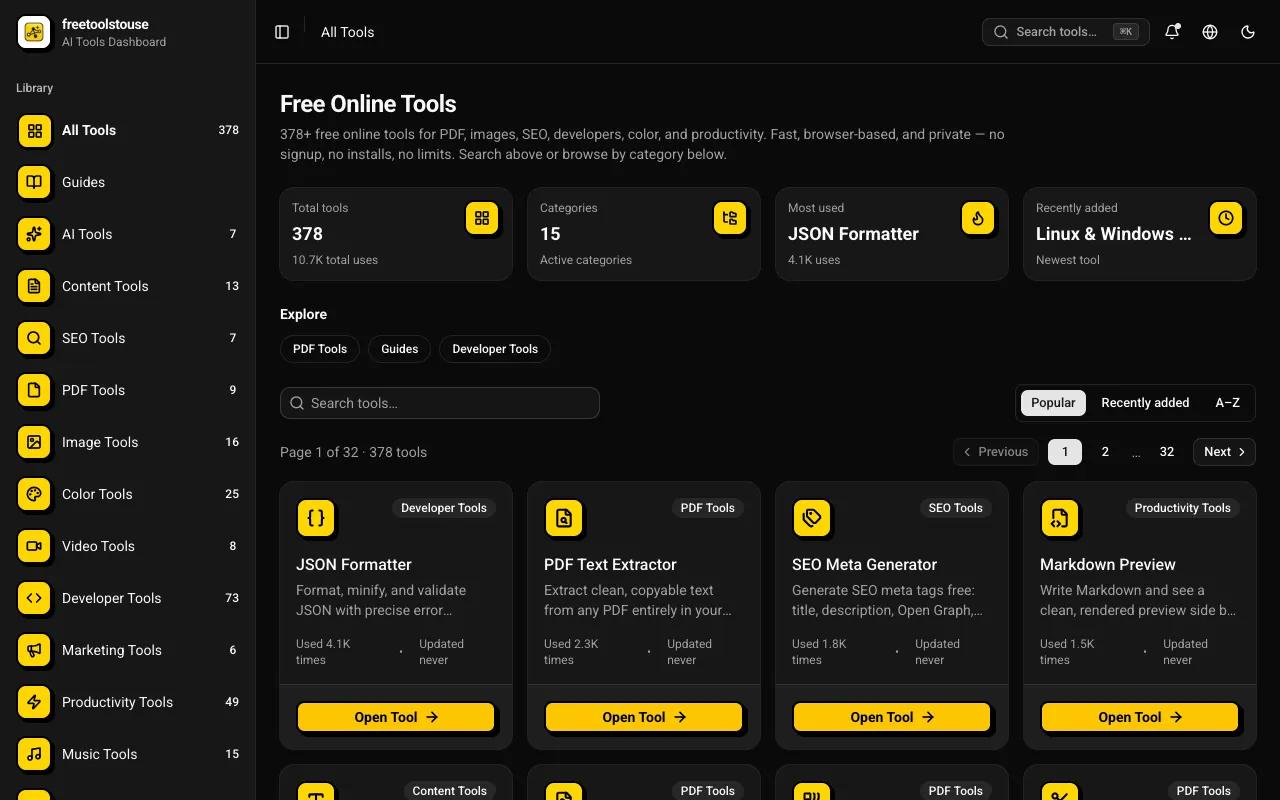
A comprehensive collection of 180+ free online utilities accessible directly through the browser without any signup requirements. The suite covers multiple domains including PDF document manipulation, image processing, developer-oriented utilities, financial calculations, SEO optimization tools, and scientific calculators designed to assist with various technical and practical needs in both personal and professional contexts. The platform provides essential tools for PDF merging and splitting, JSON formatting and validation, DNS lookups, EMI calculations and other financial calculators, BMI and health metric computation, text processing, and numerous additional utilities suited for everyday and professional applications. All operations execute entirely within the browser environment, completely eliminating the need for account creation, software installation, or any subscription expenses.
Combines multiple PDF files into one, offering drag-to-reorder functionality and allowing selective page inclusion. Users can easily merge documents locally without uploading them to a server, ensuring privacy and speed. This tool is ideal for professionals, students, and anyone who needs to consolidate multiple documents into a single PDF file efficiently and securely.
Converts scanned documents and images within PDFs into editable, searchable text using Optical Character Recognition (OCR) technology. The tool processes physical or digitized paper records that are not inherently machine-readable, effectively extracting the content from image formats. It accurately analyzes the layout and characters of a PDF file, converting them into standard digital text layers that preserve the original document structure while allowing for full search functionality within the file. Businesses needing to digitize large archives of paper documents find this resource invaluable for creating searchable records. Individuals can use it to modernize old scanned reports, historical documents, or non-editable academic materials.
PDF Tools Suite offers a comprehensive set of online tools for managing and manipulating PDFs directly in your web browser. With features like merging, splitting, rotating, compressing, and extracting pages, it simplifies the handling of documents without needing to download any software. The service also includes an extensive calendar with dates for 3,400+ world holidays, making it a practical resource for planning and scheduling.
Divides a PDF into separate files by page range or individual page selection. Users can easily extract specific pages or groups of pages from a large document, organizing content for easier sharing or archiving. Suitable for students needing to split class notes, professionals preparing presentations, and anyone looking to simplify complex documents for better accessibility.
Reduces PDF file size through image recompression and structural optimisation. Users upload a PDF, select optimization options like image quality and compression level, then download the smaller version for email sharing or saving space. Helps users manage large files by significantly reducing their size without compromising essential content and formatting. Ideal for frequent document senders, digital archivists, and those working with limited storage on devices.
Signs PDF documents by adding visible signatures and digital signature certificates, making them legally binding and tamper-proof. Business professionals, legal experts, and individuals looking to secure their documents for contracts, agreements, or personal records can benefit from this tool. It simplifies the process of creating trustworthy PDFs, ensuring compliance with legal requirements and enhancing document integrity.
Secures PDF documents by allowing users to add robust passwords and set specific permissions for file access. This tool encrypts Portable Document Format files, ensuring that sensitive content remains confidential while maintaining controlled usage guidelines for authorized recipients. It provides comprehensive protection options, letting users define exactly who can view, print, or edit the document after it has been secured. Organizations and individuals managing private data utilize this service to safeguard valuable reports, contracts, and personal records. Users rely on the ability to limit access when sharing information with external parties or across internal teams. Implementing password protection helps maintain compliance and prevents unauthorized viewing or modification of critical documents.
Extracts specific pages from existing PDF documents, allowing users to create new files containing only selected sections of a larger document. Users simply upload their PDF file, select the desired page range or individual pages using the tool's interface, and then download the customized output. This process simplifies the task of isolating necessary content while maintaining the original formatting and quality of the source material. Individuals who need to organize, edit, or share targeted portions of a bulky document find this utility highly useful. It is particularly helpful for students needing only chapter excerpts, professionals compiling reports from multiple sources, or anyone who wants to reduce file size by removing irrelevant pages. The tool provides an efficient way to curate documents down to the exact content needed for their specific purpose.
Merges multiple PDF files into one document with drag-to-reorder support, allowing for flexible arrangement of pages from different documents. Helps users combine separate PDFs, such as reports, images, or forms, into a single file for easier sharing or archiving. Ideal for students, professionals, and anyone needing to consolidate multiple documents into a cohesive package.
Converts PDF files into editable documents, enabling users to add text, images, shapes, and form fields directly within their web browser. Ideal for professionals needing to make quick edits to existing PDFs or create new ones without requiring software installation. Ideal for anyone who needs to modify or enhance a PDF document quickly and easily, such as office managers, students, or remote workers looking for an efficient way to add information or fill out forms online.
Removes password protection from a PDF when you have the correct password, allowing access to its contents for editing or viewing without restrictions. Users with a locked-down PDF file can unlock it using this straightforward online tool by entering the required password. This tool is ideal for individuals who need to gain access to confidential documents at work, students seeking to edit their textbooks, and anyone looking to bypass security measures on personal PDFs.
Stamps text or image watermarks onto every page of a PDF. Users upload their PDF file, select a watermark option (text or image), customize its appearance, and then download the modified PDF with the added watermark. Suitable for businesses needing to protect intellectual property, individuals looking to personalize documents, or anyone who wants to add copyright notices to digital files.
Rotates PDF changes the orientation of pages in a PDF document. Users upload a PDF file, select the desired rotation angle (90°, 180°, or 270°), and download the modified PDF. Ideal for correcting page orientation issues or preparing documents for specific printing needs. Business professionals, educators, and anyone working with PDFs that require consistent page orientation will find Rotate PDF useful. It saves time by automating what would otherwise be a manual process of flipping pages in PDF readers.
Trims margins from PDF document pages using an online tool named Crop PDF. Users can upload their PDF, specify the desired margin size, and download the trimmed version directly in their browser. Ideal for removing unnecessary white space from PDFs to save storage or improve readability on smaller devices. Helps users simplify documents by reducing file sizes without losing important content. Perfect for businesses looking to standardize document formats or individuals who need to share compact files via email or messaging platforms.
Efficiently managing large document sizes is simplified through targeted file optimization. By analyzing and refining the underlying structure of a PDF, the compressor shrinks file sizes without altering the visual integrity of the content. This utility proves essential for developers and technical teams who must adhere to strict file size limitations or optimize document delivery for high-traffic web applications. The optimization process focuses on stripping away unnecessary metadata and reorganizing internal data streams to reduce the overall footprint. Since all compression is handled client-side, documents are processed entirely within the browser, ensuring that sensitive information is never transmitted to an external server. Users receive a compact, shareable file that maintains professional standards while being significantly easier to store and distribute.
Converts files to and from PDF across Word, Excel, PowerPoint, image, and other formats using a web interface. Users upload or drag and drop documents to the tool's platform, select the desired output format, and download their converted file with ease. Business professionals, students, and anyone who needs to share documents in a universally accessible format will find this tool invaluable for ensuring compatibility across different applications and devices.
Converts PDF files into individual image pages in formats like JPG, PNG, and more. Users can upload a PDF document and select the desired image format before initiating the conversion process. Ideal for individuals needing to extract images from PDFs, designers looking to create digital assets from scanned documents, or businesses that require batch processing of PDFs. Helps users quickly access images contained within PDF files, making it easier to share, edit, or use in other applications without the need to open the original document.
Extracts all embedded images from a PDF as separate downloadable files. Users upload a PDF, select the images they want to extract, and download them individually or in batches. Ideal for designers, researchers, and anyone needing image assets from PDF documents without the need for manual extraction. Helps users efficiently retrieve images from complex PDF documents quickly and easily, saving time and effort compared to manually copying and pasting each image. Useful in various fields such as graphic design, academic research, legal documentation, and more where accessing specific images from a PDF is necessary.
Rearranges pages within a PDF document using an intuitive drag-and-drop interface, allowing users to reorder pages as needed without altering other elements or content. Ideal for professionals and students who need to organize or restructure documents efficiently, making it easier to present information in a logical order or create customized layouts.
Compares two PDF files side-by-side, visually highlighting any changes between versions. Users upload two documents to see an intuitive and detailed comparison view. The tool identifies differences in content, layout, and structure, making it easy to pinpoint exactly what has been added, removed, or modified between the original and updated file. This functionality is highly valuable for professionals who need to review document revisions or ensure consistency across multiple versions of critical paperwork. Individuals can use it to track updates on reports, verify edits in legal agreements, or confirm that a final draft matches an earlier standard. It serves as a reliable method for maintaining version control and validating the integrity of complex documents.
Redacts sensitive content by permanently removing text from PDFs. Users upload a document, select areas to black out, and download the modified file with hidden information permanently erased. Helps users protect privacy and ensure compliance with data protection regulations by removing confidential details before sharing or publishing documents. Ideal for individuals, businesses, and organizations handling sensitive information who need to securely share or archive PDFs.
Deletes unwanted pages from PDF documents using an easy-to-use online interface. Users simply upload their existing PDF file to begin the process, where they can then visually select which specific pages or ranges of pages they wish to remove. After making selections, the tool processes the document and allows users to download a completely modified version containing only the desired content. This utility is ideal for anyone who needs to trim lengthy reports, exclude sensitive sections from larger files, or compile a concise version of an original document. It provides a straightforward solution for managing PDF file size and ensuring that only relevant information remains in the final output.
Converts multiple images into a single PDF file with control over layout. Users simply upload JPEG, PNG, or BMP images and can adjust their order and position within the final document. Ideal for organizing photos, combining graphics, or preparing documents for printing. Helps users easily create professional-looking PDFs from various image formats, saving time and effort compared to manual cutting and pasting in other software. Perfect for individuals, businesses, and anyone needing a quick way to consolidate visual content into a single file.