01

01
PDF24
pdf24.org
Permanently blacks out sensitive content in a PDF — text is removed, not just hidden.
Redacts sensitive content by permanently removing text from PDFs. Users upload a document, select areas to black out, and download the modified file with hidden information permanently erased. Helps users protect privacy and ensure compliance with data protection regulations by removing confidential details before sharing or publishing documents. Ideal for individuals, businesses, and...
Permanently blacks out sensitive content in a PDF — text is removed, not just hidden.
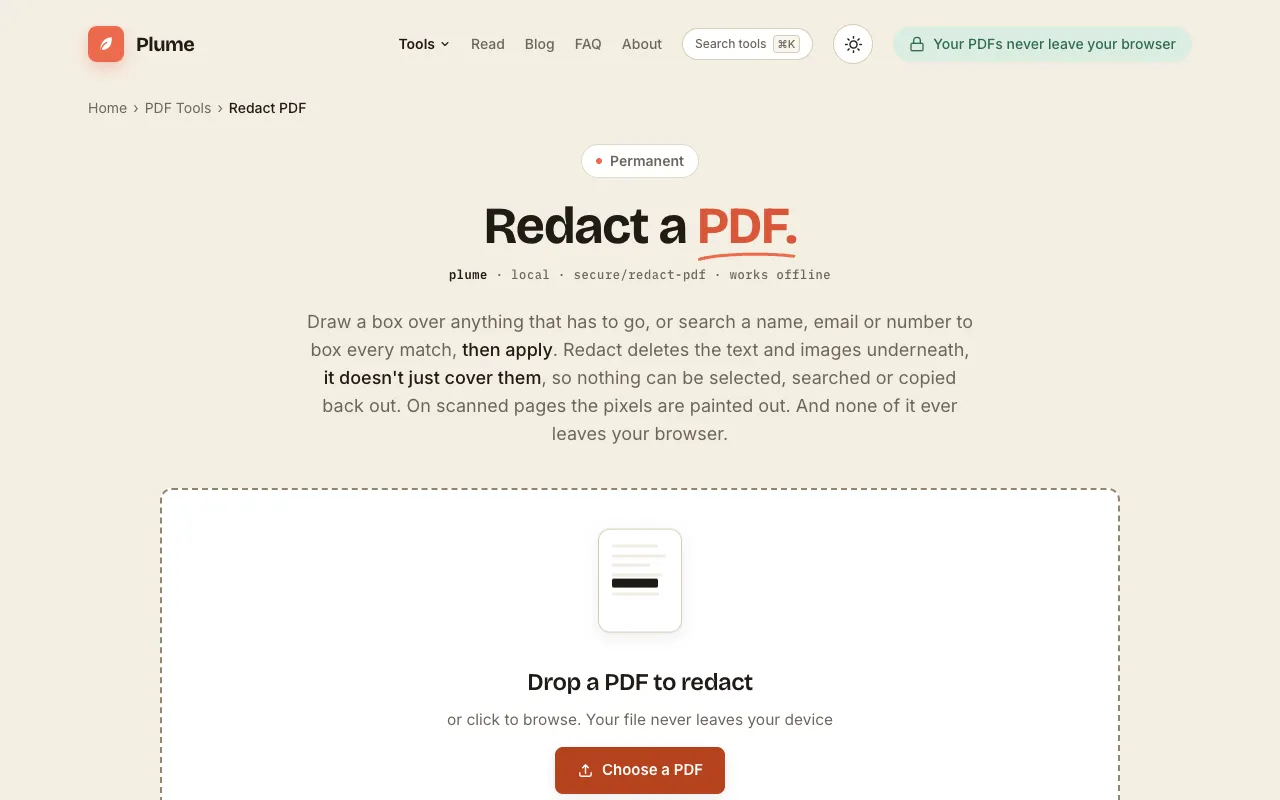
Draw boxes or search a name or number to permanently delete the sensitive text and images beneath, not just cover the...
Side by side
| Tool | Best for | Strengths | Limitations |
|---|---|---|---|
| PDF24 pdf24.org | Budget-conscious users needing free, unlimited redaction |
|
|
| PlumeDocs plumedocs.com | Privacy-focused users who cannot upload files |
|
|
Buyer's guide
When picking a redaction tool, the most important factor is whether the content is truly removed or just visually covered. If you share or publish the PDF after redacting, you need a tool that permanently deletes the underlying text and images, not one that simply blacks them out. Cost and convenience matter too: PDF24 offers unlimited free use in the browser with no sign-up, while PlumeDocs keeps everything on your device if you cannot risk uploading sensitive files to any server.
Questions