01
01
OpenToolSuite
opentoolsuite.com
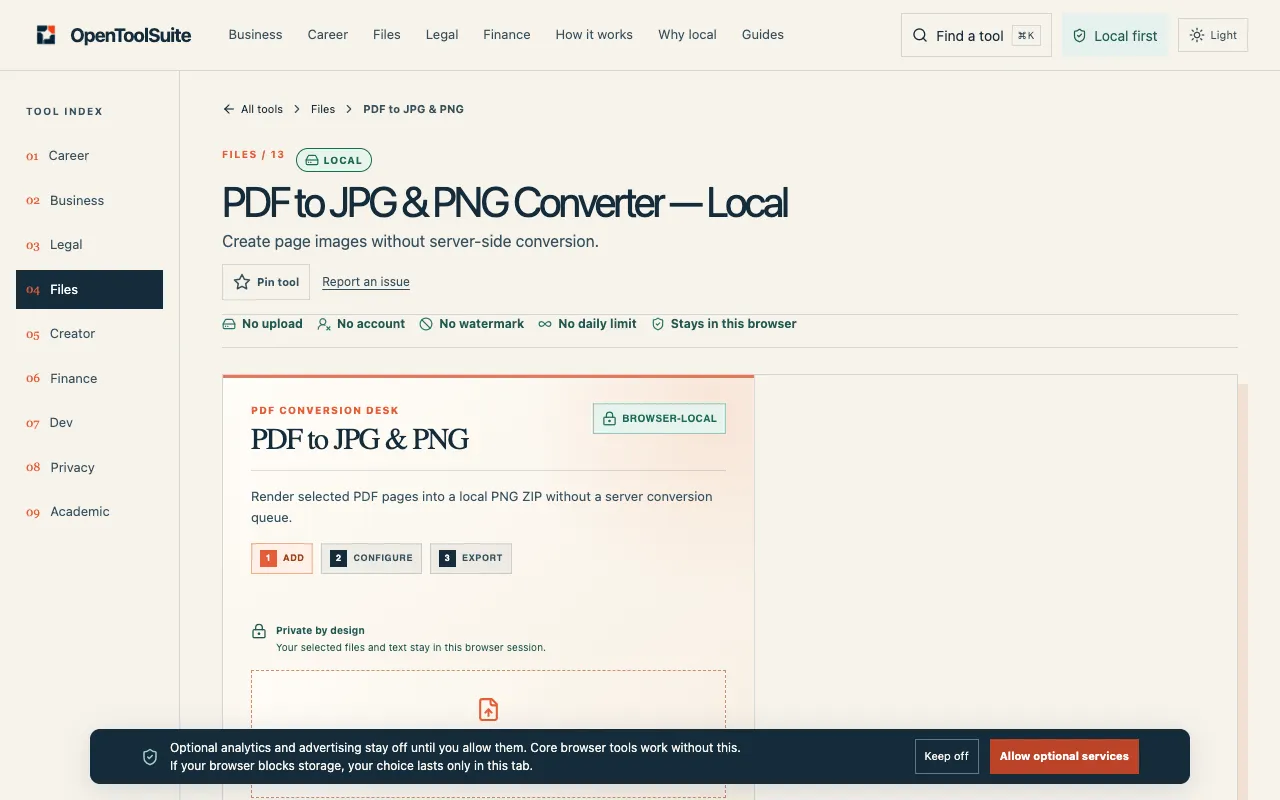
Render PDF pages into downloadable PNG images in your browser. Keep the original PDF until you have checked resolutio...
Converts PDF files into individual image pages in formats like JPG, PNG, and more. Users can upload a PDF document and select the desired image format before initiating the conversion process. Ideal for individuals needing to extract images from PDFs, designers looking to create digital assets from scanned documents, or businesses that require batch processing of PDFs. Helps users quickly access...
Render PDF pages into downloadable PNG images in your browser. Keep the original PDF until you have checked resolutio...

Side by side
| Tool | Best for | Strengths | Limitations |
|---|---|---|---|
| OpenToolSuite opentoolsuite.com | Local, private PDF conversion |
|
|
| PDF24 pdf24.org | Adjustable resolution and quality |
|
|
Buyer's guide
When picking a tool for PDF to image conversion, consider whether you prioritize privacy or customization. If you need to keep your document local and avoid uploading files, choose a browser-based option that processes everything on your device. If you need specific resolution, color mode, or quality settings, a tool with adjustable parameters will give you more control over the output, even if it means accepting ads or a brief upload period.
Questions