6 tools
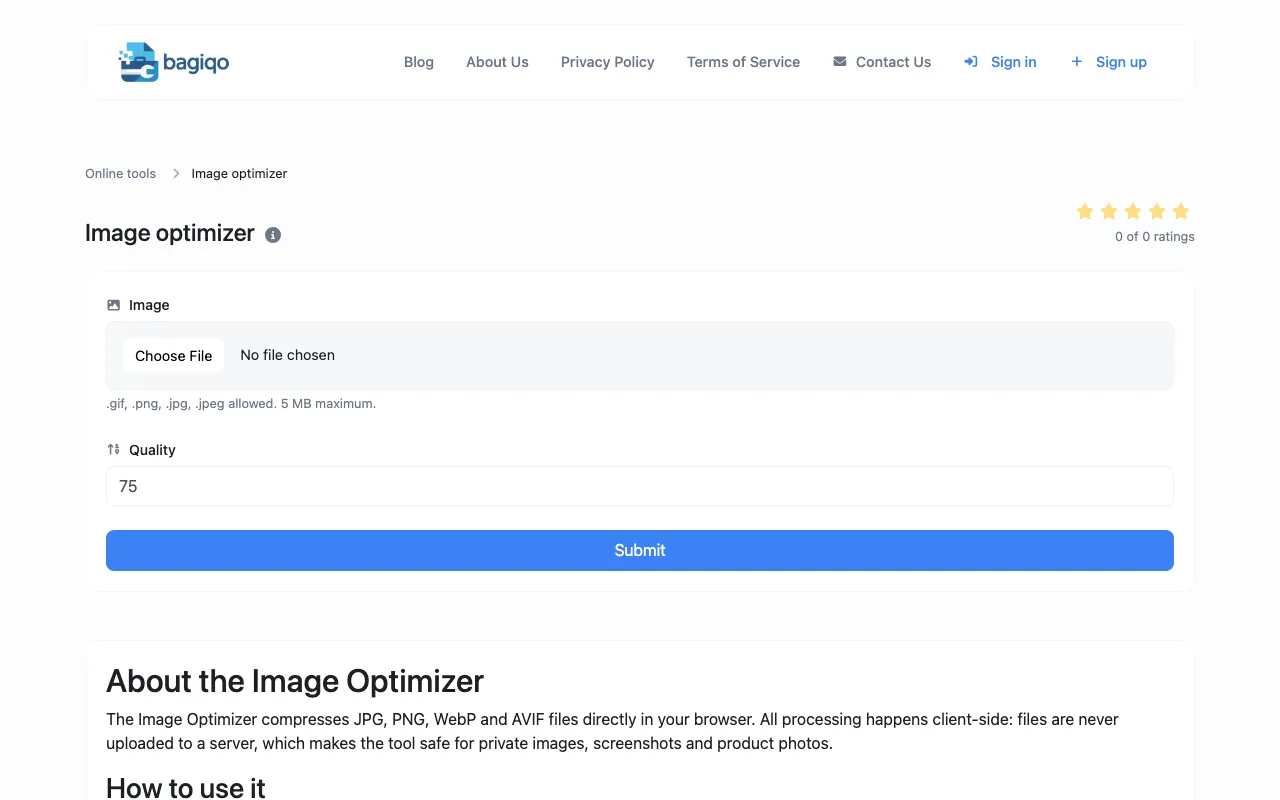
Compresses images to reduce file size while maintaining quality, supporting JPEG, PNG, and WebP formats for efficient email or web use. Ideal for professionals, students, and anyone needing to shrink image files without compromising their visual integrity, enhancing uploading speeds and storage efficiency.
PDF Tools Suite offers a comprehensive set of online tools for managing and manipulating PDFs directly in your web browser. With features like merging, splitting, rotating, compressing, and extracting pages, it simplifies the handling of documents without needing to download any software. The service also includes an extensive calendar with dates for 3,400+ world holidays, making it a practical resource for planning and scheduling.
Efficiently managing large document sizes is simplified through targeted file optimization. By analyzing and refining the underlying structure of a PDF, the compressor shrinks file sizes without altering the visual integrity of the content. This utility proves essential for developers and technical teams who must adhere to strict file size limitations or optimize document delivery for high-traffic web applications. The optimization process focuses on stripping away unnecessary metadata and reorganizing internal data streams to reduce the overall footprint. Since all compression is handled client-side, documents are processed entirely within the browser, ensuring that sensitive information is never transmitted to an external server. Users receive a compact, shareable file that maintains professional standards while being significantly easier to store and distribute.
Compresses CSS by removing whitespace and comments while preserving correctness, often cutting file size 30-50%. Helps users optimize their website's load time by reducing the size of CSS files. Developers and web designers would use it to improve site performance, reduce bandwidth usage, and speed up page loading times.
The Image Optimizer is a browser-based tool for reducing image file sizes for websites and digital projects without installing desktop software. Users can compress and optimize images directly online, making it simple to prepare images for web uploads, digital media, and storage optimization. Ideal for web developers, content creators, photographers, and digital marketers needing to optimize images for faster website loading, reduced bandwidth costs, social media uploads, email attachments, and other digital applications.
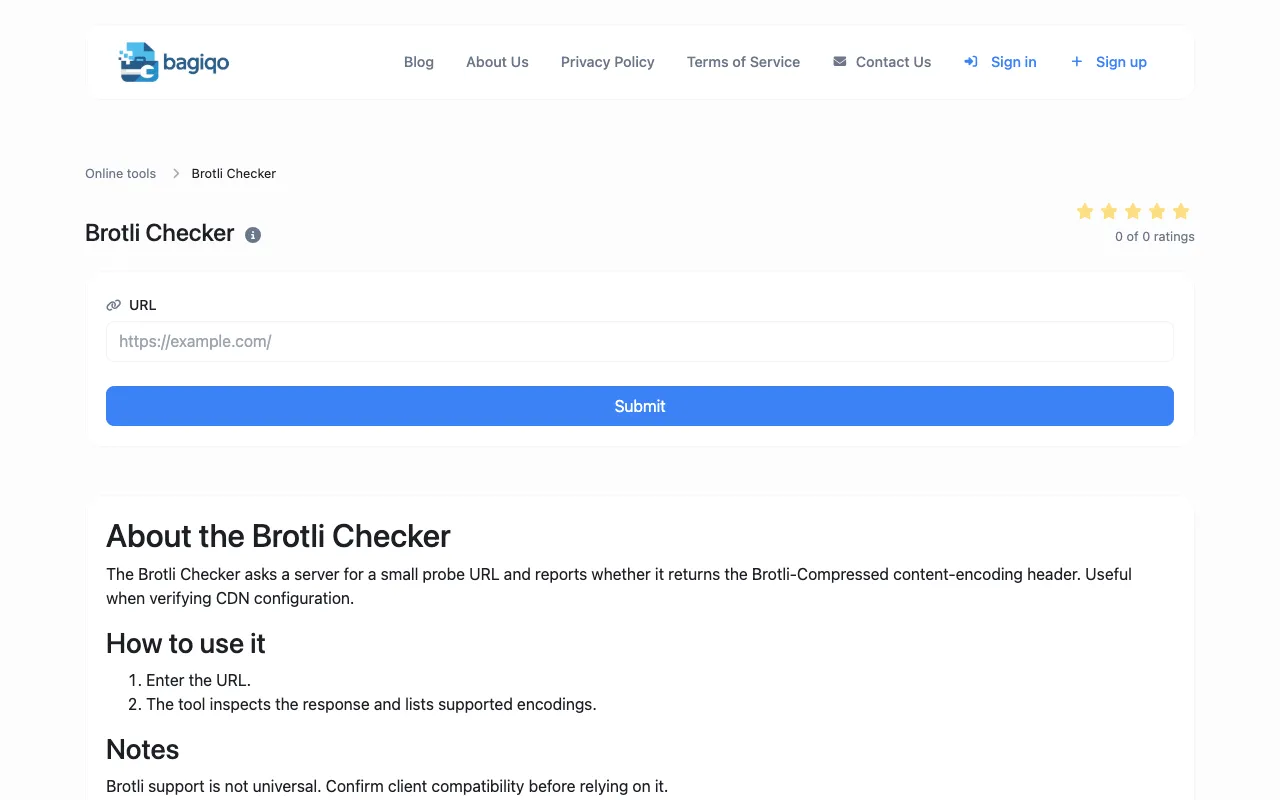
The Brotli Compression Checker tests whether a website or web server has Brotli compression enabled for content delivery. Users can verify if their site is using this advanced compression algorithm for faster content delivery and improved performance metrics. Helpful for webmasters, developers, and DevOps professionals optimizing website performance by checking if Brotli compression is properly configured and enabled on their web servers.