01

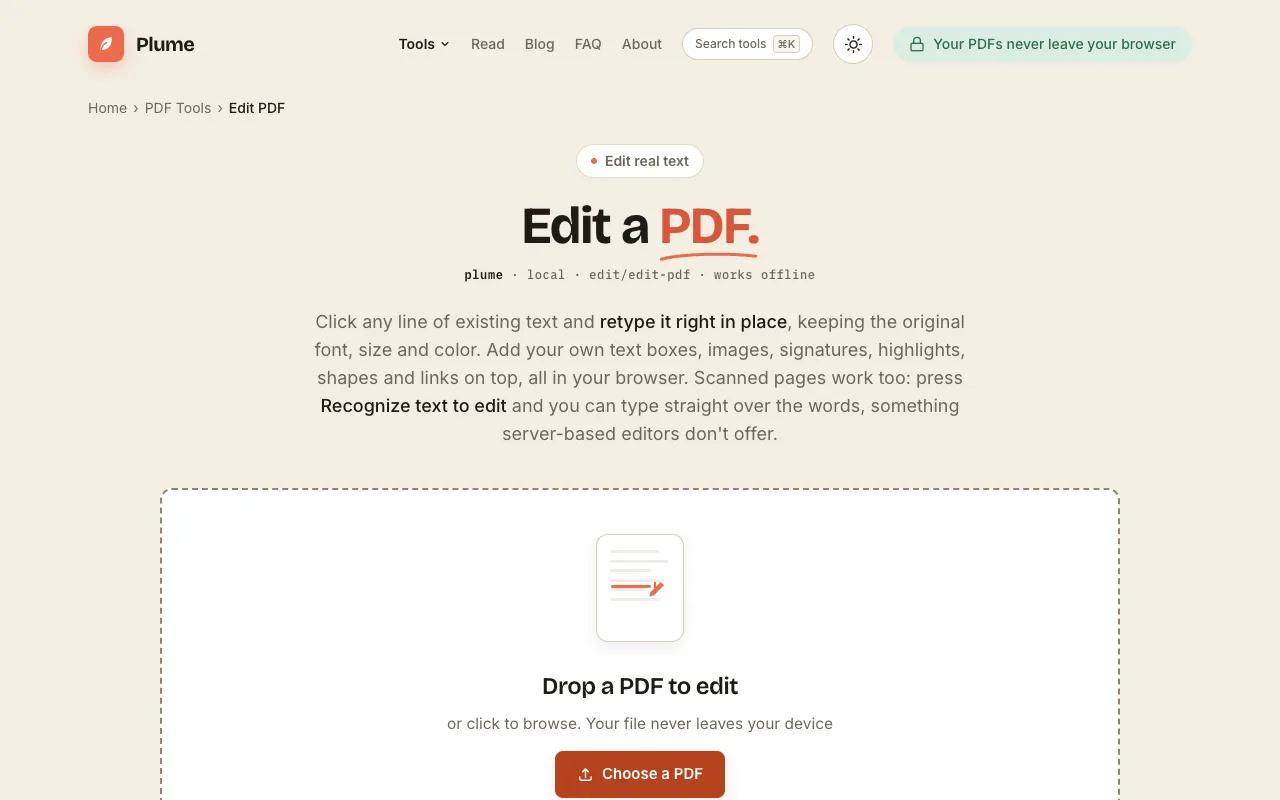
Converts PDF files into editable documents, enabling users to add text, images, shapes, and form fields directly within their web browser. Ideal for professionals needing to make quick edits to existing PDFs or create new ones without requiring software installation. Ideal for anyone who needs to modify or enhance a PDF document quickly and easily, such as office managers, students, or remote...
Side by side
| Tool | Best for | Strengths | Limitations |
|---|---|---|---|
| PDF Candy pdfcandy.com | Users who want a polished, language-supporting editor |
|
|
| PDF24 pdf24.org | Anyone needing a completely free, no-strings-attached editor |
|
|
| PlumeDocs plumedocs.com | Privacy-focused users and scanned PDF editing |
|
|
Buyer's guide
When picking a PDF editor, first decide whether you are okay with ads or need an ad-free experience. If you frequently work with scanned or image-based PDFs, choose a tool that offers OCR text recognition. If privacy is a priority, pick an option that processes files locally or deletes them automatically after editing, rather than one that requires account sign-in and stores documents on servers.
Questions