PDF Tools2 options compared

Unlock PDF

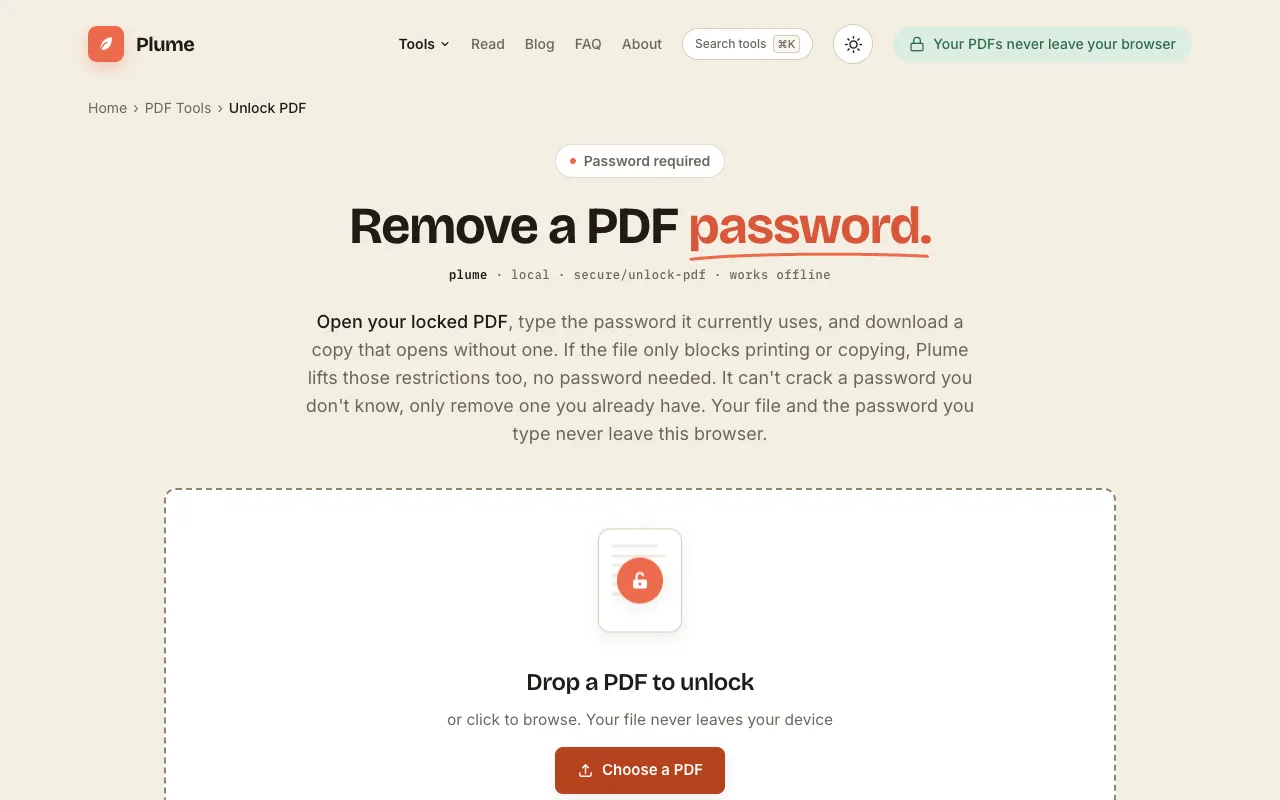
Removes password protection from a PDF when you have the correct password, allowing access to its contents for editing or viewing without restrictions. Users with a locked-down PDF file can unlock it using this straightforward online tool by entering the required password. This tool is ideal for individuals who need to gain access to confidential documents at work, students seeking to edit their...

Editors’ Top PickBased on community votes
Other OptionsRanked by votes
  1. Screenshot of PDF24
    02
    PDF24
    pdf24.org

    Removes password protection from a PDF when you have the correct password.

Side by side

Unlock PDF options compared

ToolBest forStrengthsLimitations
PDF Candy
pdfcandy.com
Users who want a clean, ad-free unlocking experience
  • No annoying ads on the page
  • Layout stays exactly as original
  • Works across all devices including mobile
  • Relies on advertising to stay free
  • Fewer user ratings and reviews available
PDF24
pdf24.org
People who want a free tool with strong community ratings
  • 100% free with no hidden costs
  • High rating 4.78 out of 5 from 1896 users
  • SSL secured transfer, files deleted after one hour
  • Page includes advertising
  • Desktop app promotion is prominent on the page

Buyer's guide

How to choose a unlock pdf

When unlocking a PDF, the most important factor is whether you already know the password β€” without it, no online tool can bypass the protection. If you have the password, choose PDF24 for its strong user ratings and the assurance that files are automatically deleted after one hour; choose PDF Candy if you prefer a simpler interface and don't mind occasional ads on the page.

Questions

Unlock PDF FAQ

Can I unlock a PDF if I don't know the password?
These tools only work when you have the correct password. If you don't know it, the PDF stays encrypted and no online service can bypass that protection.
Are unlocked PDFs safe to edit after removing the password?
Once the password is removed the file becomes an unprotected PDF that can be opened and edited normally. The original layout and content stay intact.
How long do these services keep my uploaded PDF?
PDF24 deletes files after one hour; PDF Candy deletes them after two hours. Both services remove your document after a short period.
Do I need to install anything to use these unlock tools?
No installation is required. Both tools work directly in your browser without needing to download or install any software.
Will the PDF quality change after unlocking?
The tools remove password protection without changing the PDF's layout, formatting, or original content.
Keep Exploring

Related tools in PDF Tools

View all β†’