01
01
MyDocFlow
mydocflow.app
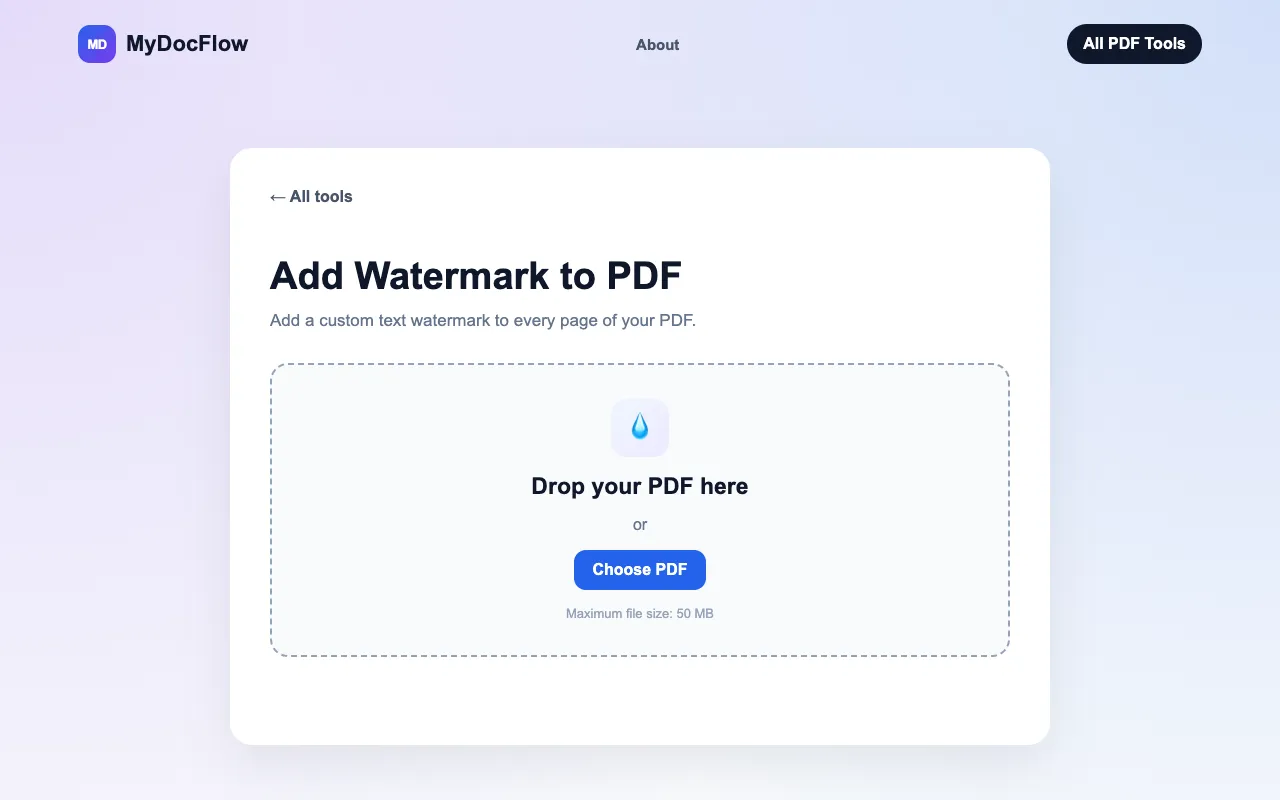
Add a custom text watermark to your PDF online for free. Choose the color, opacity and rotation. No account required.
Stamps text or image watermarks onto every page of a PDF. Users upload their PDF file, select a watermark option (text or image), customize its appearance, and then download the modified PDF with the added watermark. Suitable for businesses needing to protect intellectual property, individuals looking to personalize documents, or anyone who wants to add copyright notices to digital files.
Add a custom text watermark to your PDF online for free. Choose the color, opacity and rotation. No account required.

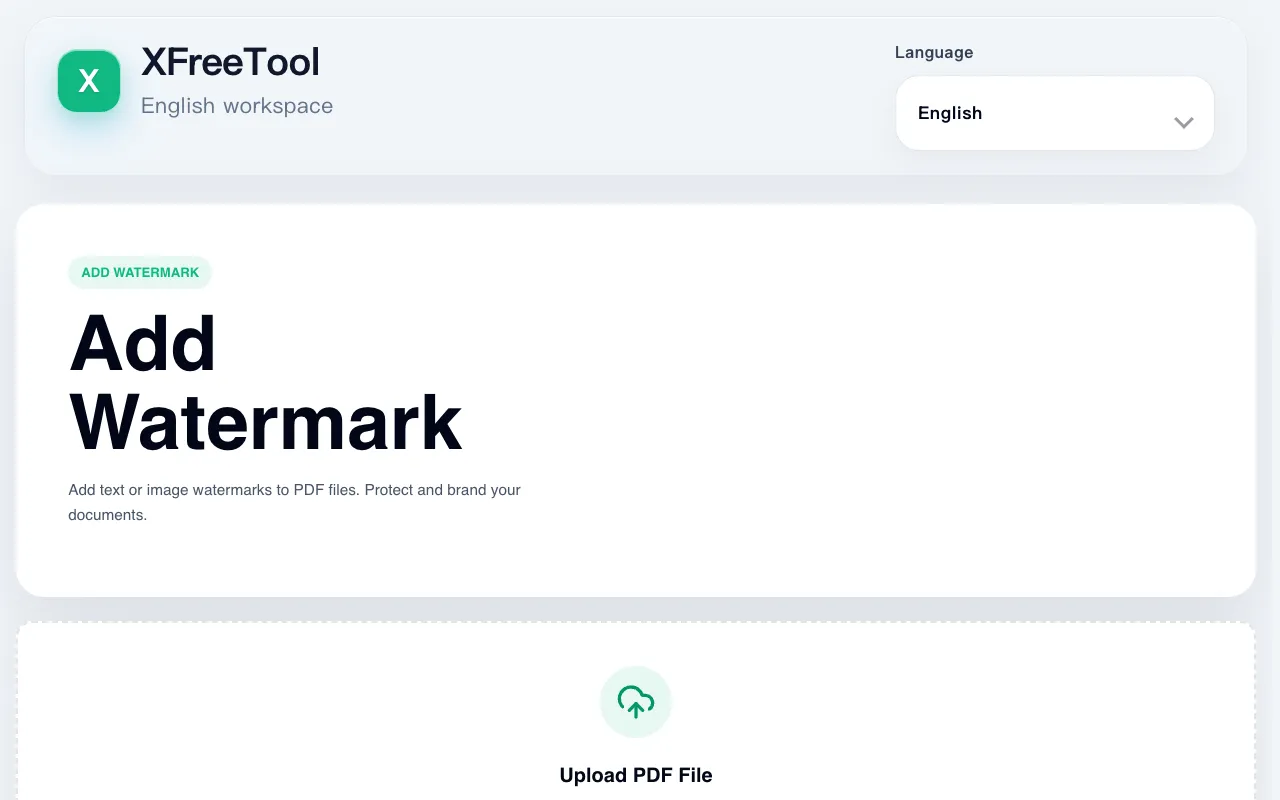
Add text or image watermarks to PDF files. Protect and brand your documents.
Side by side
| Tool | Best for | Strengths | Limitations |
|---|---|---|---|
| MyDocFlow mydocflow.app | Free watermarking without account |
|
|
| PDF24 pdf24.org | Rated PDF watermark tool |
|
|
| XFreeTool xfreetool.com | Fully local browser processing |
|
|
Buyer's guide
When picking a watermark tool, first consider whether you are comfortable uploading your PDF to a server or if you need everything to stay on your device. If privacy is a priority, XFreeTool processes files locally in the browser, but MyDocFlow and PDF24 both require an upload. Next, check what customization you actually need: MyDocFlow gives you color, opacity, and rotation settings, PDF24 lists font, color, transparency, angle, and position options, and XFreeTool mentions position, size, opacity, rotation, and color — so verify which controls matter most for your document. Finally, think about file size and frequency of use; MyDocFlow caps uploads at 50 MB, PDF24 has no stated limits, and XFreeTool's limits are unclear from the excerpt.
Questions