PDF Tools5 options compared

PDF Tools Suite

PDF Tools Suite offers a comprehensive set of online tools for managing and manipulating PDFs directly in your web browser. With features like merging, splitting, rotating, compressing, and extracting pages, it simplifies the handling of documents without needing to download any software. The service also includes an extensive calendar with dates for 3,400+ world holidays, making it a practical...

Editors’ Top PickBased on community votes
Other OptionsRanked by votes
  1. Screenshot of PDF Techno
    02
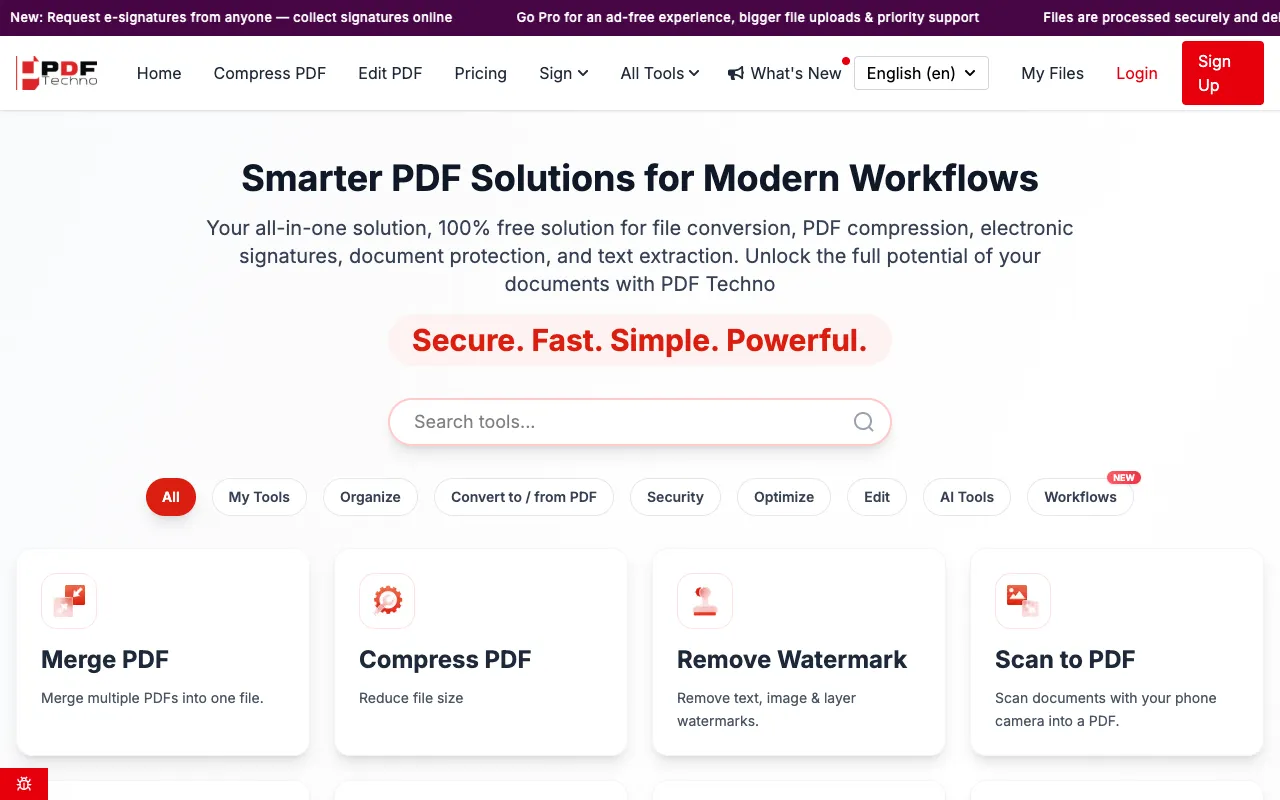
    PDF Techno
    pdftechno.com

    PDF Techno is a free, all-in-one platform for managing and transforming PDF files. The suite includes comprehensive t...
  2. Screenshot of PDF for Free
    03
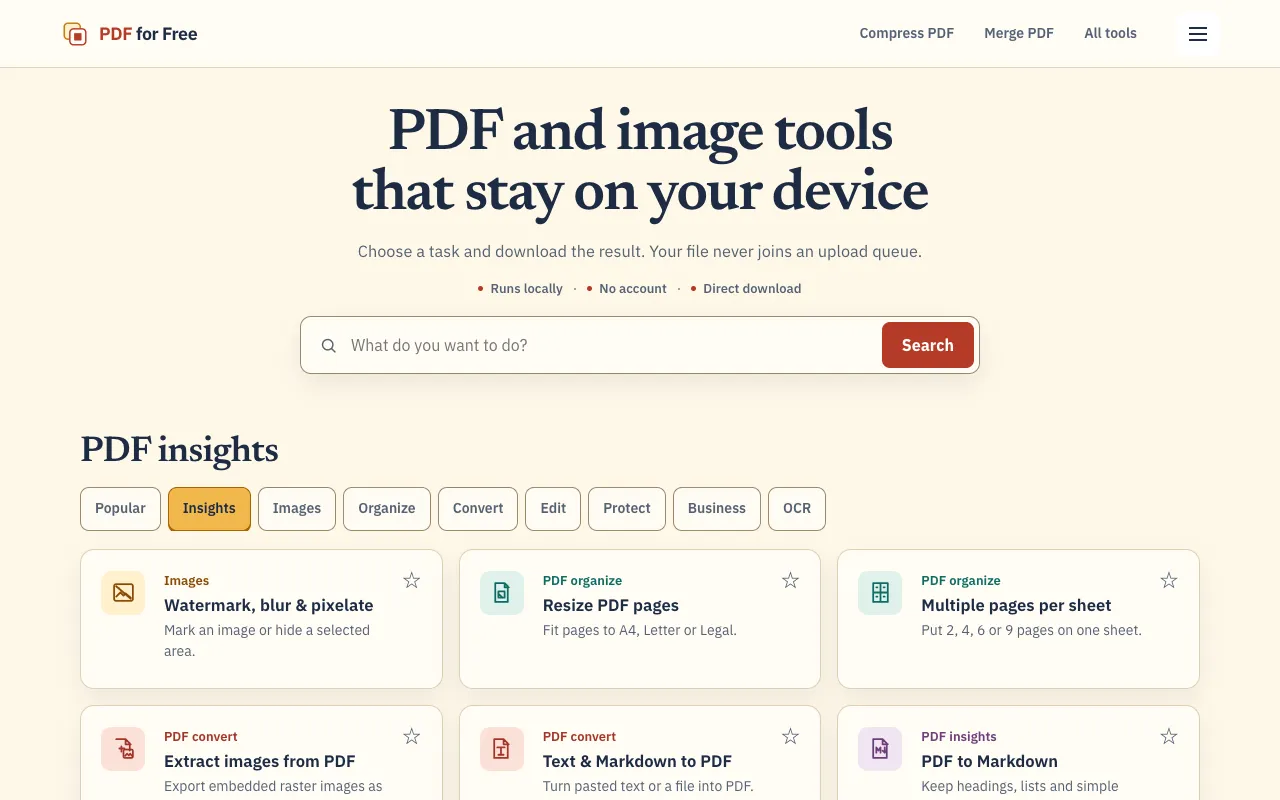
    PDF for Free
    pdfforfree.in

    PDF for Free offers a comprehensive browser-based toolkit for working with PDFs, images, and business documents. The ...
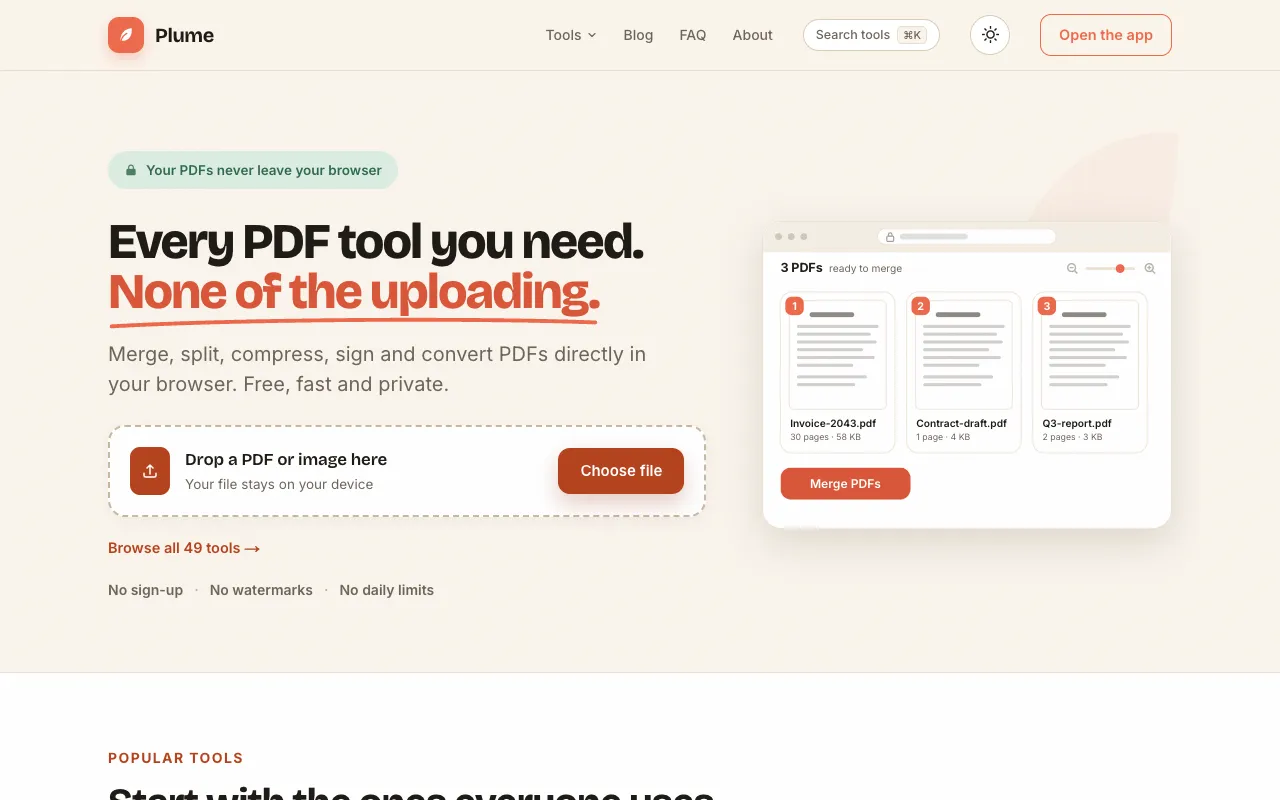
  3. Screenshot of Toolknit
    04
    Toolknit
    toolknit.com

    PDF Tools Suite offers a comprehensive set of online tools for managing and manipulating PDFs directly in your web br...
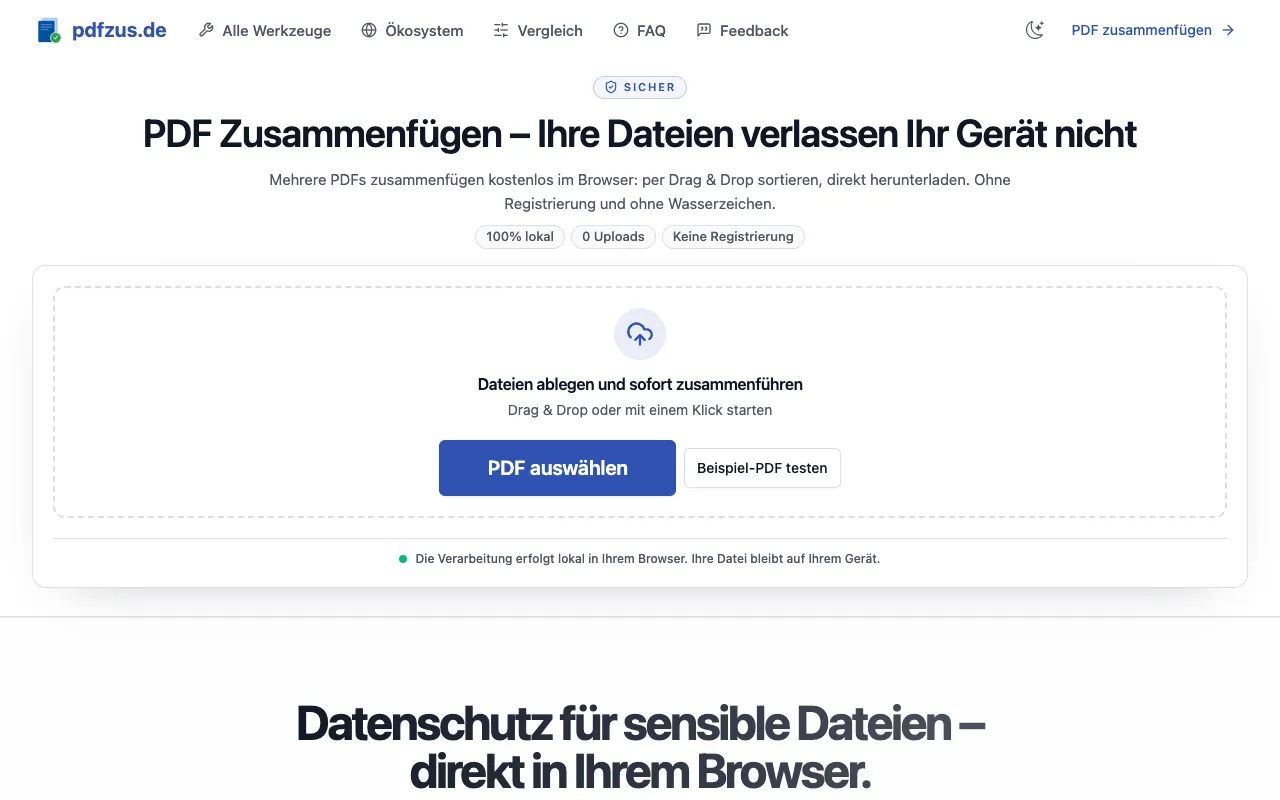
  4. Screenshot of pdfzus
    05
    pdfzus
    pdfzus.de

    pdfzus offers a comprehensive suite of PDF manipulation tools designed to work directly in your web browser without r...

Side by side

PDF Tools Suite options compared

ToolBest forStrengthsLimitations
PDF Techno
pdftechno.com
Users needing many PDF functions
  • All-in-one platform with 50+ tools
  • No registration required for access
  • Fewer unit options for compression
  • Ads on the page
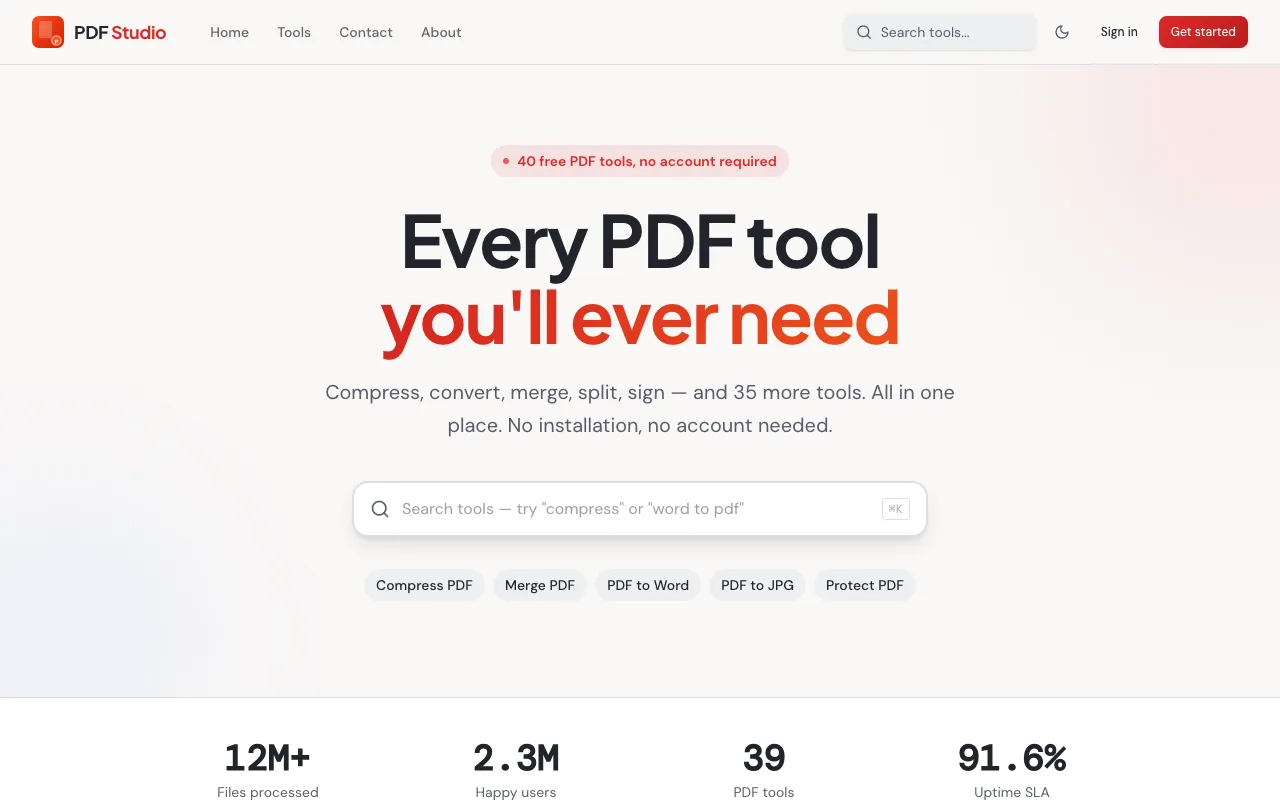
PDF Studio
pdfsstudio.com
Students and professionals needing basic PDF tasks
  • No registration required
  • Focus on user privacy and data security
  • Fewer advanced features compared to PDF Techno
PDF for Free
pdfforfree.in
Privacy-conscious users who want local processing
  • Files processed locally in browser
  • No account or upload queue
  • Direct download results
  • Smaller tool set than PDF Techno
Toolknit
toolknit.com
Users who want a broad task toolbox beyond just PDFs
  • 92 free tools covering PDF, image, video, audio, text
  • Most tools run directly in browser without account
  • Fewer PDF-specific advanced features
pdfzus
pdfzus.de
Users concerned about data privacy during PDF merging
  • 100% local processing, files never uploaded
  • No registration or watermarks
  • Drag & drop interface
  • Smaller feature set than PDF Techno

Buyer's guide

How to choose a pdf tools suite

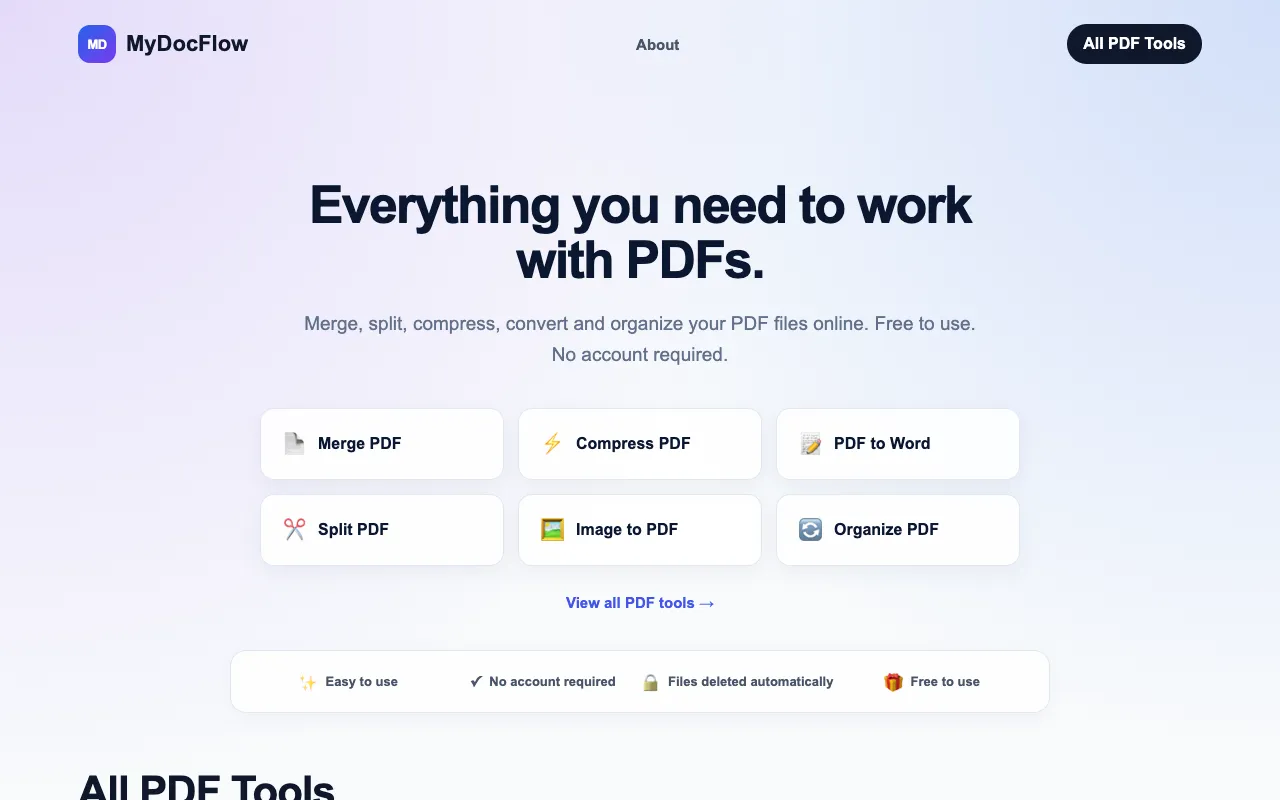
When picking a PDF tool, first consider what you actually need to do β€” if you only merge, split, or compress files, a focused tool like PDF Studio or pdfzus avoids unnecessary features. If you need conversion between many formats, electronic signatures, or text extraction, a broader suite like PDF Techno saves time by consolidating tasks. Privacy matters: tools that process files locally in your browser, such as PDF for Free and pdfzus, keep your documents on your device, while others handle everything online. Registration requirements also vary; some platforms let you start immediately without signing up.

Questions

PDF Tools Suite FAQ

Can I use these PDF tools without creating an account?
Yes, PDF Studio, PDF Techno, PDF for Free, and pdfzus all allow access without registration, though some may offer optional accounts for additional features.
Do these tools process my PDFs online or locally?
It depends on the tool. PDF for Free and pdfzus process files locally in your browser for privacy, while PDF Studio and PDF Techno handle processing online, though they emphasize user data security.
Which tool offers the most PDF functions in one place?
PDF Techno provides the widest range, including conversion, compression, electronic signatures, text extraction, and more, all within a single interface.
Can I merge and split PDFs with these free tools?
Yes, merging and splitting are core features across all listed tools, including PDF Studio, PDF Techno, PDF for Free, ToolKnit, and pdfzus.
Are there file size limits when compressing PDFs?
The material does not specify size limits for compression; check each tool's live page for current restrictions on file size.
Keep Exploring

Related tools in PDF Tools

View all β†’