PDF Tools2 options compared

Sign PDF

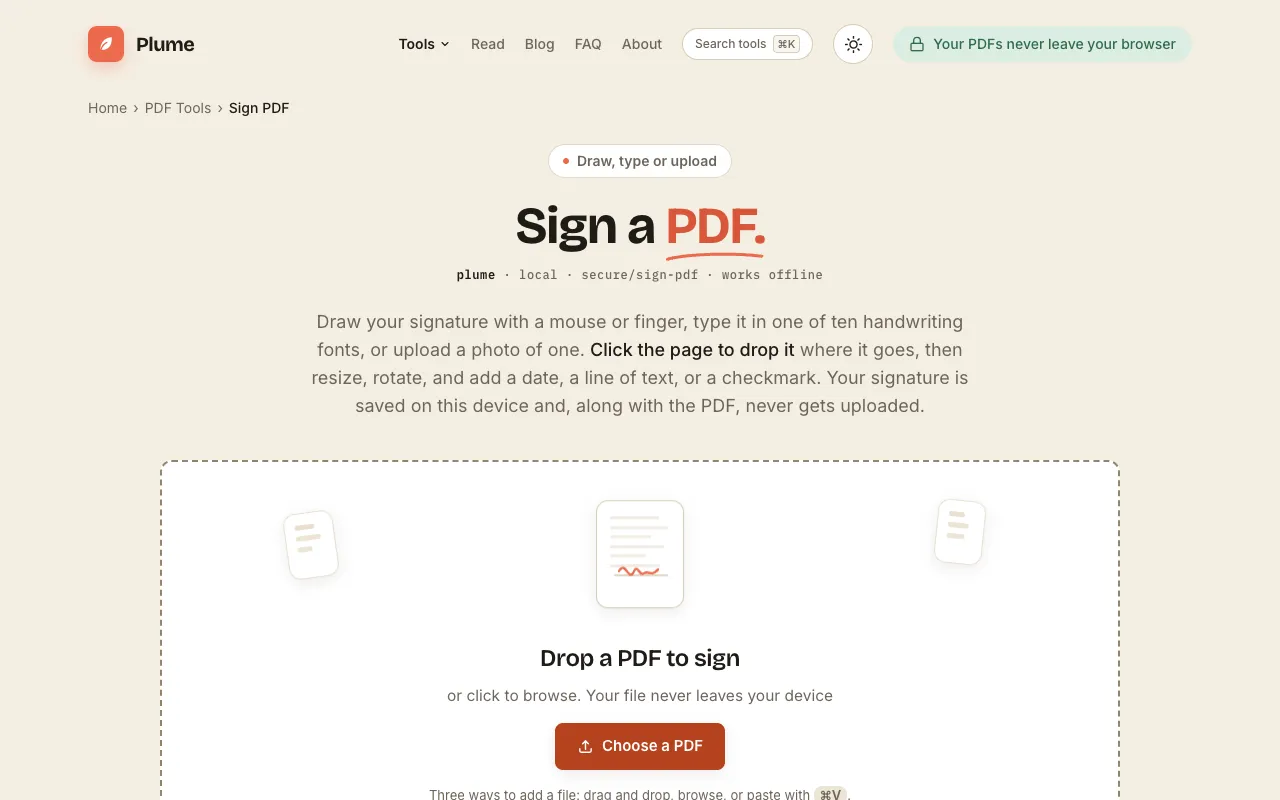
Signs PDF documents by adding visible signatures and digital signature certificates, making them legally binding and tamper-proof. Business professionals, legal experts, and individuals looking to secure their documents for contracts, agreements, or personal records can benefit from this tool. It simplifies the process of creating trustworthy PDFs, ensuring compliance with legal requirements and...

Editors’ Top PickBased on community votes
Other OptionsRanked by votes
  1. Screenshot of PDF24
    02
    PDF24
    pdf24.org

    Adds visible signatures and digital signature certificates to PDF documents.

Side by side

Sign PDF options compared

ToolBest forStrengthsLimitations
PDF Candy
pdfcandy.com
Quick text or freehand signatures
  • User-friendly interface
  • Three signature types (text, freehand, image)
  • Requires sign-in
  • No stated data retention policy
PDF24
pdf24.org
Legally binding, private signing
  • Visible signatures and digital certificates
  • Files deleted after one hour
  • No registration required
  • Advertising on the page
  • Fewer unit options compared to some competitors

Buyer's guide

How to choose a sign pdf

When picking a PDF signing tool, first decide whether you need a legally binding digital certificate or just a visible mark for your own records. If legal enforceability and privacy are priorities, choose a tool that offers certificate-based signing and deletes your file afterward. If you only need to add a quick signature and don't mind creating an account, a simpler free service will work. The key differences here are that PDF24 provides certificate support and automatic file deletion for privacy, while PDF Candy focuses on ease of use but requires sign-in and offers no privacy guarantees.

Questions

Sign PDF FAQ

Can I sign a PDF without creating an account?
Yes, PDF24 allows signing without registration, while PDF Candy requires you to sign in with Google, Apple, or email before using the tool.
Are signed PDFs legally binding?
PDF24 adds visible signatures and digital certificate options that enhance legal authenticity; PDF Candy adds digital signatures for electronic authentication, but neither tool explicitly guarantees court-admissible status without a qualified certificate.
What happens to my PDF after I sign it?
PDF24 automatically deletes files from its servers after one hour; PDF Candy does not state a data retention policy, so you should assume files may remain on their servers.
Can I add a digital certificate for tamper-proofing?
PDF24 provides functionality for adding verifiable digital certificates to enhance the legal authenticity of the document; PDF Candy's interface mentions signature types but does not highlight certificate integration.
Is there a limit on how many PDFs I can sign?
PDF24 advertises no limits, no hidden costs, and no time restrictions, allowing unlimited use of its features; PDF Candy's free tier limits are not specified in the provided excerpt.
Keep Exploring

Related tools in PDF Tools

View all β†’