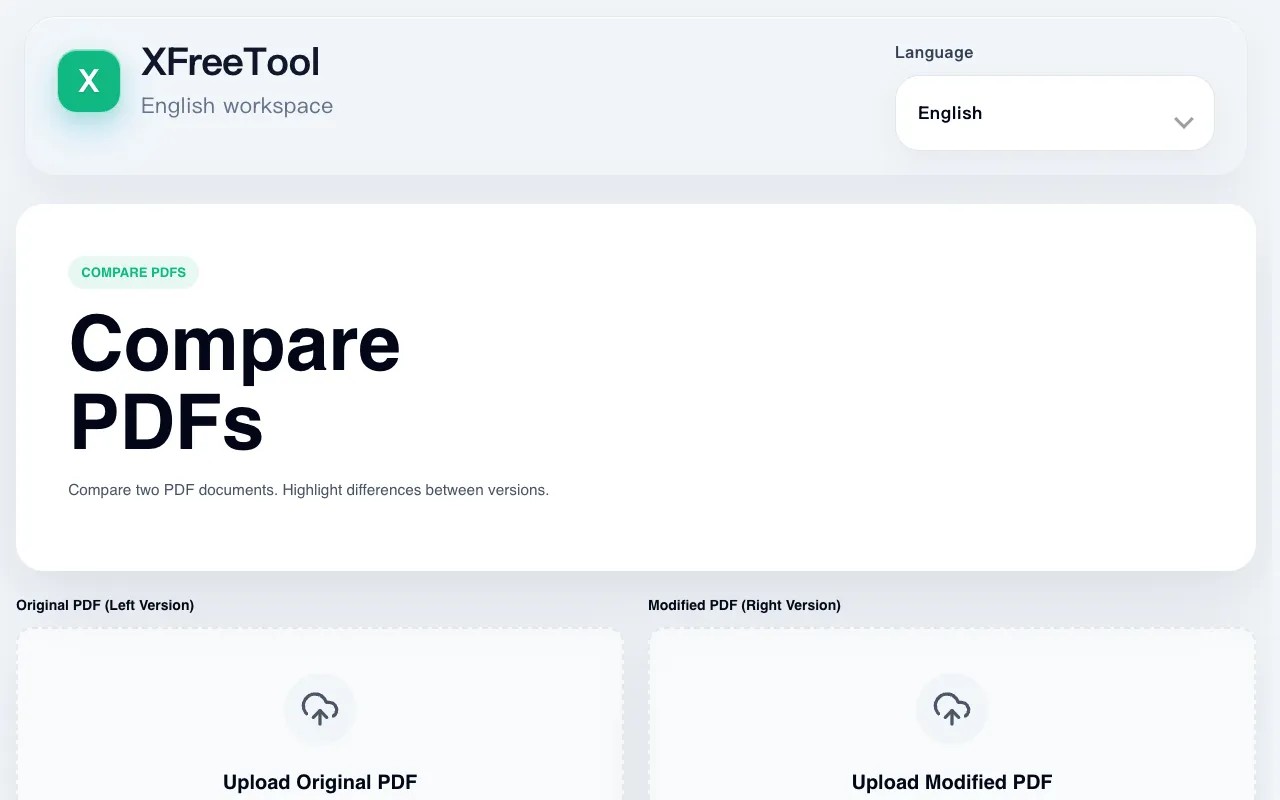
Compare PDFs
Visually diffs two PDFs side-by-side, highlighting changes between versions.

What Compare PDFs does
Compare PDFs is a free online utility that visually diffs two Portable Document Format files side-by-side. It analyzes both documents to identify and highlight discrepancies in content, layout, and structure, allowing users to pinpoint exactly what has been added, removed, or modified between versions. The result is an intuitive comparison view that makes tracking revisions straightforward for anyone working with document iterations.
How to use the PDF24 Compare PDFs
- 1
Upload the original PDF file to the Compare PDFs interface
- 2
Upload the updated PDF file you want to compare against the original
- 3
Initiate the side-by-side analysis to generate the comparison view
- 4
Review the highlighted differences in content, layout, and structure between the two documents
Best for
Professionals handling official documentation, academic researchers tracking revisions, or individuals reviewing legal contracts who need to quickly identify and verify specific changes between PDF versions.
Limitations
- No information available about file size limits or maximum document length
- Processing speed and output quality not specified in stored notes
- No details on whether the tool supports password-protected or encrypted PDFs
Compare PDFs FAQ
- How does Compare PDFs identify differences between two documents?
- The tool analyzes both uploaded PDF files side-by-side, comparing content, layout, and structure to visually highlight discrepancies and pinpoint exactly what has been added, removed, or modified between versions.
- Can Compare PDFs handle large or complex documents?
- The stored notes do not specify file size limits or whether the tool supports complex multi-page documents, so users should test with their specific documents to determine suitability.
- Is Compare PDFs free to use without registration?
- Yes, Compare PDFs is listed as a free online utility in The Free Tools Directory, and users can upload documents without mentioning any registration requirements in the stored notes.
- What types of changes does Compare PDFs highlight between versions?
- The tool identifies and highlights differences in content, layout, and structure between the two PDF files, making it easy to see what has been added, removed, or modified from one version to another.
Similar tools
Based on shared tags