Developer Tools3 options compared

PDF Compressor

Efficiently managing large document sizes is simplified through targeted file optimization. By analyzing and refining the underlying structure of a PDF, the compressor shrinks file sizes without altering the visual integrity of the content. This utility proves essential for developers and technical teams who must adhere to strict file size limitations or optimize document delivery for high-traffic...

Editors’ Top PickBased on community votes
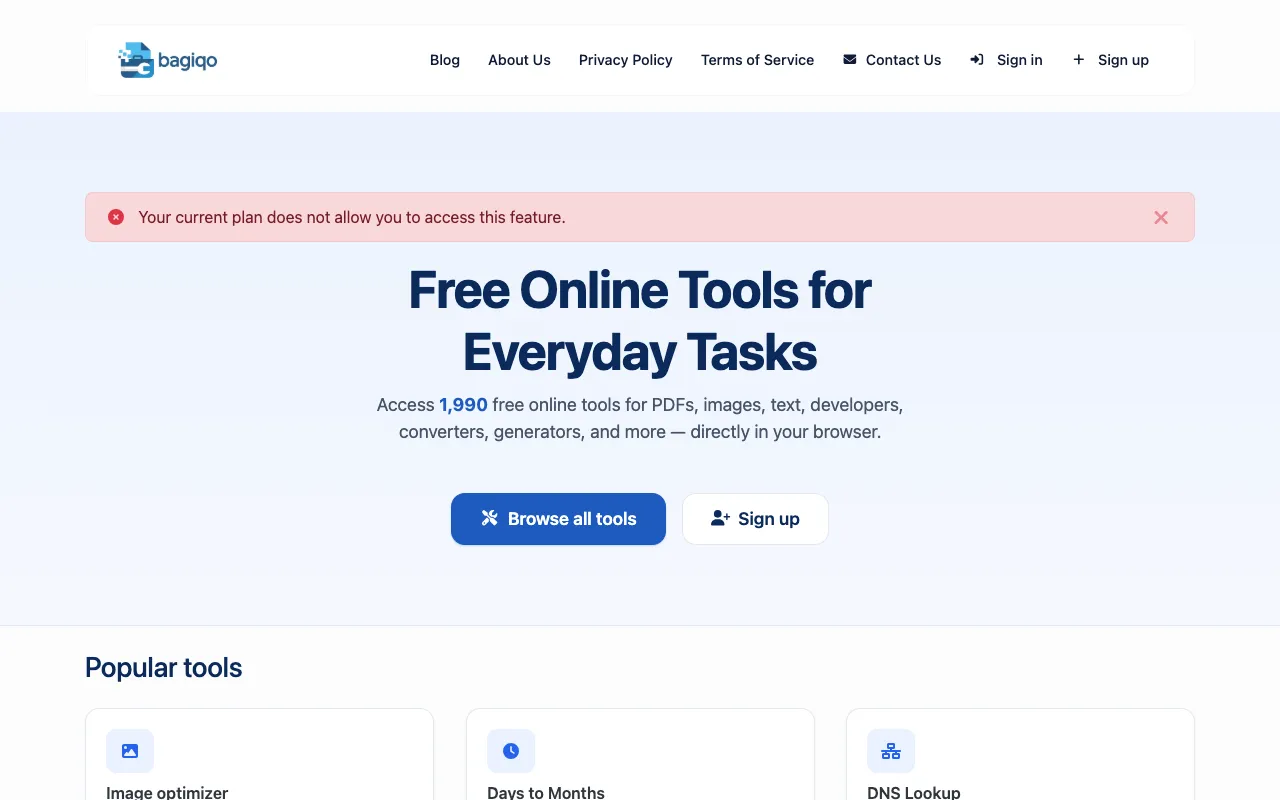
Screenshot of Bagiqo
01
Bagiqo
bagiqo.com

The PDF Compressor reduces PDF file sizes without losing significant quality, making large documents easier to share,...

Other OptionsRanked by votes
  1. Screenshot of Sadevz
    03
    Sadevz
    sadevz.com

    PDF Compressor is a free browser-based tool for reducing PDF file sizes quickly and easily without sacrificing readab...

Side by side

PDF Compressor options compared

ToolBest forStrengthsLimitations
Bagiqo
bagiqo.com
Privacy-focused PDF shrinking
  • Browser-based processing keeps files private
  • No upload required for compression
  • Relies on image re-encoding rather than structural optimization
Inventive HQ
inventivehq.com
Structural PDF optimization
  • Optimizes PDF structure and removes metadata
  • Client-side compression without server uploads
  • No live page excerpt available to assess usability
Sadevz
sadevz.com
Quick, easy PDF size reduction
  • Free browser-based tool, no registration required
  • Automatically optimizes images and streamlines file structure
  • No live page excerpt available to assess usability

Buyer's guide

How to choose a pdf compressor

When picking a PDF compressor, decide whether keeping your files completely private matters more than the specific compression method. If you cannot upload documents to any server, choose a browser-based tool that processes everything locally. If structural optimization and metadata removal are your priority over image re-encoding, look for tools that specifically mention those capabilities rather than just quality settings.

Questions

PDF Compressor FAQ

Will compressing a PDF reduce its quality?
It depends on the tool. Some compressors re-encode images at lower quality settings, which can visibly reduce clarity. Others optimize the file structure or remove redundant metadata without touching the images, preserving the original quality. Check whether the tool adjusts image compression or just streamlines internal data.
Can I compress a PDF without uploading it to a server?
Yes, several tools in this group process files entirely in your browser, meaning the PDF never leaves your device. This is the best option if you are working with sensitive or confidential documents and want to avoid any external handling.
What is the difference between optimizing structure and rasterizing pages?
Optimizing structure removes redundant internal data and metadata to shrink the file while keeping the original vector or text format intact. Rasterizing pages converts the content into images, which can significantly increase quality loss and file size depending on the resolution chosen.
Do I need to create an account to use these PDF compressors?
No, all three tools listed are browser-based and do not require registration or payment to compress a PDF. You simply upload the file, adjust any settings if offered, and download the compressed result.
Which tool should I choose if I need to compress many PDFs at once?
The material does not specify batch processing capabilities for any of these tools. If you need to compress multiple files, check each tool's interface for a batch or bulk upload option, or consider dedicated desktop software that handles multiple files at once.
Keep Exploring

Related tools in Developer Tools

View all →