01
01
MyDocFlow
mydocflow.app
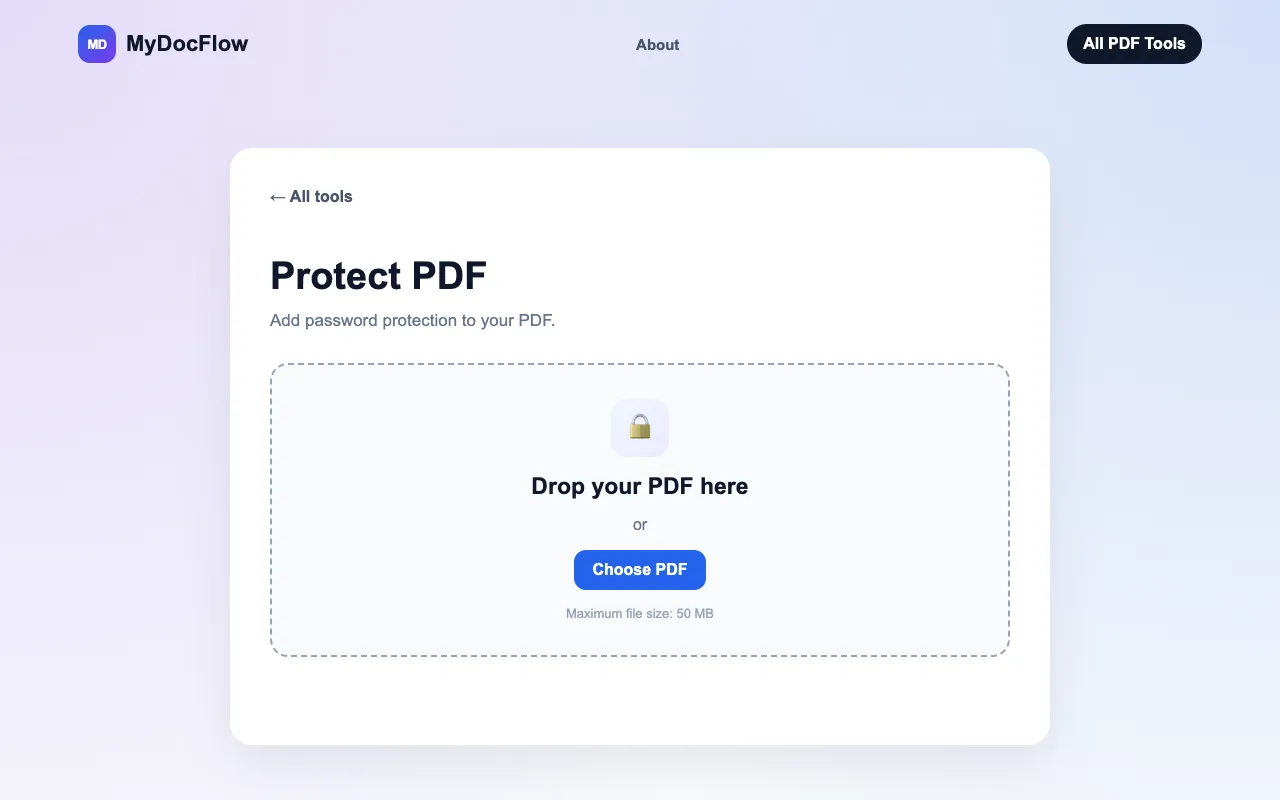
Protect a PDF with a password online for free. Encrypt your PDF quickly with MyDocFlow. No account required.
Secures PDF documents by allowing users to add robust passwords and set specific permissions for file access. This tool encrypts Portable Document Format files, ensuring that sensitive content remains confidential while maintaining controlled usage guidelines for authorized recipients. It provides comprehensive protection options, letting users define exactly who can view, print, or edit the...
Protect a PDF with a password online for free. Encrypt your PDF quickly with MyDocFlow. No account required.
Side by side
| Tool | Best for | Strengths | Limitations |
|---|---|---|---|
| MyDocFlow mydocflow.app | Quick protection without account |
|
|
| PDF Candy pdfcandy.com | Professional PDF security |
|
|
| PDF24 pdf24.org | High-rated free PDF locking |
|
|
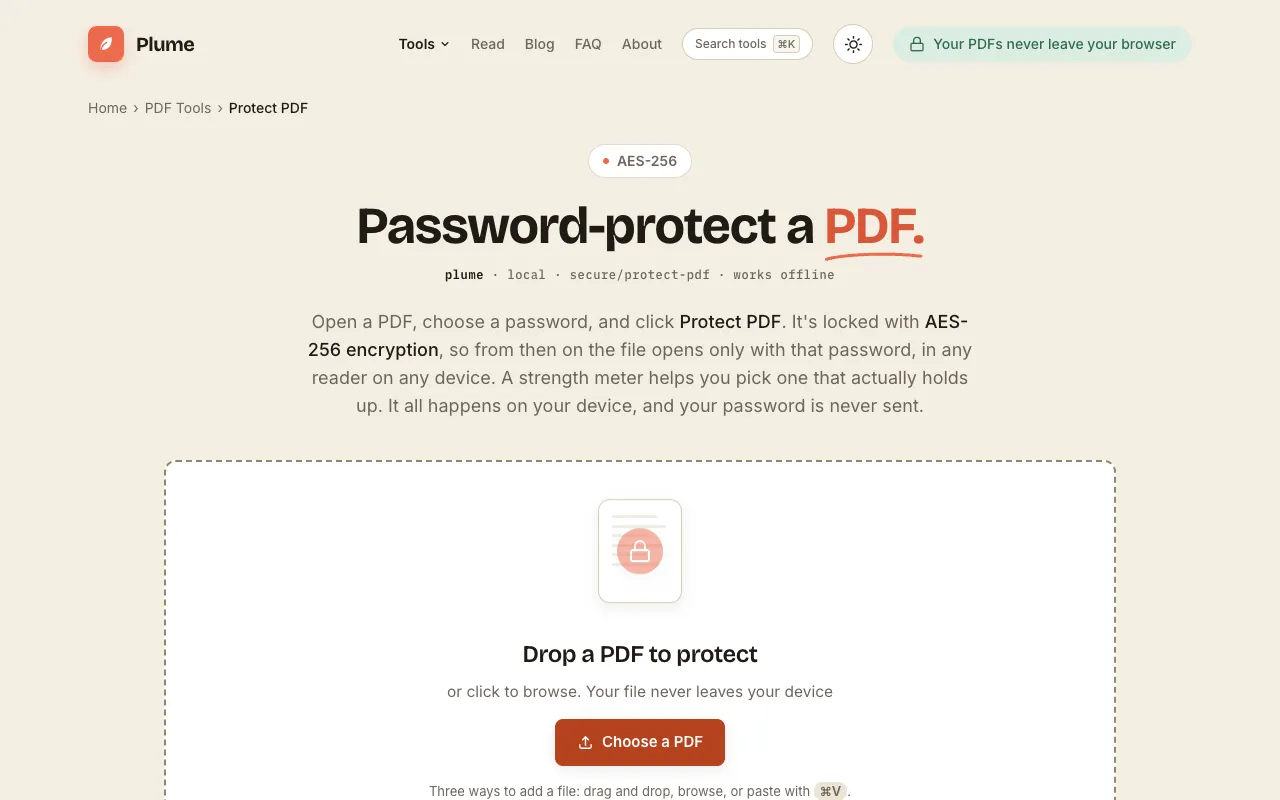
| PlumeDocs plumedocs.com | Device-side encryption |
|
|
Buyer's guide
When protecting a PDF, the most important factor is whether the tool enforces the specific permissions you need, such as preventing printing or editing. If you are sharing the file with others, choose a service that deletes uploaded documents after processing, like PDF24 or PlumeDocs, rather than one that retains your files. For occasional use where you just need a password without extra settings, MyDocFlow offers the simplest path with no account required.
Questions