01

01
10015 Tools
10015.io
Combines multiple PDF files into one, with drag-to-reorder and selective page inclusion, processed locally.
Combines multiple PDF files into one, offering drag-to-reorder functionality and allowing selective page inclusion. Users can easily merge documents locally without uploading them to a server, ensuring privacy and speed. This tool is ideal for professionals, students, and anyone who needs to consolidate multiple documents into a single PDF file efficiently and securely.
Combines multiple PDF files into one, with drag-to-reorder and selective page inclusion, processed locally.
The PDF Merger combines multiple PDF files into a single document, allowing users to organize and consolidate their P...

Merge multiple PDF files into a single document — drag and drop, reorder, and combine instantly in your browser
Side by side
| Tool | Best for | Strengths | Limitations |
|---|---|---|---|
| 10015 Tools 10015.io | Privacy-focused merging |
|
|
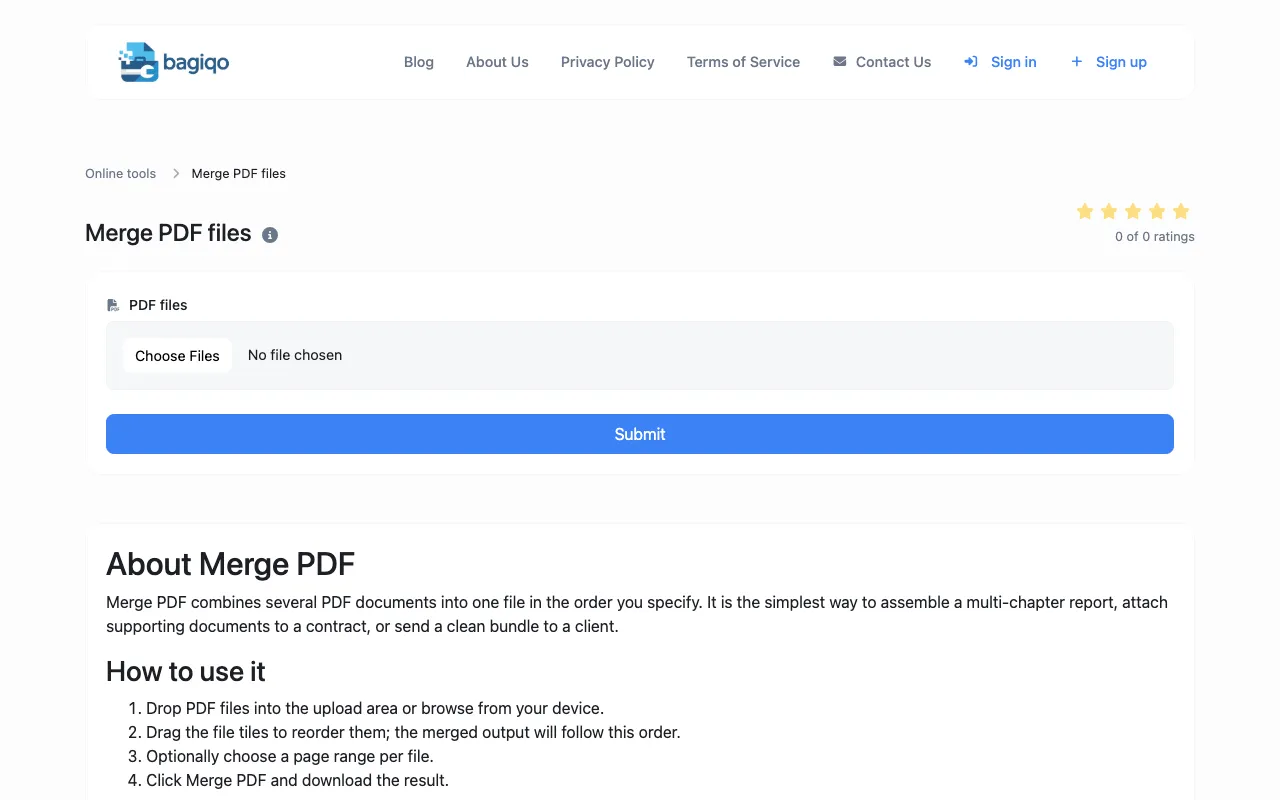
| Bagiqo bagiqo.com | Simple, quick merges |
|
|
| Inventive HQ inventivehq.com | Developer-friendly interface |
|
|
Buyer's guide
When picking a PDF merger, first decide if you need to reorder pages or include only specific pages from each file. If privacy is critical — you don't want any PDF leaving your computer — choose a tool that processes everything locally in the browser. If you frequently merge large documents or need to view the result on a phone, check whether the tool has guidance on keeping total page count manageable, as some recommend limits around 200 pages for mobile compatibility.
Questions