01
01
MyDocFlow
mydocflow.app
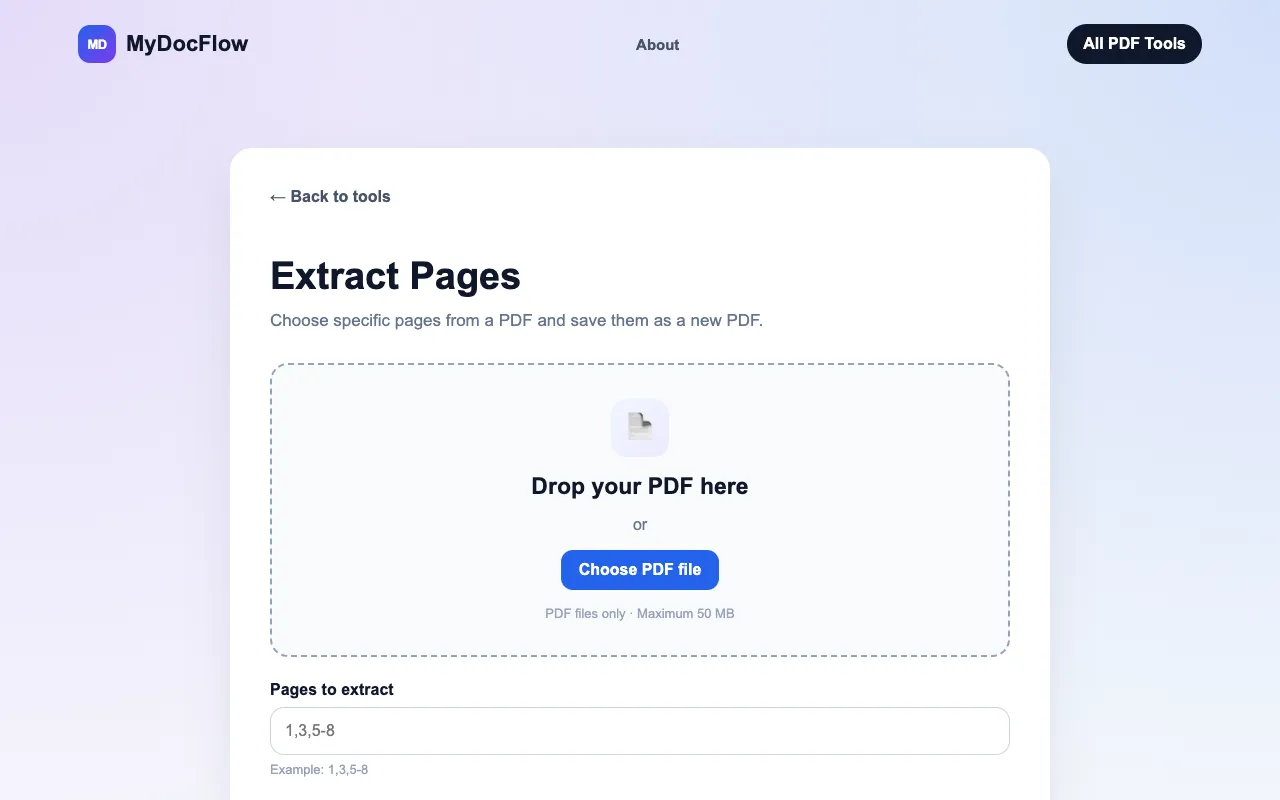
Extract pages from a PDF online for free. Select specific pages or page ranges and save them as a new PDF document.
Extracts specific pages from existing PDF documents, allowing users to create new files containing only selected sections of a larger document. Users simply upload their PDF file, select the desired page range or individual pages using the tool's interface, and then download the customized output. This process simplifies the task of isolating necessary content while maintaining the original...
Extract pages from a PDF online for free. Select specific pages or page ranges and save them as a new PDF document.


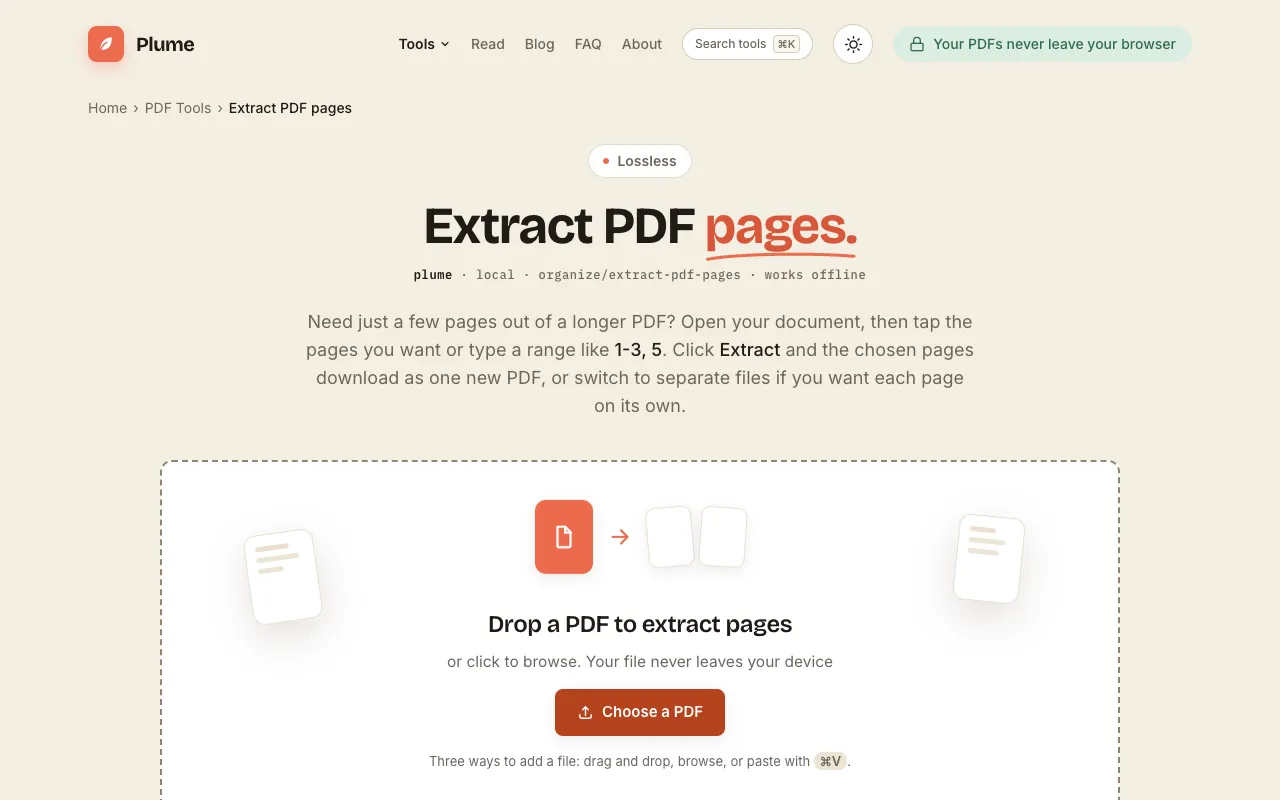
Extract pages from a PDF free: tap the pages you need or type a range like 1-3, 5, and save them as one new PDF, or e...
Side by side
| Tool | Best for | Strengths | Limitations |
|---|---|---|---|
| MyDocFlow mydocflow.app | Quick, free extraction without sign-up |
|
|
| PDF Candy pdfcandy.com | High-rated, feature-rich splitting |
|
|
| PDF24 pdf24.org | Professionals needing secure, ad-free processing |
|
|
| PlumeDocs plumedocs.com | Offline-first, privacy-focused extraction |
|
|
Buyer's guide
When picking a PDF page extraction tool, consider whether you need to keep the extracted pages in one file or split them separately, and whether you prefer a tool that processes files in the cloud versus one that keeps everything on your device. If you upload sensitive documents, PDF24’s SSL security and automatic deletion after one hour may matter more than a simpler interface. For occasional, quick extraction without creating an account, MyDocFlow offers the fastest path from upload to download.
Questions