01
01
MyDocFlow
mydocflow.app
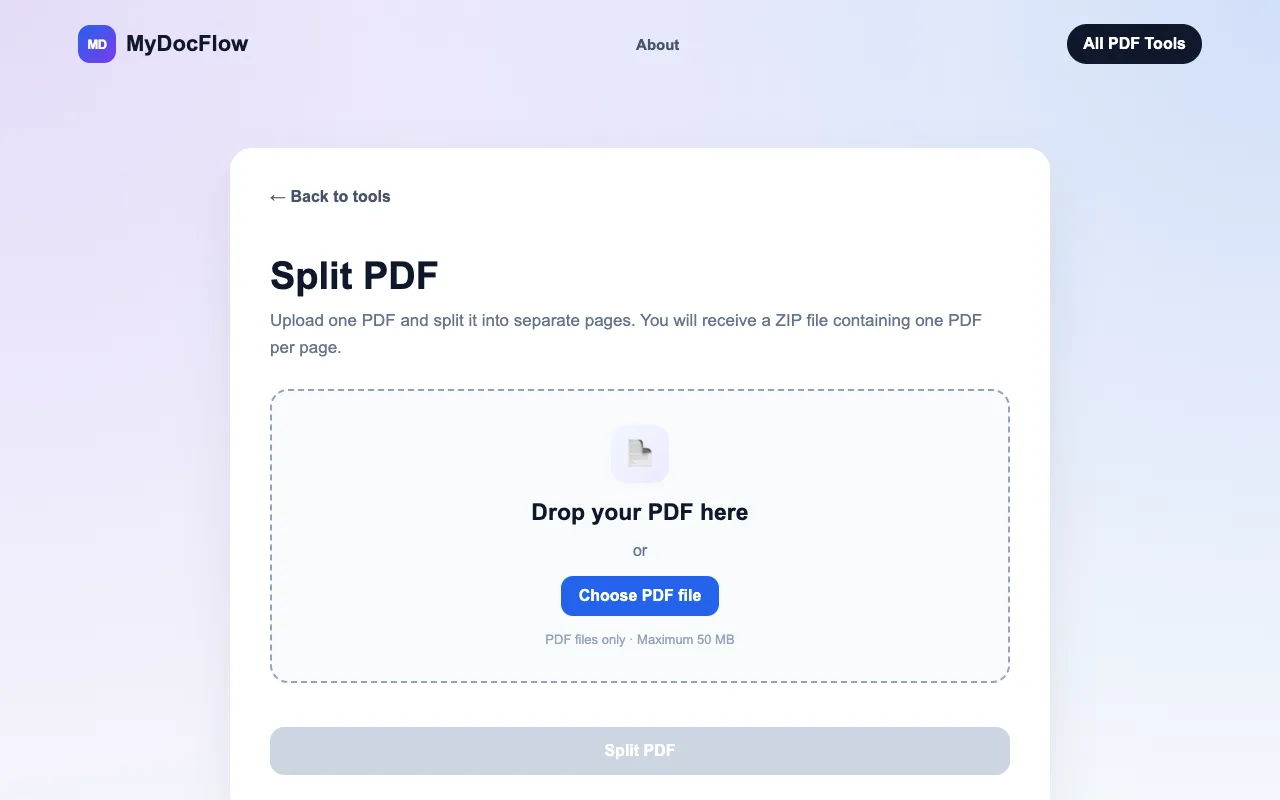
Split a PDF online for free. Separate your PDF into individual pages and download them as a ZIP file quickly and easily.
Divides a PDF into separate files by page range or individual page selection. Users can easily extract specific pages or groups of pages from a large document, organizing content for easier sharing or archiving. Suitable for students needing to split class notes, professionals preparing presentations, and anyone looking to simplify complex documents for better accessibility.
Split a PDF online for free. Separate your PDF into individual pages and download them as a ZIP file quickly and easily.


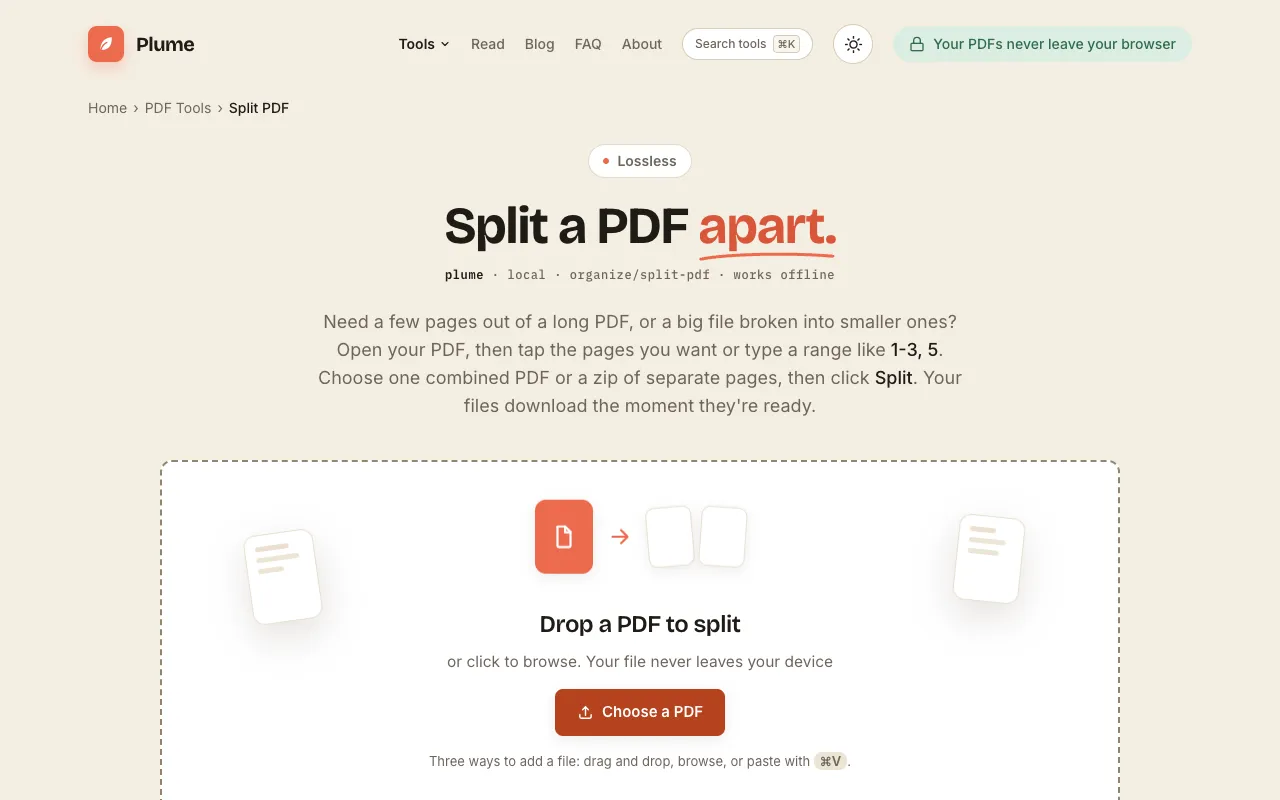
Split a PDF free: pull out the exact pages you need into a single combined file, or break a long document into separa...
Side by side
| Tool | Best for | Strengths | Limitations |
|---|---|---|---|
| MyDocFlow mydocflow.app | Quick individual page splits |
|
|
| PDF Candy pdfcandy.com | Flexible page range extraction |
|
|
| PDF24 pdf24.org | Rated, ad-supported free tool |
|
|
| PlumeDocs plumedocs.com | Offline-like privacy |
|
|
Buyer's guide
When picking a PDF splitter, decide whether you need only individual pages or also page ranges and selective extraction. If speed and no sign-up matter most, choose a tool that drops files directly to individual pages in a ZIP. If you need custom ranges, even/odd splits, or thumbnail previews, a tool with more mode options is worth the extra step of signing in or accepting ads.
Questions