PDF Tools3 options compared

Crop PDF

Trims margins from PDF document pages using an online tool named Crop PDF. Users can upload their PDF, specify the desired margin size, and download the trimmed version directly in their browser. Ideal for removing unnecessary white space from PDFs to save storage or improve readability on smaller devices. Helps users simplify documents by reducing file sizes without losing important content....

Editors’ Top PickBased on community votes
Other OptionsRanked by votes
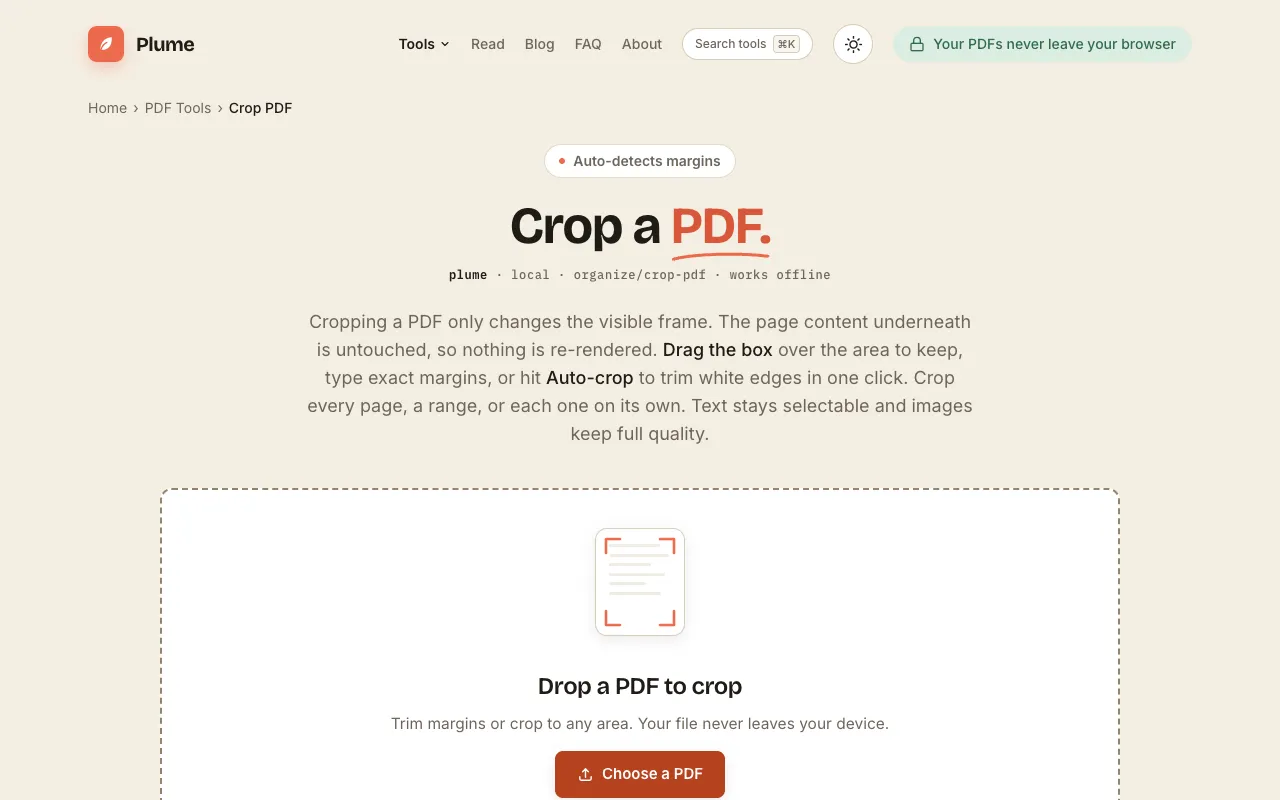
  1. Screenshot of PlumeDocs
    03
    PlumeDocs
    plumedocs.com

    Crop PDF pages with a live preview. Drag the box, type exact margins in mm or inches, or auto-trim white edges in one...

Side by side

Crop PDF options compared

ToolBest forStrengthsLimitations
Ezgif
ezgif.com
Large PDFs up to 200MB
  • Handles files up to 200MB
  • Automatic deletion after one hour
  • No sign-up required
  • Ads on the page
  • Fewer unit options for margins
PDF Candy
pdfcandy.com
Ad-free cropping
  • No ads, no hidden fees
  • Works on any OS
  • Free to use
  • Sign-in required to continue
  • No file size limit mentioned
PlumeDocs
plumedocs.com
Lossless cropping on your device
  • Entirely in your browser, no uploads
  • Auto-crop and exact margin entry
  • No watermark or sign-up
  • File size limits not stated
  • Smaller community adoption

Buyer's guide

How to choose a crop pdf

When trimming PDF margins, the main thing to check is whether the tool processes your file in the browser or sends it to a server. If you are working with sensitive documents, PlumeDocs is the safest because nothing leaves your device. If file size matters more, Ezgif supports up to 200MB, while PDF Candy and PlumeDocs do not list limits. The user interface also matters: Ezgif uses a simple upload box, PDF Candy offers drag-and-drop with a dotted-line editor, and PlumeDocs provides auto-crop and exact margin entry in mm or inches.

Questions

Crop PDF FAQ

Can I crop a PDF without uploading it to a server?
Yes, PlumeDocs processes files entirely in your browser with no uploads, sign-up, or watermarks, keeping your document on your device the whole time.
What is the maximum file size I can crop?
Ezgif supports PDFs up to 200MB. PDF Candy and PlumeDocs do not list a file size limit in the available material.
Do these tools add watermarks to the cropped PDF?
No, none of the three tools add watermarks. PlumeDocs explicitly states no watermark, and the other tools focus on free cropping without mentioning watermarks.
Can I crop only specific pages of a multi-page PDF?
Yes, all three tools allow cropping every page, a range of pages, or each page individually.
Is the cropped content permanently removed or just hidden?
Cropping only changes the visible frame; the underlying page content remains untouched and intact.
Keep Exploring

Related tools in PDF Tools

View all β†’