01
01
MyDocFlow
mydocflow.app
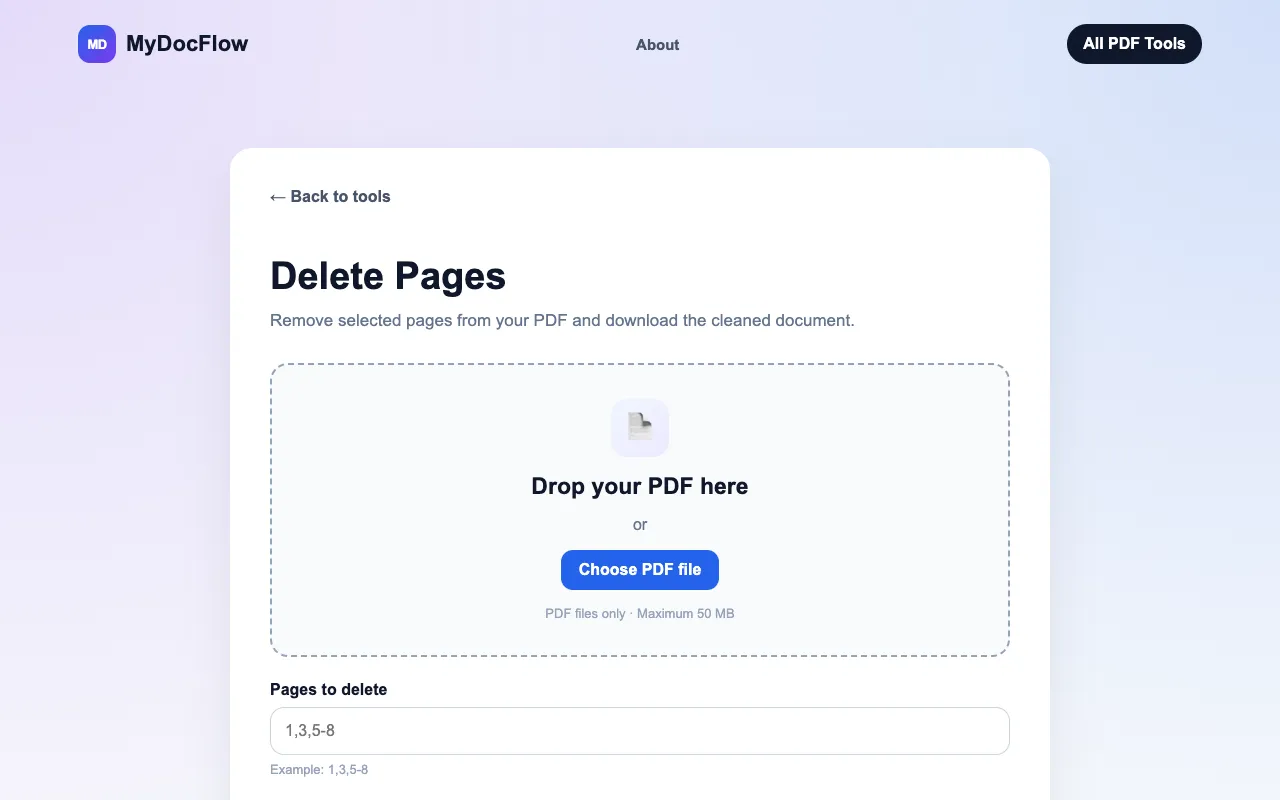
Delete pages from a PDF online for free. Remove unwanted pages and download your updated PDF quickly and easily.
Deletes unwanted pages from PDF documents using an easy-to-use online interface. Users simply upload their existing PDF file to begin the process, where they can then visually select which specific pages or ranges of pages they wish to remove. After making selections, the tool processes the document and allows users to download a completely modified version containing only the desired...
Delete pages from a PDF online for free. Remove unwanted pages and download your updated PDF quickly and easily.

Side by side
| Tool | Best for | Strengths | Limitations |
|---|---|---|---|
| MyDocFlow mydocflow.app | Quick trims without signing in |
|
|
| PDF Candy pdfcandy.com | Ad-free, no-watermark edits |
|
|
Buyer's guide
When picking a tool for deleting PDF pages, the main thing that matters is whether you want to avoid creating an account. If you just need to remove a few pages quickly and don't mind occasional ads, MyDocFlow gets the job done without requiring sign-in. If you prefer a cleaner interface with no ads and want to ensure no watermarks are added to your output, PDF Candy is the better fit, though you will need to sign in with an email or social account.
Questions