01
01
MyDocFlow
mydocflow.app
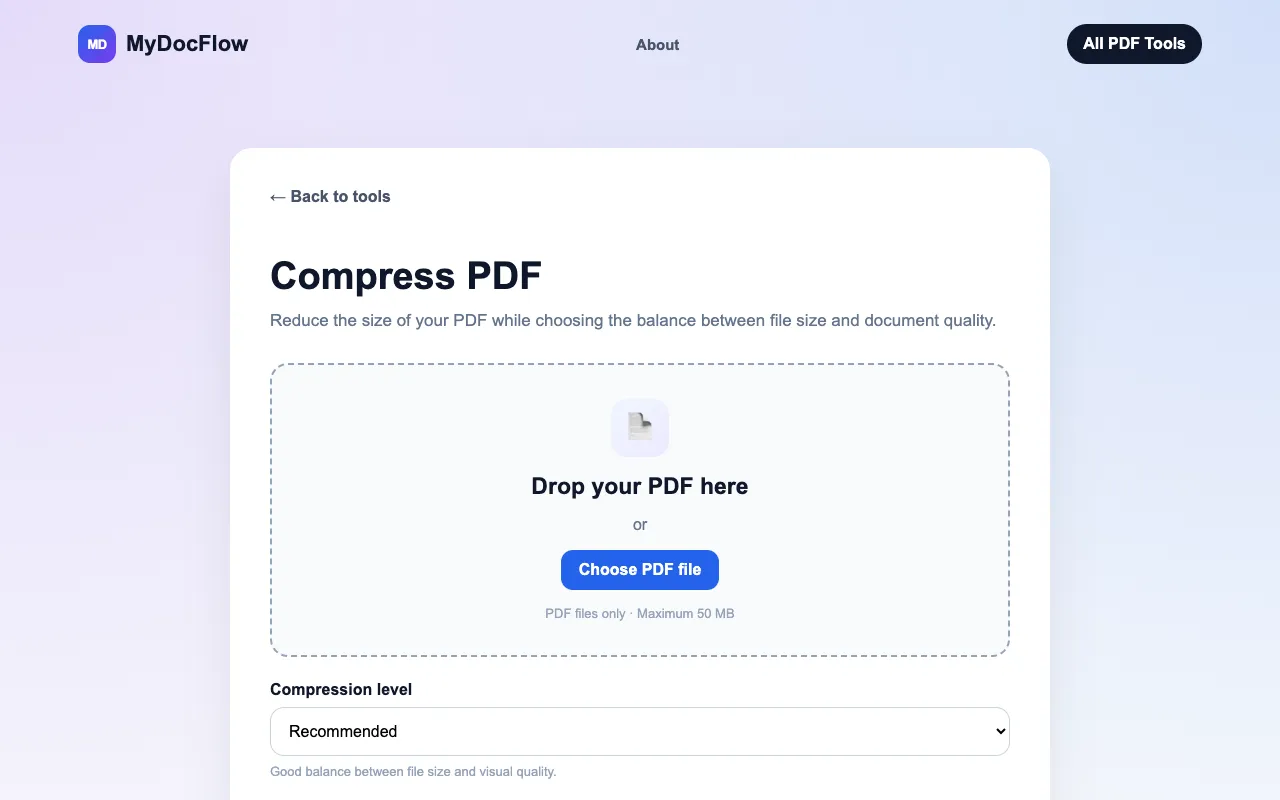
Compress PDF files online for free. Reduce PDF file size while choosing the balance between compression and document ...
Reduces PDF file size through image recompression and structural optimisation. Users upload a PDF, select optimization options like image quality and compression level, then download the smaller version for email sharing or saving space. Helps users manage large files by significantly reducing their size without compromising essential content and formatting. Ideal for frequent document senders,...
Compress PDF files online for free. Reduce PDF file size while choosing the balance between compression and document ...


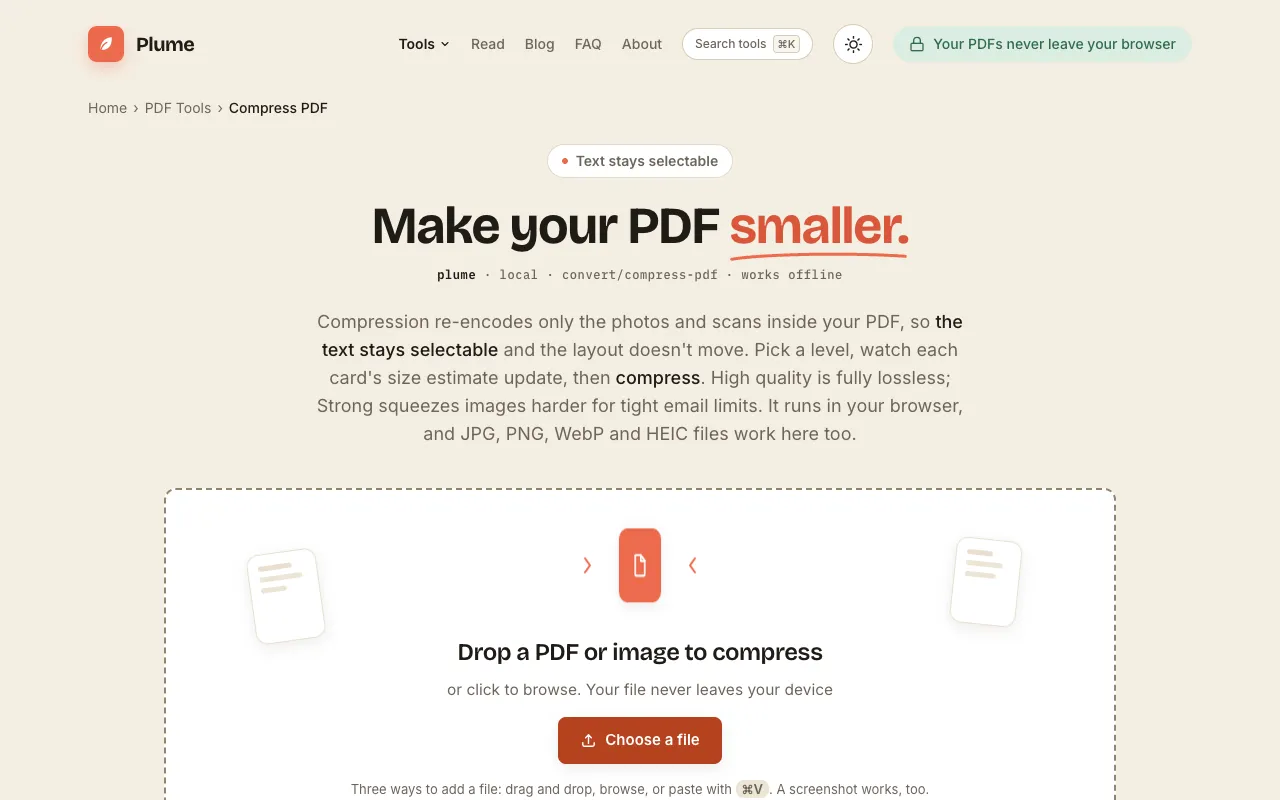
Shrink PDF file size in your browser by re-compressing only the images inside, so text stays selectable and the layou...
Side by side
| Tool | Best for | Strengths | Limitations |
|---|---|---|---|
| MyDocFlow mydocflow.app | Quick compression with quality balance |
|
|
| PDF Candy pdfcandy.com | Privacy-focused compression |
|
|
| PDF24 pdf24.org | Highly rated free option |
|
|
| PlumeDocs plumedocs.com | Browser-based privacy |
|
|
Buyer's guide
When picking a PDF compressor, first consider your priority: if you need the smallest possible file size for email sharing, choose the highest compression level available; if you are sharing sensitive documents, look for tools that delete files automatically after processing. Second, check the file size limit and whether the tool requires an account—some free compressors cap uploads at 50 MB or require sign-in. Finally, decide if you prefer a browser-based tool that keeps your files local versus an online service that processes your PDF on a server.
Questions