212 tools
Calculates logarithmic expressions for various bases, including e, 2, 10, and custom bases, solving for unknown portions of the expression. Helps users quickly determine logarithm values or identify missing numbers in logarithmic equations by providing accurate results based on the input base and known values.
Formats, validates, and minifies JSON data with syntax highlighting for easy readability and efficient storage. Ideal for developers to ensure their JSON files are correct before deployment or integration into other applications. Useful for web developers, API creators, data scientists, and anyone who works with JSON data. It helps catch errors, improve code quality, and optimize file sizes, ensuring smoother development processes and more accurate data handling across projects.
Create professional invoices online for free without any signup requirements. Start by entering your business information and your client's details, then itemize each product or service you're invoicing for. The tool automatically calculates the subtotal, applies taxes according to your rates, and applies any discounts you specify. Choose from a collection of professionally-designed templates that present your invoices with a polished, business-appropriate appearance. Export your completed invoice as a PDF file that you can print or send directly to your clients. This is a practical invoicing solution for freelancers, small business owners, and independent contractors who need professional invoices without hassle. It eliminates the need for expensive accounting software or subscription-based services while providing the polished, professional presentation required for client communications.
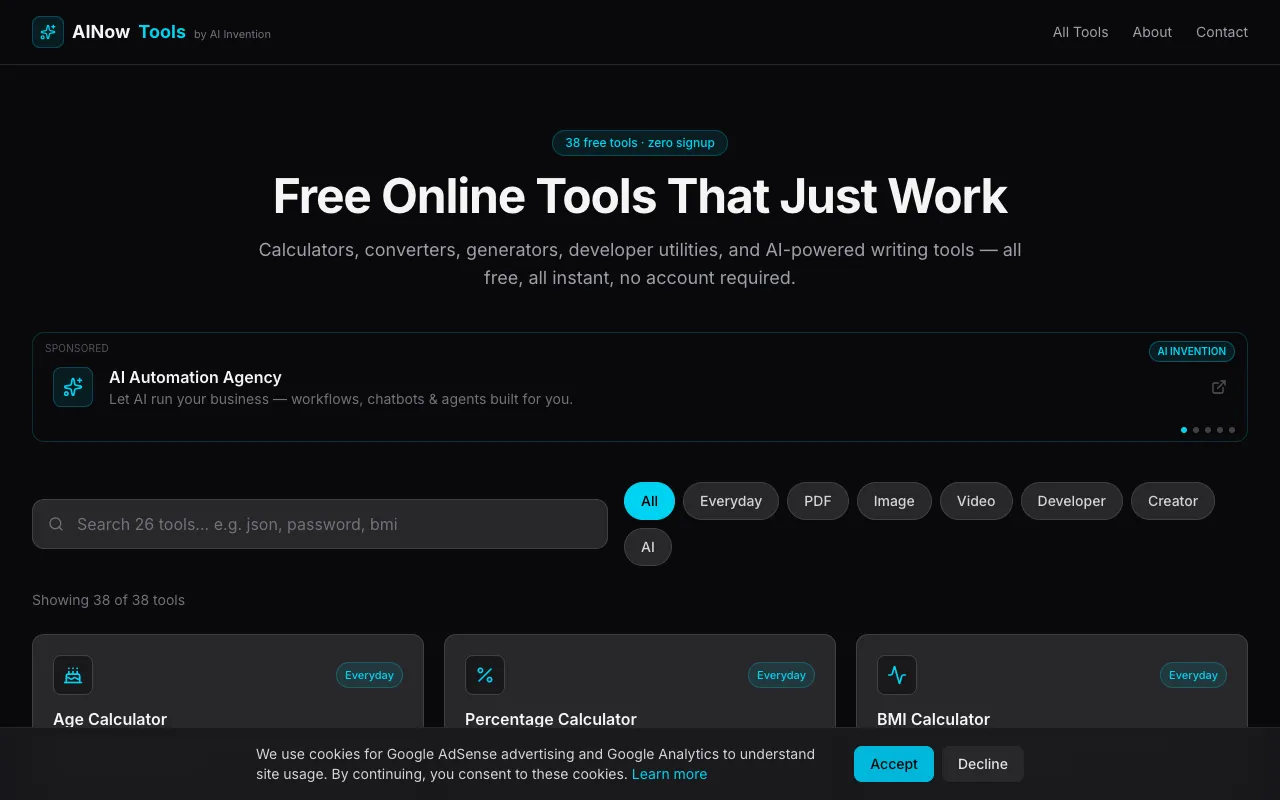
AINowTools provides a comprehensive collection of over 20 free online utilities designed for everyday productivity and quick problem-solving. The suite includes image compression and background removal, QR code and password generators, JSON formatting, base64 encoding, unit conversion, and more. All tools are accessible directly in the browser with zero installation, signup, or configuration required to start using any tool. Built for small businesses and everyday users, the platform offers straightforward access to common utilities without unnecessary friction. Each tool is instantly available and performs its function entirely online, making it ideal for one-off tasks or regular workflows. The zero-cost, no-signup approach enables users to solve problems or complete work immediately whenever they need a specific utility.
Efficiently managing large document sizes is simplified through targeted file optimization. By analyzing and refining the underlying structure of a PDF, the compressor shrinks file sizes without altering the visual integrity of the content. This utility proves essential for developers and technical teams who must adhere to strict file size limitations or optimize document delivery for high-traffic web applications. The optimization process focuses on stripping away unnecessary metadata and reorganizing internal data streams to reduce the overall footprint. Since all compression is handled client-side, documents are processed entirely within the browser, ensuring that sensitive information is never transmitted to an external server. Users receive a compact, shareable file that maintains professional standards while being significantly easier to store and distribute.
Calculates, graphs, geometries, and performs complex algebraic operations all in one intuitive interface. Combining functionalities of GeoGebra's various tools into a single suite, users can easily switch between graphing, geometry, 3D modeling, and computer algebra system (CAS) functions. Educators, students, engineers, and anyone needing advanced mathematical capabilities will find this tool invaluable for problem-solving and learning complex concepts through interactive visualizations.
Checks if your email or password has been exposed in known data breaches by querying a database of compromised credentials. Users input their email or password, and the tool searches through databases to determine if there is a match, indicating potential security risks. Helps users identify and mitigate risks associated with using compromised information online, protecting their digital footprint from identity theft and other cyber threats.
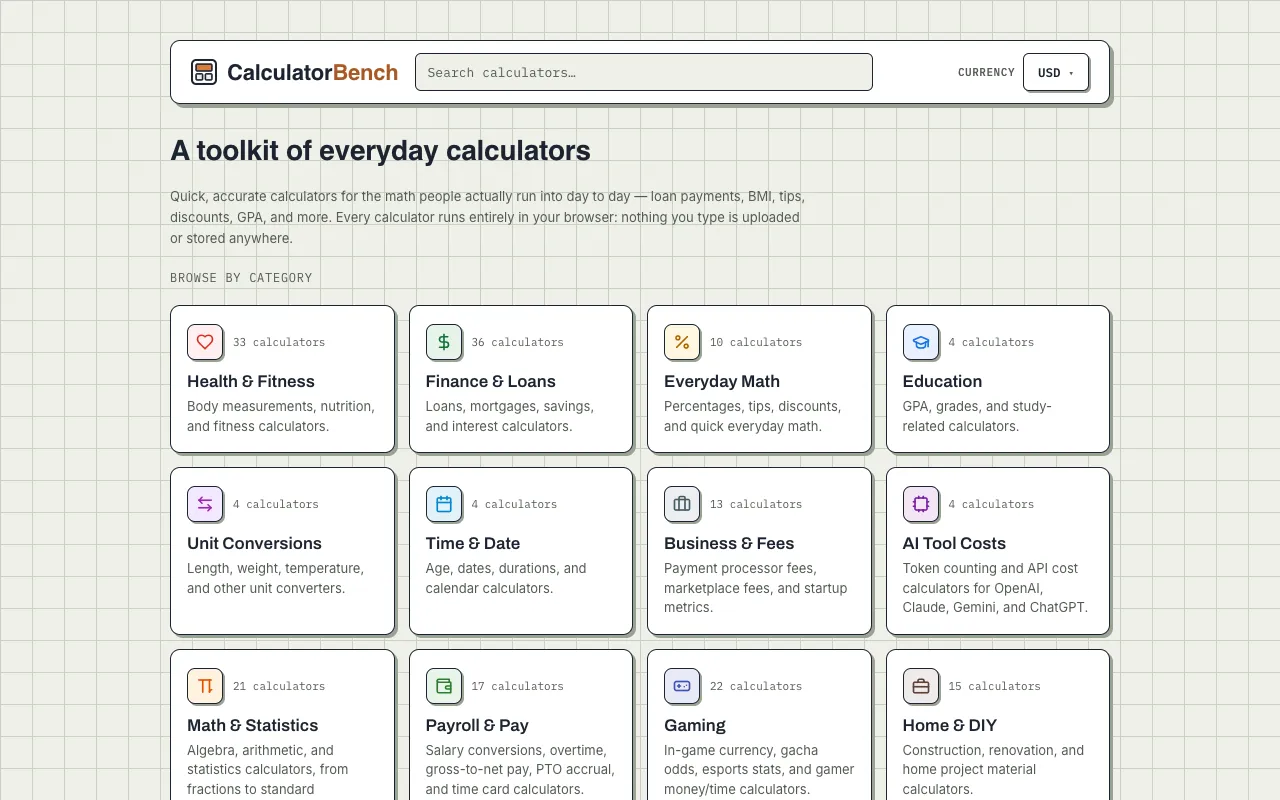
Calculator Bench provides a comprehensive collection of free online calculators designed for everyday mathematics and financial planning. The diverse suite includes specialized tools for body mass index (BMI) calculations, loan amortization schedules, compound interest projections, percentage calculations, tip splitting and calculations, discount computations, age calculations, grade point average (GPA) tracking, and extensive unit conversions spanning distance, weight, temperature, volume, and other common measurement systems. All calculations run securely and instantly in your web browser with zero registration or sign-up required. Your numbers remain completely private on your device and are never uploaded to any external server, ensuring full data privacy and complete peace of mind when performing sensitive financial or personal calculations.
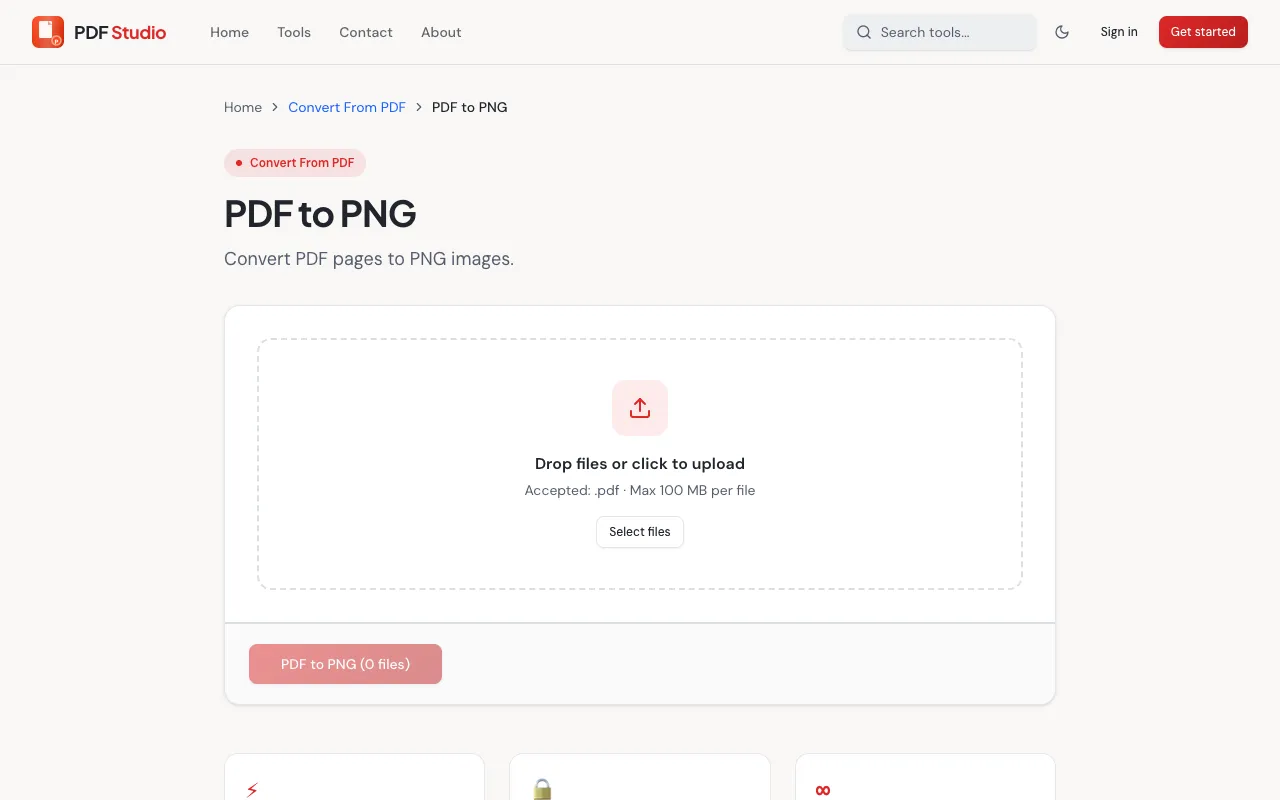
PDF Studio's PDF to PNG converter is a free online tool that transforms PDF documents into high-quality PNG images. The converter allows users to convert individual PDF pages or complete documents to PNG image format without requiring any software installation. The entire conversion process operates within the web browser, providing convenient access to PDF conversion capabilities. Converting PDFs to PNG images serves multiple useful purposes, including sharing document content as images, extracting specific pages for presentations, or preparing files for use in applications requiring image formats. The conversion process is quick and straightforward, with no software installation or account setup required.
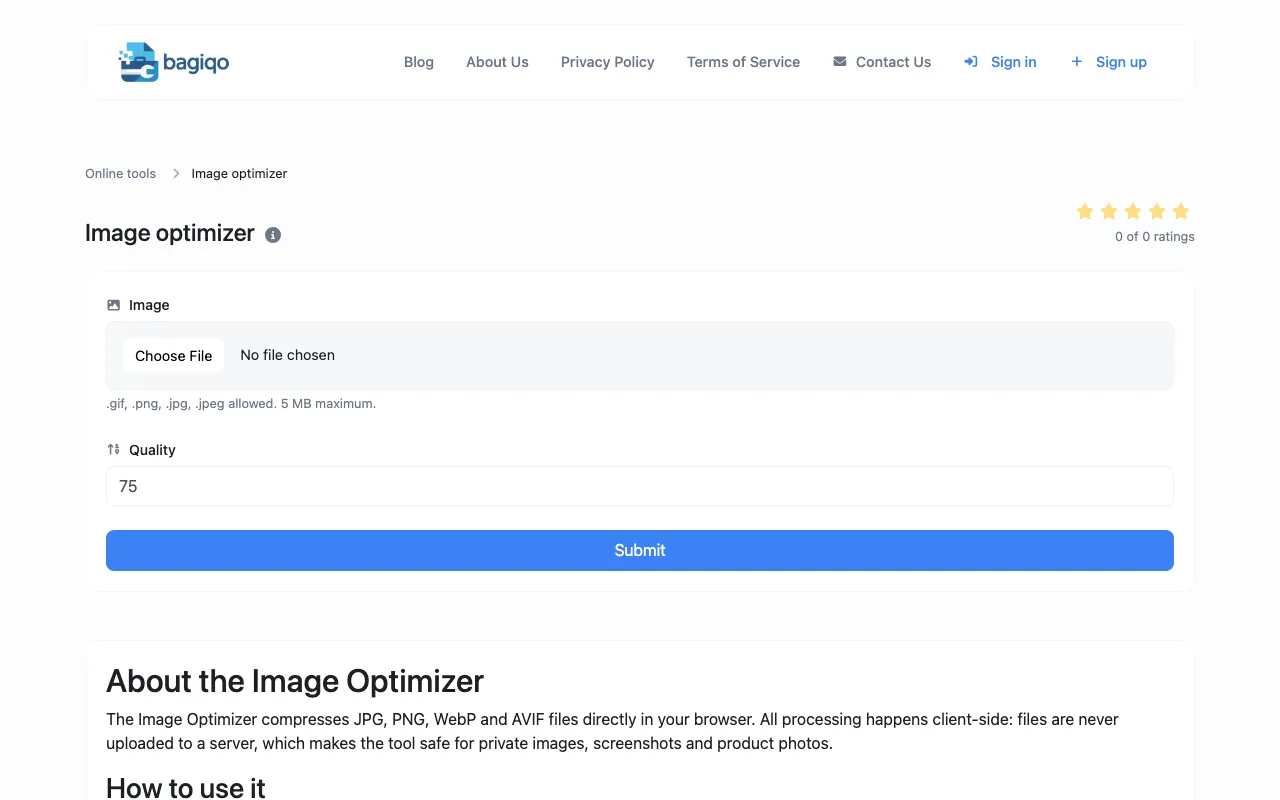
The Image Optimizer is a browser-based tool for reducing image file sizes for websites and digital projects without installing desktop software. Users can compress and optimize images directly online, making it simple to prepare images for web uploads, digital media, and storage optimization. Ideal for web developers, content creators, photographers, and digital marketers needing to optimize images for faster website loading, reduced bandwidth costs, social media uploads, email attachments, and other digital applications.
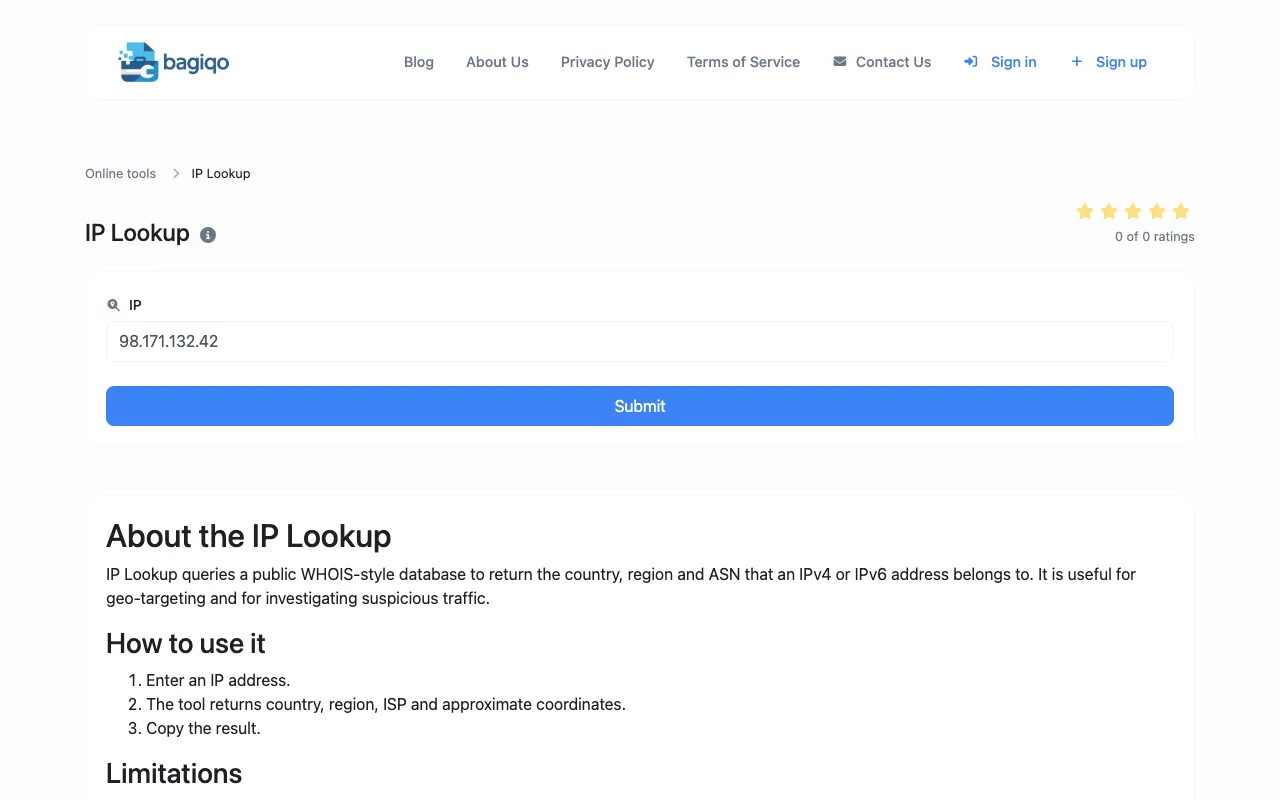
The IP Lookup tool provides approximate details about any IP address, including geolocation and network connection information. This free browser-based utility enables quick lookups for diagnosing network issues and understanding IP address origins without complex tools. Useful for webmasters, network administrators, developers, and security professionals conducting network diagnostics, investigating traffic sources, and troubleshooting connectivity issues.
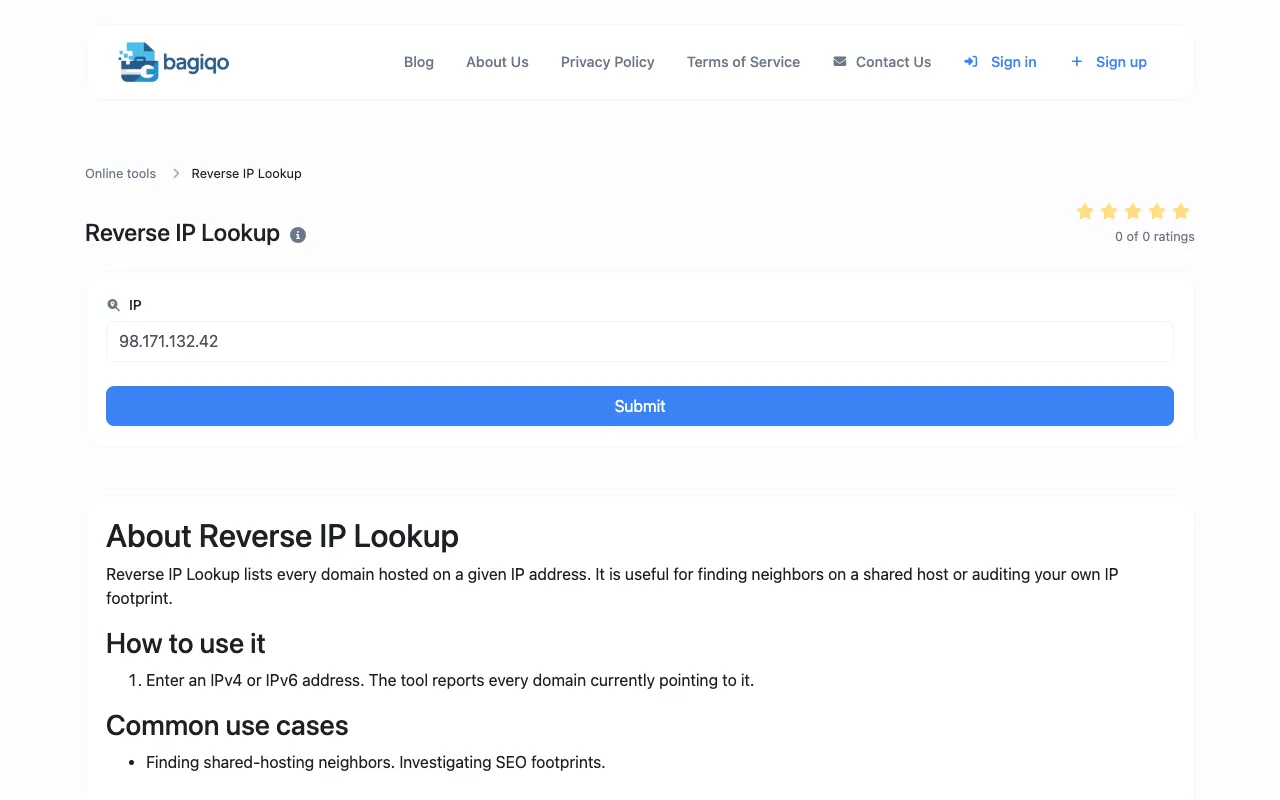
The Reverse IP Lookup tool identifies all domains and websites hosted on a specific IP address. This browser-based utility helps users discover website associations, hosting configurations, and related domains from a single IP for research and analysis. Essential for webmasters, security researchers, network administrators, and developers investigating hosting relationships, conducting domain research, and troubleshooting DNS and network configuration issues.
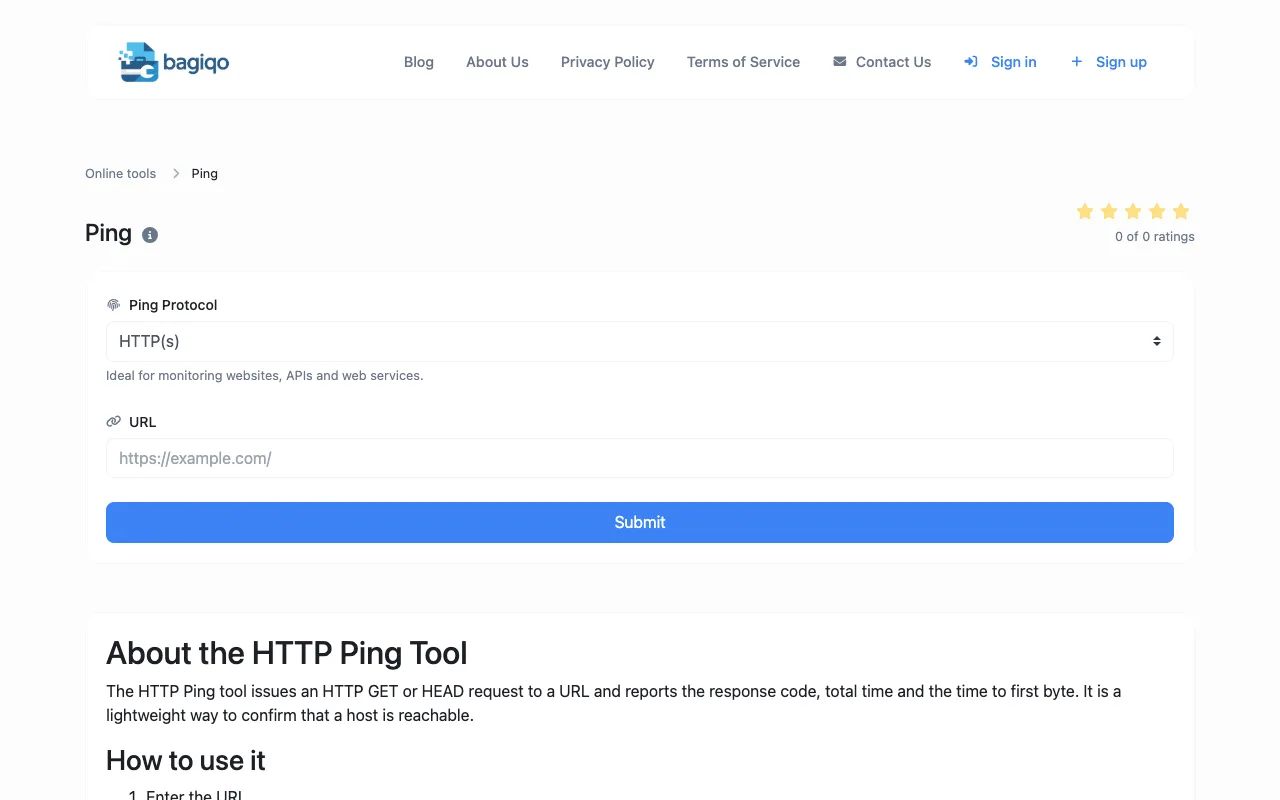
The Ping Tool tests network connectivity and measures response latency by sending ping requests to any website, server, or IP address. Users can quickly verify server availability, measure response times, and diagnose connectivity problems without specialized networking software. Helpful for network administrators, webmasters, IT professionals, and developers diagnosing connectivity issues, monitoring server availability, troubleshooting network problems, and verifying server uptime.
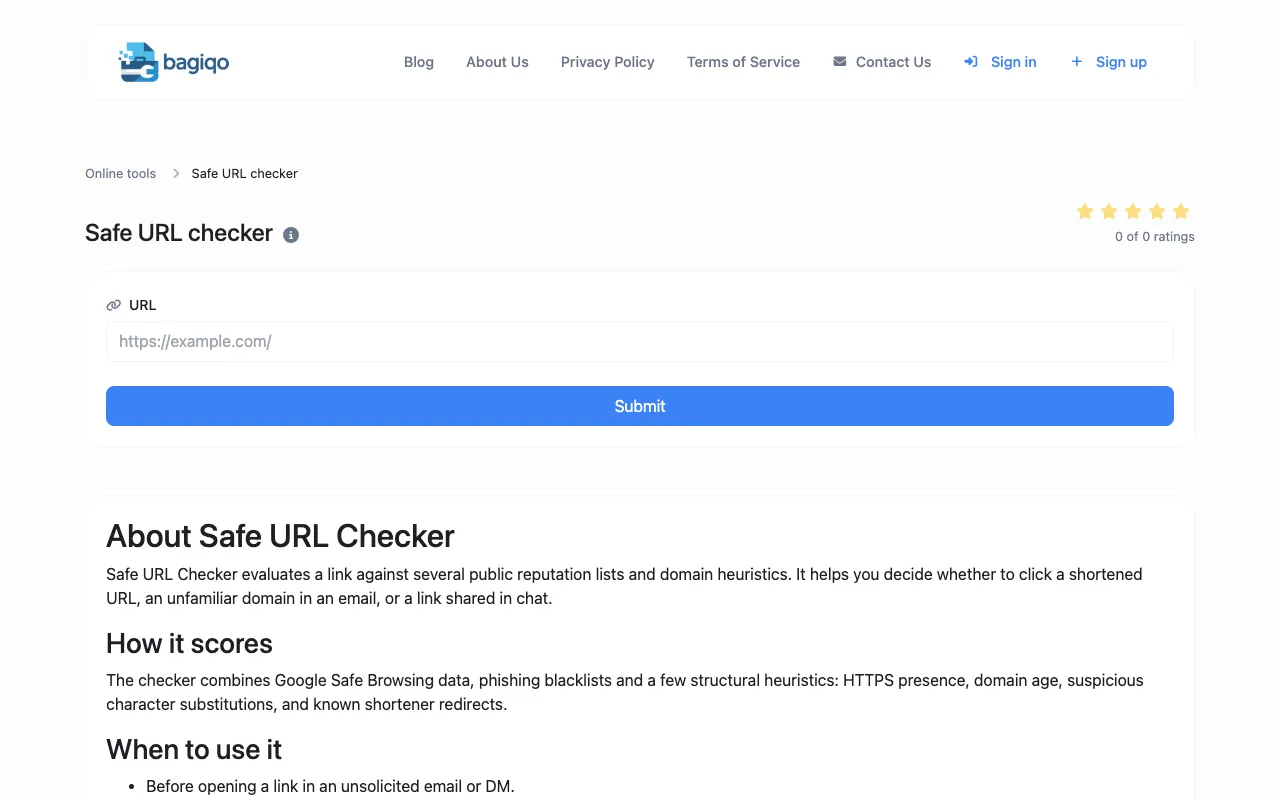
The Safe URL Checker verifies whether a website URL or link is flagged as suspicious, malicious, or unsafe by Google Safe Browsing database. Users can quickly check link safety before clicking or sharing potentially dangerous URLs with others. Essential for security-conscious users, content moderators, email administrators, and web professionals verifying link safety, protecting against malicious websites, and preventing accidental sharing of compromised or dangerous links.
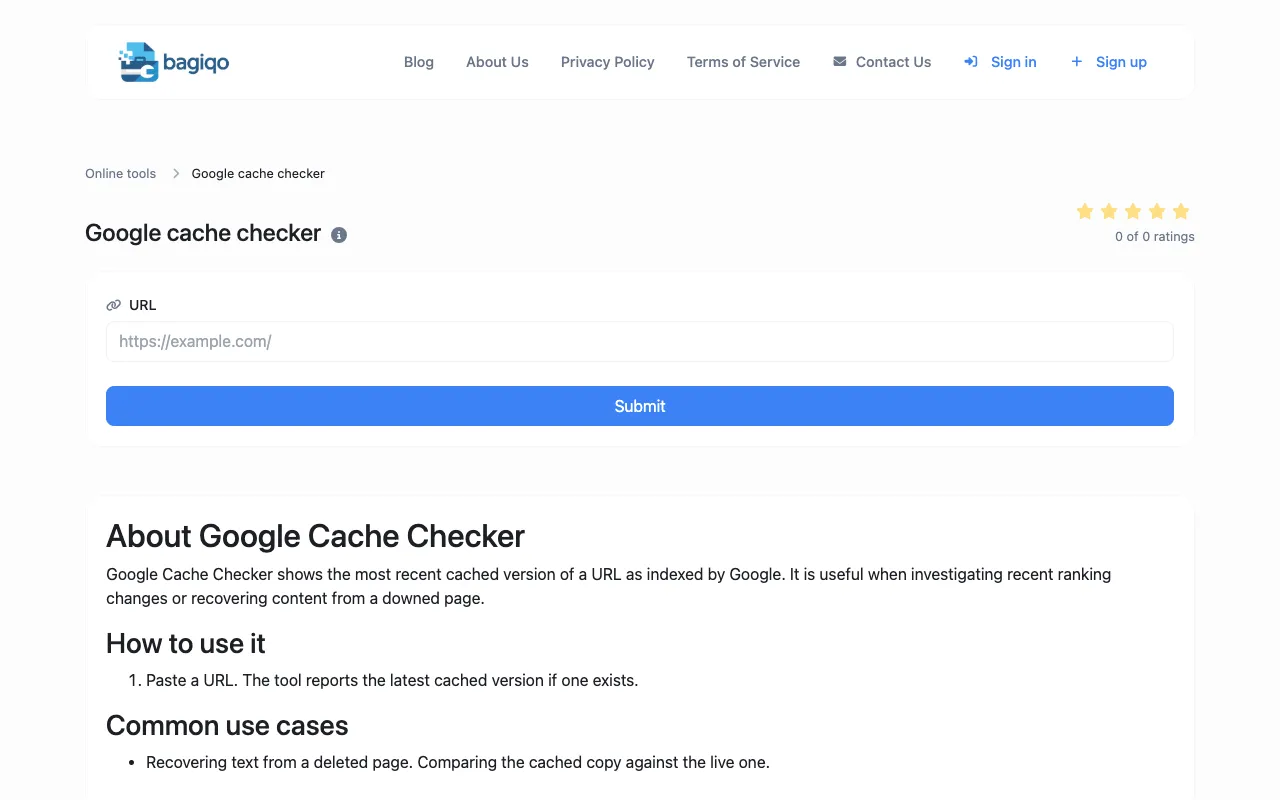
The Google Cache Checker determines whether a specific webpage or URL is currently indexed and cached by Google's search engine. Users can verify Google's crawl status, indexation status, and check when Google last cached their content. Useful for SEO professionals, developers, webmasters, and digital marketers monitoring search engine indexation, troubleshooting crawl issues, verifying content is being indexed, and checking Google's cache status.
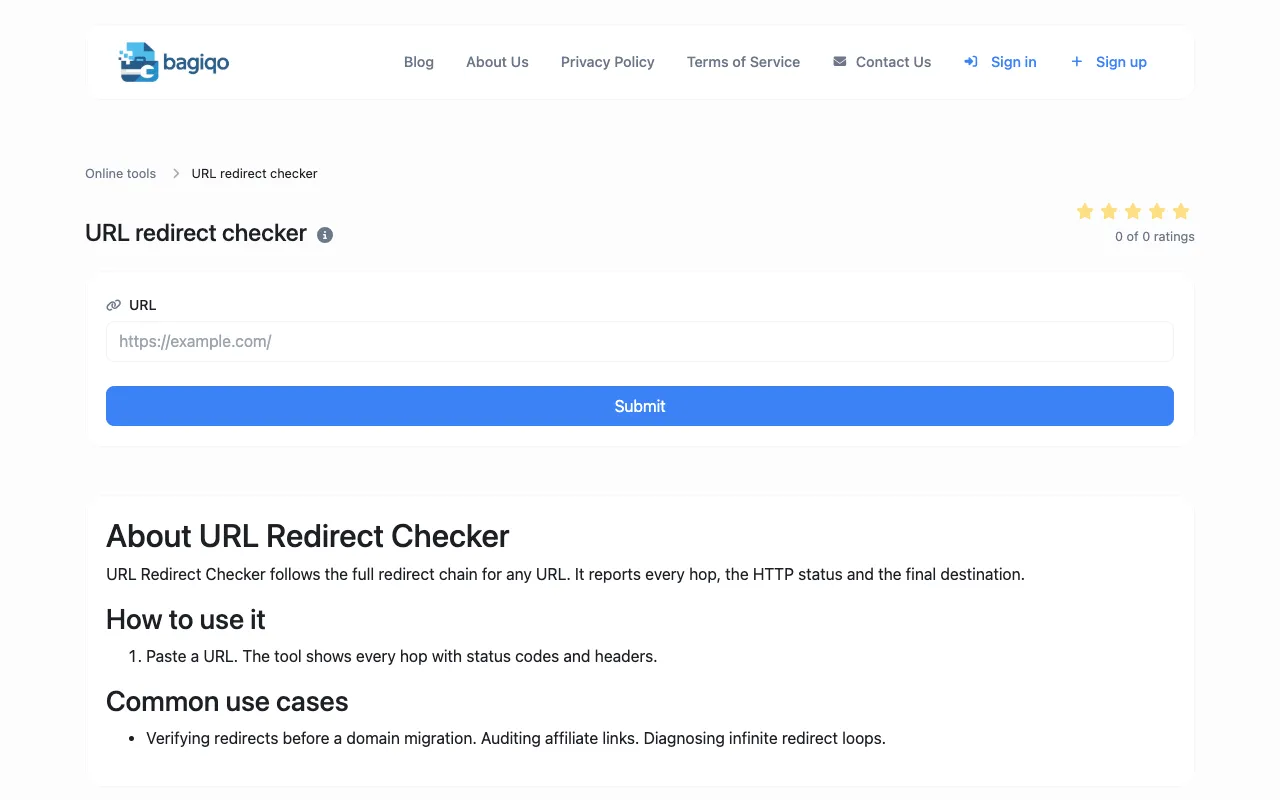
The URL Redirect Checker traces HTTP redirects by following redirect chains up to 10 hops deep, identifying both 301 permanent and 302 temporary redirects. Users can verify redirect paths, check link integrity, and audit entire redirect chains without technical tools. Essential for webmasters, SEO professionals, and developers checking link integrity, monitoring website migration redirects, auditing redirect chains, and ensuring proper redirect configuration for SEO and user experience.
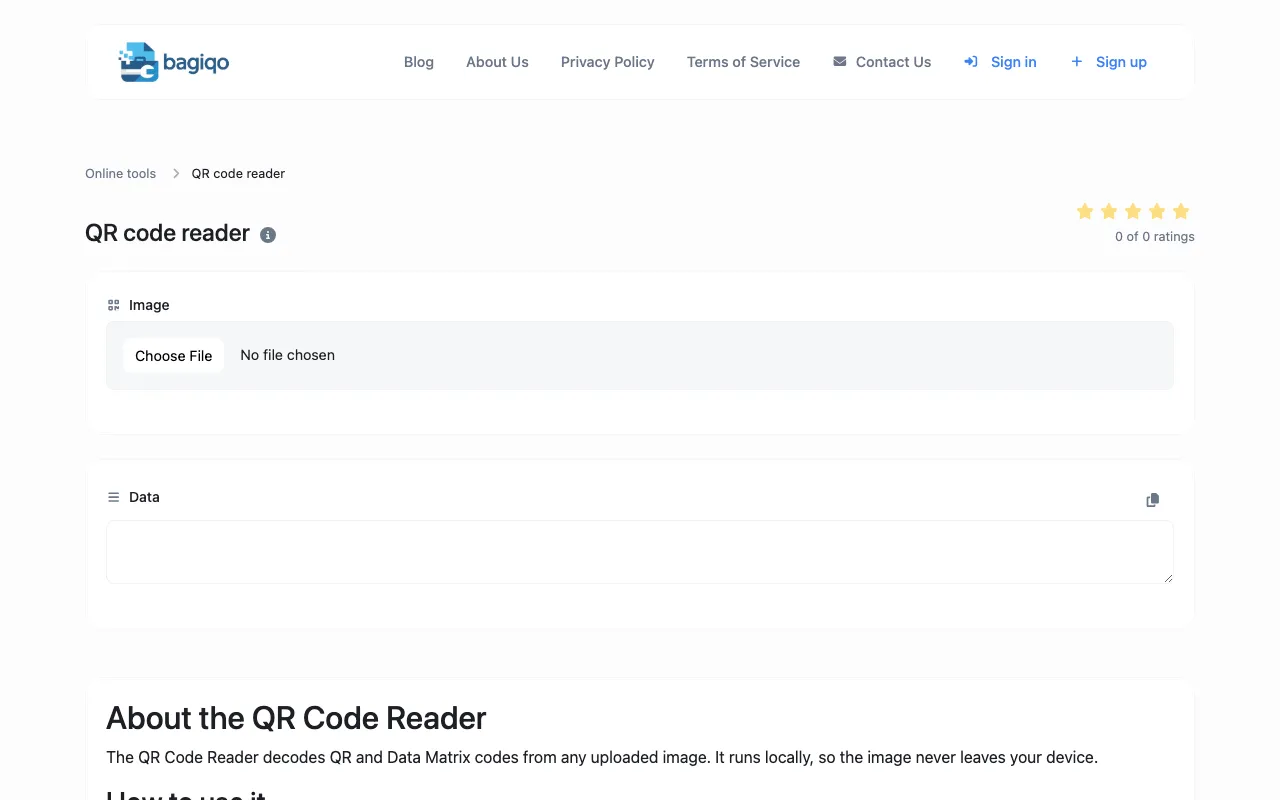
The QR Code Reader extracts data from uploaded QR code images, supporting all standard QR code formats. Users can decode QR codes directly in their browser without installing additional applications or specialized QR scanning equipment. Useful for anyone needing to quickly read and decode QR codes from images, screenshots, or files to access embedded URLs, contact information, WiFi credentials, payment information, or other encoded data.
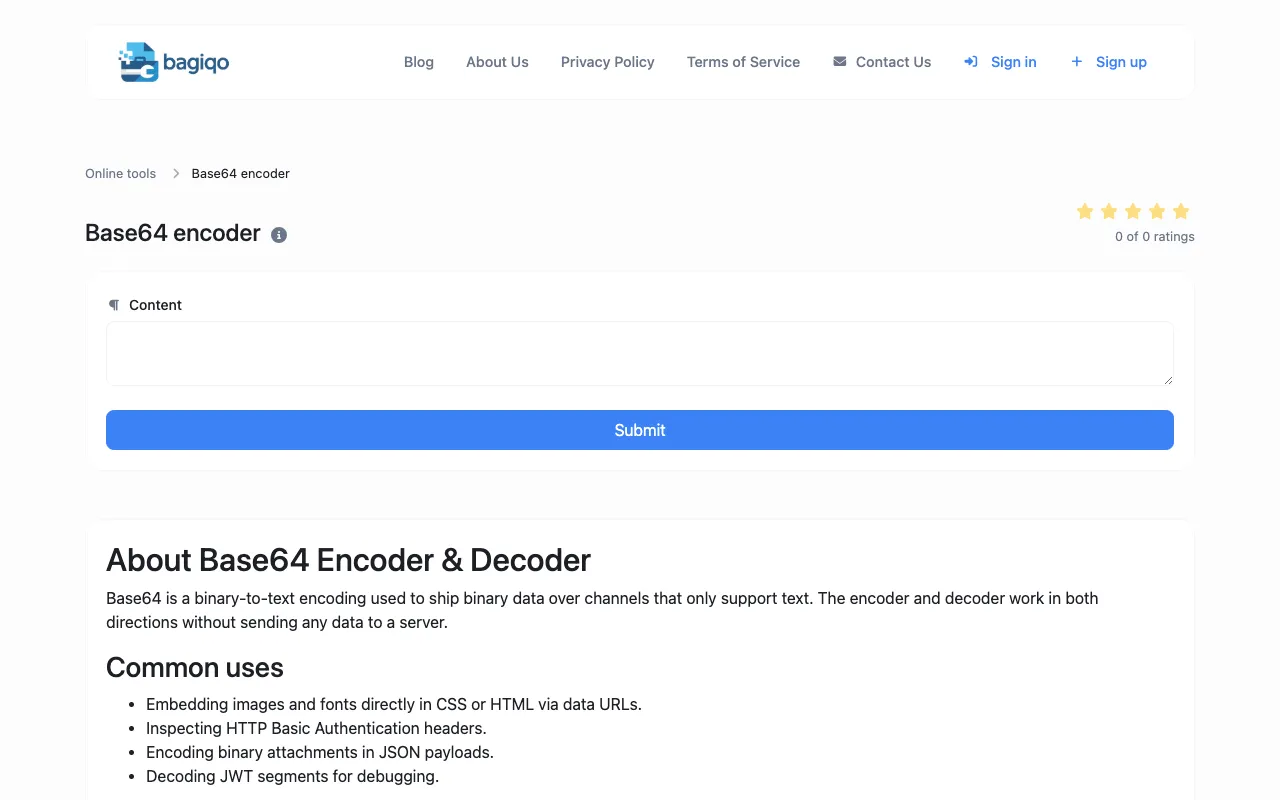
The Base64 Encoder converts text and binary data to Base64 format, the standard encoding used extensively in web development and data transmission. This browser-based tool runs entirely client-side for secure encoding without server involvement. Essential for developers encoding data for URLs, JSON payloads, XML documents, email attachments, API requests, and other applications requiring Base64-encoded content for cross-platform compatibility.
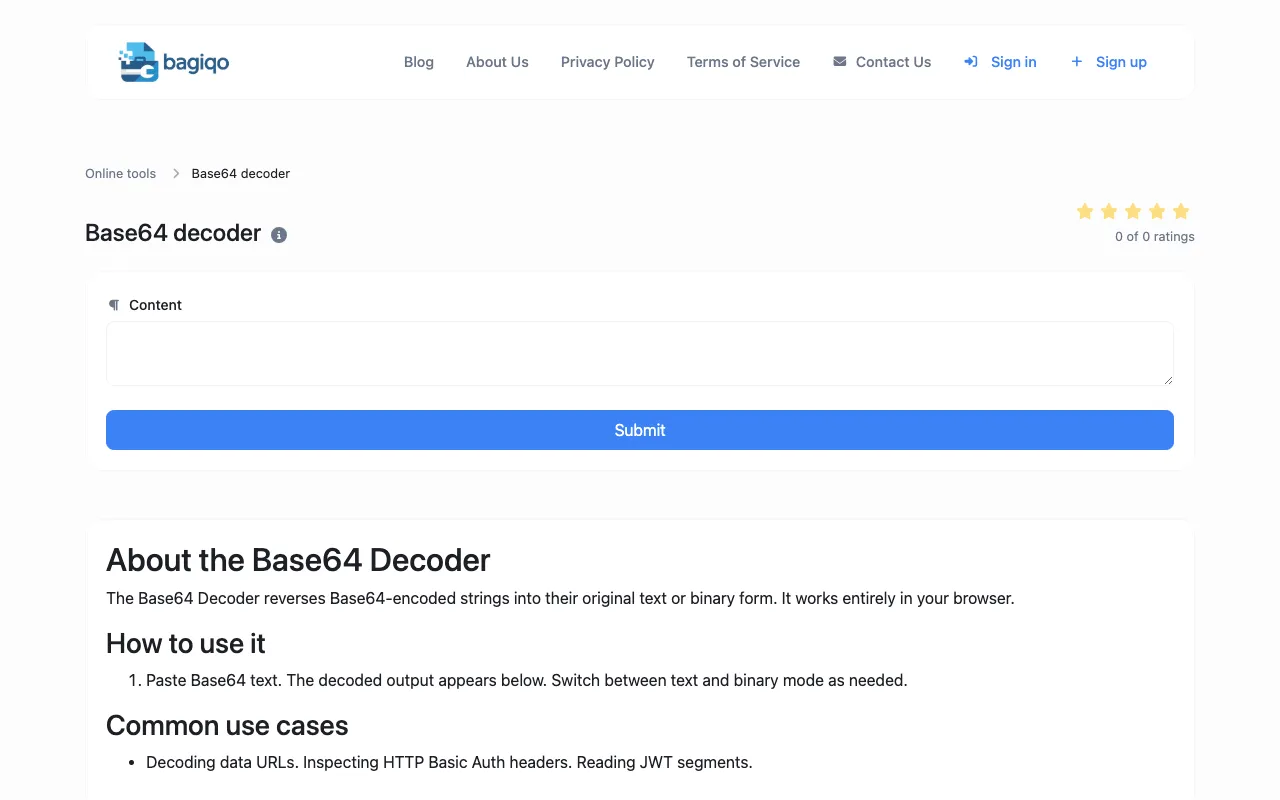
The Base64 Decoder converts Base64-encoded strings back to plain text or binary data, helping developers reverse the encoding process and recover original information. This tool runs entirely in the browser for secure decoding without external services. Useful for developers debugging encoded data, parsing API responses, working with email attachments, decoding data from various web standards and protocols, and troubleshooting Base64-encoded content.
1600.now provides a comprehensive, free SAT preparation platform fully accessible without requiring account creation. The site features an extensive question bank organized by subject, skill category, and difficulty level, enabling students to practice specific topics or take full-length timed practice tests that simulate actual SAT conditions. Every question includes detailed answer explanations to help students understand their mistakes and learn the underlying concepts. Beyond the core question bank, the platform offers dedicated vocabulary practice tools and a curated collection of 100 particularly challenging SAT Math problems, each accompanied by video walkthroughs that break down the solution process step-by-step. This combination of resources, entirely free with no subscription tiers or hidden paywalls, makes 1600.now accessible to all high school students preparing for the SAT.