8 tools
Network administrators and developers use DNS Lookup to retrieve comprehensive domain name system records for any domain. The utility provides a detailed breakdown of essential records, including A, AAAA, CNAME, MX, and TXT entries, allowing users to verify configuration accuracy and troubleshoot connectivity issues. By consolidating technical data into a readable format, it simplifies the process of auditing domain infrastructure and verifying recent changes to name server settings. Specialized security analysis enhances these queries by evaluating email authentication protocols and overall domain health. It checks for the presence and validity of records like SPF, DKIM, and DMARC, which are critical for preventing domain spoofing and improving email deliverability. A dedicated health score offers an immediate assessment of the domain’s configuration status, highlighting potential vulnerabilities or misconfigurations that require attention.
Accessing registration details for any domain name provides critical transparency for web developers, security professionals, and digital investigators. The WHOIS Lookup utility retrieves comprehensive data from global databases, revealing the official registrar, domain status, and registration history. By entering a URL, users can instantly verify the administrative and technical contact information associated with a specific web address. Monitoring expiration dates and nameserver configurations helps maintain domain health and prevents accidental service interruptions. Security analysts rely on these records to identify potential phishing sites or investigate the legitimacy of online platforms. Beyond security, these queries assist in finding domain availability or identifying the right contacts for purchasing existing names. It serves as an essential resource for navigating the technical architecture of the internet with accuracy and speed.
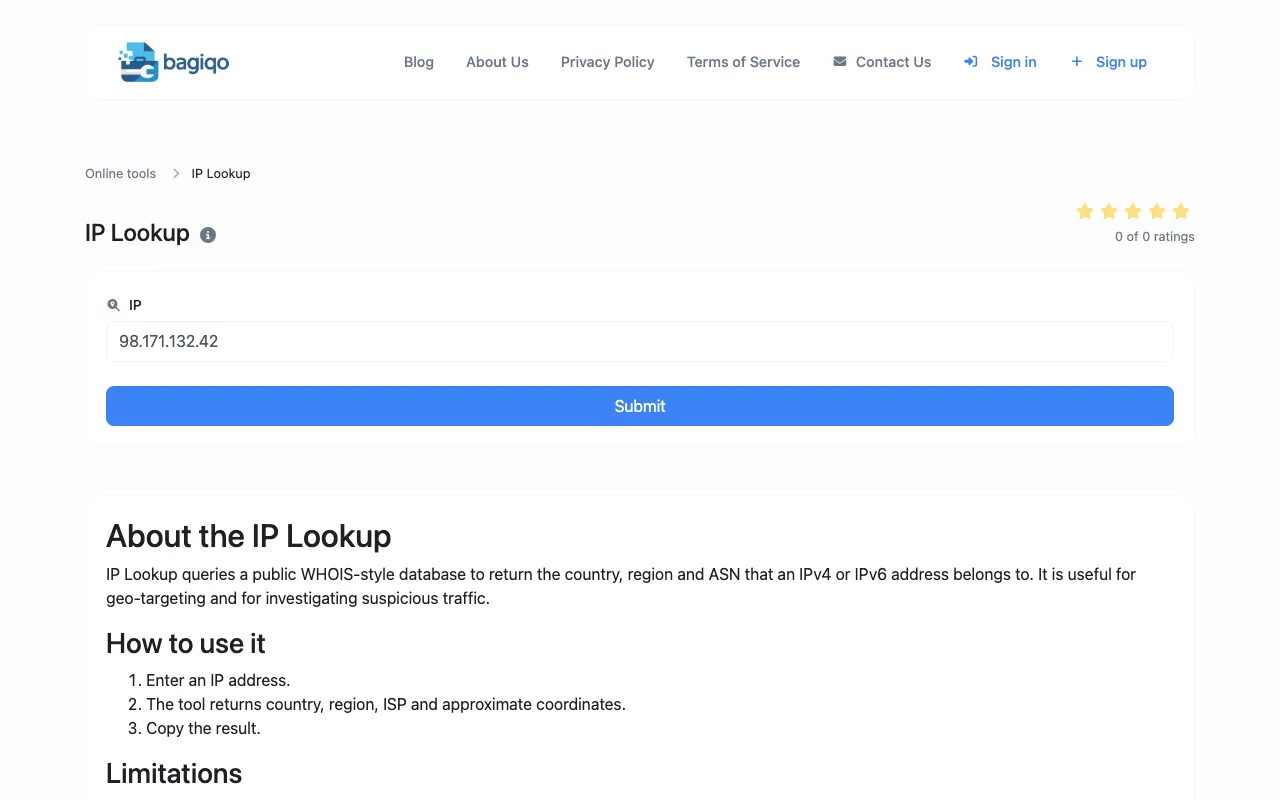
Looks up geolocation, ASN, hostname, and network details for any IP address with a free tier. IP Address Lookup helps users identify where an IP address is located, its autonomous system number, associated hostname, and broader network information. It provides quick access to critical data for network administrators, security analysts, and anyone curious about online activity.
Checks global DNS record propagation across resolvers worldwide for A, AAAA, CNAME, MX, TXT, NS, and other record types. Users enter their domain name and select the specific DNS records they want to check. The tool then queries multiple public DNS servers globally and displays the status of each record's propagation in real-time. Developers, system administrators, and website owners use this tool to ensure their DNS changes are correctly propagated worldwide, which is crucial for maintaining proper website functionality and security.
MX Toolbox provides comprehensive network diagnostics for DNS, email, and SMTP. It checks MX records, verifies blacklist status, tests SMTP connectivity, and evaluates SPF, DKIM, and DMARC configurations. Users including IT professionals, system administrators, and web developers use MX Toolbox to ensure email deliverability, troubleshoot network issues, and maintain the security of their online communications.
The IP Lookup tool provides approximate details about any IP address, including geolocation and network connection information. This free browser-based utility enables quick lookups for diagnosing network issues and understanding IP address origins without complex tools. Useful for webmasters, network administrators, developers, and security professionals conducting network diagnostics, investigating traffic sources, and troubleshooting connectivity issues.
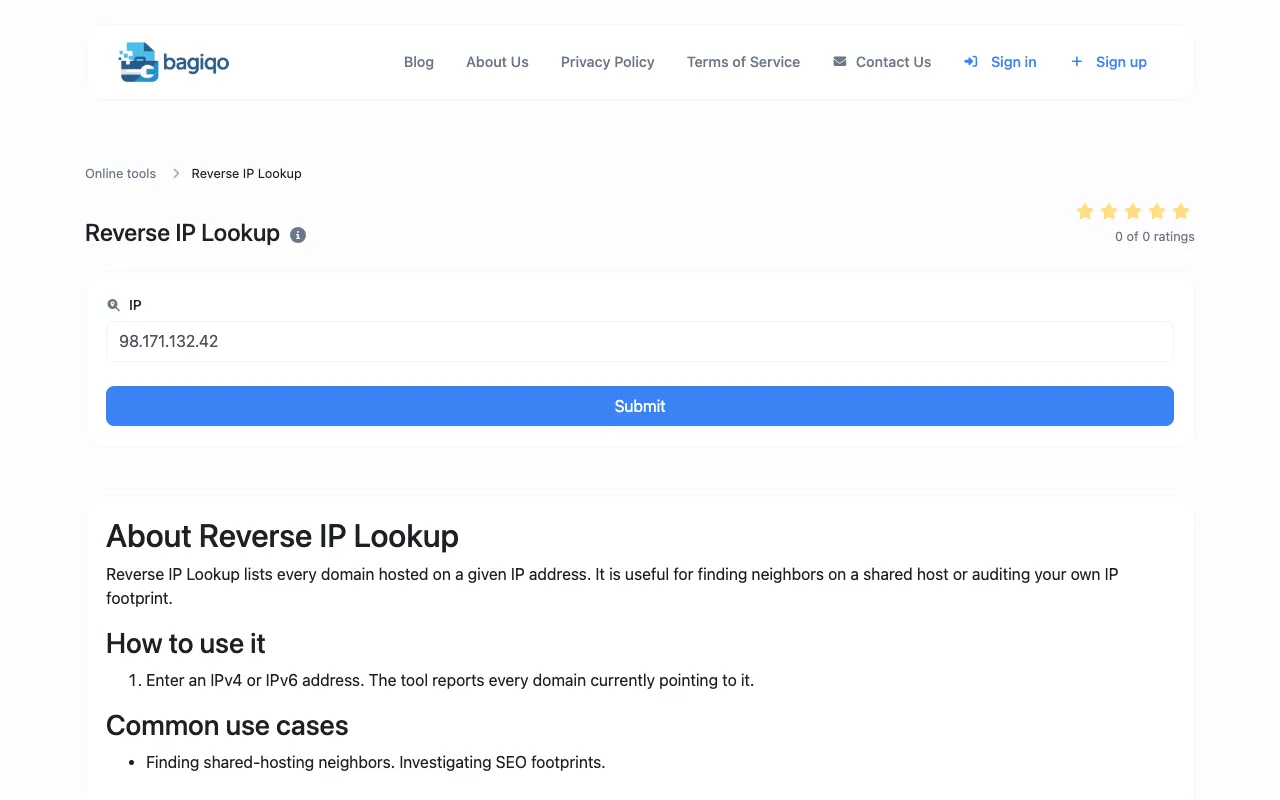
The Reverse IP Lookup tool identifies all domains and websites hosted on a specific IP address. This browser-based utility helps users discover website associations, hosting configurations, and related domains from a single IP for research and analysis. Essential for webmasters, security researchers, network administrators, and developers investigating hosting relationships, conducting domain research, and troubleshooting DNS and network configuration issues.
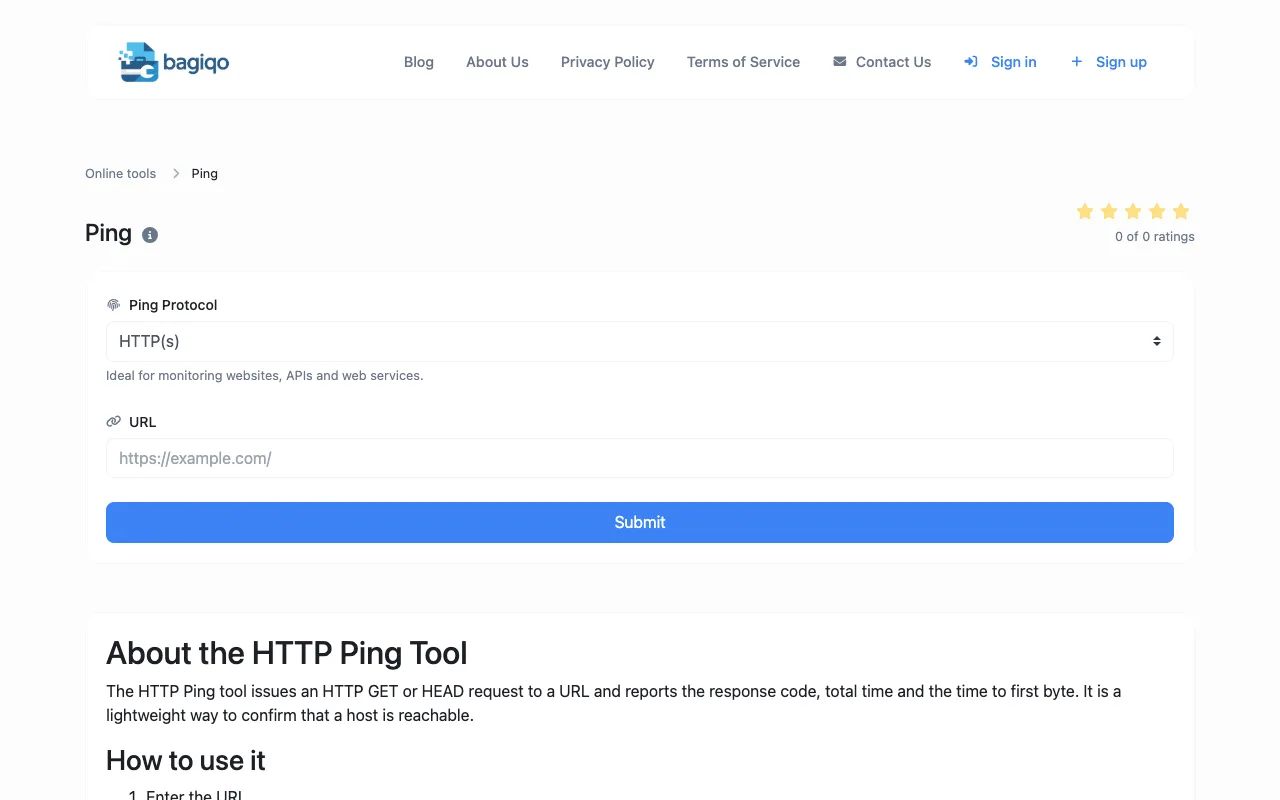
The Ping Tool tests network connectivity and measures response latency by sending ping requests to any website, server, or IP address. Users can quickly verify server availability, measure response times, and diagnose connectivity problems without specialized networking software. Helpful for network administrators, webmasters, IT professionals, and developers diagnosing connectivity issues, monitoring server availability, troubleshooting network problems, and verifying server uptime.