Base64 Decoder
The Base64 Decoder converts Base64-encoded strings back to plain text or binary data, helping developers reverse the ...
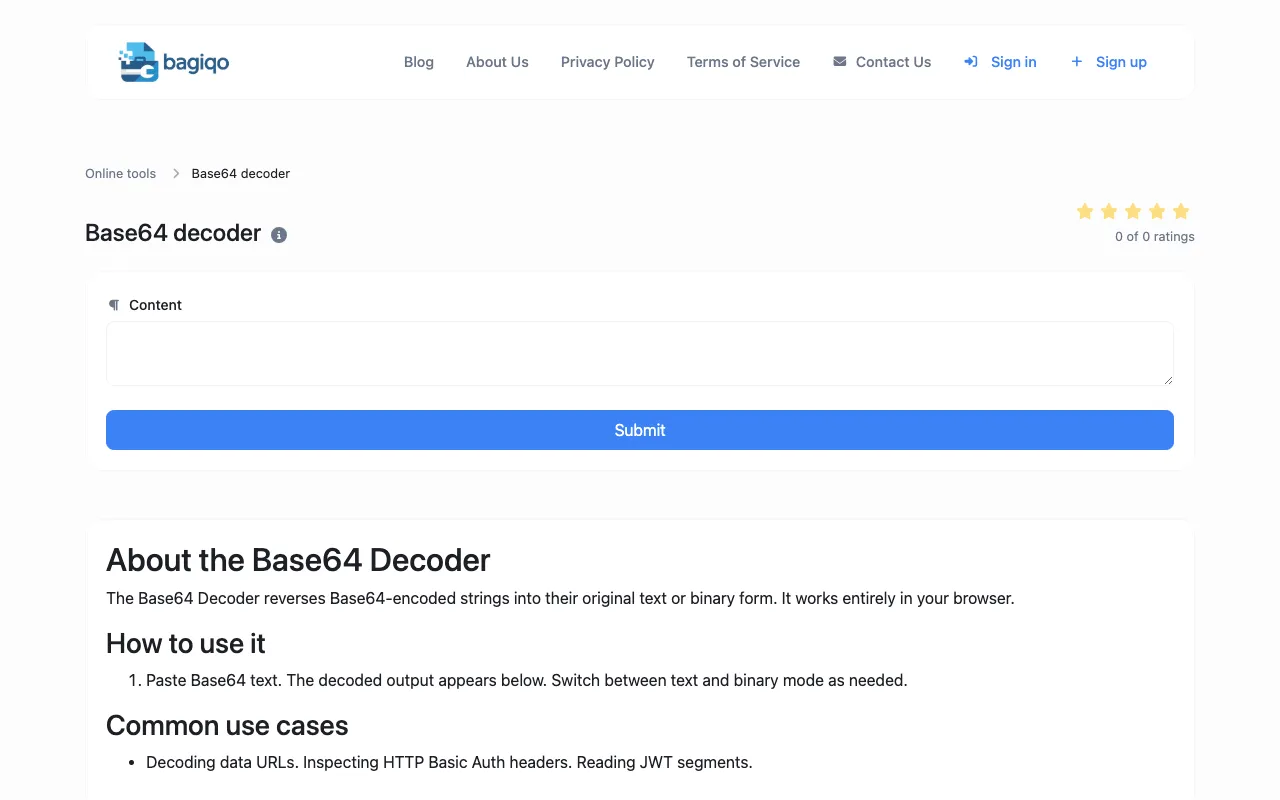
What Base64 Decoder does
The Base64 Decoder converts Base64-encoded strings back to plain text or binary data, helping developers reverse the encoding process and recover original information. The tool runs entirely in the browser for secure decoding without external services, making it useful for developers debugging encoded data, parsing API responses, working with email attachments, and troubleshooting Base64-encoded content from various web standards and protocols. The site provides a straightforward interface for decoding tasks without requiring account creation or software installation.
How to use the Bagiqo Base64 Decoder
- 1
Paste the Base64-encoded string into the input field
- 2
Click the decode button to process the string
- 3
View the decoded plain text or binary data in the output area
- 4
Copy the result to the clipboard using the provided copy function
- 5
Use the reset function to clear inputs and start a new decoding task
Best for
Developers and technical users who need to quickly decode Base64 strings locally without relying on external services or installing dedicated software.
Limitations
- No unit switching options available
- Results are estimates for binary data interpretation
- Interface is minimal with no advanced formatting features
Base64 Decoder FAQ
- Can I decode very long Base64 strings with this tool?
- The tool processes strings in the browser, but extremely long strings may cause performance delays depending on your device's capabilities.
- Does the decoder handle URL-safe Base64 characters?
- The tool supports standard Base64 encoding; URL-safe variants with different character sets may require manual character replacement before decoding.
- Is my data stored or sent anywhere when I use this decoder?
- No, the decoder runs entirely in your browser, meaning your input data never leaves your device or gets transmitted to external servers.
- Can I decode binary files like images or audio using this tool?
- Yes, the decoder can handle binary data output, though viewing binary results may require additional tools or base64-aware applications to interpret the output correctly.
Similar tools
Based on shared tags