PDF to PNG Converter
PDF Studio's PDF to PNG converter is a free online tool that transforms PDF documents into high-quality PNG images. T...
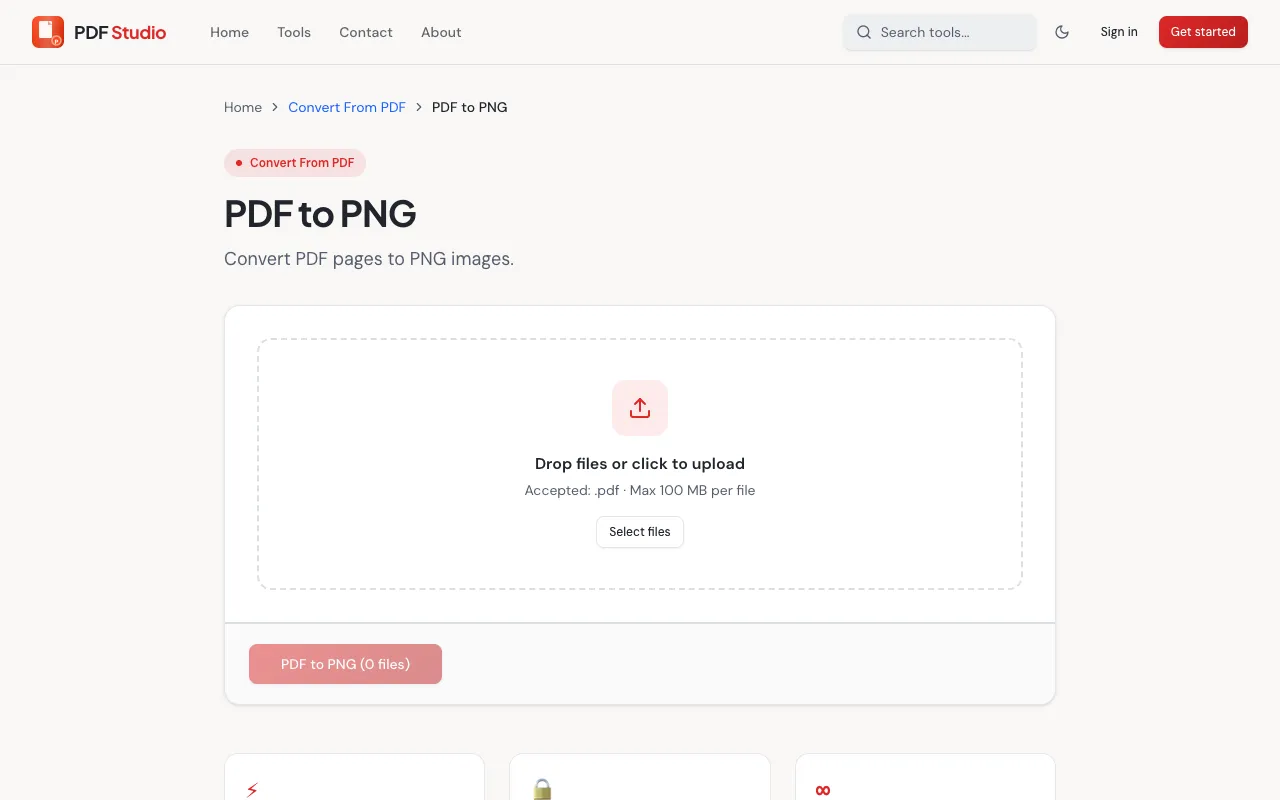
What PDF to PNG Converter does
PDF Studio's PDF to PNG Converter is a free online tool that transforms PDF documents into high-quality PNG images. Users can convert individual pages or entire documents to PNG format without installing any software. The conversion process operates within the web browser, making document content available as shareable images for presentations or applications requiring image files. The tool supports extracting specific pages while preserving visual quality from the original PDF. This service addresses common needs like sharing document content visually or preparing files for design workflows, all without the cost or complexity of desktop conversion software. PDF Studio's converter provides a straightforward solution for turning static documents into flexible image formats directly from any web browser. The site's interface focuses on practical conversion without unnecessary complications, offering basic options for page selection and image quality while maintaining the core functionality of reliable PDF-to-image transformation. Users benefit from browser-based access that eliminates installation requirements while still delivering consistent output quality across different document types and sizes.
How to use the PDF Studio PDF to PNG Converter
- 1
Open the PDF Studio PDF to PNG Converter page in your web browser
- 2
Upload your PDF file by selecting it from your device or dragging it onto the converter area
- 3
Choose which pages or the entire document you want to convert to PNG
- 4
Click the convert button to start the transformation process
- 5
Download the resulting PNG image files once conversion completes
Best for
This converter suits anyone needing to extract PDF pages as high-quality PNG images without installing software, particularly useful for sharing document content visually, preparing files for presentations, or extracting specific pages for
Limitations
- Conversion quality depends on the original PDF's resolution and complexity
- Large PDF files may take longer to process in the browser
- Some advanced PDF features may not translate perfectly to PNG format
PDF to PNG Converter FAQ
- Can I convert password-protected PDFs to PNG using this tool?
- PDF Studio's converter typically requires PDFs to be unprotected for successful conversion. Password-protected documents may need the password removed or provided before the tool can access and process the file contents.
- Does the converter preserve the original PDF layout and formatting in the PNG output?
- The tool converts PDF pages into PNG image format, which captures the visual appearance of each page. While layout elements are preserved as images, the output is raster-based rather than editable text or vector graphics, so selectable text and layered formatting from the original PDF will not be maintained.
- Are there limits on file size or number of pages I can convert at once?
- The browser-based converter may have practical limits on file size and page count to ensure successful processing. Very large documents or those with many pages might experience slower conversion times or require splitting into smaller batches for optimal results.
- Can I convert specific pages from a PDF rather than the entire document?
- Yes, PDF Studio's converter allows users to select individual pages or ranges from a PDF document. This feature lets you extract only the pages you need as PNG images without converting the entire file, saving time and storage space.
Similar tools
Based on shared tags