196 tools
Compresses images to reduce file size while maintaining quality, supporting JPEG, PNG, and WebP formats for efficient email or web use. Ideal for professionals, students, and anyone needing to shrink image files without compromising their visual integrity, enhancing uploading speeds and storage efficiency.
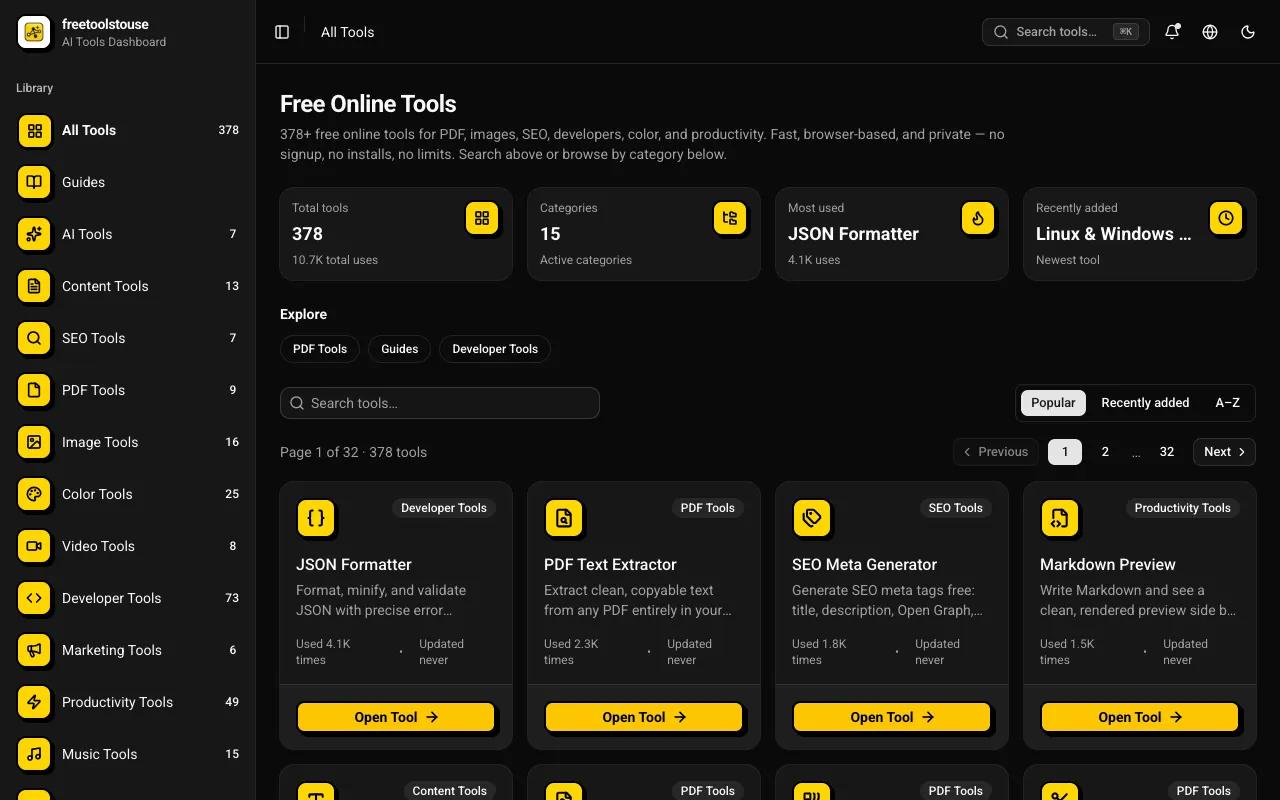
A comprehensive collection of 180+ free online utilities accessible directly through the browser without any signup requirements. The suite covers multiple domains including PDF document manipulation, image processing, developer-oriented utilities, financial calculations, SEO optimization tools, and scientific calculators designed to assist with various technical and practical needs in both personal and professional contexts. The platform provides essential tools for PDF merging and splitting, JSON formatting and validation, DNS lookups, EMI calculations and other financial calculators, BMI and health metric computation, text processing, and numerous additional utilities suited for everyday and professional applications. All operations execute entirely within the browser environment, completely eliminating the need for account creation, software installation, or any subscription expenses.
GIF Viewer allows users to view animated GIF images online. Simply upload a GIF file, and the tool instantly displays it in full resolution. Ideal for designers, bloggers, and anyone needing to preview or share animated graphics without downloading them. Useful for professionals who need quick access to GIFs for projects or sharing on social media platforms. The simple interface makes it accessible for users of all technical skill levels, ensuring that viewing and analyzing GIFs becomes a breeze.
Compresses JPG, PNG, SVG, and GIF files while preserving quality. Helps users reduce file size without losing image clarity by using advanced compression algorithms. Ideal for web designers, social media managers, and anyone dealing with large image collections needing to save storage space or improve load times.
Resizes JPG, PNG, SVG, and GIF images by percentage or specific dimensions using an online tool. Users upload an image and select new dimensions or a resize percentage before downloading the resized file. Ideal for web developers, graphic designers, and anyone needing to reduce file size without compromising quality for web use.
Crops images using either a visual editor or pixel coordinates for JPG, PNG, or GIF files. Users can upload an image and then crop it to their desired dimensions by either selecting areas with the mouse or entering specific pixel values. Ideal for users who need to resize images for social media posts, website optimization, or other digital projects requiring precise dimensions.
Calculates high-accuracy edge detection to automatically remove image backgrounds, enhancing photos for various uses with simple, user-friendly interface. Helps users in graphic design, social media sharing, and content creation by streamlining the process of background removal, saving time and effort on manual editing. Ideal for individuals looking to quickly clean up images for personal or professional projects without extensive photo manipulation skills.
Converts PNG images into JPG format through a simple online interface. Users upload their source Portable Network Graphics files, and the tool processes them to create compressed JPEG versions. The process allows for an easy transformation of image types, converting the original file structure into a widely compatible format suitable for various digital applications. Designers, photographers, and web developers utilize this utility when reducing file size is critical without compromising necessary visual quality. Since JPGs are optimized for web use and smaller storage requirements, this tool helps users efficiently prepare their artwork or photographs for publishing online or incorporating into documents that have strict file constraints.
Converts JPG image files into PNG format through an easy online process. Users upload their standard JPG images, and the tool processes them to create lossless PNG versions. A key feature of this conversion is the option to include a transparency channel, which allows the resulting PNG file to support alpha transparency that was not present in the original JPEG structure. This function ensures that image quality is maintained while adapting the file type for different usage needs. Individuals working on web design projects, graphic art, or digital editing benefit from this conversion utility. Using PNG format preserves sharp lines and colors better than JPG, especially when images require transparency around their edges.
Converts static PNG images into animated GIF files, allowing users to transform single image frames into web-ready animations. The tool processes the uploaded PNG, ensuring that the original resolution and visual details are preserved during the conversion process. By converting to the GIF format, it inherently achieves a reduction in file size compared to some other methods of animation creation, making the resulting graphic optimized for fast loading times online. Designers, developers, and content creators utilize this utility when they need to transition static graphics into animated formats for digital sharing. It is particularly useful for optimizing assets that require subtle motion or looping visual effects on websites and in emails.
Converts a GIF frame (or all frames) to PNG. Users upload a GIF file, select whether to convert individual frames or the entire animation, and download the converted PNG files. Ideal for designers, artists, and anyone needing static image versions of animated content for web use or print. Converts maintain quality while removing animation functionality.
Reduces PNG file size by optimizing its lossless palette and metadata through an online compression process. This tool analyzes your image to achieve significant reductions in overall file weight without sacrificing any of the original visual quality or integrity. It efficiently processes the structure of the PNG format, ensuring that the optimized output remains perfect for digital display. Web designers, graphic artists, and anyone frequently handling images for web deployment or email communications utilize this utility. Using a smaller compressed file is crucial for maintaining fast website load times and preventing recipients from encountering attachment size limits. It provides an essential step in optimizing visual assets for maximum compatibility across various online platforms.
Resizes JPGs by either pixel dimensions or percentage, allowing users to adjust image sizes easily online. Ideal for web optimization, storage space reduction, or simply creating images of different sizes for various uses. Perfect for graphic designers, bloggers, photographers, and anyone needing to manipulate image resolutions quickly.
Reduces JPG file size with smart compression. Users can upload JPEG images to the tool, which applies an optimized algorithm to shrink the file without significantly affecting image quality. Ideal for web designers, bloggers, and anyone looking to reduce storage space or improve website load times by compressing photos. Would use it for efficiently managing digital assets, especially when dealing with large numbers of high-resolution images for online projects.
Converts JPG to WebP, an online tool simplifying image conversion for web optimization. Upload your JPG files, and the tool automatically converts them to the more efficient WebP format, reducing file size without compromising quality. Web developers, graphic designers, and anyone managing online content would benefit from this tool by significantly decreasing webpage load times and improving site performance.
Converts GIF to JPG online by selecting a GIF file, choosing desired output quality, and initiating conversion. Ideal for users looking to reduce file size or simplify graphics for web use while maintaining image clarity. Perfect for bloggers, graphic designers, and anyone needing to share images on platforms that don't support animated formats.
Compress GIF reduces file size by optimizing frames and color palettes, making animated images smaller without compromising quality. Users upload their GIFs to the online tool, which processes them to remove unnecessary data and duplicate frames, resulting in a leaner, faster-loading file. Ideal for web designers, bloggers, and anyone needing to share or store GIFs efficiently.
Edits photos with basic adjustments and creative filters directly in the browser using the Photo Editor tool. Users can enhance their images by applying brightness, contrast, saturation, and various artistic effects without leaving their web browsers. Ideal for casual users looking to quickly improve photo quality or add a personal touch to digital photographs from smartphones or other devices. Helps users with basic photo editing tasks, such as fixing exposure issues or adding filters, making it convenient for anyone who wants to share polished images online or use them in projects without the need for software installations.
Stamps custom text or image watermarks onto photos with adjustable positioning using Watermark Image tool. Users upload an image, add desired watermark elements, choose placement options, then download the modified photo. Photographers, artists, businesses, and anyone needing to protect their intellectual property by marking images can use this tool. It helps maintain copyright, track ownership, or brand products effectively.
Rotates multiple JPG, PNG, or GIF images simultaneously. Users upload their images, select the desired rotation angle, and download the modified files in just a few clicks. Helps users quickly adjust image orientation for web design, printing, or personal use without having to manually rotate each file one at a time. Ideal for professionals needing batch processing of images for projects or individuals looking to organize photo collections efficiently.
Converts WebP images to PNG format using an online tool. Users can upload WebP files, select desired settings such as resolution and quality, and download the converted PNG file. Ideal for designers, web developers, and anyone needing to work with PNG format compatibility across various platforms. Helps users easily convert WebP images to PNG for use on websites, in graphic design software, or when sharing files across different devices that may not support WebP format.
Converts PNG images to the more compact WebP format. Users upload their PNG files, and the tool automatically converts them to WebP, which can reduce file size significantly without compromising quality. Ideal for web designers and developers looking to optimize website loading times by reducing image sizes while maintaining visual fidelity. Helps users save bandwidth, improve site performance, and enhance user experience on the web by delivering smaller image files in a format that browsers can efficiently render.
Converts scalable vector graphics (SVG) files into standard PNG bitmap images. Users upload their SVG file to specify the desired output resolution, allowing for precise control over the dimensions of the resulting raster image. The tool processes the uploaded vector data and generates a high-quality PNG file that maintains visual integrity at custom sizes. After setting the required parameters, users can download the converted image instantly for immediate use in various projects. This utility is particularly useful for designers and developers who need to adapt vector assets for specific web or print requirements. Instead of using SVGs directly where bitmap formats are needed, this converter provides a reliable method for creating fixed-size images.
Converts PNG images to Base64 data URIs for easy embedding in HTML, CSS, or other web applications. Users upload a PNG file, which is then processed by the tool to convert it into a Base64 encoded string. This string can be directly used within code without needing to reference an external image file. Developers and designers use this tool to streamline their workflow by allowing images to be included directly in source code rather than through separate files. This method reduces HTTP requests, speeds up page load times, and simplifies deployment processes for web projects.