Base64 Encoder
The Base64 Encoder converts text and binary data to Base64 format, the standard encoding used extensively in web deve...
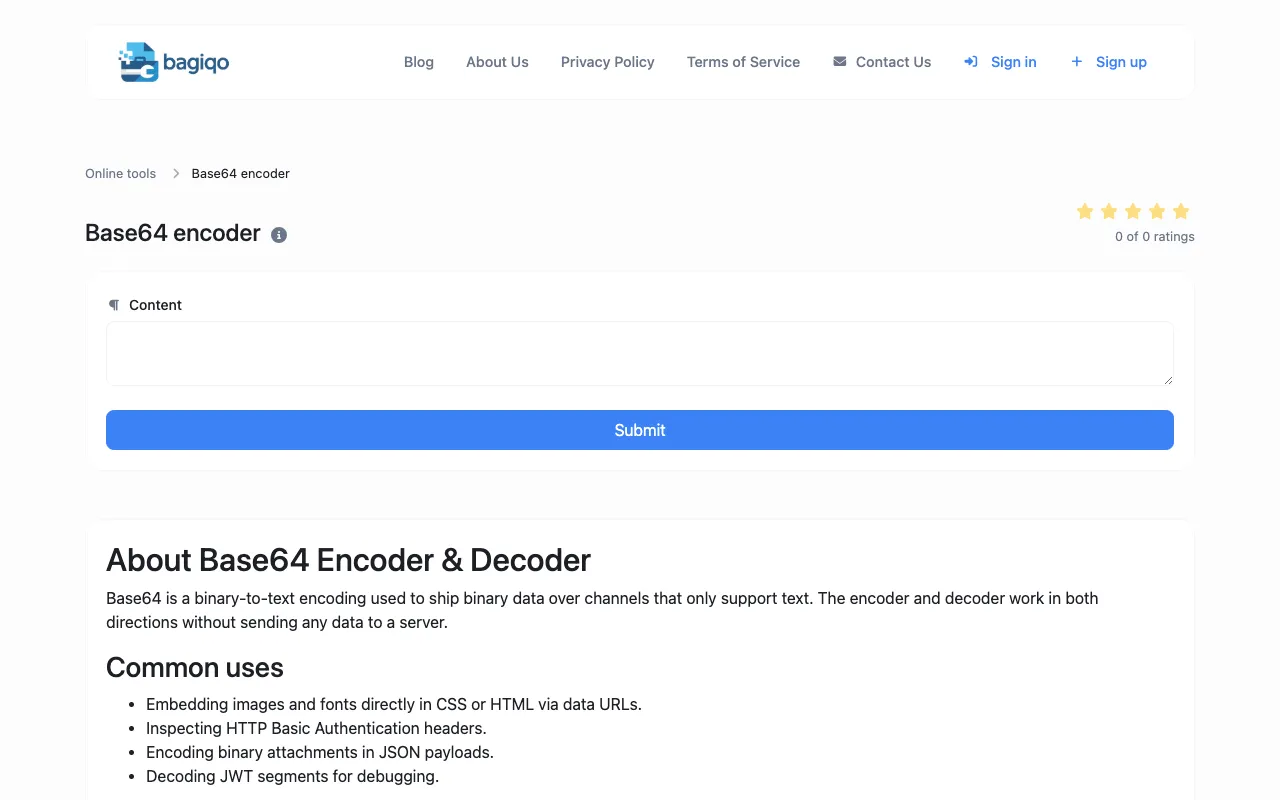
What Base64 Encoder does
The Base64 Encoder on Bagiqo converts text and binary data into Base64 format, producing a text-only string suitable for embedding in URLs, JSON payloads, HTML data URLs, or email attachments. The tool handles both encoding and decoding, processing input entirely within the browser so no data is transmitted to a server. Users receive an immediate output string and can copy it to the clipboard or download it as a text file for later use.
How to use the Bagiqo Base64 Encoder
- 1
Open the Base64 Encoder on Bagiqo
- 2
Paste the text or binary data you want to encode or decode into the input field
- 3
Select Encode or Decode mode as needed; the result updates live
- 4
Copy the output string to the clipboard or click Download to save it as a text file
- 5
Use the result in your web development, API, or data transmission project
Best for
Developers and technical users who need a quick, client-side way to encode or decode data for URLs, JSON, HTML, or API requests without leaving their browser or sending data to a server.
Limitations
- Base64 is an encoding format, not encryption, and is trivially reversible
- No built-in unit switching or advanced binary options beyond standard text input
- Results are estimates for large files since processing occurs entirely in the browser
Base64 Encoder FAQ
- Is the Base64 encoding on Bagiqo secure for protecting sensitive data?
- No, Base64 is not encryption; it is a reversible encoding format that provides no confidentiality. Use a real cipher like AES if you need to hide data from unauthorized viewers.
- Can I encode or decode large files using this tool?
- The tool processes input client-side in the browser, so very large files may cause performance issues or timeout depending on your device's capacity.
- Do I need to install any software to use the Base64 Encoder on Bagiqo?
- No installation is required; the tool runs entirely within your browser, meaning all encoding and decoding happens locally without sending data to a server.
- What are the common uses for Base64 encoding as described on Bagiqo?
- Base64 is used to embed images and fonts directly in CSS or HTML via data URLs, inspect HTTP Basic Authentication headers, encode binary attachments in JSON payloads, and decode JWT segments for debugging.
Similar tools
Based on shared tags